전문 프로젝트 관리 자동 간트 차트 대시보드 템플릿
This Advanced Project Management Template is a professional-grade Excel solution designed to streamline the planning, execution, and monitoring of complex projects. Unlike basic spreadsheets, this tool integrates sophisticated formulas and conditional formatting to provide a macro-free experience that remains highly functional and easy to share. It serves as a central hub for all project-related data, ensuring that every team member stays aligned with deadlines and deliverables.
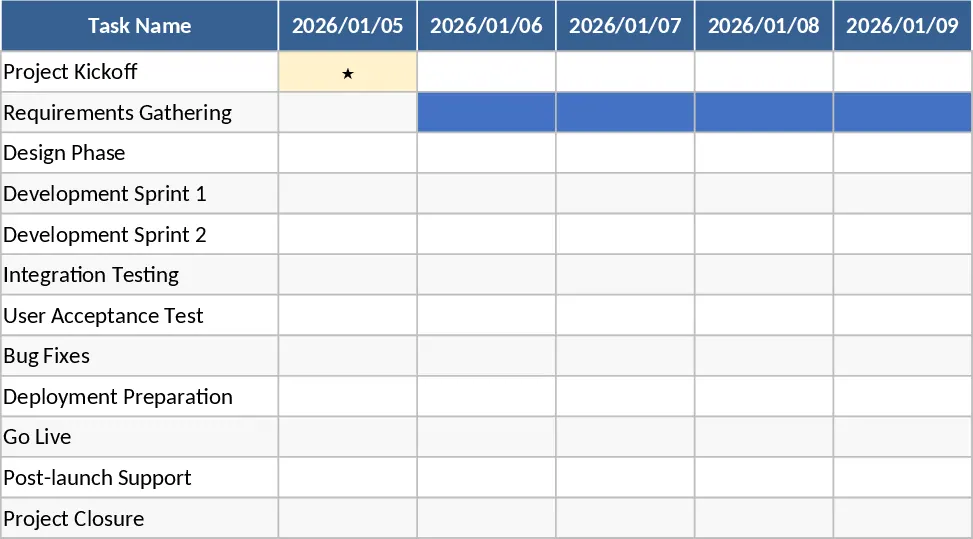
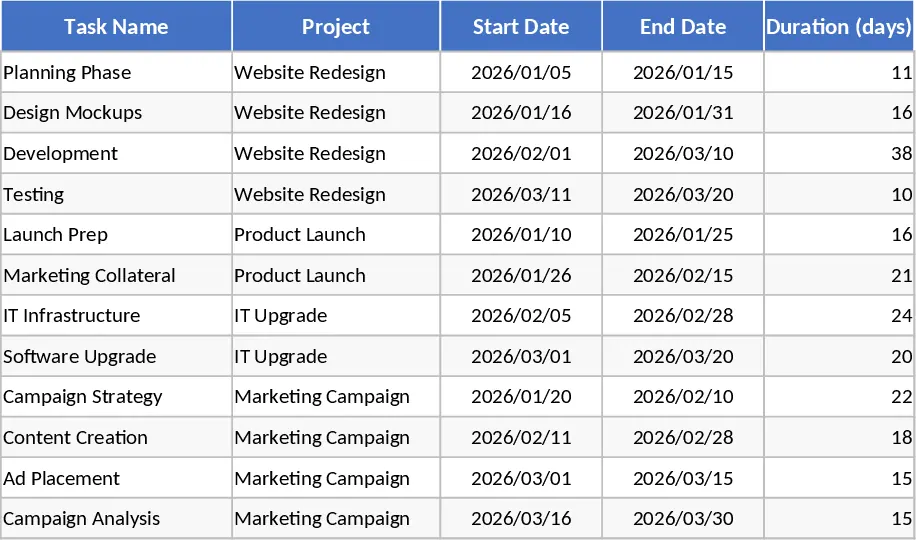
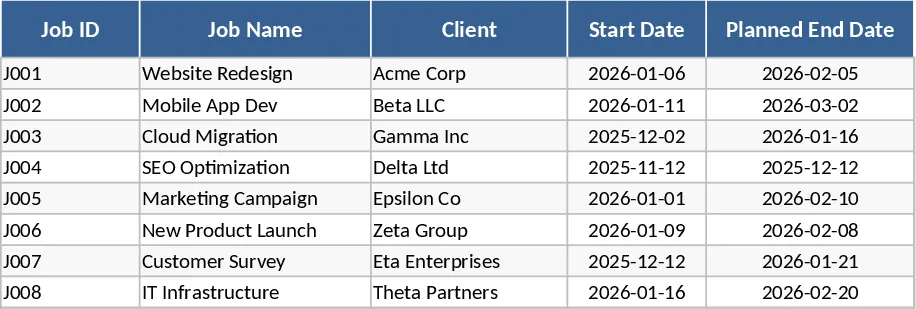
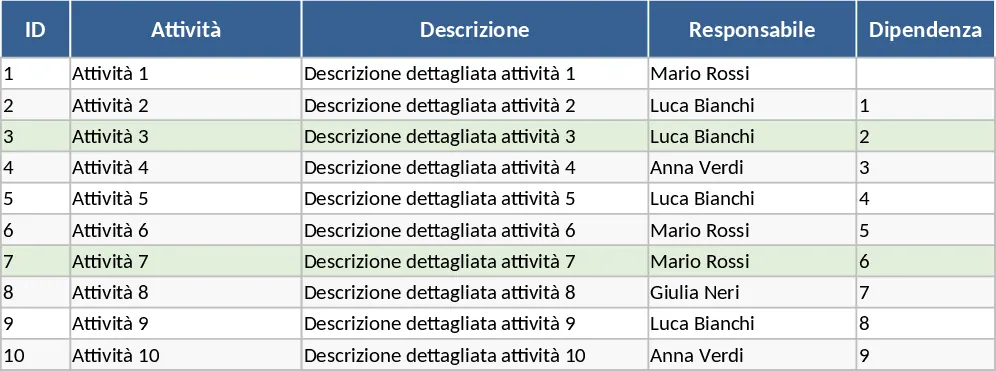
The template is organized into four primary functional areas. The Activities sheet is your command center, featuring structured tables for task IDs, descriptions, owners, and dependencies. It intelligently calculates end dates using the WORKDAY function, ensuring that your schedule is realistic by excluding weekends and custom holidays. The Holidays sheet allows you to input specific dates like public holidays or company-wide breaks, which the system automatically subtracts from project durations. For visual tracking, the Gantt sheet offers a six-month timeline where tasks are color-coded: blue for planned work, green for completed portions, and red for overdue items. Finally, the Dashboard sheet provides a bird's-eye view of project health through automated KPIs and visual charts, including task distribution by status and owner workload.
This tool is particularly useful for project managers, department heads, and small business owners who need to manage multiple moving parts without the overhead of specialized PM software. It solves the common problem of manual timeline adjustments; when a start date or duration changes, the entire schedule and Gantt chart shift automatically. Whether you are managing a software development sprint, a marketing campaign, or a construction project, this template helps you identify bottlenecks early by highlighting delayed tasks and tracking milestones. It facilitates better communication with stakeholders by providing professional-grade visuals that are ready for presentations or status reports.
How to use:
- Configure your calendar: Navigate to the Holidays sheet and enter all upcoming non-working days to ensure your project timeline reflects reality.
- Define your scope: In the Activities sheet, list your tasks, assign responsibilities, and input the estimated duration in workdays. The template will handle the date math for you.
- Track progress: Regularly update the % Completion and Status columns. As you do, the Gantt chart will fill with green to show progress, and the Dashboard will reflect the latest completion percentages.
- Analyze and adjust: Use the Dashboard charts to identify if any team member is over-leveraged or if specific phases of the project are falling behind, then adjust your resources accordingly.
Expected benefits: You can expect to save hours of manual formatting and calculation time while gaining a much clearer perspective on your project's critical path and resource allocation.