Gerador Automático de Faturas e Registro Modelo
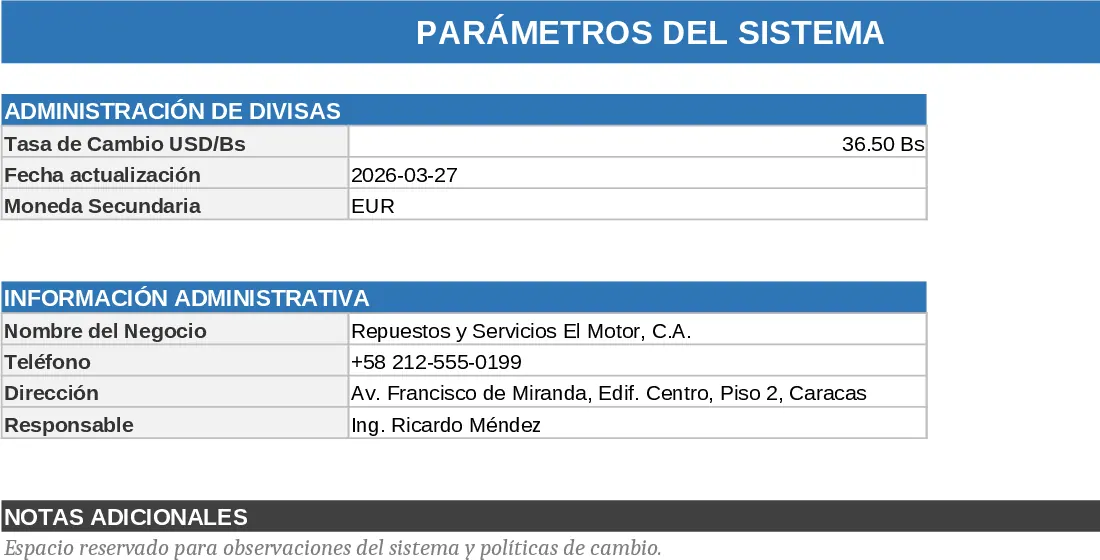
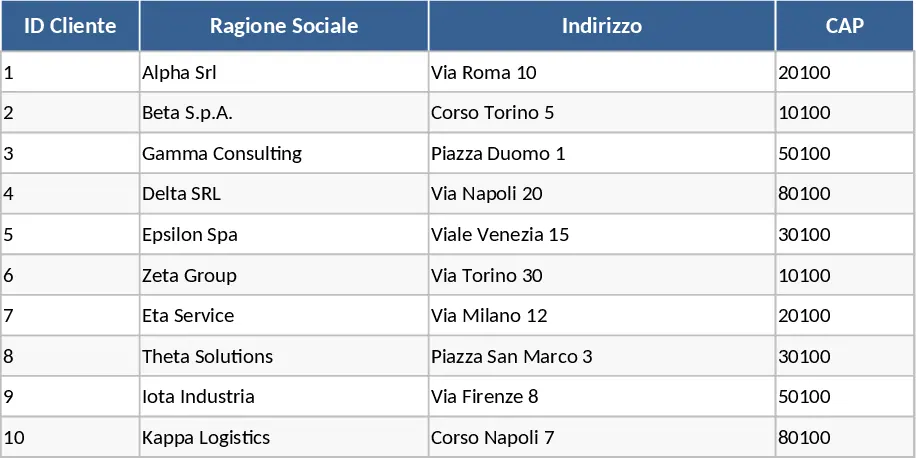
Efficient financial management is the cornerstone of any successful business, yet many entrepreneurs find themselves bogged down by the repetitive nature of billing. This Automatic Invoice Generator with Integrated Registry provides a sophisticated yet user-friendly solution to this challenge. By integrating a professional document creator with a centralized database, this template ensures that your invoicing process is both fast and flawlessly organized. The workbook is divided into logical sections: a setup area for your business branding, a directory for client contact information, a catalog for your goods or services, and the main generator interface.
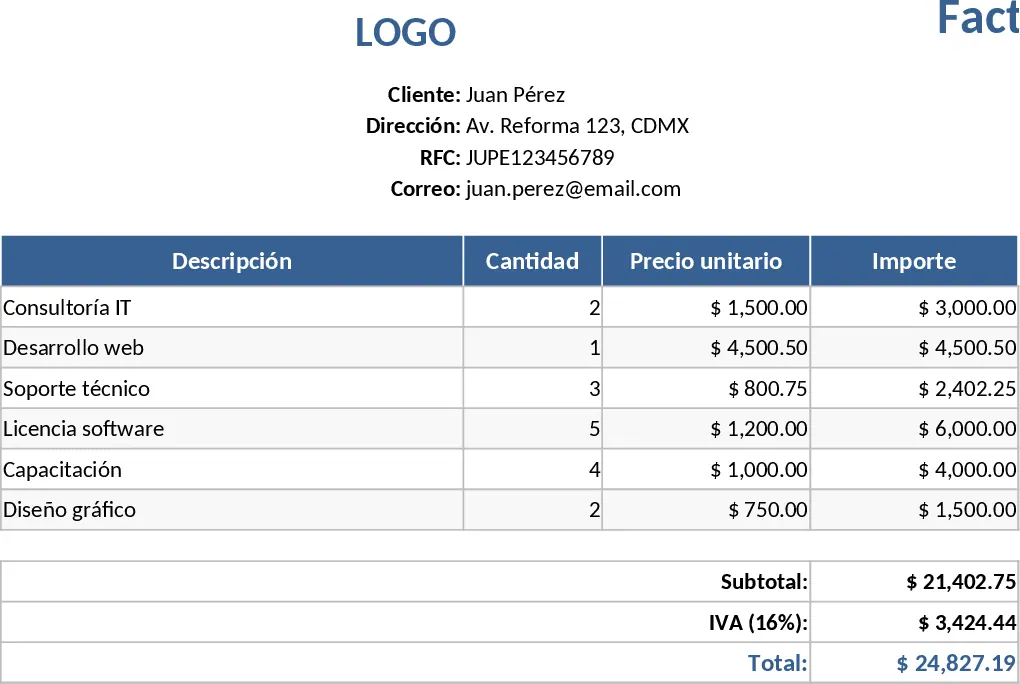
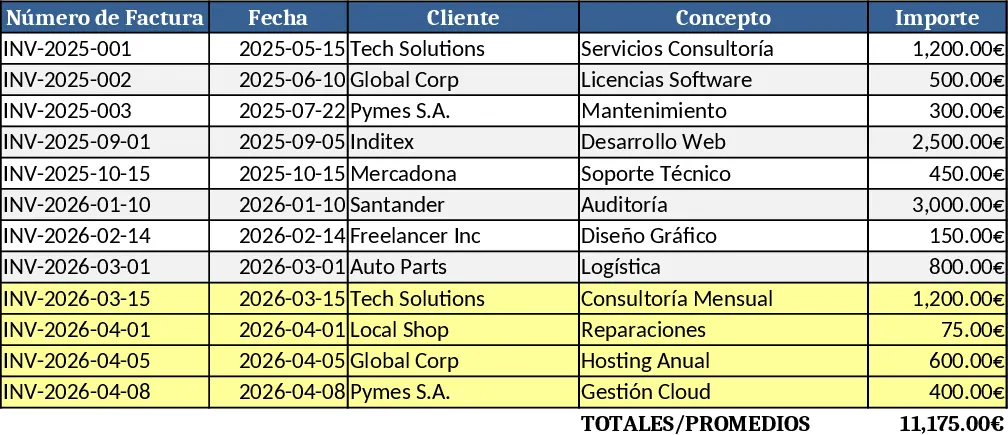
The template structure is built around automation and ease of use. Key fields in the invoice generator utilize data validation, meaning you can select clients and products from pre-populated lists. This not only speeds up the process but also prevents common typos that can lead to payment delays or professional embarrassment. The generator automatically handles complex calculations, including multi-line subtotals, variable tax rates, and applied discounts, giving you a final figure that is accurate every time. Once an invoice is prepared, the integrated registry function allows you to archive the transaction details into a master list. This creates a permanent record of your sales history, making it easy to track which invoices are pending, paid, or overdue.
This tool is particularly useful for service providers, independent contractors, and small retail businesses that require a structured approach to billing without the high cost of specialized software. It solves the problem of fragmented records—where invoices are scattered across different folders—by keeping everything in one place. You gain a clear perspective on your business performance, as the registry can be used to summarize monthly or yearly revenue trends. The professional layout of the generated invoice ensures that your brand is represented consistently, helping to build trust with your clientele.
How to use: First, navigate to the Settings and Catalog sheets to input your business details, tax preferences, and your list of services or products with their respective prices. When you need to bill a customer, go to the Invoice Generator sheet and select the client name from the dropdown menu; their address and contact info will appear automatically. Add the items being billed by selecting them from the product dropdowns and entering the quantities. After reviewing the totals, copy the summary data to the Invoice Log sheet to keep your records updated, then export the invoice as a PDF to send via email.
Using this template helps you maintain a professional image while significantly reducing the administrative burden of manual bookkeeping. You can expect a more streamlined workflow, fewer calculation errors, and a much clearer understanding of your business cash flow with minimal daily effort.
Recomendação de modelos semelhantes
Modelo de Fatura Modelo
Gere, registre e monitore facilmente faturas, pagamentos e detalhes de clientes, com totais automáticos e alertas de atraso em uma única planilha.
Lista de Clientes e Rastreador de Faturas com Expiração de Contrato Modelo
Acompanhe detalhes dos clientes e faturas usando listas suspensas dinâmicas e alertas de expiração de contrato para otimizar seu processo de cobrança e renovação.
Fatura Multi‑Moeda para Peças de Reposição Modelo
Crie faturas multi‑moeda com busca inteligente de produtos, preenchimento automático de detalhes e totais em tempo real em uma planilha Excel fácil de usar.