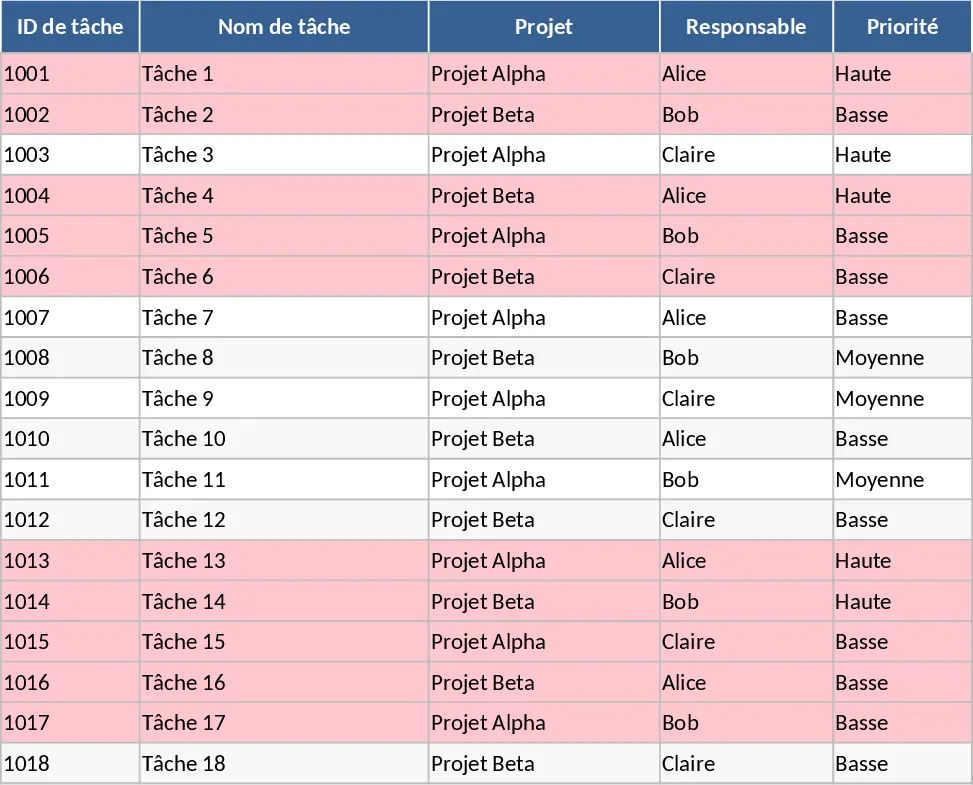
Suivi de tâches projet Modèle
Managing multiple projects and keeping a team on schedule requires more than just a simple list; it requires a structured system that provides both granular detail and high-level insights. This Project Task Tracker is designed to bridge that gap, offering a robust environment to organize, monitor, and analyze every moving part of your workflow. By centralizing task data, you eliminate the confusion of scattered emails and spreadsheets, ensuring that every team member knows exactly what is expected of them and when it is due.
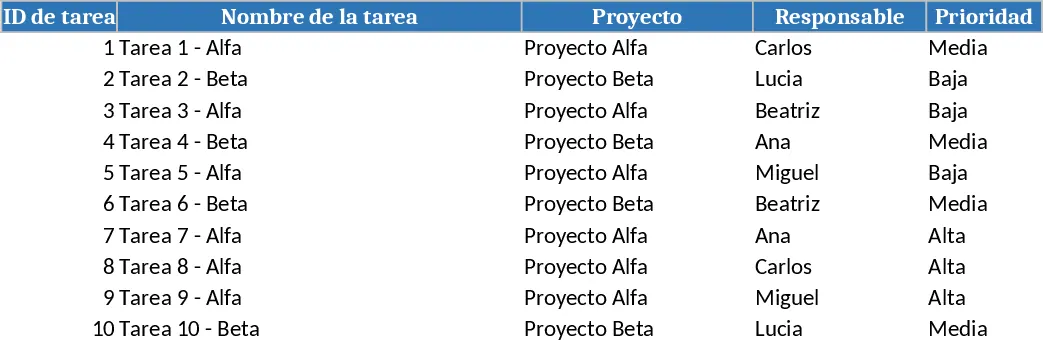
The template is organized into two primary functional areas. The Tasks sheet serves as your operational hub, where you can input detailed information including task IDs, project names, and assigned owners. To maintain data integrity, the template utilizes intuitive dropdown menus for priority levels and task statuses, ranging from Not Started to Blocked or Done. It also includes dedicated fields for time management, allowing you to compare estimated hours against actual hours worked, which is vital for improving future project estimations. A key feature of this sheet is the built-in conditional formatting logic: any task that has passed its due date without being marked as Done will automatically highlight in red, providing an immediate visual cue for items requiring urgent attention.
For leadership and coordination, the Project Overview sheet transforms raw data into actionable intelligence. This dashboard-style view provides a breakdown of performance by team member, showing total tasks assigned, completion percentages, and a count of overdue items. This level of transparency helps project managers identify who might be overextended and who has the capacity to take on more. Additionally, the overview includes a summary of tasks by status and a dedicated table that pulls all overdue tasks into one place, making it the perfect starting point for daily stand-ups or weekly progress meetings.
This tool is particularly beneficial for project managers, department heads, and small business owners who need a professional tracking system without the complexity of expensive enterprise software. It solves the common problem of missed deadlines and lack of accountability by providing a clear, shared source of truth for the entire team. Whether you are managing a marketing campaign, a software development sprint, or a construction project, this template adapts to your specific needs.
How to use:
- Start by navigating to the Tasks sheet and entering your project names and team members into the respective columns; you can customize the dropdown lists to match your specific team structure.
- Input your individual tasks, ensuring that every entry has a mandatory Due Date and an assigned Priority to help the system categorize and highlight work correctly.
- As work progresses, update the Status and Actual Hours columns; the template will automatically calculate completion rates and flag any tasks that fall behind schedule.
- Regularly consult the Project Overview sheet to review team performance metrics and address the red-highlighted overdue tasks to keep your project on track.
By implementing this tracker, you can expect a significant reduction in the time spent manually compiling status reports and a noticeable improvement in team coordination. It provides the structure needed to move from reactive firefighting to proactive project management, ensuring that no task ever falls through the cracks.
Recommandation de modèles similaires
Suivi des tâches projet avec Planificateur Modèle
Suivez les tâches de projet, surveillez la progression de l'équipe et identifiez les éléments en retard grâce à ce tableau de bord automatisé et à ce système de gestion détaillé des tâches.
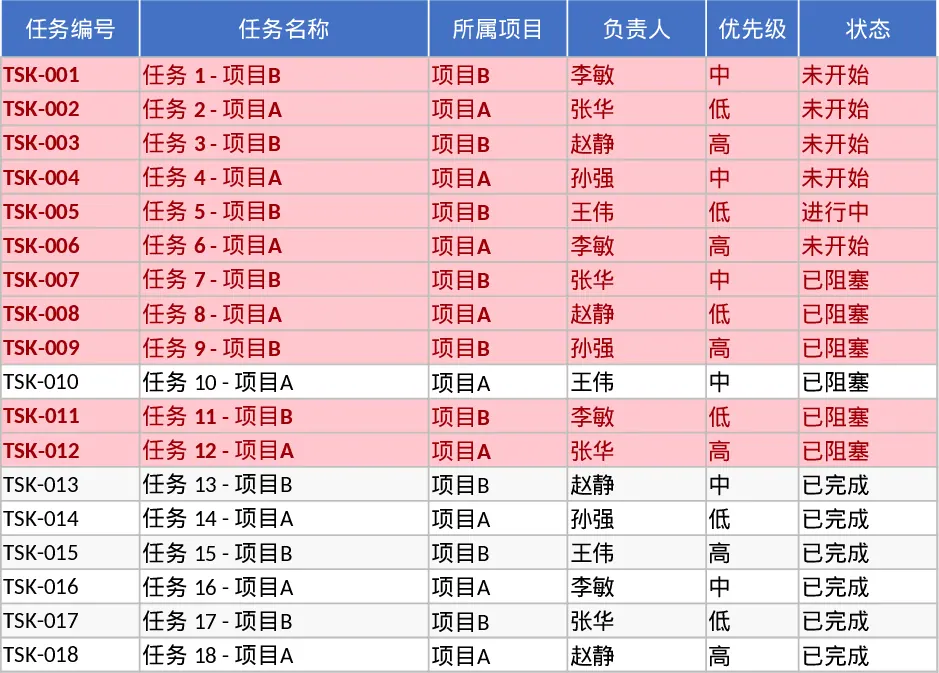
Suivi de Tâches Projet et Tableau de Bord Modèle
Organisez les flux de travail du projet et surveillez la performance de l'équipe grâce à des résumés de statut automatisés et des alertes visuelles pour les tâches en retard.
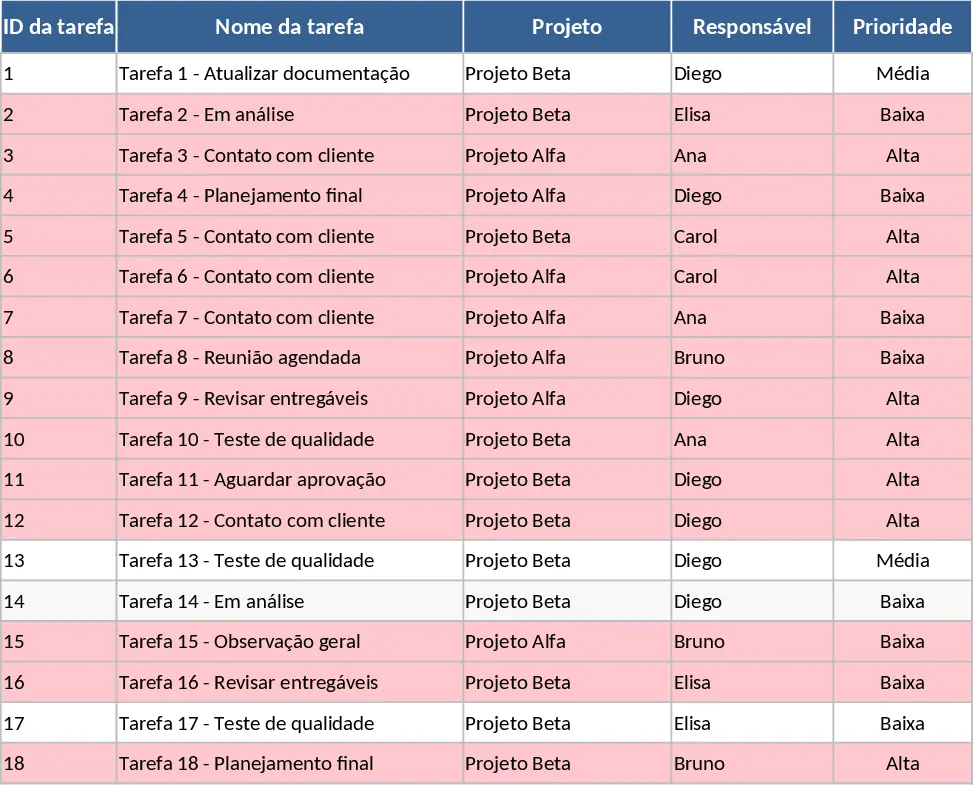
Suivi des tâches projet avec Mise en forme conditionnelle Modèle
Suivez les tâches de projet et la performance de l'équipe grâce à des résumés de statut automatisés, une gestion des priorités et des alertes visuelles pour les échéances dépassées.