Tableau de bord KPI mensuel avec Synthèse exécutive Modèle
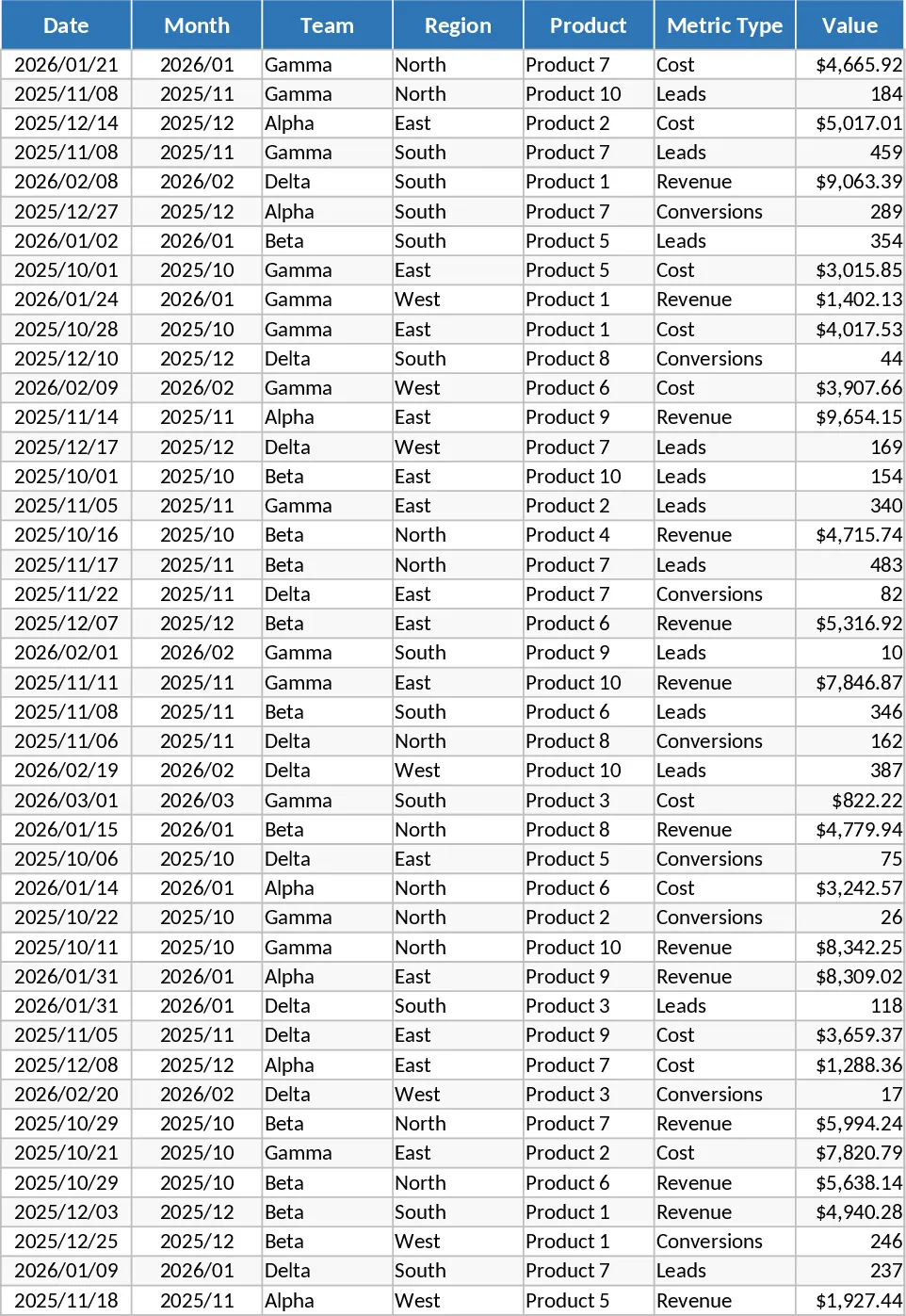
The Advanced Monthly Business KPI Dashboard is a professional-grade Excel solution designed to help organizations centralize their performance metrics and visualize growth trends with precision. This template is meticulously structured into four specialized sheets that manage the entire data lifecycle from initial entry to executive-level insight. The Raw Data sheet serves as the engine of the template, capturing essential fields such as date, team, region, and product alongside specific metric types like revenue, cost, leads, and conversions. The sheet is designed for high-volume entry, supporting standardized columns that ensure your data remains clean and compatible with the dashboard's logic. This versatility means the template can adapt to various business models, whether you are in retail, SaaS, or professional services.
To maintain organizational alignment, the KPI Definitions sheet provides a dedicated space to document the logic and formulas behind every metric. In many organizations, different teams might calculate metrics like Conversion Rate differently; this sheet eliminates that confusion by listing the exact formulas used, such as Conversions divided by Leads. This transparency builds trust in the data and makes the dashboard a reliable tool for cross-departmental communication. Meanwhile, the Pivot Summary sheet acts as the bridge between your raw numbers and the visual dashboard. It pre-calculates the totals and averages needed for the charts, ensuring that the Dashboard sheet remains fast and responsive even as your dataset grows over time.
The centerpiece of the template is the interactive Dashboard, which transforms your data into a compelling visual narrative. It features dynamic line charts for revenue trends, bar charts for regional performance comparisons, and sophisticated combo charts that overlay costs against revenue to highlight profitability. Additionally, the dashboard tracks lead generation efficiency and highlights your top 10 products by revenue, making it an essential asset for monthly strategy reviews and stakeholder presentations. This template is particularly beneficial for business analysts, department managers, and entrepreneurs who require a single source of truth for their monthly reporting. It solves the common problem of fragmented data and inconsistent reporting styles across different teams, providing the visibility needed to make informed, data-driven decisions.
To begin using the template, first enter your monthly business figures into the Raw Data sheet, ensuring each entry is categorized by team and region. Next, navigate to the Pivot Summary sheet and use the Refresh command to update the internal tables with your latest data. Finally, visit the Dashboard sheet to view your updated visuals; you can use the interactive slicers to filter the entire view by specific months or product categories to focus on the details that matter most. This automated approach significantly reduces the time spent on manual chart creation and ensures your reports are always accurate and presentation-ready. By adopting this structured workflow, you can expect to save several hours of manual reporting effort each month while gaining much deeper insights into your business health.
Recommandation de modèles similaires
Tableau KPI mensuel avec Répartition par catégorie Modèle
Surveillez le chiffre d'affaires mensuel, les coûts et les taux de conversion par région et par équipe à l'aide de graphiques dynamiques et de résumés de tableaux croisés automatisés.
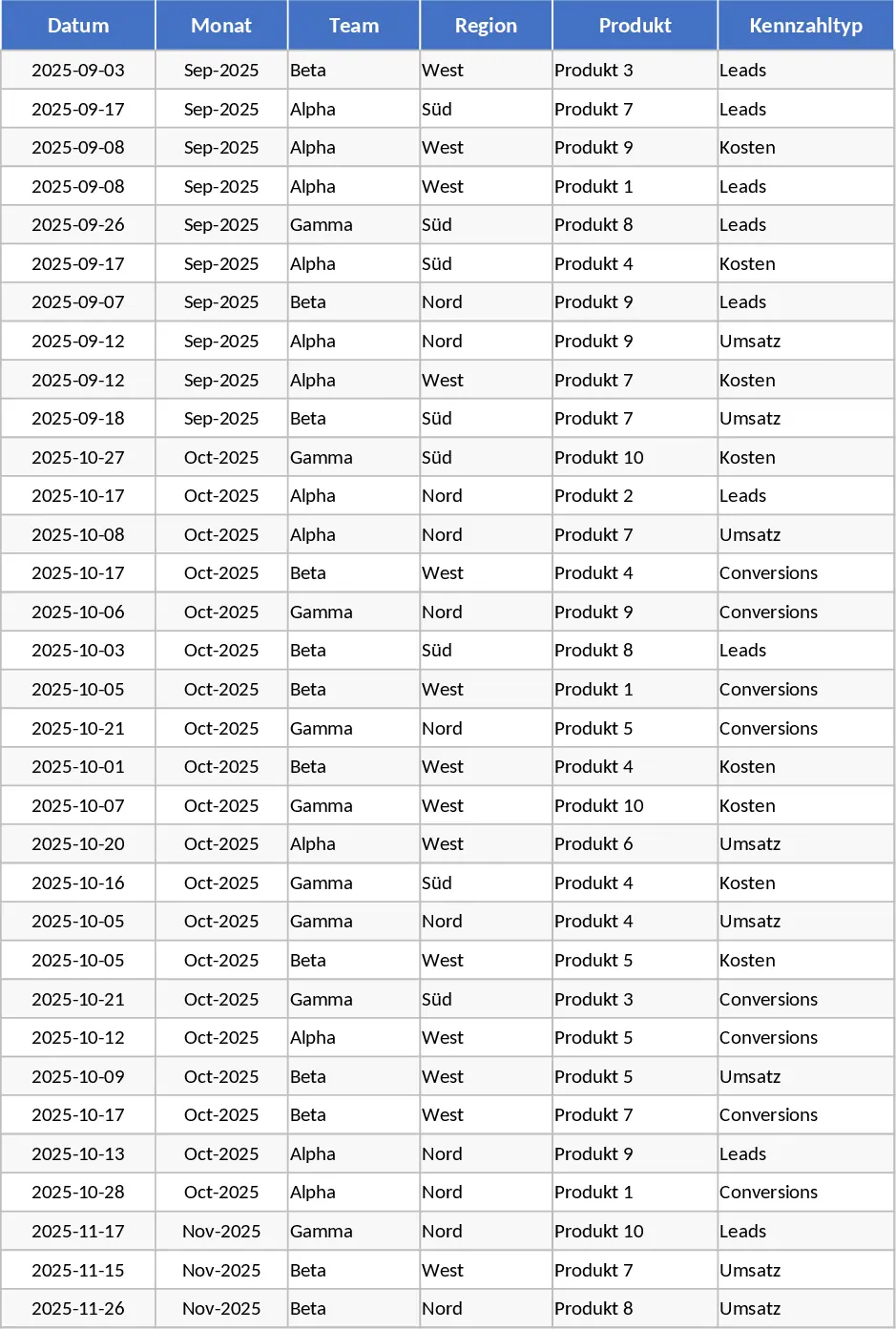
Tableau KPI mensuel avec Graphiques Modèle
Suivez les performances mensuelles de l'entreprise en termes de revenus, coûts et conversions grâce à un tableau de bord automatisé avec des graphiques interactifs et des analyses.
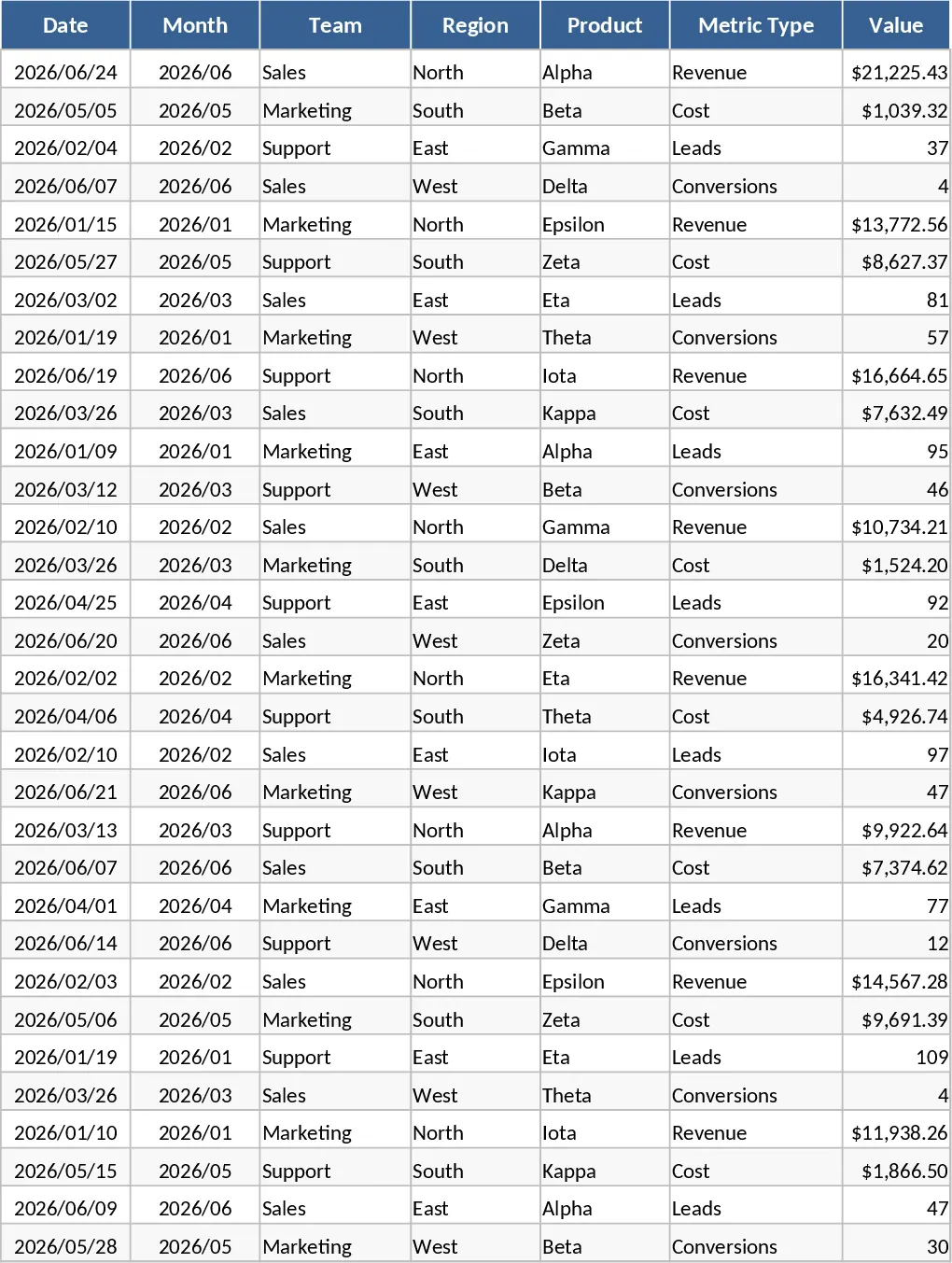
Tableau de bord KPI mensuel avec Mise en page professionnelle Modèle
Surveillez les performances mensuelles de l'entreprise en termes de revenus, coûts et conversions avec des graphiques interactifs et des segments pour optimiser la croissance.