'%3e%3crect%20id='矩形_7888'%20data-name='矩形%207888'%20class='cls-1'%20width='20'%20height='20'%20rx='4'%20transform='translate(6260%20-4478)'/%3e%3cpath%20id='联合_155'%20data-name='联合%20155'%20class='cls-2'%20d='M6.074,12.147a6.207,6.207,0,0,1-.621-.031A6.087,6.087,0,0,1,.031,6.694a6.177,6.177,0,0,1,0-1.241A6.086,6.086,0,0,1,5.453.031,6.177,6.177,0,0,1,6.074,0H9.152V2.029H6.074a4.053,4.053,0,0,0-3.916,3.03H9.152V7.088H2.158a4.053,4.053,0,0,0,3.916,3.03H9.152v2.029Z'%20transform='translate(6264.693%20-4473.9)'/%3e%3c/g%3e%3c/svg%3e)
Key Takeaways
- The Syntax Barrier: Traditional methods like
INDEX MATCHrequire precise, rigid syntax that is prone to human error and difficult to scale across complex workbooks. - Language-Agnostic Intelligence: Modern AI-driven BI tools interface with data using natural language, allowing users to describe their goals instead of coding coordinates.
- Universal Data Reconciliation: AI instantly identifies relationships between disparate datasets—such as matching "Staff ID" with "Employee Number"—without manual column mapping.
- Operational Velocity: Automating multi-sheet joins reduces technical friction, turning hours of formula debugging into seconds of strategic insight.
The Analyst’s Nightmare: The "Lookup" Tax
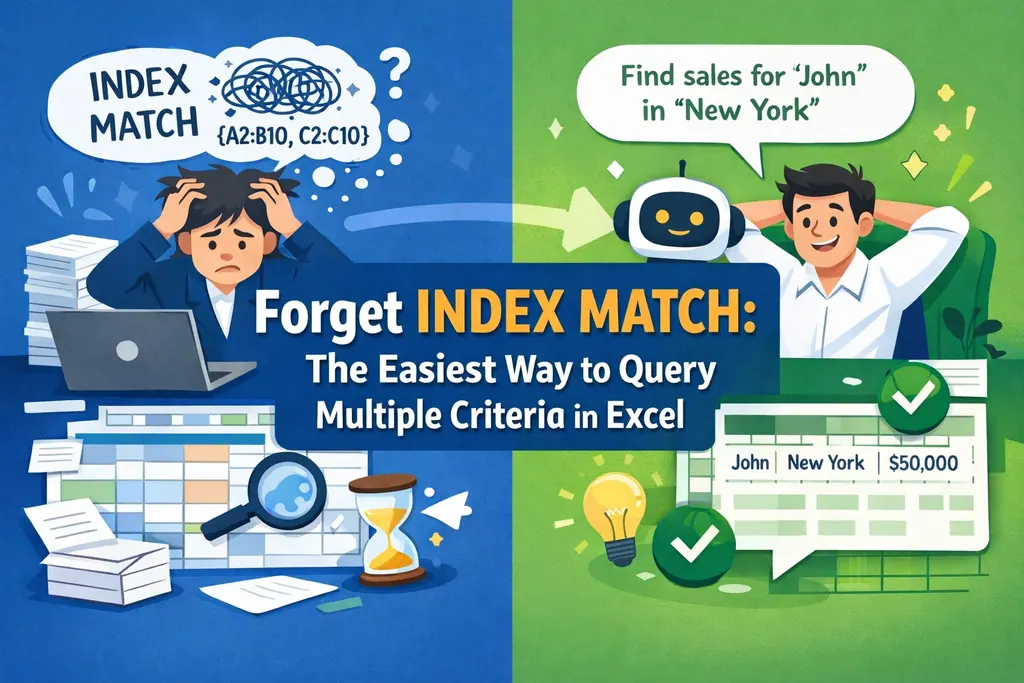
The struggle to connect fragmented data is a universal friction point in business. For decades, the "pro" solution has been nesting an INDEX inside a MATCH to bridge gaps between spreadsheets. However, this "Lookup Tax" costs businesses thousands of hours in manual labor and error correction every year.
One misplaced comma or a single renamed header in a shared workbook can break a mission-critical report. When your value is measured by strategic insight, acting as a human debugger for rigid software syntax is a significant drain on resources.
What is Natural Language Data Unification?
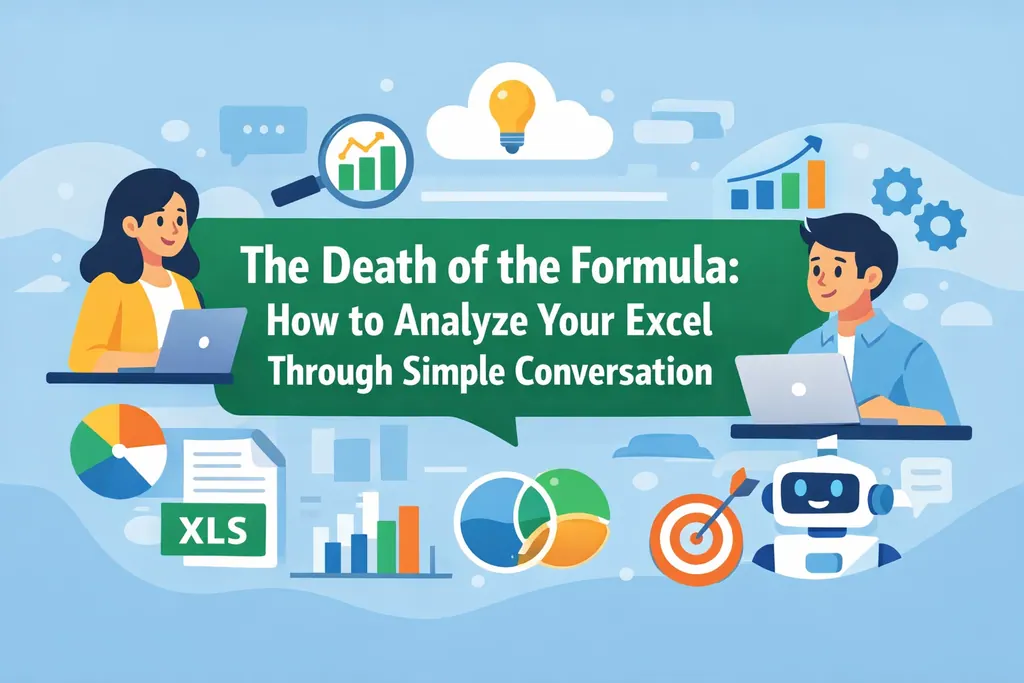
It is the evolution from "How" to "What." Instead of coding the exact coordinates of a search, you communicate your intent to an AI platform like RowSpeak.
RowSpeak’s neural engine is built for a diverse, modern workforce. It doesn't just look for exact string matches; it understands semantic context. It recognizes that "Factura" in a PDF invoice corresponds to "Revenue" in an inventory Excel template. This intelligent mapping allows different departments to collaborate without the constant friction of standardized naming conventions.
Why You Should Stop Debugging Formulas
The traditional "Export and Match" workflow is a relic of a slower era. By utilizing data analysis tools that interpret human intent, you eliminate the risk of "analysis paralysis" caused by broken cell references.
In a high-stakes meeting, speed is the ultimate currency. When leadership asks for a cross-region comparison, "I need to rewrite the INDEX MATCH" is a liability. AI provides the bridge, allowing you to present a verified, single source of truth instantly.
How to Merge Multiple Sheets with Ease (The RowSpeak Way)
RowSpeak simplifies complex data architecture into a conversational workflow that anyone can master:
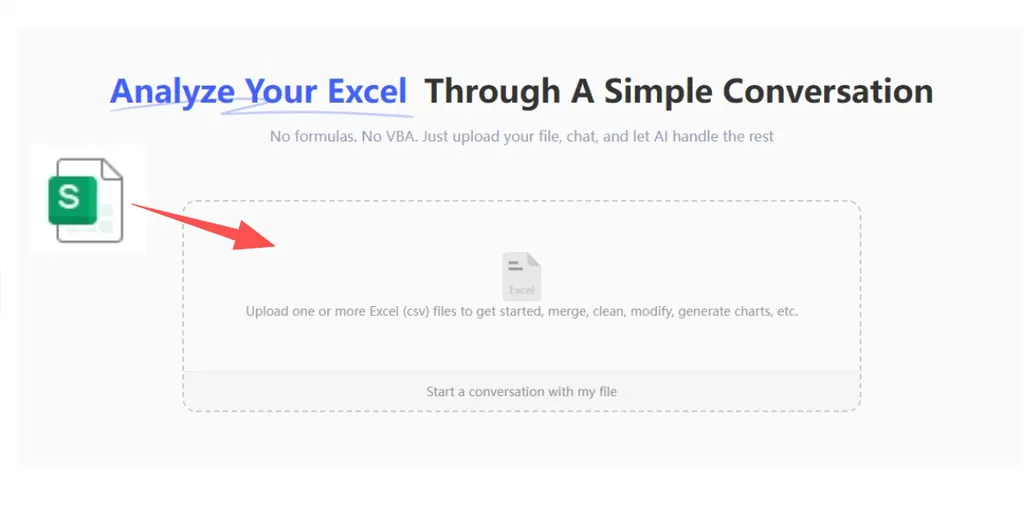
Step 1: Upload Your Data Sources
Simply drag and drop your fragmented sources—Excel files, CSVs, or HR payroll exports. The AI scans all sheets simultaneously, identifying patterns across all data points.
Step 2: Speak Your Intent
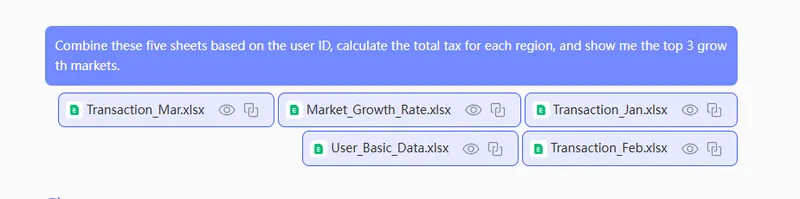
Instead of writing complex Excel formulas, type your request in natural language:
Combine these five sheets based on the user ID, calculate the total tax for each region, and show me the top 3 growth markets.
Step 3: Preview the Intelligent Narrative
The AI performs the multi-criteria lookup and provides a real-time preview. You receive a cleaned dataset, professional data visualizations, and a concise summary that translates raw numbers into actionable strategy.
Step 4: Refine and Distribute
Need to adjust a currency or drill down into a specific category? Just ask a follow-up question. Once the insights are perfect, export and download your board-ready report instantly.
The Future: From Data Janitor to Strategic Architect
The era of manual data cleaning and syntax-heavy reporting is coming to a close. By embracing AI-automated pipelines, professionals can focus on what truly matters: Strategic Decision Making.
- Inclusivity: Empower your entire team to contribute to data analysis, regardless of their technical background.
- Unmatched Accuracy: AI-verified logic removes the "human error" factor inherent in manual formulas.
- Unified Vision: Ensure every department—from Finance to Logistics—is aligned on the same data-driven roadmap.
Whether you are managing a personal budget tracker or a multinational's supply chain, AI is your bridge to the boardroom.
🚀 Ready to Retire INDEX MATCH?
Join the future of intuitive, conversational data analysis today.
Unify My Sheets Free