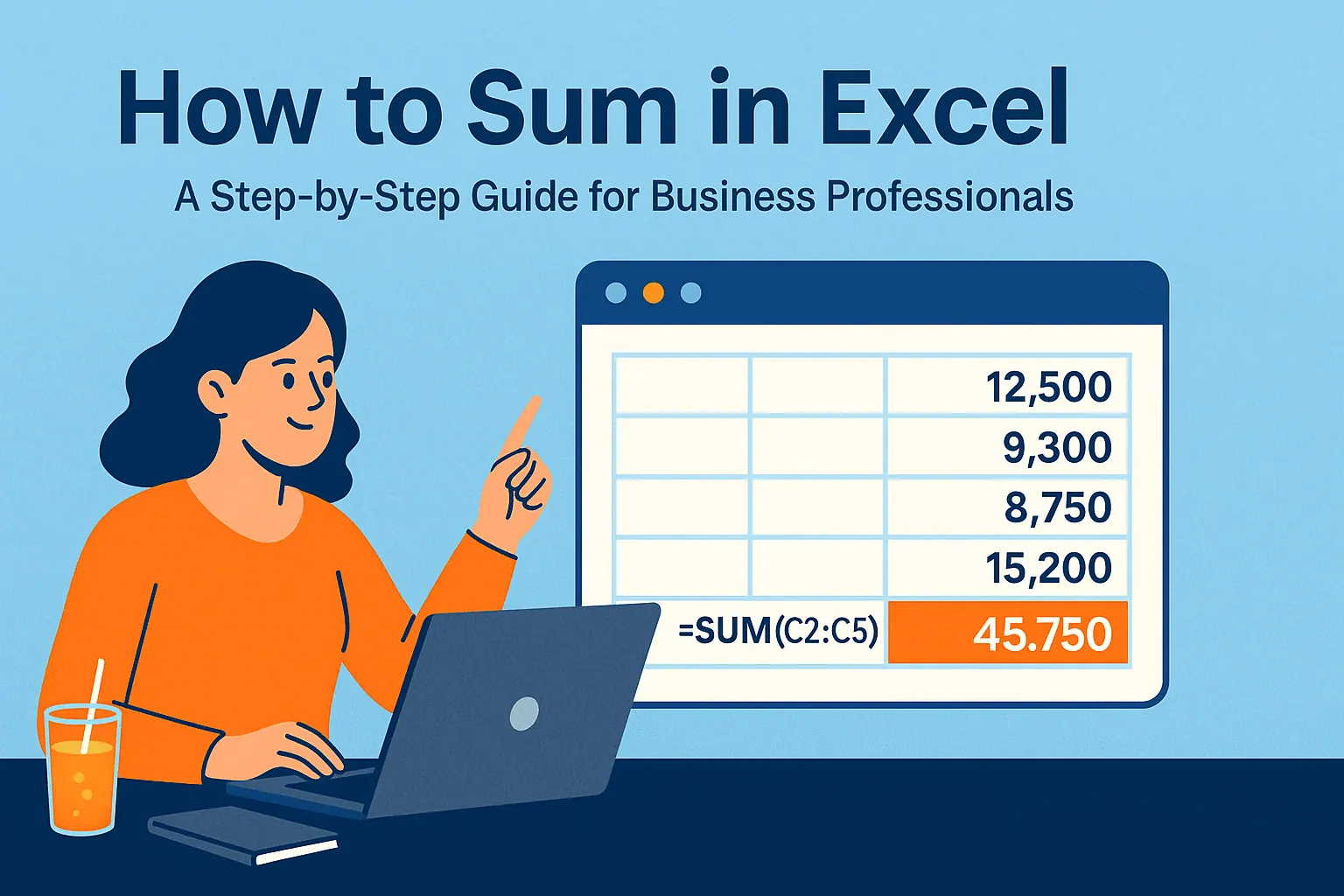
Excel remains indispensable for data analysis and financial modeling, but crafting complex formulas manually is tedious and error-prone. Enter AI—revolutionizing how professionals interact with spreadsheets by automating formula creation.
AI-powered tools like RowSpeak can generate Excel formulas with remarkable accuracy, saving hours of manual work while minimizing errors. Whether you're a seasoned analyst or a business owner with limited Excel expertise, leveraging AI for formula generation can dramatically boost productivity.
What Is AI-Powered Excel Formula Generation?
AI-powered Excel formula generation uses advanced algorithms to interpret natural language requests and convert them into precise Excel formulas. Instead of memorizing syntax, users simply describe their calculation needs in plain English, and the AI handles the rest.
RowSpeak leads the pack in this space, offering intuitive natural language processing (NLP) to generate formulas for everything from basic arithmetic to advanced statistical analyses. This technology bridges the gap between user intent and Excel’s powerful capabilities, making spreadsheets more accessible and efficient.
How AI Formula Generation Works
AI tools like RowSpeak follow a structured process to deliver accurate formulas:
- Natural Language Processing (NLP): The AI parses your request, identifying key elements like data ranges, operations, and desired outcomes.
- Context Understanding: It analyzes your spreadsheet’s structure—column headers, data types, and existing formulas—to ensure relevance.
- Formula Construction: The AI selects the optimal functions and syntax to build the formula.
- Optimization: Advanced tools like RowSpeak refine formulas for efficiency, reducing computational overhead.
- Explanation & Learning: Many tools, including RowSpeak, provide explanations to help users understand and learn from generated formulas.
Benefits of Using AI for Excel Formulas
1. Time Savings
AI generates complex formulas in seconds—tasks that might take hours manually.
2. Error Reduction
Automation minimizes syntax mistakes and logical errors common in manual formula writing.
3. Accessibility
Novices can leverage advanced Excel functions without deep technical knowledge.
4. Learning Opportunities
Tools like RowSpeak explain formulas, helping users improve their Excel skills over time.
5. Consistency
AI ensures uniform formula structures, streamlining collaboration across teams.
Top AI Tools for Excel Formula Generation
While several AI-powered Excel tools exist, RowSpeak stands out as the premier solution for its accuracy, ease of use, and advanced features.
1. RowSpeak
- Natural language input: Describe your needs in plain English.
- Wide function support: Handles everything from SUMIFS to VLOOKUP.
- Context-aware: Adapts to your spreadsheet’s structure.
- Formula explanations: Learn while you work.
2. Excel Formula Bot (Alternative)
- Simple interface for quick formula generation.
- Supports basic to intermediate functions.
3. Other Tools
While options like AI-powered add-ins exist, they often lack RowSpeak’s depth and integration capabilities.
How to Get Started with RowSpeak
- Import Your Data: Connect RowSpeak to your spreadsheet.
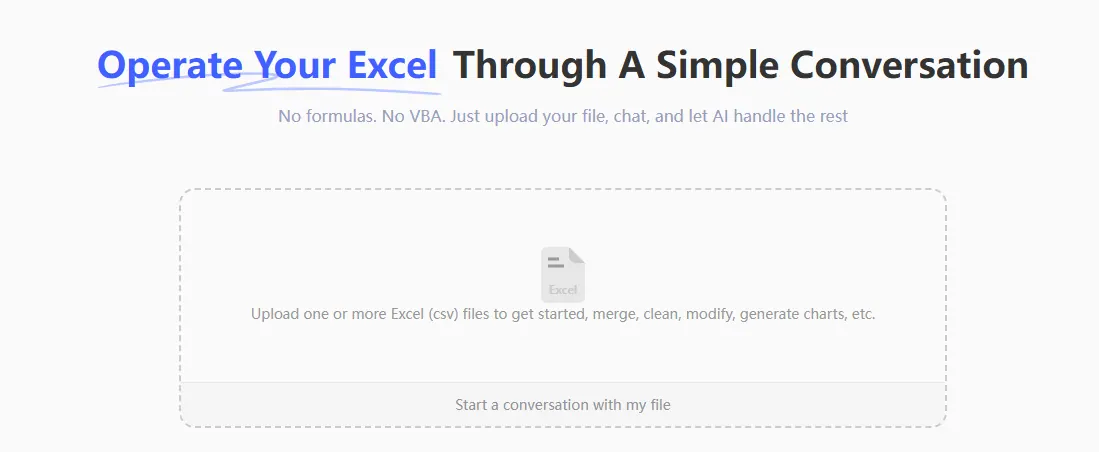
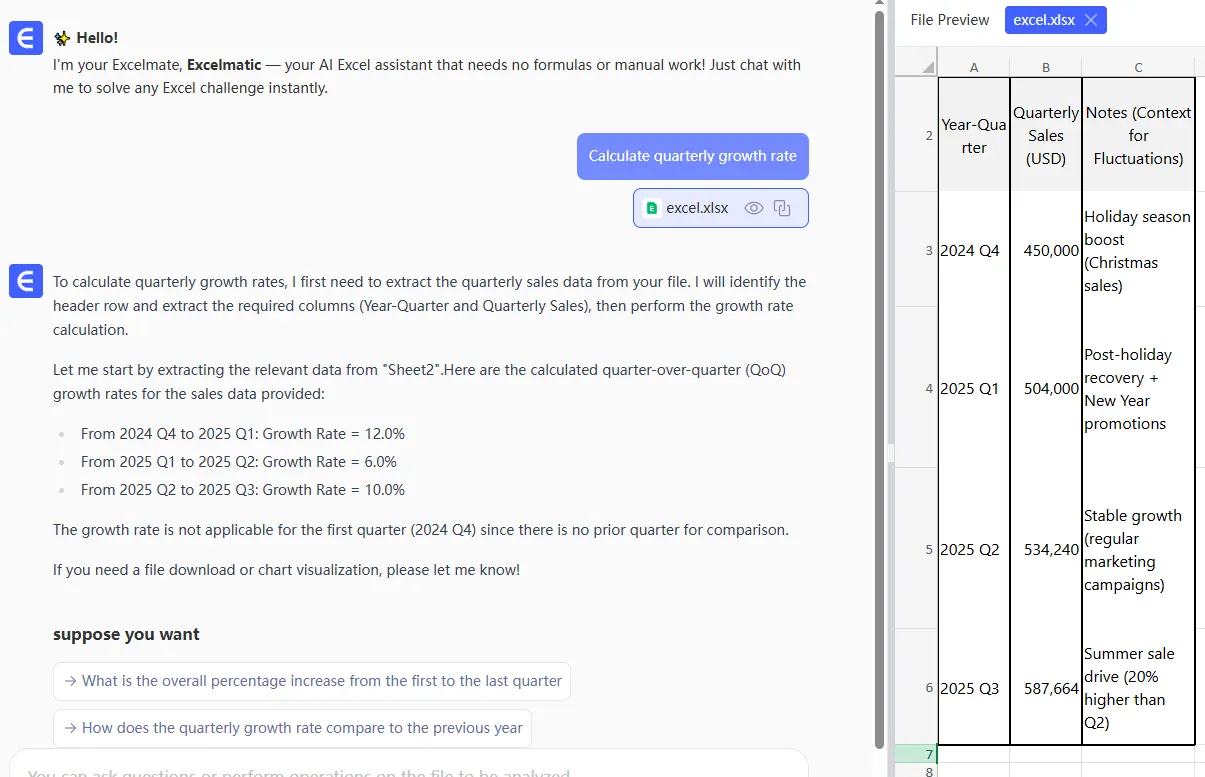
- Describe Your Goal: Type or speak your calculation needs (e.g., “Calculate quarterly growth rate”).
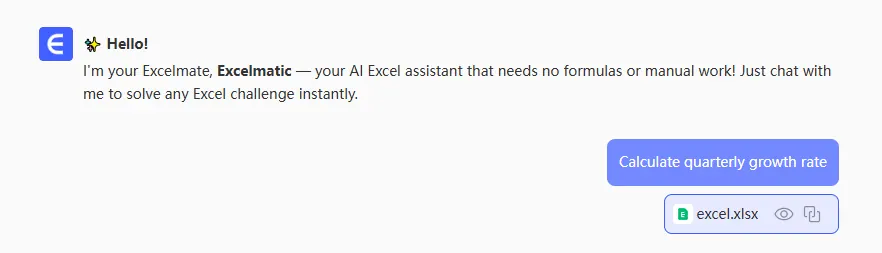
- Generate & Apply: RowSpeak directly generates the result after applying the formula.
Conclusion
AI-powered formula generation is transforming Excel from a manual chore into a dynamic, intuitive tool. RowSpeak exemplifies this shift, offering unmatched speed, accuracy, and educational value.
Ready to streamline your workflow? Try RowSpeak today and experience the future of data analysis.