
Turn monthly spreadsheet exports into management-ready reporting
Help finance, business ops, and growth teams move from month-end spreadsheets to clear reporting packs with trends, commentary, and executive summaries.
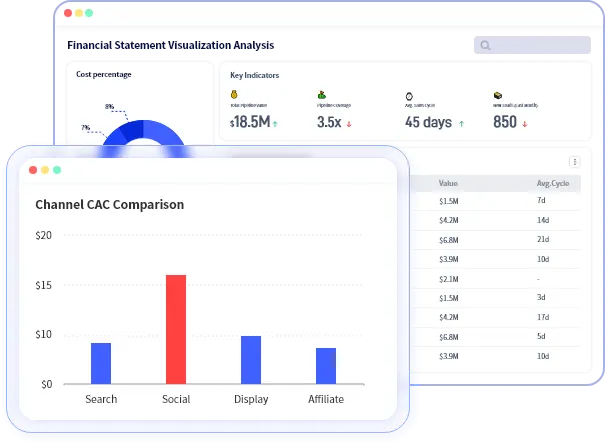
Cadence
Monthly review
Best for
Finance, ops, growth, founders
Why management reporting slows down at month end
By the time teams combine exports, check metric definitions, rebuild charts, and rewrite commentary, the monthly review has already taken too much manual work.
What comes in
Finance exports, growth reports, sales summaries, operating spreadsheets, and other month-end files with uneven structure.
What RowSpeak changes
The workflow turns those files into a report draft with trends, comparison framing, and exceptions that a team can still review before sharing.
What leadership gets
A report that explains what changed, why it matters, and where the operating discussion should focus next.
How the monthly workflow runs
Designed for recurring management reporting, not isolated spreadsheet analysis.
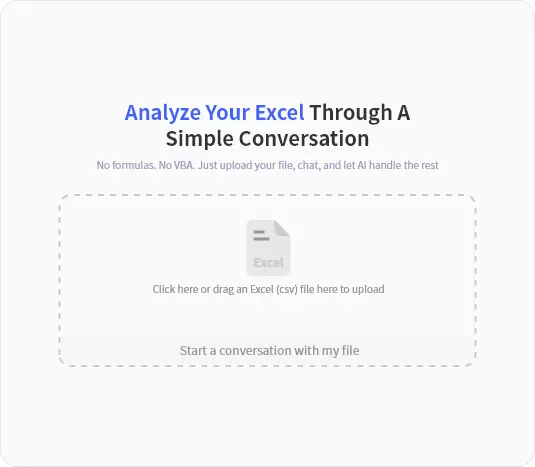
Bring in the month-end files
Start with the exported spreadsheets your team already uses for the management review instead of replatforming the whole process first.
Generate the report structure
Ask for period comparisons, trend explanations, exception highlights, and a draft summary for the management pack.

Refine before leadership sees it
Check assumptions, tune the narrative, and move from spreadsheet prep into a cleaner operating review.
What a monthly management report should deliver
The output should help a team review performance, not just restate totals from a spreadsheet export.
- Month-over-month or period-over-period comparisons
- Trend visuals and supporting context
- Exceptions, anomalies, and operational callouts
- Executive-ready summary bullets
Best fit teams
This workflow fits teams that still build management packs from files, but need the output to read like a real operating review.
- Finance and FP&A teams running month-end reporting
- Business operations teams assembling management packs
- Growth teams preparing recurring review decks
- Founders and operators building updates for leadership
Why it is more useful than one-off AI analysis
Management reporting needs reusable structure, cleaner framing, and human review before it is shared. That is where the workflow approach matters.

Explore the next reporting motion
If this page is close but not exact, the adjacent workflows below usually match the next level up, the next level down, or the more reusable version of the same reporting job.
Make month-end reporting feel less like a manual rebuild
Use this workflow when your team still starts from spreadsheet exports but the deliverable has to feel polished enough for leadership.