
Turn recurring spreadsheet work into a reusable reporting system
RowSpeak is most useful when the job repeats. Upload the files, generate the reporting output, correct what matters, and reuse the same motion next cycle.
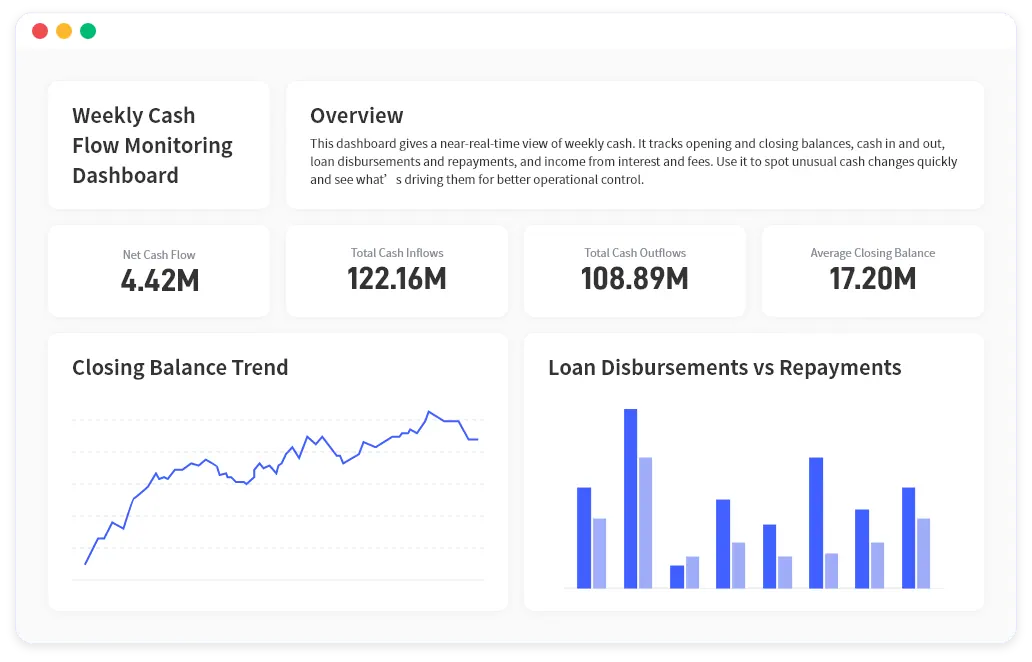
Cadence
Weekly, monthly, quarterly
Best for
Ops, finance, sales, internal analytics
Why recurring spreadsheet reporting deserves its own workflow
The real cost is rarely one spreadsheet. It is the repeated cleanup, chart rebuilding, KPI checking, and summary writing that returns every cycle.
What comes in
Fresh CSVs, Excel exports, operational files, and slightly changed source structures that still support the same reporting job.
What RowSpeak changes
The repeated reporting motion becomes a reusable workflow instead of another round of manual spreadsheet preparation.
What teams get back
A faster path from input files to charts, summaries, and outputs that can still be checked before they are circulated.
How a reusable reporting workflow evolves
This is where RowSpeak becomes more than file chat or a chart generator.

New files arrive every cycle
Spreadsheet-heavy teams keep receiving new exports with familiar reporting needs but imperfect structure.
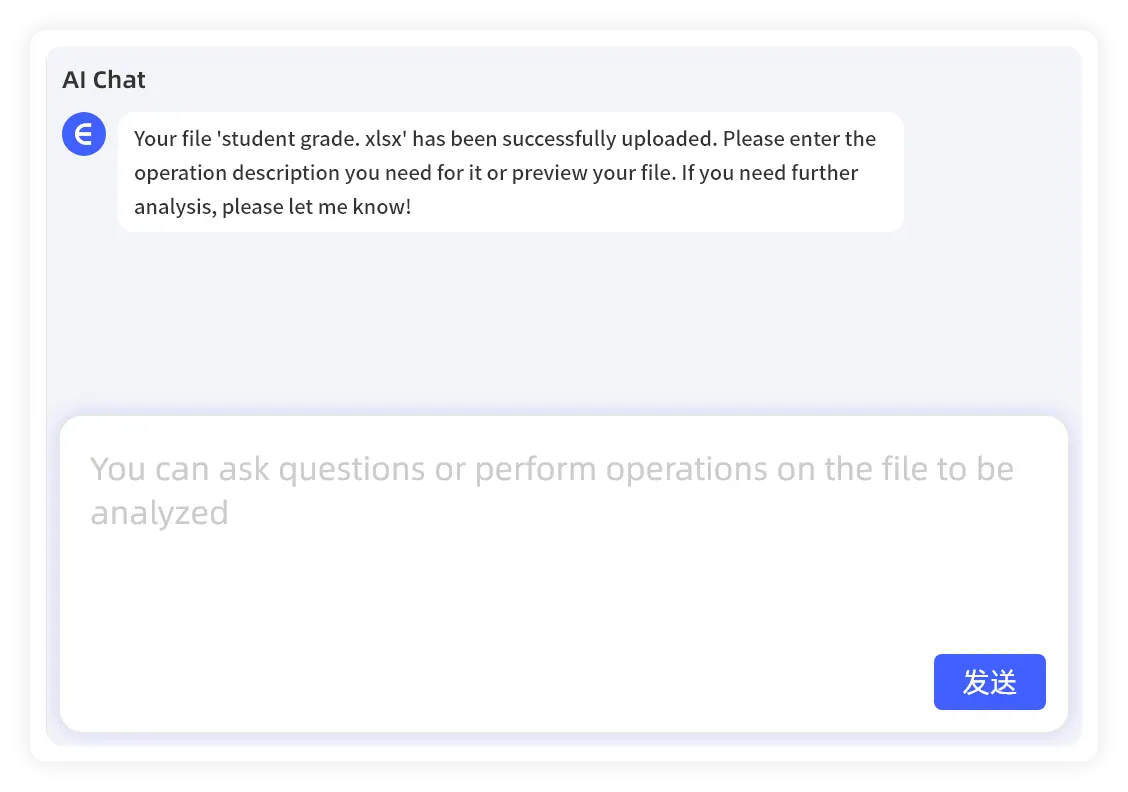
The same reporting logic repeats
The team still needs cleanup, KPI checks, charts, explanations, and summaries even if the file names and shapes move around.
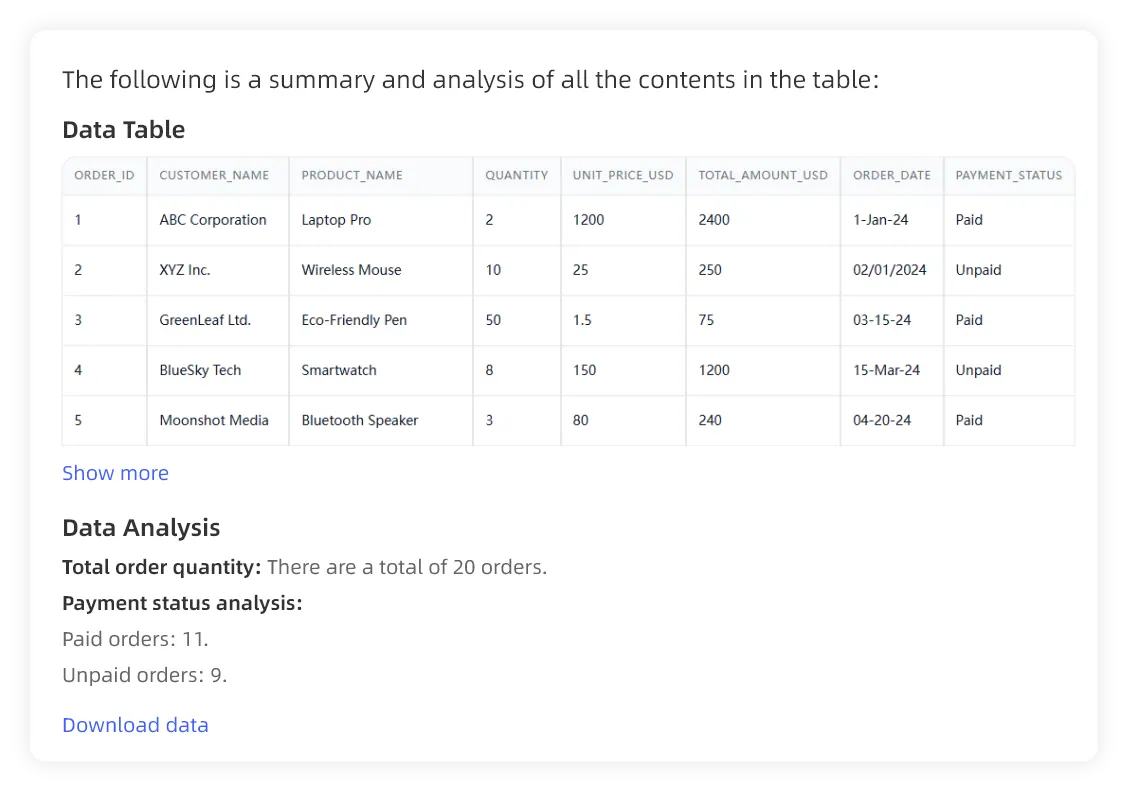
The process becomes reusable
Instead of rebuilding the same work by hand, the team can rerun a workflow that is easier to review, refine, and share.
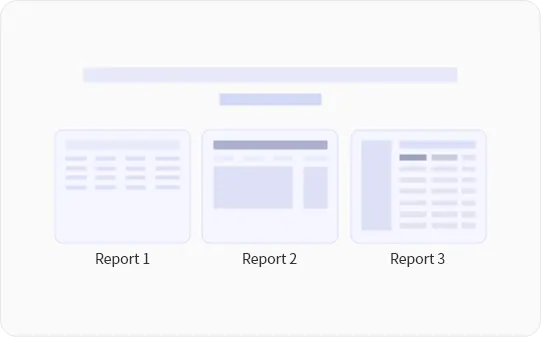
What reusable spreadsheet reporting should produce
A reporting workflow is useful only if the result still feels trustworthy enough for people to act on it.
- Repeatable report structure across cycles
- Reviewable charts, summaries, and anomaly callouts
- Easier correction before the output is shared
- A cleaner handoff from file analysis to stakeholder reporting
Best fit reporting motions
Recurring spreadsheet reporting shows up in the same business cycles again and again, even when the underlying files are messy.
- Weekly sales and revenue review packs
- Monthly management reporting and budget updates
- Campaign performance or growth reporting
- Operational exception reports and recurring KPI reviews
Why this page matters
The durable value is not another one-off answer. It is a workflow your team can review, correct, share, and run again next cycle.

Explore the next reporting motion
If this page is close but not exact, the adjacent workflows below usually match the next level up, the next level down, or the more reusable version of the same reporting job.
Monday-ready reporting
Move from weekly spreadsheet exports to reviewable sales reporting with charts, comparisons, and leadership-ready commentary.
management-ready reporting
Turn month-end spreadsheets into management-ready reporting with trends, exception callouts, and reviewable executive summaries.
Build a reporting motion your team can actually repeat
Use this workflow when the analysis keeps coming back and the real problem is the repeated spreadsheet labor around it.