
PDF to Excel Converter
PDF to Excel Converter
Best for
PDF reports
Financial statements, invoices, research reports, price lists, and scanned table documents.
Output
Editable XLSX
Headers, rows, numeric columns, totals, and multi-page tables ready for Excel work.
After export
Analyze in RowSpeak
Clean the converted data, ask questions, create charts, or download the workbook.
Before and after
PDF table becomes Excel-ready data
A PDF table should not become a wall of copied text. RowSpeak detects the table, rebuilds the grid, and gives you a spreadsheet you can review, analyze, and export.
Input
Native and scanned PDFs
Structure
Headers, merged cells, page breaks
Output
XLSX or ZIP export
- Merged headers are split into usable spreadsheet fields.
- Amounts, dates, and percentages stay in separate cells for formulas.
- Multi-page tables can be exported together or downloaded as a ZIP package.
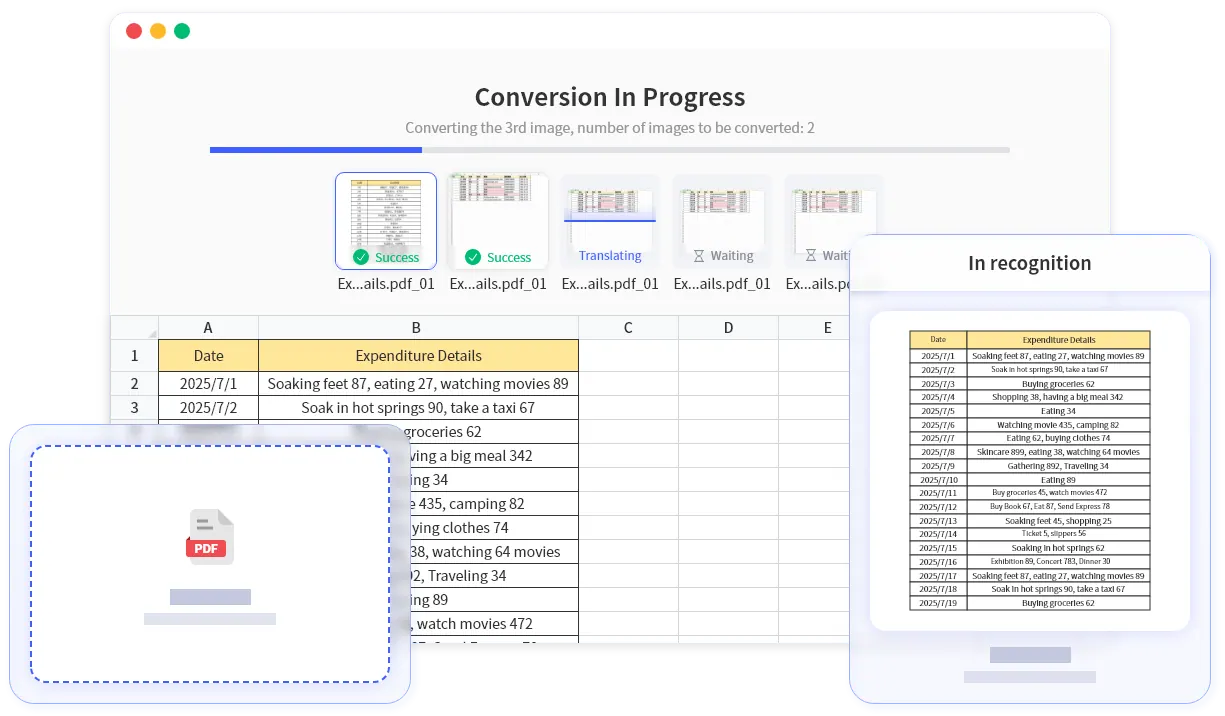
| Page | Date | Vendor | Category | Amount | Status |
|---|---|---|---|---|---|
| 1 | 2025-07-01 | Acme Supplies | Office | 1,248.50 | Matched |
| 1 | 2025-07-02 | Northwind Logistics | Freight | 690.00 | Matched |
| 2 | 2025-07-03 | Contoso Energy | Utilities | 342.18 | Review |
| 2 | 2025-07-04 | Fabrikam Travel | Travel | 1,780.40 | Matched |
| Total | 4 rows | 4 vendors | All categories | 4,061.08 | Ready |
What RowSpeak extracts
PDF-specific recognition that goes beyond plain OCR
Pages
Find tables across PDF pages
Detects table regions on each page and keeps continuous tables aligned when a report spans multiple pages.
Headers
Rebuild merged and nested headers
Turns grouped headers and multi-row labels into spreadsheet columns that are easier to filter and calculate.
Numbers
Preserve calculation-ready values
Keeps currency, percentages, negatives, and dates in separate cells instead of mixing them into copied text.
Review
Preview before you download
Review the extracted workbook, correct questionable cells, then export to Excel or continue analysis in RowSpeak.
Core Features
Smart Recognition · Multi-format Export · Data Cleaning · Batch Processing
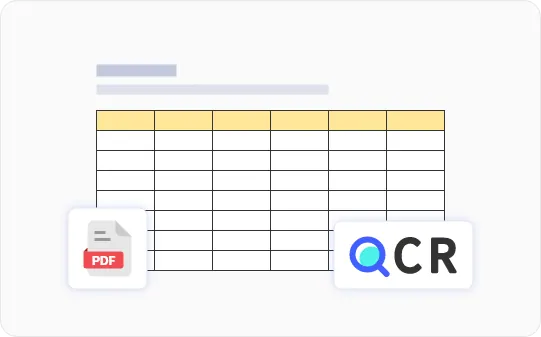
Smart Table Recognition
Automatically detect table areas, header hierarchies, merged cells, and nested tables. Handle multi-page continuous tables and paginated headers while preserving structure. OCR enhancement for scanned and image-based PDFs
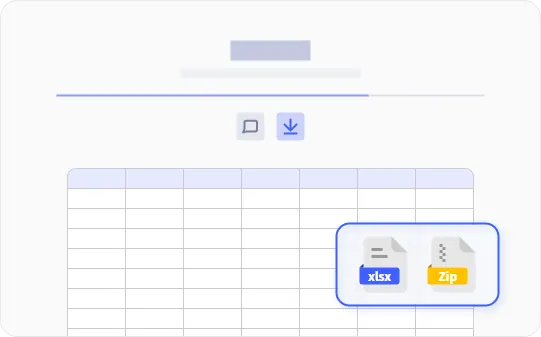
Multi-format Export
One-click export to XLSX format or ZIP packages, with optional preservation of numeric formats (dates, percentages, currencies)
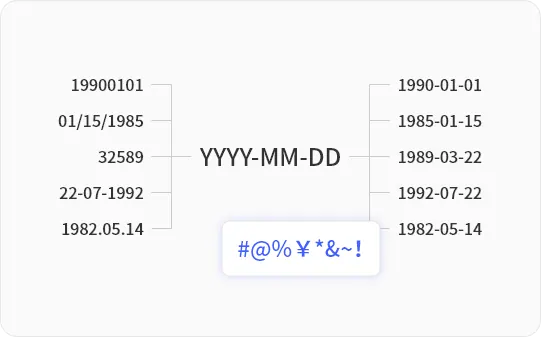
Data Cleaning & Standardization
Automatically remove extra spaces, line breaks, headers/footers, and page numbers. Standardize decimal points/thousands separators, recognize negative numbers and parenthetical amounts
Batch Processing & Naming Rules
Support multi-file queues and batch downloads, with custom export naming rules (e.g., {original_filename}_{page_number})
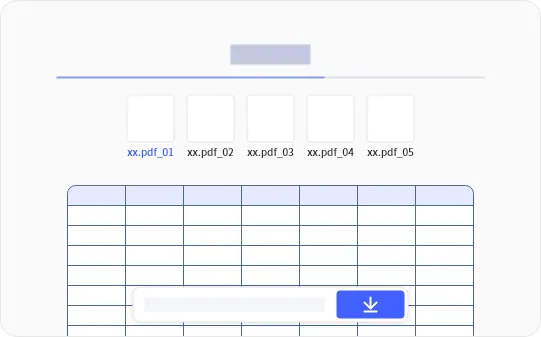
Complex Layout Adaptation
Adapt to multi-column documents, rotated text, and tables with incomplete borders. Provide area fine-tuning and boundary repair tools for irregular tables
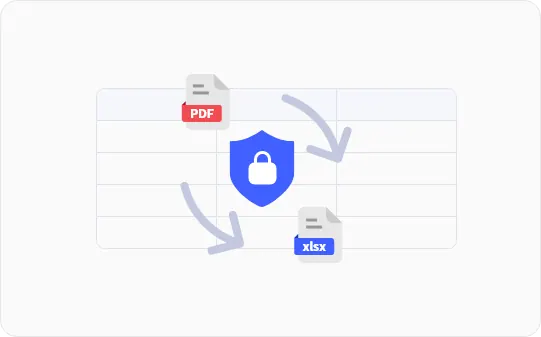
Privacy & Security
Encrypted transmission throughout; configurable auto-deletion after processing. Enterprise compliance consulting and customized solutions available
How It Works
Simple Steps to Get Started
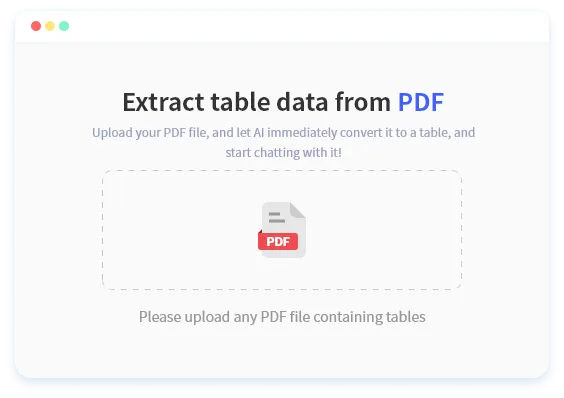
Upload or Drag PDF Files
Support drag-and-drop upload, automatically recognize table areas in PDFs
Auto-recognize
Intelligently identify headers and merged cells, with preview and fine-tuning options
Export as Excel/ZIP
One-click export to XLSX format or ZIP packages, ready for immediate editing and analysis in spreadsheets
Comparison with Alternative Solutions
RowSpeak vs Manual Copy-Paste
| Feature | Manual Copy-Paste | RowSpeak |
|---|---|---|
| Format Accuracy | Format error, merged cell loss | Structured export, keep original format |
| Processing Speed | Time-consuming, need to copy line by line | Complete in seconds, batch processing |
| Data Quality | Need a lot of post-processing work | Automatic cleaning, directly usable |
| Batch Processing | Cannot batch process | Support multiple file batch conversion |
Why Choose RowSpeak for PDF to Excel Conversion
Say goodbye to manual copy-paste, make data extraction simple and efficient
More Accurate
Recognize header hierarchies, merged cells, and cross-page tables, reducing post-processing cleanup work
Time-saving
PDF drag-and-drop upload, export XLSX in seconds, say goodbye to manual copy-paste
Cleaner Data
Automatically remove scattered characters, line breaks, thousands separator/currency format confusion and other common issues
Batch Efficiency
Import multiple files at once, unified export and naming, significantly improve work efficiency
Use Cases
Whether you're a finance professional, data analyst, or researcher, RowSpeak helps you quickly extract table data from PDFs
Finance & Compliance
Extract and analyze table data from invoices/statements, financial report notes, bank statements and other financial documents
Procurement & Operations
Quick organization and statistics of operational data from price lists, material lists, logistics lists
Sales & Marketing
Collection and comparative analysis of sales data from quotations, activity reports, competitor materials
Data Analysis & Research
Research and analysis of statistical tables in papers/reports, government/institutional PDF datasets
Education & Academia
Extract table content from courseware and textbooks, facilitating teaching material organization and learning
Enterprise Management
Digital processing and archival management of various reports, lists, and statistical data
PDF support and limits
What this converter is designed to handle
PDF input
Native and scanned PDFs
Upload PDF files that contain tables. Scanned or image-based PDFs are handled with OCR during conversion.
XLSX / ZIP output
Excel-ready export
Download a single workbook or a ZIP package for batch jobs and multi-file conversion workflows.
Review first
Complex table support
Works best with visible table structure, readable text, and clear page scans. Preview helps catch irregular layouts before export.
Related workflows
Use these guides for common PDF-to-Excel extraction jobs.
PDF invoice to Excel
Turn PDF invoices with line items, taxes, totals, and vendor details into an invoice workbook for AP review, accruals, or reconciliation with review steps before export.
Read workflowBank statement PDF to spreadsheet
Turn bank statement PDFs with dates, descriptions, debits, credits, and balances into a spreadsheet for cash review, categorization, and variance checks with review steps before export.
Read workflowExtract tables from PDF without Adobe
Turn PDF reports, price lists, research tables, or scanned table pages into an editable Excel table without requiring desktop PDF software with review steps before export.
Read workflowPDF to Excel accuracy checklist
Turn converted PDF tables that need review before reporting into a reviewed workbook with fewer extraction, formatting, and control-total errors with review steps before export.
Read workflowPDF to Excel for finance teams
Turn finance PDFs such as invoices, bank statements, schedules, and management reports into a controlled workbook for month-end review and analysis with review steps before export.
Read workflowMulti-page PDF table to Excel
Turn long PDF tables that continue across pages with repeated headers into one continuous workbook table with page artifacts removed with review steps before export.
Read workflowFrequently Asked Questions
Is RowSpeak accurate for complex table recognition?
We've optimized for header hierarchies, merged cells, and cross-page tables, and provide preview and fine-tuning tools to minimize post-processing cleanup time.
What export formats are supported?
Supports XLSX format and ZIP package export.
How are batch conversions and large files handled?
Supports multi-file upload and batch export; large files can be processed in batches, or contact support for higher quotas.
Can scanned/image-based PDFs be recognized?
RowSpeak automatically performs OCR recognition during conversion, no additional setup required, just upload directly.
Is my data secure?
Data is transmitted through encryption, with configurable auto-deletion after processing. See privacy policy and security documentation for details.
Is there an API available?
Currently no API available. If your team needs API integration, please contact us for customized solutions.
Convert PDF Document to Excel Online
First 20 pages free. Upload a PDF document, review the extracted table, and export XLSX.
Upload PDF