
RowSpeak
AI Excel Data Analysis for Business Spreadsheets
Analyze Excel and CSV exports
Upload sales reports, finance workbooks, inventory trackers, marketing exports, or multi-sheet spreadsheets and let RowSpeak read the structure before analysis begins.
Ask business questions directly
Skip formulas, SQL, and pivot-table setup. Ask questions like "Which product drove the margin drop?" or "Summarize Q4 revenue by region."
Get analysis ready for reports
Turn raw spreadsheet data into KPI summaries, trend explanations, outlier checks, charts, and narrative insights you can use in dashboards or management reports.
Features
Spreadsheet analysis tools built for business questions
Ask spreadsheet questions in plain English
Ask "Which region drove the Q4 revenue drop?" or "What changed in monthly expenses?" RowSpeak turns the question into the right spreadsheet analysis.
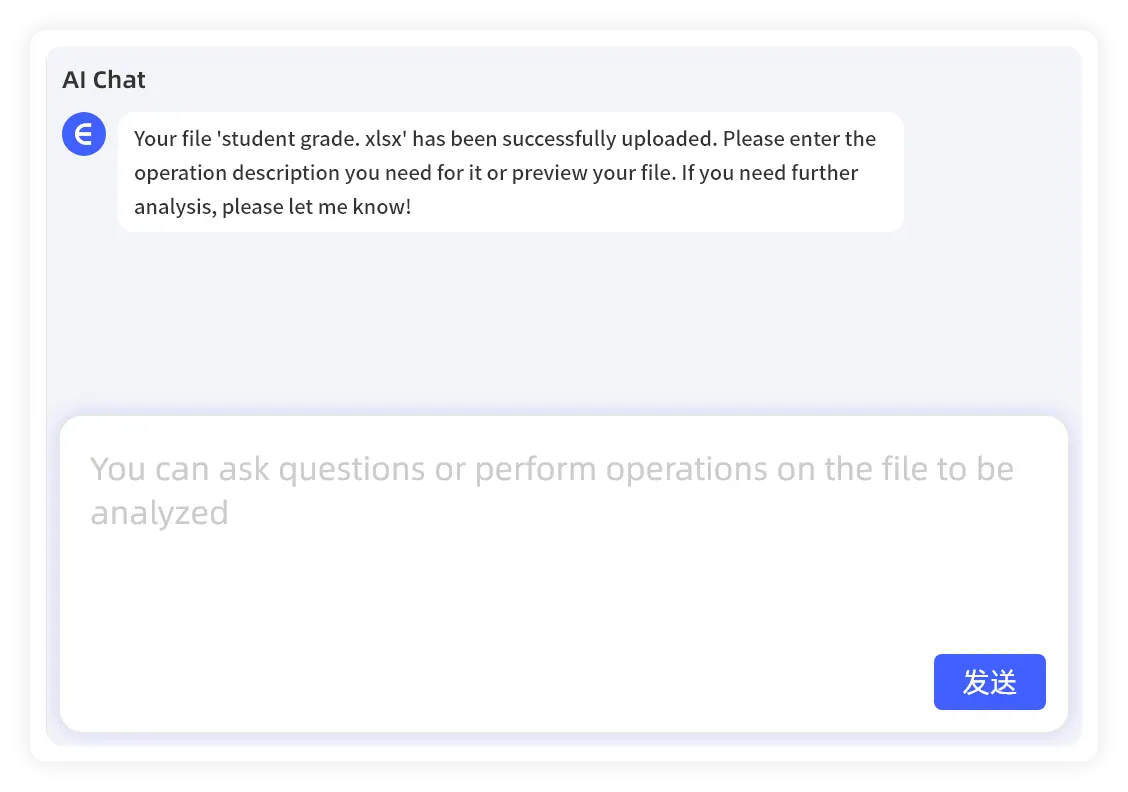
Detect trends and outliers automatically
Identify revenue shifts, cost spikes, inventory exceptions, campaign changes, and other patterns that are easy to miss in a raw workbook.
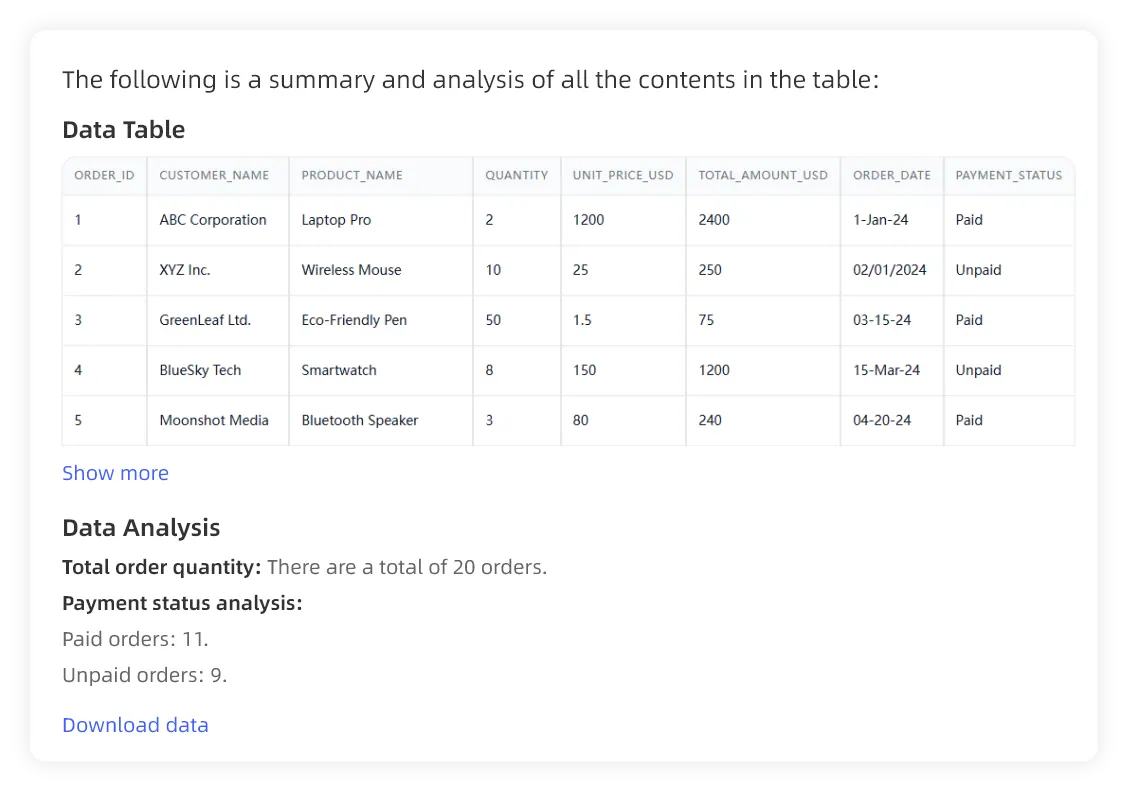
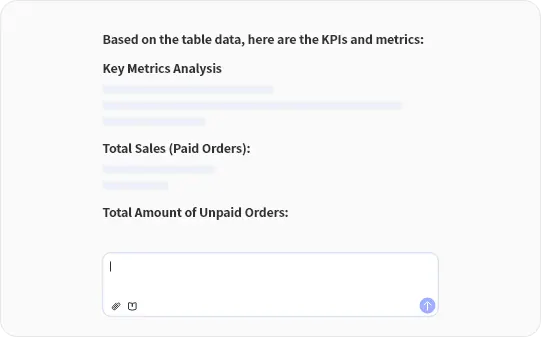
Generate KPI summaries from Excel data
Summarize totals, averages, growth rates, rankings, and segment performance in language your team can review without digging through formulas.
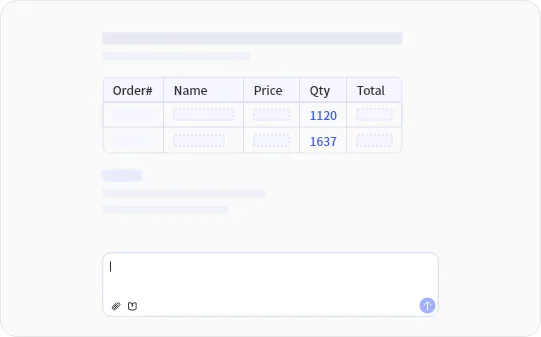
Prepare data for charts and reports
Group, filter, reshape, and summarize spreadsheet data so the analysis can flow into charts, dashboards, and recurring business reports.
How It Works
Simple Steps to Get Started
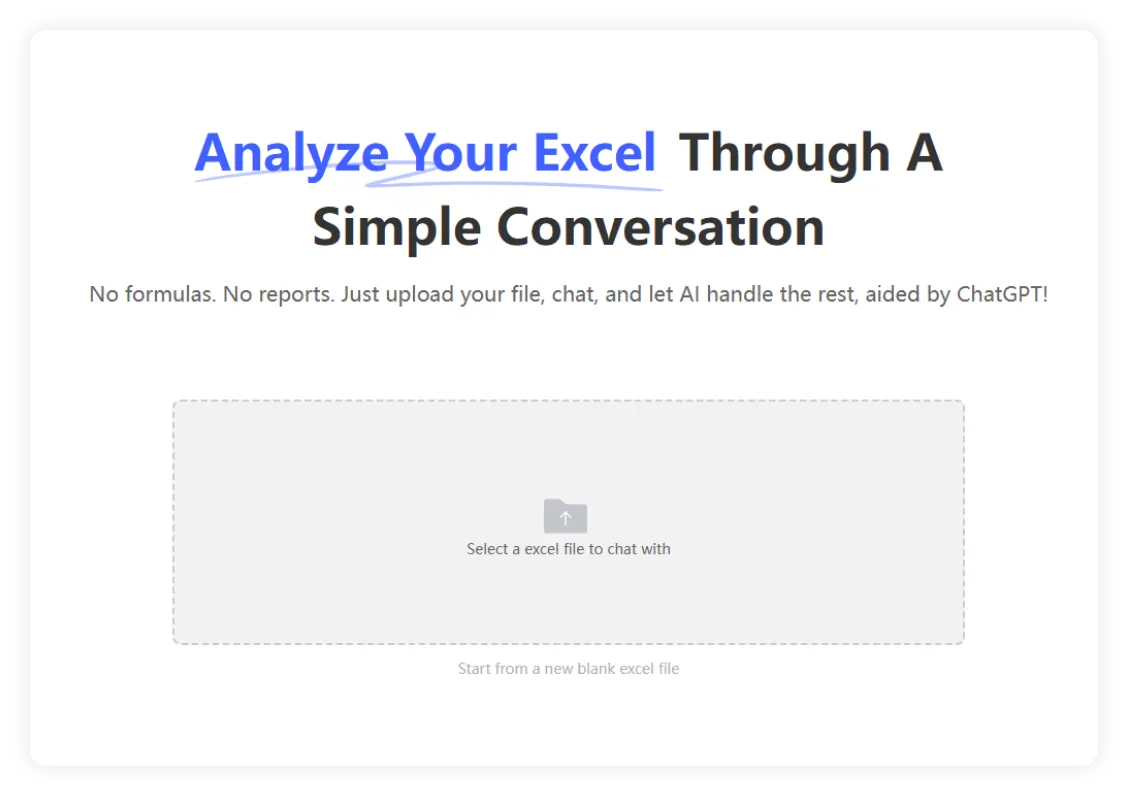
1. Upload an Excel or CSV file
Start with the files your team already uses: sales exports, finance sheets, inventory logs, marketing reports, or multi-sheet operational workbooks.
2. Ask a specific business question
Use plain English prompts like "Compare revenue by channel," "Find expense outliers," or "Show top products by margin."
3. Review insights and follow up
Get clear calculations, explanations, charts, and next-step questions. Then refine the analysis or move into dashboards and reports.
What RowSpeak can analyze
Built for the spreadsheet files business teams already have
Sales and revenue exports
Compare regions, channels, products, reps, margins, discounts, and period-over-period changes.
Finance and management workbooks
Review budget vs actuals, expense variance, cash flow, forecast drivers, and monthly reporting tables.
Inventory and operations trackers
Find stock risks, aging items, supplier issues, fulfillment gaps, and operational bottlenecks.
Marketing and customer datasets
Analyze campaign ROI, customer segments, acquisition channels, conversion trends, and retention patterns.
Example questions you can ask
Use RowSpeak like an analyst for your spreadsheet
Use RowSpeak Now
Why Choose RowSpeak?
Move from workbook to decision faster
RowSpeak reads your spreadsheet context, calculates the right summaries, and explains the result in business language so you can act without rebuilding the workbook.
Handle messy business exports
Use RowSpeak on operational files with inconsistent columns, multiple sheets, pasted exports, or manual reporting tables that are hard to analyze with static formulas.
Find trends, drivers, and exceptions
Ask RowSpeak to compare periods, identify outliers, segment performance, explain changes, or highlight the metrics that deserve management attention.
Continue into dashboards and reports
When the analysis is clear, turn the same spreadsheet workflow into charts, dashboard views, or narrative reporting instead of copying results between disconnected tools.
From raw data to usable output
RowSpeak is not just a formula helper or a generic chatbot
KPI summaries
Totals, rankings, growth rates, segment comparisons, and variance explanations.
Trend and driver analysis
Plain-language explanations of what changed, where it changed, and which rows or categories contributed.
Charts and dashboard paths
Use the analysis to create charts or continue into RowSpeak's Excel-to-dashboard workflow.
Report-ready narratives
Convert spreadsheet findings into concise explanations for finance reviews, sales updates, and leadership reports.
Spreadsheet analysis use cases for every team
Use RowSpeak to analyze recurring business files, explain changes, and prepare outputs for decisions.
For Business Analysts
Explore complex workbooks, validate trends, and turn raw exports into clear KPI summaries without writing SQL.
For Marketers
Analyze campaign performance, customer behavior, and channel ROI with simple spreadsheet questions.
For Managers
Review monthly performance, identify the drivers behind changes, and prepare concise updates for stakeholders.
Frequently Asked Questions
What is AI Excel data analysis?
AI Excel data analysis uses AI to read spreadsheet data, understand the structure, calculate summaries, find patterns, and explain results in plain English. With RowSpeak, you upload an Excel or CSV file and ask business questions directly.
Can RowSpeak analyze CSV files as well as Excel files?
Yes. RowSpeak is built for spreadsheet workflows across Excel workbooks, CSV exports, and common business data files used by finance, sales, marketing, operations, and management teams.
Do I need formulas, SQL, or BI setup?
No. You can ask RowSpeak what you want to know in plain English. RowSpeak handles the analysis steps behind the scenes and returns summaries, explanations, tables, charts, or follow-up recommendations.
What insights can RowSpeak find in a spreadsheet?
RowSpeak can summarize KPIs, compare periods, rank products or customers, detect outliers, explain revenue or cost changes, segment data, and identify patterns that are difficult to spot manually.
Can RowSpeak create charts from the analysis?
Yes. After RowSpeak analyzes your spreadsheet, you can ask for charts, visual summaries, or dashboard-style outputs so the findings are easier to share in reports and reviews.
Is RowSpeak suitable for finance, sales, and operations teams?
Yes. RowSpeak works well for recurring business files such as sales exports, budget vs actual reports, inventory trackers, marketing performance data, and management reporting workbooks.
Start analyzing your spreadsheet with AI
Upload an Excel or CSV file and ask RowSpeak for the trends, KPIs, charts, and explanations your next report needs.
Start Free Trial →