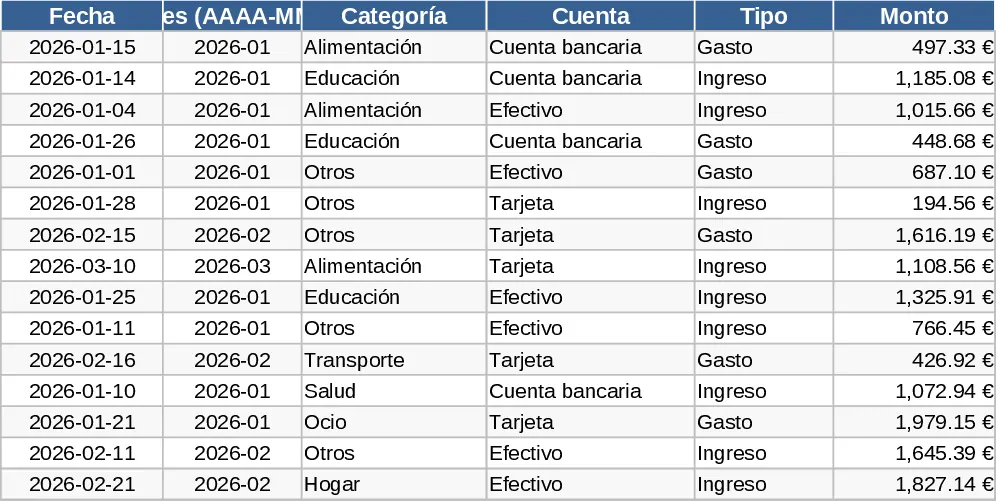
Comprehensive Multi-Tab Personal Budget and Expense Tracker Template
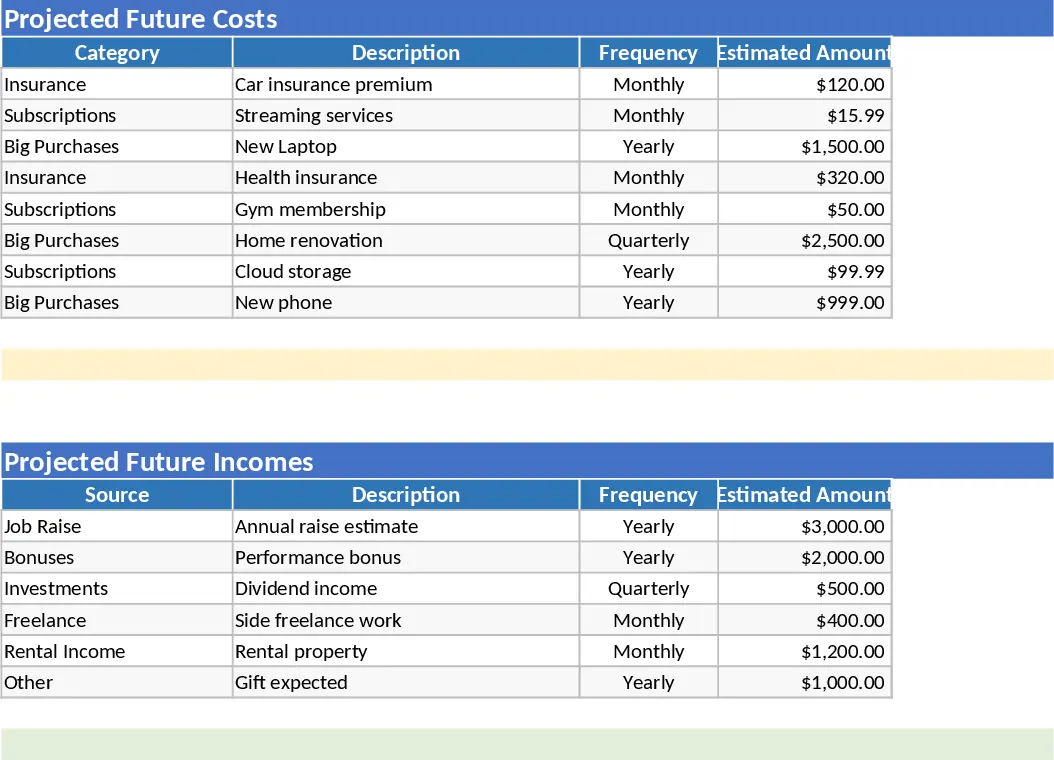
This Comprehensive Multi-Tab Personal Budget Workbook is a professional-grade financial management tool designed to give you a 360-degree view of your money. Unlike simple spreadsheets that just list numbers, this workbook uses a structured relational approach, separating raw data entry from analytical reporting. It helps you move beyond just recording transactions to actually understanding your spending habits and forecasting your future financial health through automated logic.
The workbook is organized into five specialized sheets to streamline your workflow. The Transactions sheet serves as your primary data entry point, featuring color-coded rows and dropdown menus to ensure data consistency. The Income and Expense Breakdown sheets act as automated ledgers that aggregate your spending by category and phase code using built-in formulas. For high-level analysis, the Dashboard provides a minimal yet powerful summary of your Month-to-Date (MTD) and Year-to-Date (YTD) performance, alongside hybrid projections that estimate your end-of-month totals based on current spending velocity. Finally, the Lists sheet allows you to customize the entire experience by defining your own categories and tracking codes.
This template is ideal for individuals, families, or freelancers who need more than a basic list of expenses. It solves the common problem of financial fragmentation by centralizing all data and providing instant visual feedback. Whether you are saving for a major purchase, managing a household budget, or simply trying to reduce unnecessary spending, the inclusion of Phase Codes allows you to track specific projects or life events—like a home renovation or a vacation—separately from your daily costs.
How to use:
- Start in the Lists tab to define your unique income sources, expense categories, and any specific phase codes you want to track for special projects.
- Enter your daily spending and earnings in the Transactions tab, using the dropdown menus to categorize each item and trigger the automatic color-coding.
- Visit the Dashboard tab to review your progress against targets and check the automated projections to see if you need to adjust your spending for the remainder of the month.
By using this structured approach, you can expect to save hours of manual calculation time and gain the peace of mind that comes from knowing exactly where every dollar is going.
Similar Templates Recommendation
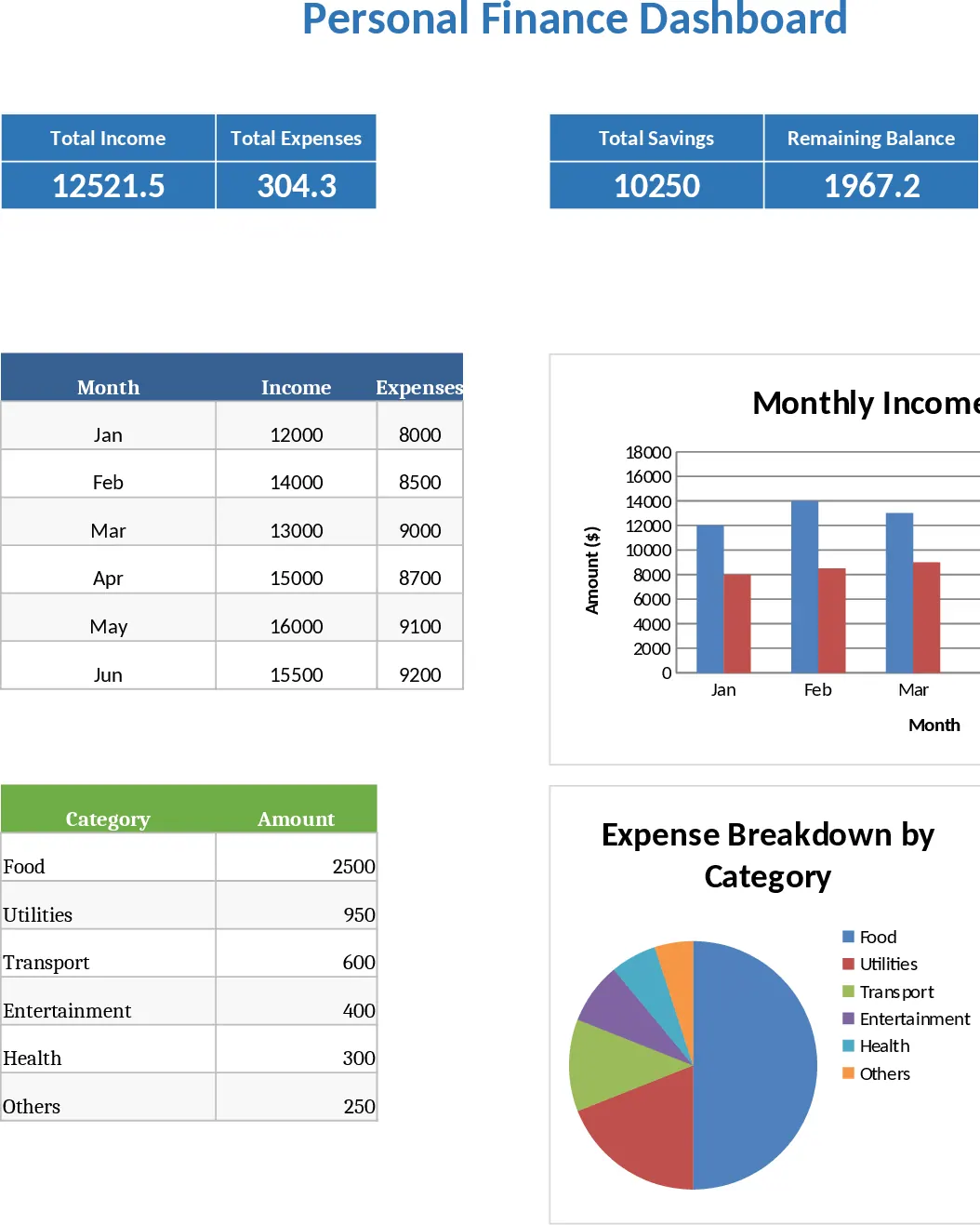
Beginner-Friendly Personal Finance Dashboard and Budget Planner Template
Manage your money effectively with automated dashboards, budget planners, and expense trackers designed for beginners to achieve financial goals.
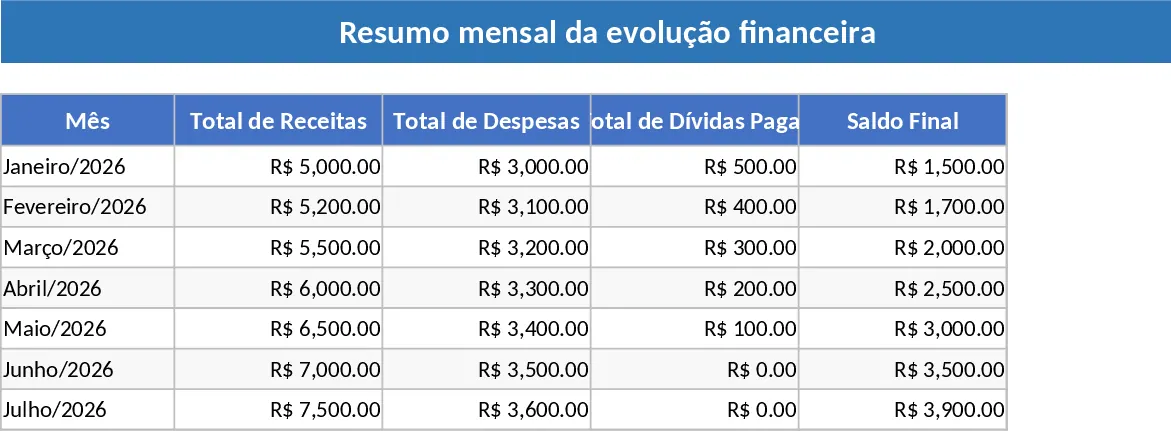
Debt Repayment and Budget Tracker Template
Track income, debts, fixed and variable expenses, and create a repayment schedule to achieve financial stability and savings.
Personal Monthly Budget and Expense Tracker with Transaction Log and Cash Flow Template
Take control of your personal finances by tracking daily expenses against monthly budget goals with automated summaries and visual dashboards.