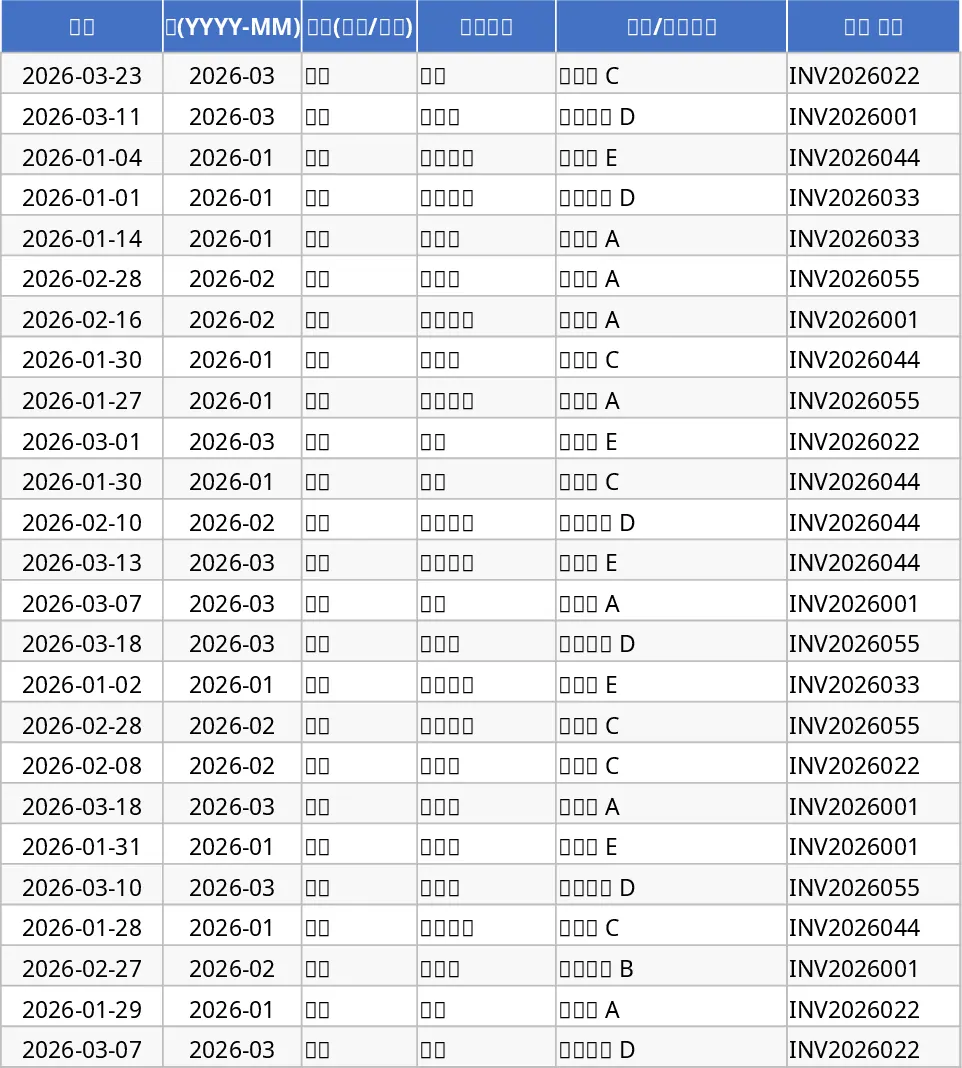
Small Business Cash Flow Tracker and Dashboard with Income Tracking Template
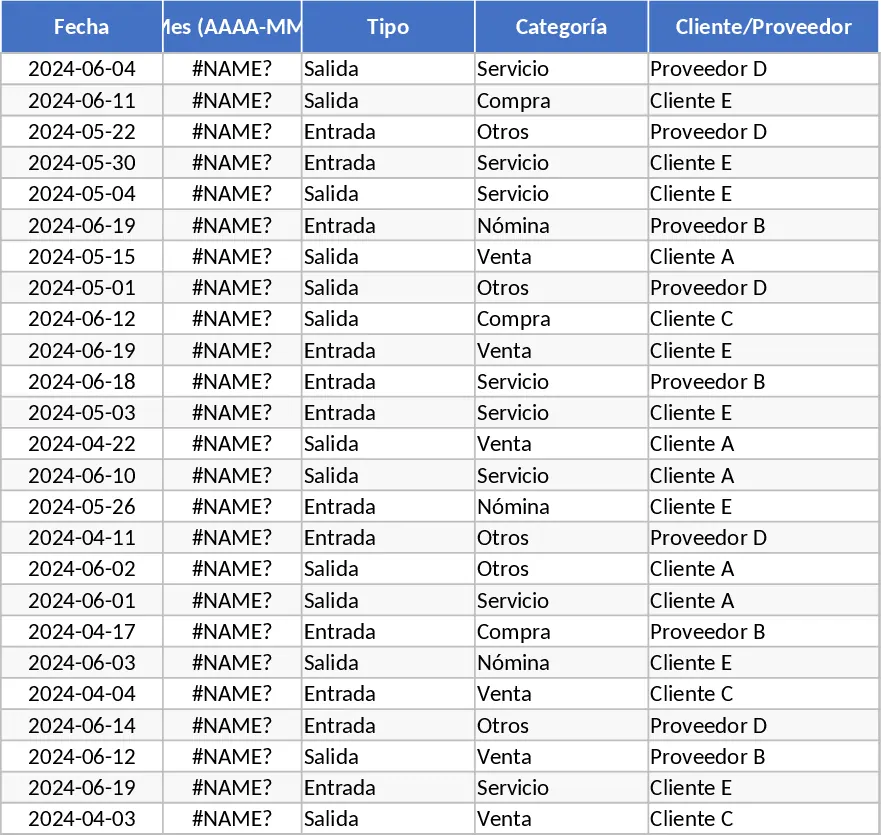
Managing the financial health of a small business requires more than just looking at a bank balance; it demands a clear view of where money comes from and where it goes. This Business Cash Flow Tracker provides a structured environment to record every transaction, from sales revenue to utility payments. The template is organized into three core sections: a detailed Transaction Log, an automated Monthly Summary, and a visual Dashboard. In the Transaction Log, you can input dates, categories, and payment methods, while the system automatically calculates monthly periods and ensures data integrity. The inclusion of fields like Invoice Reference and Tax ensures that your records are audit-ready and professional.
This tool is essential for small business owners, freelancers, and finance managers who need to avoid liquidity crises and maintain a steady operational rhythm. By categorizing inflows and outflows, you can identify which months have the highest expenses and which clients contribute most to your revenue. It solves the common problem of invisible spending by forcing a systematic record of every dollar. Instead of manually calculating totals at the end of the month, the Monthly Summary sheet provides an instant snapshot of your net cash flow and cumulative balance. This cumulative logic—where the ending balance of one month rolls over to the next—is crucial for understanding your actual available capital over time.
The visual Dashboard transforms raw numbers into actionable insights. With built-in charts showing net flow trends and category breakdowns, you can quickly spot financial patterns without digging through rows of data. It helps you track top-performing clients and major suppliers, ensuring you maintain healthy business relationships while keeping costs under control. The bar charts for category breakdowns allow you to see exactly which parts of your business are consuming the most cash, whether it is inventory, rent, or marketing. Whether you are preparing for tax season, seeking a loan, or just trying to stay profitable, having this organized financial history is invaluable for making informed decisions.
To get started, follow these steps:
- Navigate to the Cash Transactions sheet and enter your initial transactions, selecting the appropriate Type (Inflow or Outflow) and Category from the dropdown menus to maintain data consistency.
- Fill in the Amount and Tax fields; the template is designed to automatically generate the Month (YYYY-MM) format based on your date entry, which powers the summary logic.
- Review the Monthly Summary sheet regularly to monitor your total inflows, outflows, and the resulting ending balance to ensure you have enough liquidity for upcoming obligations.
- Visit the Cash Flow Dashboard to visualize your financial trends through automated charts, allowing you to identify your primary sources of income and expenditure at a glance.
Using this template significantly reduces the time spent on manual bookkeeping and provides a professional, high-level overview of your business finances with minimal effort.
Similar Templates Recommendation
Small Business Cash Flow Tracker and Dashboard with Transaction Log Template
Track daily business transactions, monitor monthly net cash flow, and visualize financial health with automated summaries and interactive dashboards.
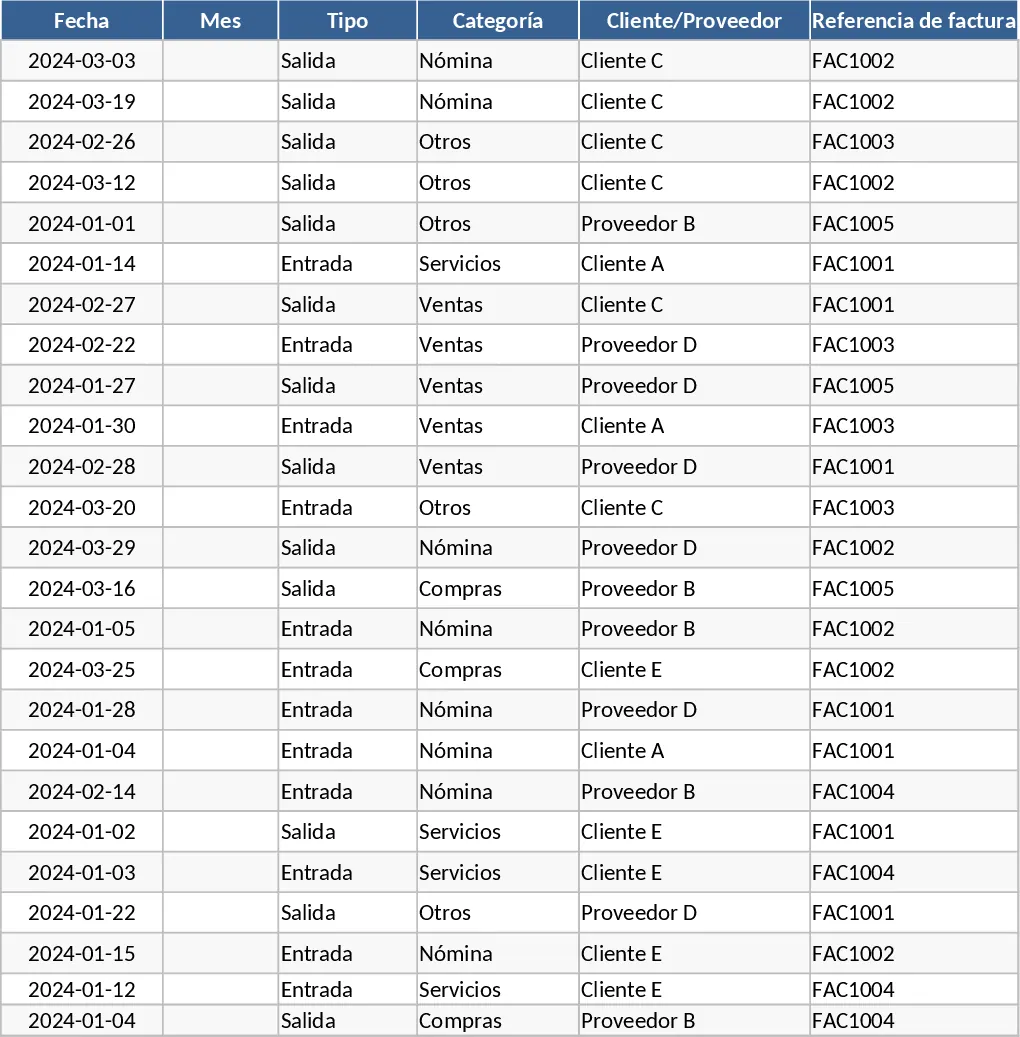
Advanced Small Business Cash Flow Management Template
Track daily transactions and monitor financial health with this professional cash flow template featuring automated dashboards and monthly summaries.
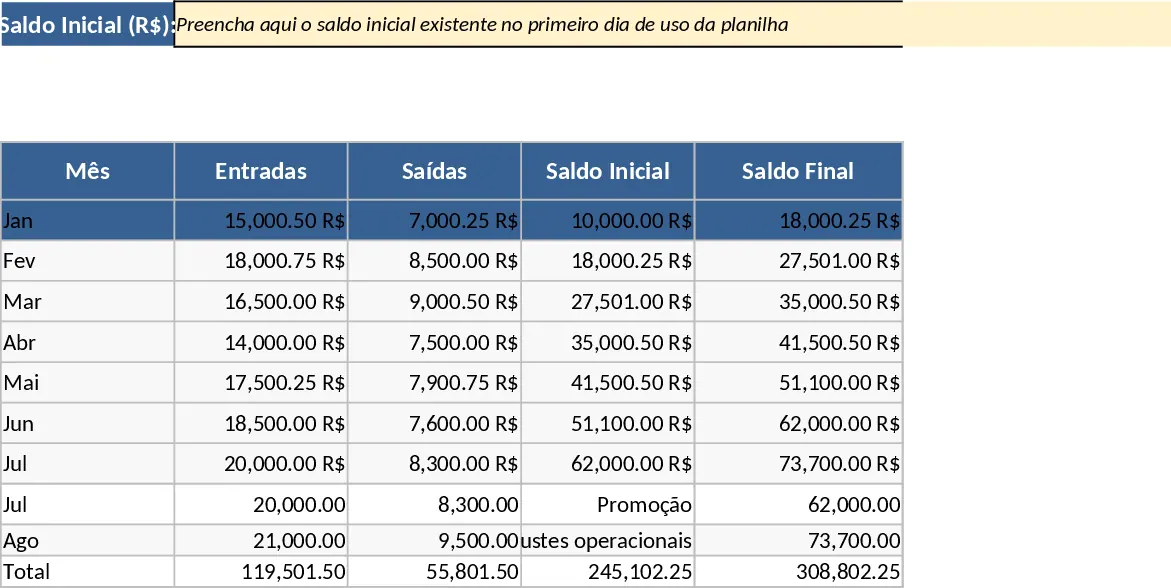
Small Business Cash Flow Tracker and Dashboard with Charts Template
Monitor your business liquidity with this streamlined three-sheet tracker featuring automated monthly summaries and visual cash flow dashboards.