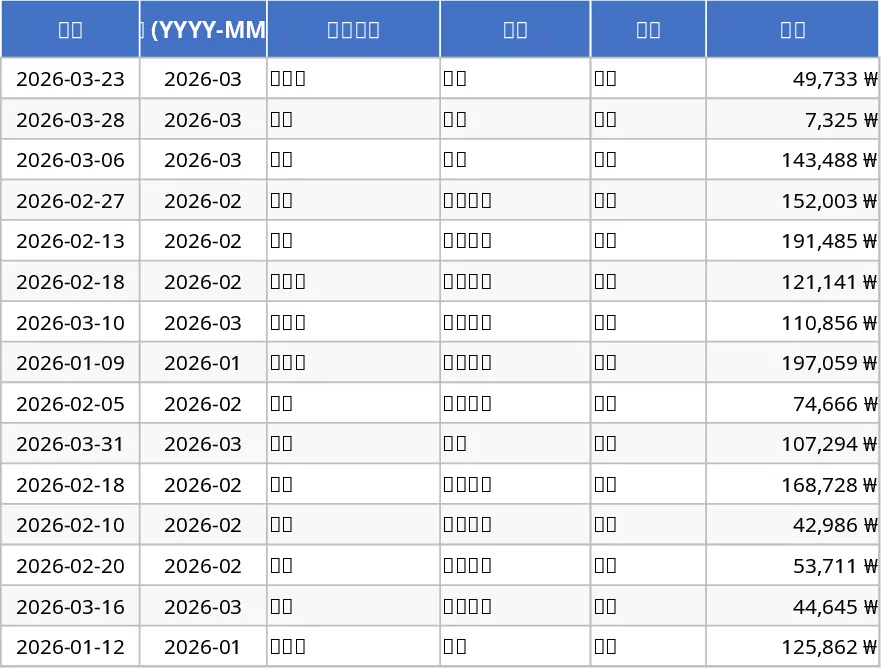
Personal Monthly Budget and Expense Tracker with Dashboard and Cash Flow Template
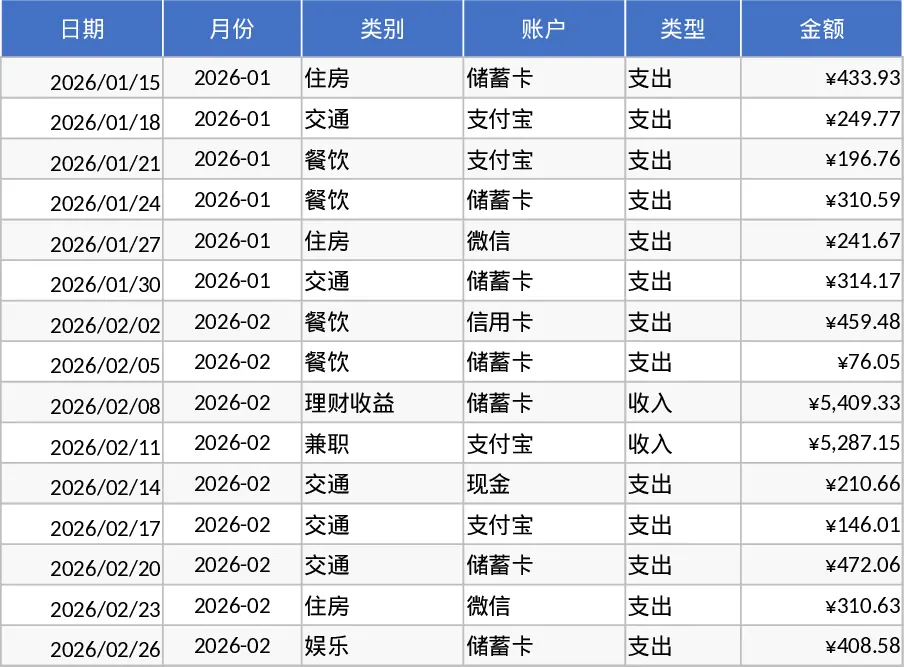
This Personal Monthly Budget and Expense Tracker is a comprehensive financial tool designed to bring clarity to your spending habits. The template is organized into three specialized sections: a Transaction Log for daily entries, a Budget Planning sheet for goal setting, and a dynamic Data Dashboard for visual analysis. By using standardized dropdown menus for categories, accounts, and payment methods, the template ensures your data remains clean and organized, while automated formulas handle all the heavy lifting of calculating totals and variances.
Managing personal finances often feels overwhelming when data is scattered across different apps or receipts. This template solves that problem by centralizing your income and outgoings in one place. It helps you identify exactly where your money goes—whether it is dining out, rent, or subscription services—allowing you to make informed adjustments to your lifestyle. The built-in conditional formatting immediately flags categories where you have exceeded your budget, providing a proactive way to curb impulsive spending and reach your savings goals faster.
This tool is ideal for individuals, students, or households who want to gain better visibility into their cash flow. Whether you are saving for a major purchase or simply trying to maintain a tighter grip on your monthly overhead, this template provides the structure needed to maintain financial discipline. It transforms raw numbers into actionable insights, such as your top 10 spending merchants and weekly expenditure trends, making it easier to spot patterns and optimize your budget over time.
How to use:
- Start by defining your custom budget categories and setting your monthly spending limits in the Budget Planning sheet.
- Record your daily income and expenses in the Transaction Records sheet, ensuring you select the correct category and date so the automated month-generator can group your data.
- Monitor the Budget Planning sheet for 'Overspent' alerts and visit the Data Dashboard to view your net savings and spending distribution charts.
By using this template, you can expect to significantly reduce the time spent on manual bookkeeping while gaining a professional-grade overview of your financial status with zero complex setup required.
Similar Templates Recommendation
Personal Monthly Budget and Expense Tracker with Savings Goals Template
Manage your personal finances by tracking daily transactions against monthly budgets with automated summaries and visual dashboard insights.
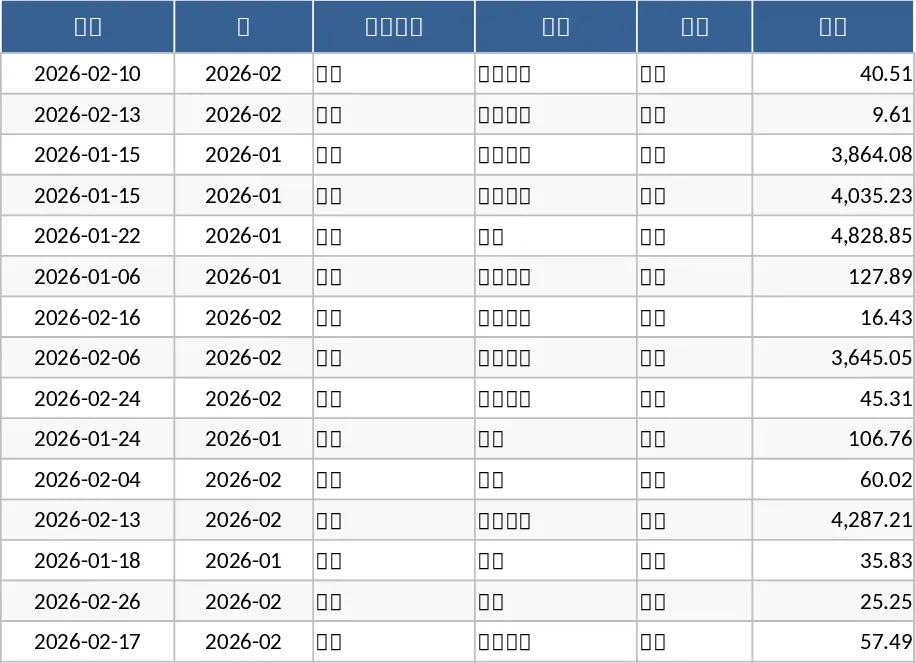
Monthly Personal Budget and Expense Tracker with Transaction Log Template
Take control of your finances by tracking daily expenses against monthly budgets with automated summaries and visual spending insights.
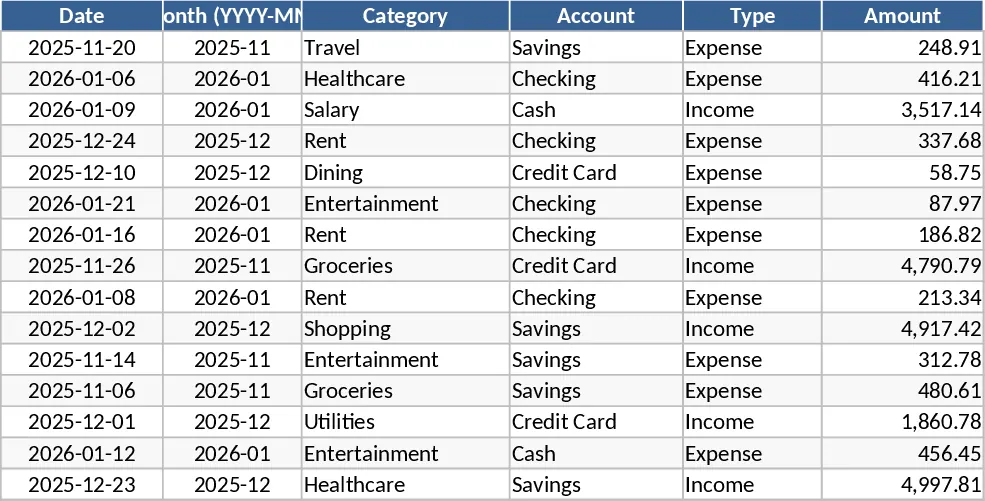
Personal Monthly Budget and Expense Tracker with Transaction Log and Category Budgets Template
Manage your personal finances by tracking daily transactions, setting monthly category budgets, and visualizing spending habits with an automated dashboard.