Personal Monthly Budget and Expense Tracker with Dashboard and Payment Methods Template

The Personal Monthly Budget & Expense Tracker is a robust Excel solution designed to bring clarity and discipline to your financial life. Managing personal finances is often a challenge of consistency and organization; this template addresses both by providing a structured environment to record, analyze, and optimize your spending. It is built with three specialized sheets that work in harmony to provide a 360-degree view of your cash flow.
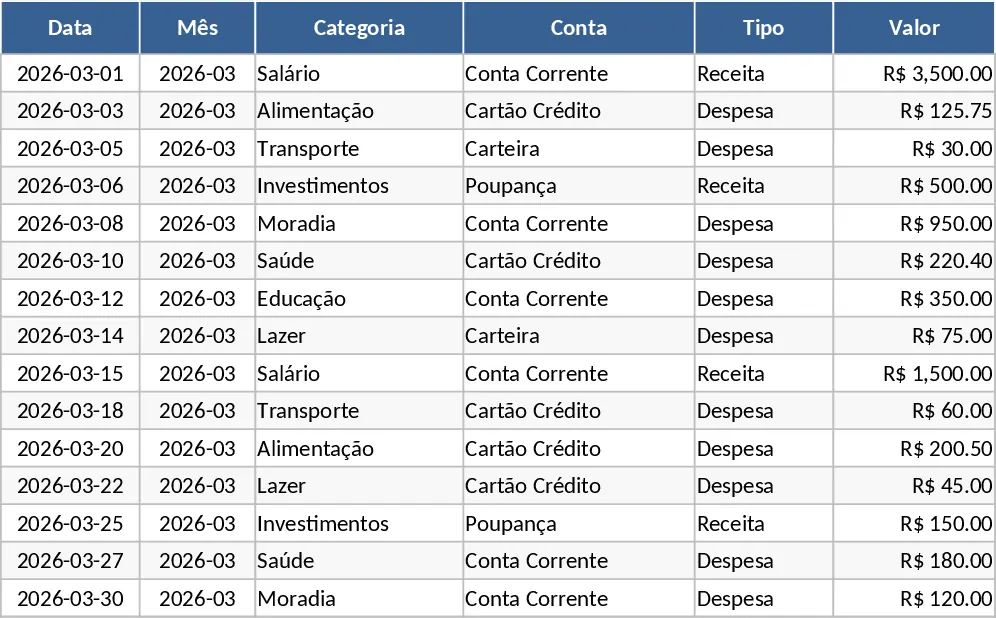
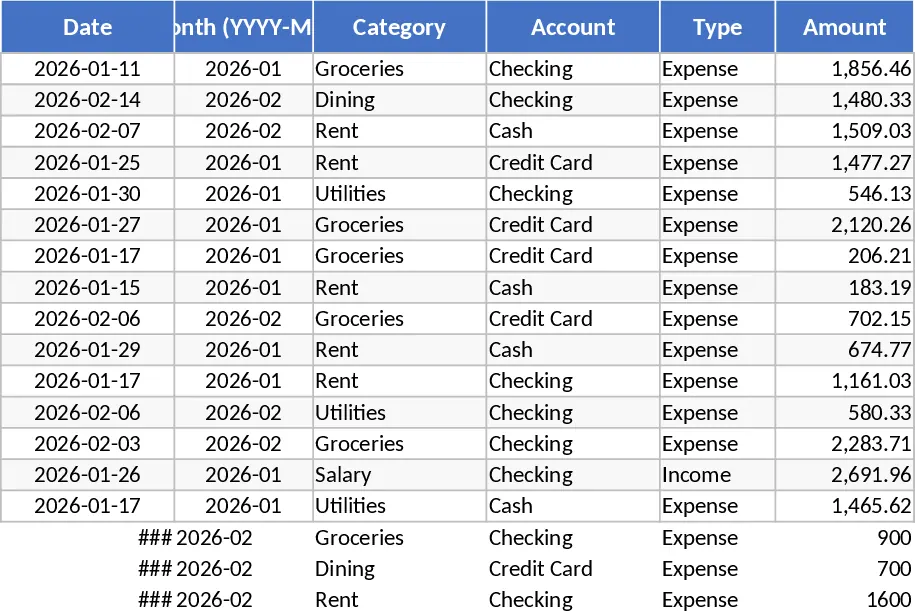
The Transactions sheet is the heart of the template. It is designed for rapid and accurate data entry, featuring columns for Date, Category, Account, Type (Income or Expense), Amount, Merchant, and Payment Method. To maintain data integrity, the template utilizes dropdown lists for categories and accounts, preventing typos that could break your reports. A key feature is the auto-derived Month column, which uses a formula to extract the period from your date entry, ensuring that your monthly summaries are always perfectly aligned without manual intervention. This sheet also includes a Notes section for specific details about individual purchases, making it easy to audit your spending later.
The Budget Plan sheet serves as your financial roadmap. Here, you list your spending categories and assign a target budget to each. The template automatically pulls data from your transactions to calculate your Actual Spend in real-time. The Variance column shows exactly how much room you have left in your budget, while the Over-Budget Flag uses conditional formatting to highlight categories where you have exceeded your limits in bright red. This immediate visual feedback is crucial for making mid-month adjustments to your spending habits.
For those who prefer visual data, the Dashboard sheet transforms your numbers into easy-to-understand graphics. It displays your Total Income, Total Expenses, and Net Savings as prominent KPIs at the top. Below these figures, a Category Distribution pie chart shows you exactly what percentage of your money goes to housing, groceries, entertainment, or transport. A Weekly Spend Trend line chart helps you identify which parts of the month are the most expensive, while the Top 10 Merchants table identifies the specific businesses where you spend the most.
This template is ideal for anyone looking to move away from messy notebooks or basic lists. It helps solve the problem of identifying where your money goes by providing a clear trail of every transaction. It is particularly beneficial for freelancers managing irregular income, families looking to cut costs, or anyone saving for a major purchase like a home or a car. The structure is easily extendable, allowing you to add new categories or accounts as your financial situation evolves.
How to use:
- Start by customizing your categories in the Budget Plan sheet and entering your monthly spending targets for each.
- Record every transaction in the Transactions sheet as it happens, ensuring you select the correct Category and Type from the dropdown menus.
- Regularly check the Dashboard to monitor your savings progress and use the merchant list to identify areas where you can reduce frequency or negotiate better deals.
Expected benefits: This tool significantly reduces the time spent on financial administration and provides the visual insights needed to boost your savings rate and reduce unnecessary debt.
Similar Templates Recommendation
Personal Monthly Budget and Expense Tracker with Dashboard and Category Breakdown Template
Track daily expenses and income while comparing actual spending against monthly budget goals with this comprehensive personal finance dashboard.
Personal Monthly Budget and Expense Tracker with Expense Analysis Template
Track your daily spending, manage monthly budgets by category, and visualize your financial health with an automated dashboard.
Monthly Personal Budget and Expense Tracker Dashboard Template
Track daily expenses, set monthly category budgets, and visualize your savings and spending trends with an automated financial dashboard.