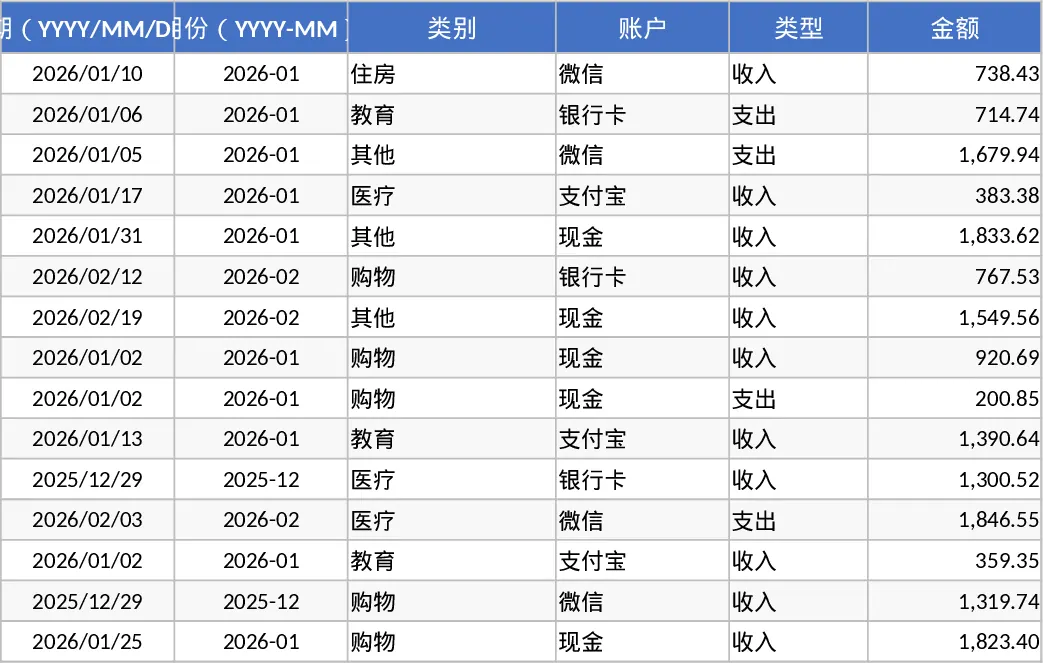
Expense Tracking Table Template
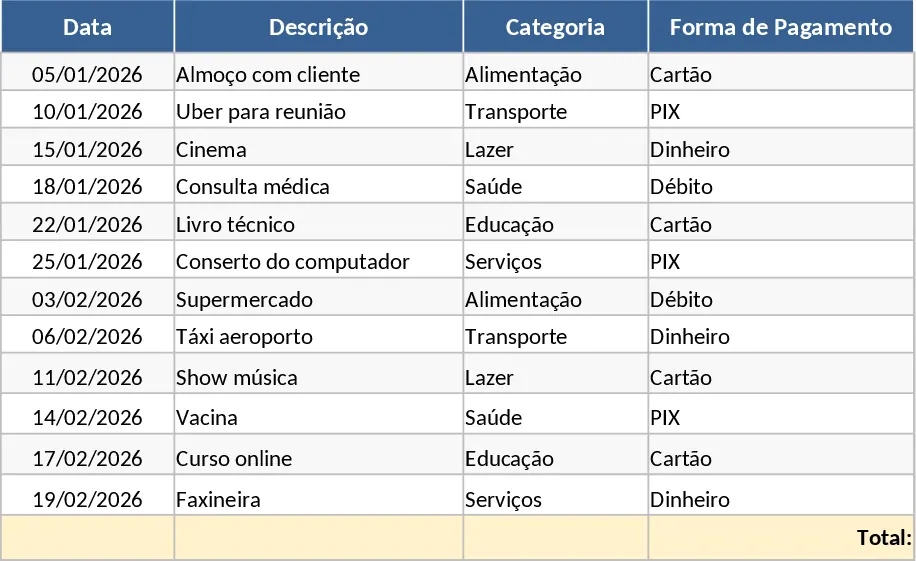
Managing finances effectively starts with accurate data, and this Financial Expense Table provides the perfect foundation for anyone looking to master their money. The template is organized into intuitive sections, starting with a configuration area where you can define your own spending categories and payment methods. The core of the template is the transaction ledger, which includes essential fields such as date, description, category, amount, and status. This structure ensures that every dollar is accounted for and categorized correctly, preventing the common problem of missing funds at the end of the month. By centralizing your records, you can easily identify patterns in your spending and find opportunities to save.
This tool is incredibly useful for individuals who feel overwhelmed by their monthly bills or small business owners who need a lightweight way to track operational costs without investing in expensive software. By using this template, you solve the problem of fragmented financial information. Instead of checking multiple bank apps or credit card statements, you have a single source of truth. The benefit is a clear, visual representation of your financial habits, which is the first step toward meaningful behavioral change and increased savings. It helps you produce a clear monthly summary that highlights your biggest spending leaks and ensures you stay within your financial limits.
The template is ideal for anyone from students managing a tight budget to professionals tracking reimbursable work expenses. It helps you produce a clear monthly summary that highlights your biggest spending leaks. Because the template uses standard Excel logic, it is easy to customize further if you have specific needs, such as adding tax calculations or currency conversions. The primary goal is to provide a frictionless way to log data so that tracking becomes a habit rather than a chore. Having all your data in one place allows for better long-term planning and helps you prepare for future financial goals with confidence.
How to use:
- Start by visiting the Settings sheet to input your custom expense categories like Rent, Groceries, or Utilities to tailor the template to your life.
- Enter each new expense into the Transaction Log as it occurs, selecting the date and category from the dropdown menus for consistency.
- Check the Summary or Dashboard sheet to view your total spending and see a visual breakdown of costs by category for the current period.
- Use the monthly totals to compare your actual spending against your planned budget to stay on track and adjust your habits accordingly.
Expected benefits: This template significantly reduces the time required to organize financial records and provides the clarity needed to make informed spending decisions and reach your financial goals faster.
Similar Templates Recommendation
Simple Expense Tracker Template
Track your daily expenses, manage monthly budgets, and visualize spending patterns to achieve better financial health and savings.
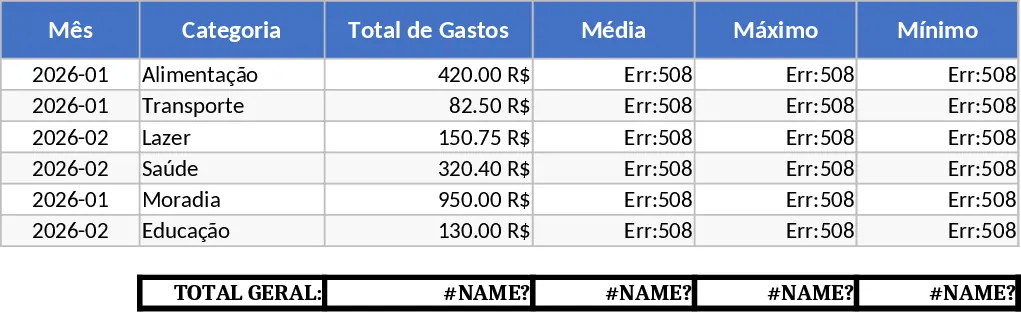
Personal Monthly Budget and Expense Tracker with Category Budgets Template
Take control of your finances by tracking daily transactions, setting monthly budgets, and visualizing spending habits with an automated dashboard.
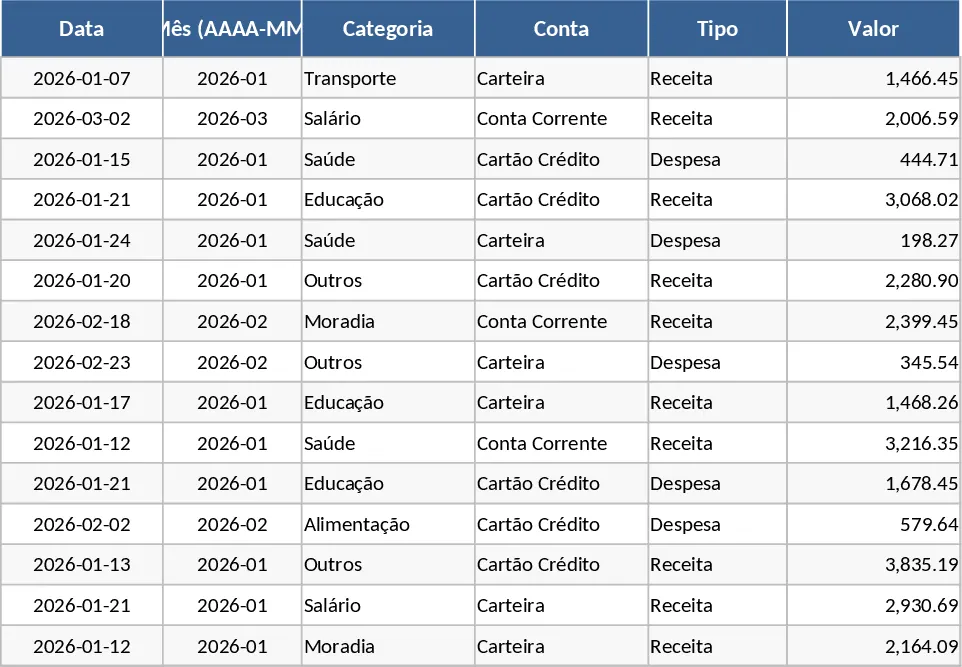
Personal Monthly Budget and Expense Tracker with Transaction Log and Expense Analysis Template
Manage your personal finances by tracking daily expenses, setting monthly budgets, and visualizing spending habits with an automated dashboard.