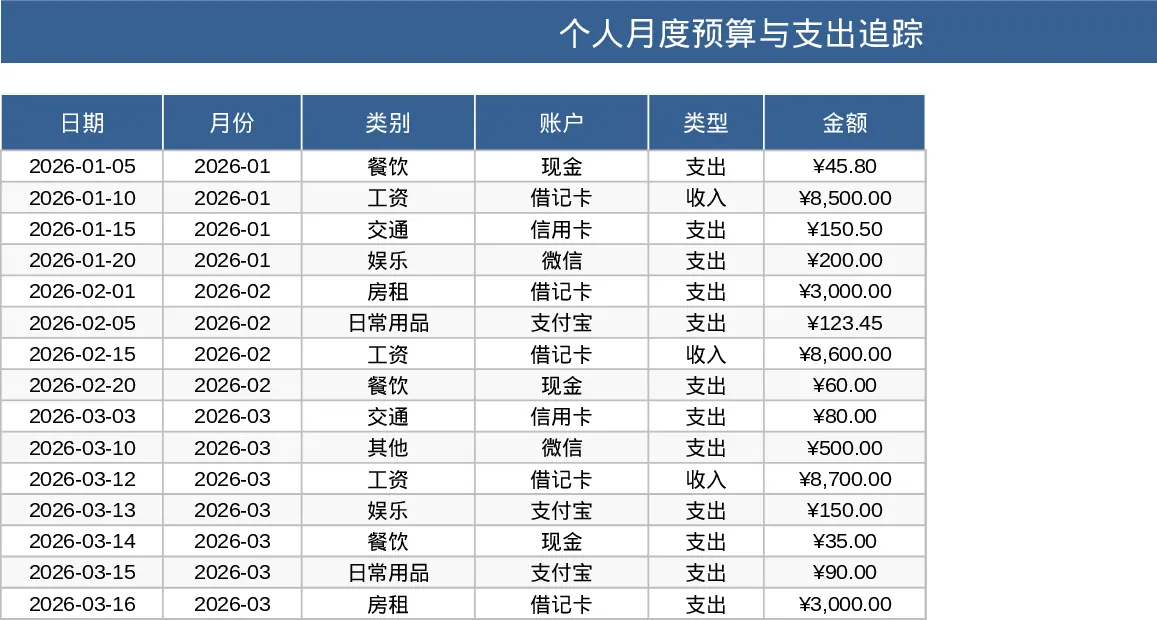
Personal Monthly Budget and Expense Tracker with Transaction Log and Budget Plan Template
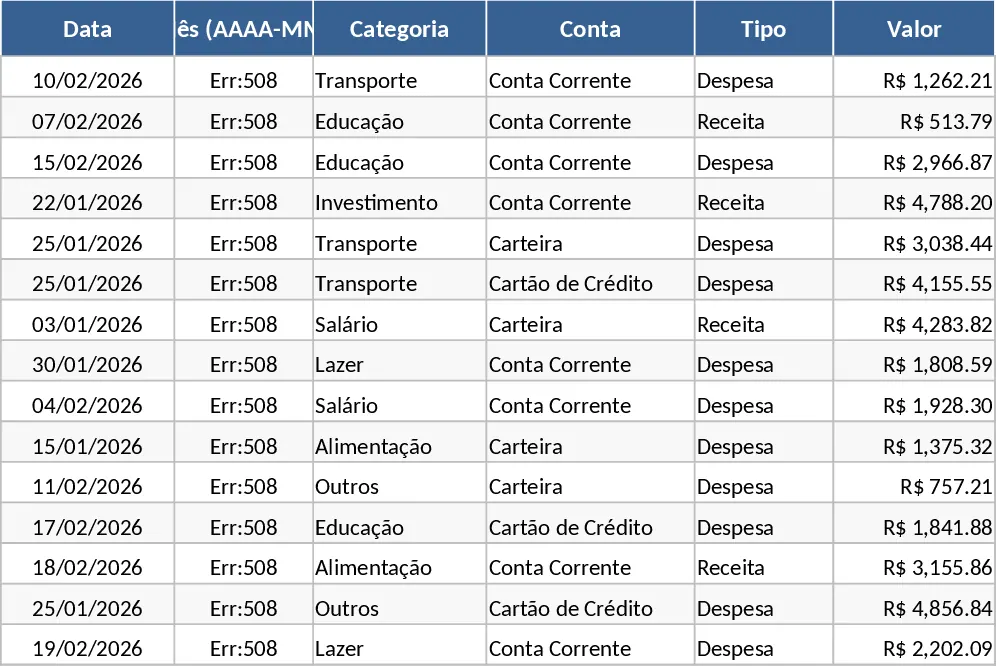
The Personal Monthly Budget and Expense Tracker is a comprehensive Excel solution designed to help you master your money management and achieve financial discipline. Navigating personal finances can often feel overwhelming, but this template simplifies the process by providing a structured environment to record, categorize, and analyze every transaction. It is built with three specialized sheets—Transactions, Budget Plan, and Dashboard—that work in harmony to give you a 360-degree view of your financial health.
The core of the template is the Transactions sheet, where you log your daily activities. It features automated month derivation from dates and user-friendly dropdown menus for categories, accounts, and payment methods. This ensures that your data remains clean and consistent, which is vital for accurate reporting. You can track the date, amount, merchant, and even add specific notes for each entry. The logic behind the template ensures that your income and expenses are separated clearly, allowing for a precise calculation of your remaining balance.
The Budget Plan sheet acts as your strategic command center. Here, you set your monthly expectations for various categories like housing, groceries, entertainment, and utilities. The template automatically pulls data from your transaction logs to compare actual spending against your budget. It calculates the variance and uses color-coded indicators to alert you with a red Over-budget signal when you have exceeded your limits. This immediate feedback loop is essential for adjusting your spending habits before the month ends.
This tool is particularly useful for anyone looking to break the paycheck-to-paycheck cycle or for those who want to reach specific savings goals. By seeing exactly where your money goes, you can make proactive adjustments to your lifestyle. It solves the common problem of fragmented financial information by consolidating bank accounts, cash expenses, and credit card payments into one single source of truth. Whether you are a student, a professional, or managing a household, this template provides the structure needed to stay on top of your bills and savings.
The visual Dashboard is the highlight of the template, transforming raw numbers into actionable insights. You can instantly see your total income versus total expenses and your net savings for the period. The category pie chart highlights your biggest spending areas, while the weekly trend line helps you understand your spending rhythm throughout the month. Additionally, the Top 10 Merchants list reveals exactly which businesses are receiving most of your funds, allowing for better negotiation or substitution of services.
How to use:
- Start by customizing your categories and entering your monthly spending targets in the Budget Plan sheet to establish your financial boundaries.
- Record your daily income and expenses in the Transactions sheet; simply enter the date and amount, then use the dropdowns to classify the account and payment method.
- Regularly check the Dashboard to monitor your progress, looking for the Over-budget indicators in the Budget Plan to see where you need to cut back.
- Use the Top 10 Merchants and Category charts at the end of the month to identify specific areas where you can reduce costs for the following month.
Expected benefits: This template significantly reduces the time spent on manual calculations and provides the peace of mind that comes with total financial transparency and organized record-keeping.
Similar Templates Recommendation
Personal Monthly Budget and Expense Tracker with Category Budgets Template
Take control of your finances by tracking daily transactions, setting monthly budgets, and visualizing spending habits with an automated dashboard.
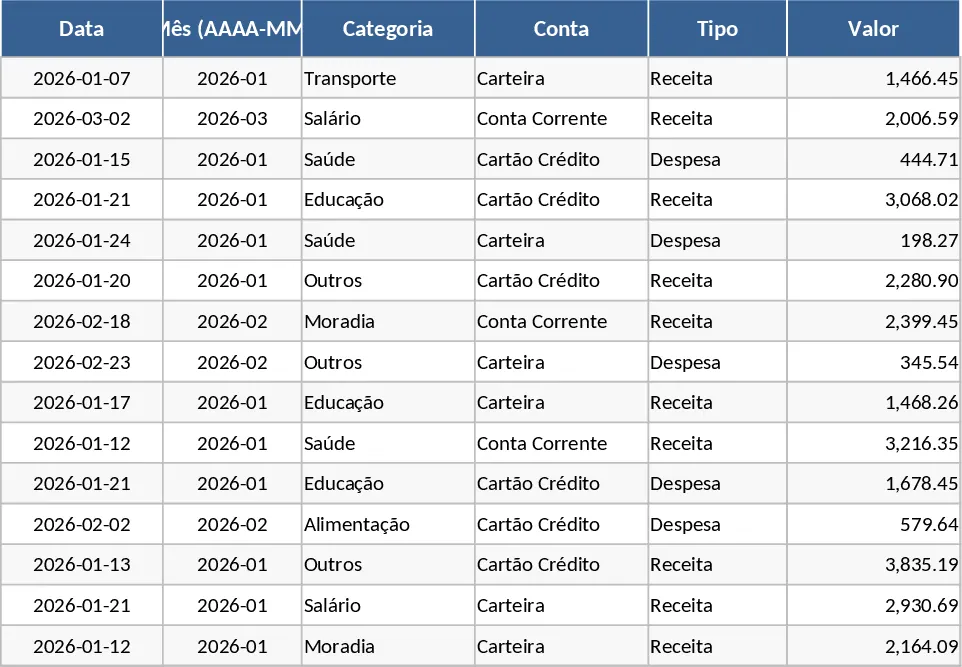
Monthly Personal Finance and Expense Tracker with Performance Charts Template
Track monthly income and expenses with visual charts to monitor your net savings and financial health over time.
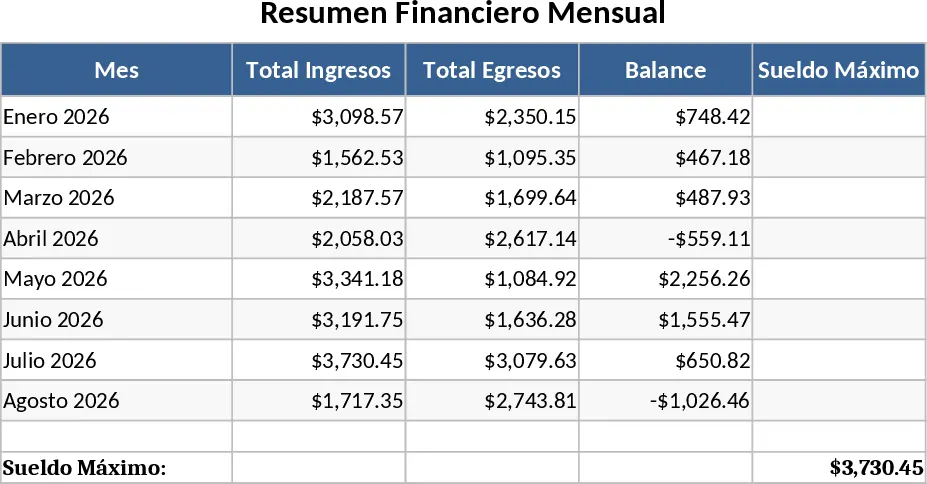
Personal Monthly Budget and Expense Tracker with Budget Plan and Category Budgets Template
Manage personal finances by tracking daily transactions, setting category budgets, and visualizing spending habits with an automated dashboard.