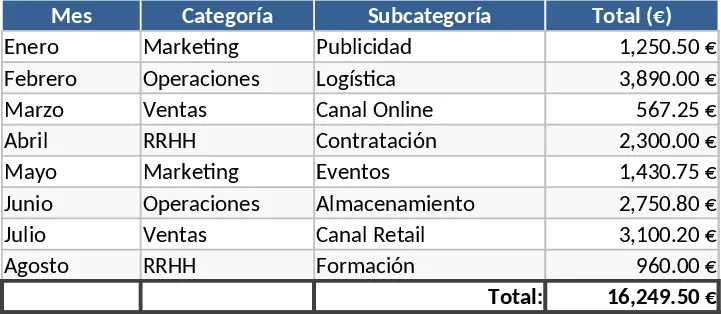
Portuguese Personal Finance and Budget Tracker Template
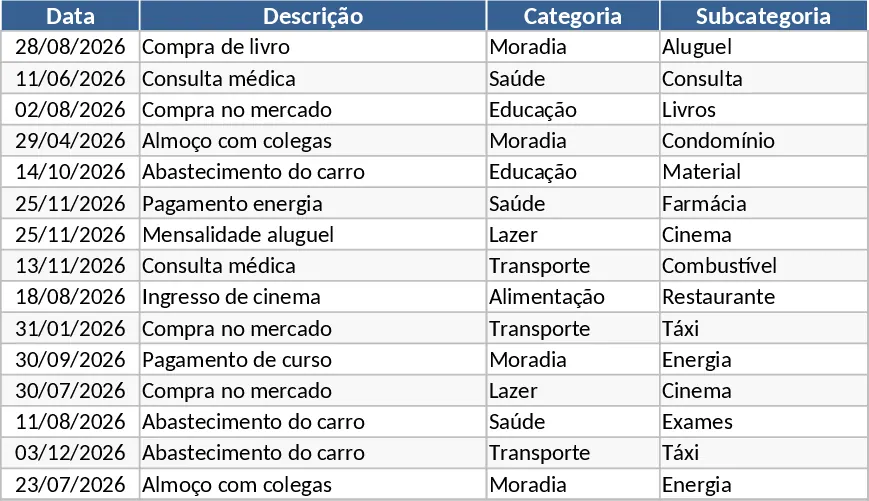
Achieving financial freedom starts with understanding exactly where your money goes. This Comprehensive Personal Expense Control template is a professional-grade tool designed for both Excel and Google Sheets, offering a seamless way to bridge the gap between daily spending and long-term financial goals. Unlike basic lists, this template provides a multi-layered approach to money management, featuring dedicated sections for transaction logging, category customization, and high-level analytical dashboards. It is built to handle the complexities of modern life, including various payment methods like Pix, debit, and credit cards, while specifically addressing the need to track multi-month installments and pending payments.
The structure of the template is centered around a powerful Transactions engine. Here, you can record every movement with precision, using dropdown menus for categories and payment types to maintain data integrity. The inclusion of an installment tracker is particularly useful for managing credit card purchases, allowing you to see exactly which payment you are on (e.g., 2/6) and whether the status is paid or pending. This level of detail ensures that your projected balance is always accurate, helping you avoid late fees or unexpected overdrafts. Complementing this is the Categories tab, where you can define your own financial ecosystem. By labeling expenses as Essential or Superfluous, the template helps you perform a qualitative analysis of your spending, making it easier to identify which costs can be cut during tighter months.
For those who want to see the big picture without digging through rows of data, the Monthly Summary and Budgeting tabs provide instant clarity. The summary automatically calculates your total inflows and outflows, presenting a net balance and a ranking of your top five spending categories. Dynamic charts, including pie charts for category distribution and line graphs for monthly trends, turn raw numbers into a visual story of your financial health. Meanwhile, the Budgeting section acts as your financial guardrail. By setting monthly targets for each category, you can compare your actual spending in real-time. The template uses automated conditional formatting to highlight over-budget categories in red, providing an immediate visual cue to adjust your behavior before the month ends.
This tool is ideal for anyone from students managing their first paycheck to families coordinating complex household budgets. It eliminates the stress of manual calculations and the confusion of fragmented notes. By centralizing your financial data, you gain the confidence to make informed decisions, whether you are saving for a vacation, paying down debt, or looking to increase your monthly investments. The clean, user-friendly layout with frozen headers and optimized currency formatting ensures that the experience is as intuitive as it is powerful.
How to use:
- Navigate to the Categories tab to define your personal spending groups and mark them as essential or superfluous to tailor the logic to your lifestyle.
- Set your monthly spending limits in the Budget tab for each category to establish your financial boundaries for the period.
- Record all income and expenses in the Transactions tab as they occur, making sure to utilize the installment and status columns for credit purchases.
- Review the Monthly Summary dashboard at the end of each week to visualize your progress through automated charts and adjust your spending if you see red alerts in the budget comparison.
Expected benefits: Gain total transparency over your cash flow and significantly reduce the time spent on manual bookkeeping while identifying clear opportunities for monthly savings.
Similar Templates Recommendation
Comprehensive Personal Finance Dashboard and Savings Tracker Template
Track daily expenses, manage multiple income streams, and visualize your savings goals with this comprehensive personal finance dashboard.
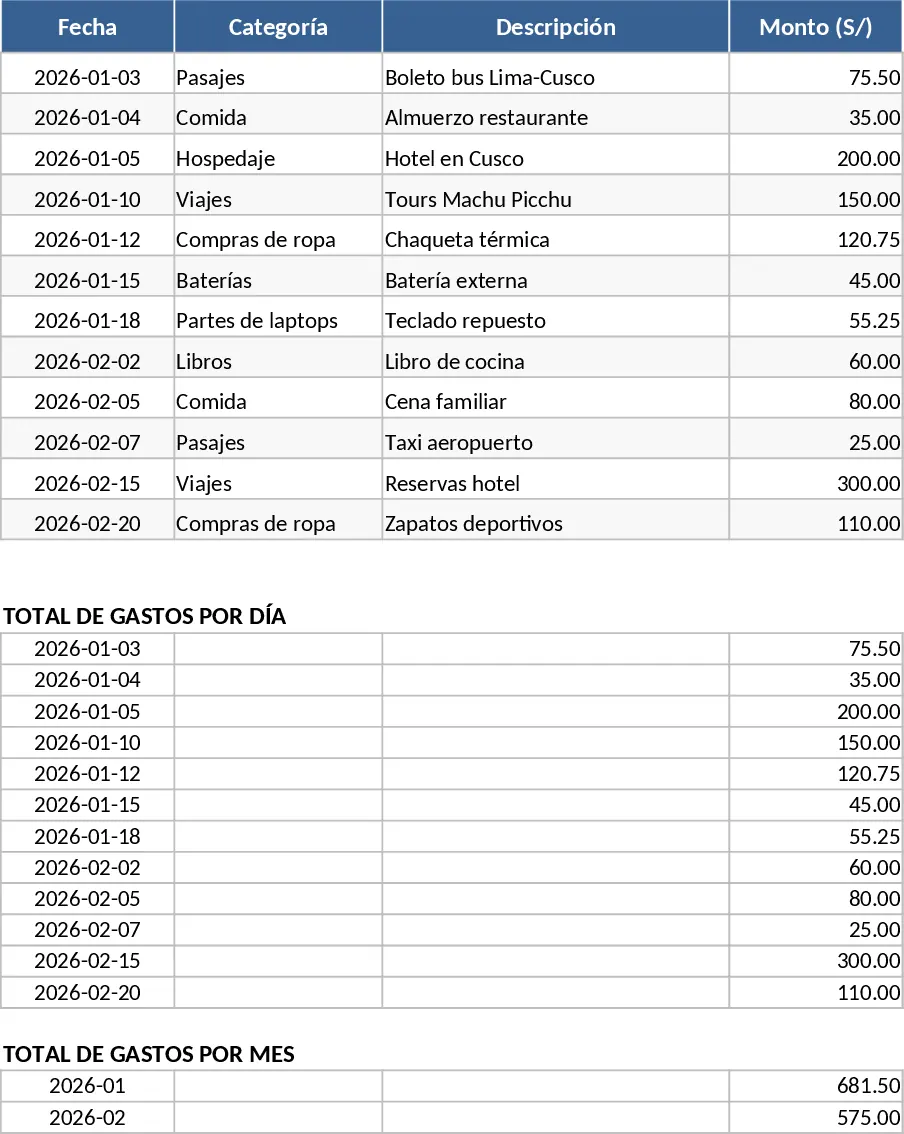
Mobile-Optimized Biweekly Personal Finance and Expense Tracker Template
Track daily spending, fixed costs, and credit card installments with a mobile-optimized dashboard for bi-weekly financial control.
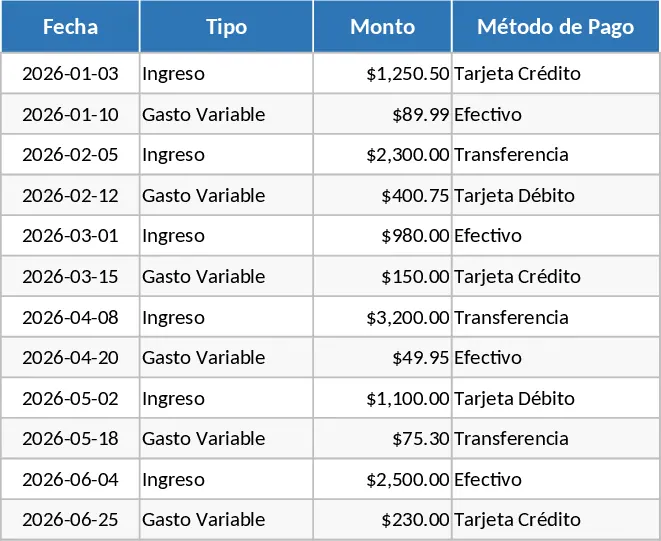
Monthly Expense Tracker with Transaction Log Template
Track your monthly income and expenses with this intuitive template to gain full visibility over your spending habits and budget.