As a User Growth Manager at RowSpeak, I've seen firsthand how AI is transforming spreadsheet workflows. Google Sheets has become the go-to platform for collaborative data analysis, but crafting complex formulas remains a significant pain point for many users.
AI-powered solutions are bridging this gap by enabling natural language processing for formula generation. These tools don't just save time—they democratize advanced data analysis, making powerful calculations accessible to users at all skill levels.
Why AI-Powered Formula Generation Matters
Modern businesses can't afford spreadsheet errors or wasted time on manual formula creation. AI solutions like RowSpeak offer several key advantages:
- Instant Formula Generation: Describe what you need in plain English, and get working formulas in seconds
- Error Reduction: AI eliminates syntax mistakes and logical errors common in manual formula writing
- Skill Democratization: Complex functions become accessible to non-technical team members
- Continuous Learning: AI suggestions help users understand formula structures and best practices
Top AI Tools for Google Sheets Formulas (2025)
1. RowSpeak - The Complete AI Spreadsheet Solution
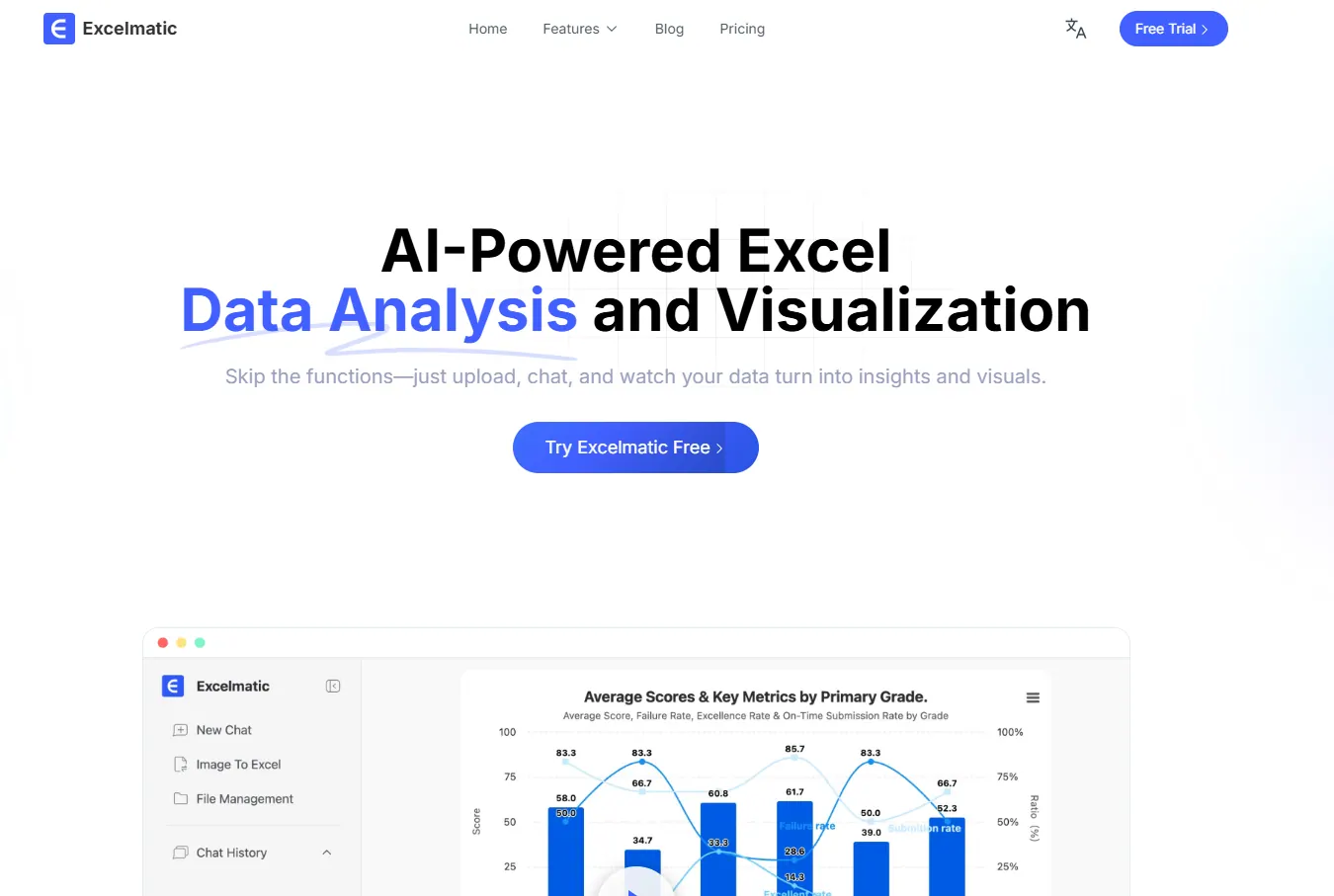
RowSpeak leads the market with its intuitive AI-powered formula generation and data visualization capabilities. Unlike basic formula helpers, RowSpeak offers:
- Natural language to formula conversion with 95%+ accuracy
- Smart suggestions for formula optimization
- Integrated data visualization and dashboard creation
- Cross-platform compatibility with Google Sheets and Excel
How to use RowSpeak:
- Connect your Google Sheets account
- Describe your calculation needs in plain English
- Review and insert the AI-generated formula
- Use the built-in error checker to validate results
2. AI Aided Formula Editor (Google Sheets Add-on)
This specialized add-on provides contextual suggestions within Google Sheets:
- Real-time formula recommendations
- Direct integration with Sheets interface
- Basic natural language processing
3. Coefficient's Formula Builder

A GPT-powered extension offering:
- Simple prompt-based formula generation
- Specialized functions for sorting and filtering
- Free tier available
4. Akkio's Formula Generator
A web-based solution featuring:
- No-installation access
- Preset examples for common use cases
- Broad formula type support
Step-by-Step: Implementing AI Formula Generation
Here's how to transform your Google Sheets workflow with AI:
Identify Your Calculation Need
- Determine what you're trying to calculate (e.g., weighted averages, conditional sums)
Choose Your AI Tool
- For comprehensive solutions, RowSpeak provides the most robust feature set
- For basic needs, consider add-ons like AI Aided Formula Editor
Describe Your Requirement
- Use clear, specific language (e.g., "Calculate quarterly growth percentage")
Validate the Generated Formula
- Test with sample data
- Check for edge cases
Implement and Iterate
- Apply to your actual dataset
- Refine the description if needed
Pro Tips for AI-Powered Formula Success
- Be Specific: The clearer your description, the better the results
- Start Simple: Begin with basic formulas before tackling complex nested functions
- Verify Outputs: Always spot-check AI-generated formulas
- Learn from Suggestions: Use AI outputs to improve your own formula-writing skills
The Future of AI in Spreadsheets
As AI technology advances, we're moving toward:
- Fully conversational spreadsheet interfaces
- Automatic formula optimization based on data patterns
- Predictive analysis suggestions
- Seamless integration with other business intelligence tools
RowSpeak is at the forefront of these developments, continuously enhancing our AI capabilities to deliver smarter, more intuitive spreadsheet experiences.
Getting Started with AI Formula Generation
For businesses looking to streamline their spreadsheet workflows, I recommend beginning with RowSpeak's free trial. Within minutes, you'll experience how AI can transform your data analysis processes—reducing errors while dramatically increasing productivity.
Remember: The goal isn't to replace human expertise, but to augment it. AI tools empower users to focus on strategic analysis rather than formula syntax, unlocking new levels of data-driven decision making.