How to Add Percentages in Google Sheets

Let's be real—crunching percentages manually is about as fun as watching paint dry. Whether you're calculating sales growth, expense ratios, or performance metrics, percentages are the bread and butter of business analytics. Google Sheets gets the job done, but what if I told you there's a smarter way?

Percentage Basics: What You Need to Know

Percentages represent parts of a whole, where 100% equals the complete picture. In spreadsheets:

  • 25% = 0.25
  • 50% = 0.5
  • 110% = 1.1 (yes, percentages can exceed 100!)

Pro Tip: RowSpeak automatically detects percentage data and applies smart formatting, eliminating manual conversion headaches.
shouye

3 Ways to Add Percentages in Google Sheets

1. Simple Percentage Sum

=A1 + A2 + A3  

Where A1-A3 contain values like 10%, 20%, 30%.

2. Percentage Increases/Decreases

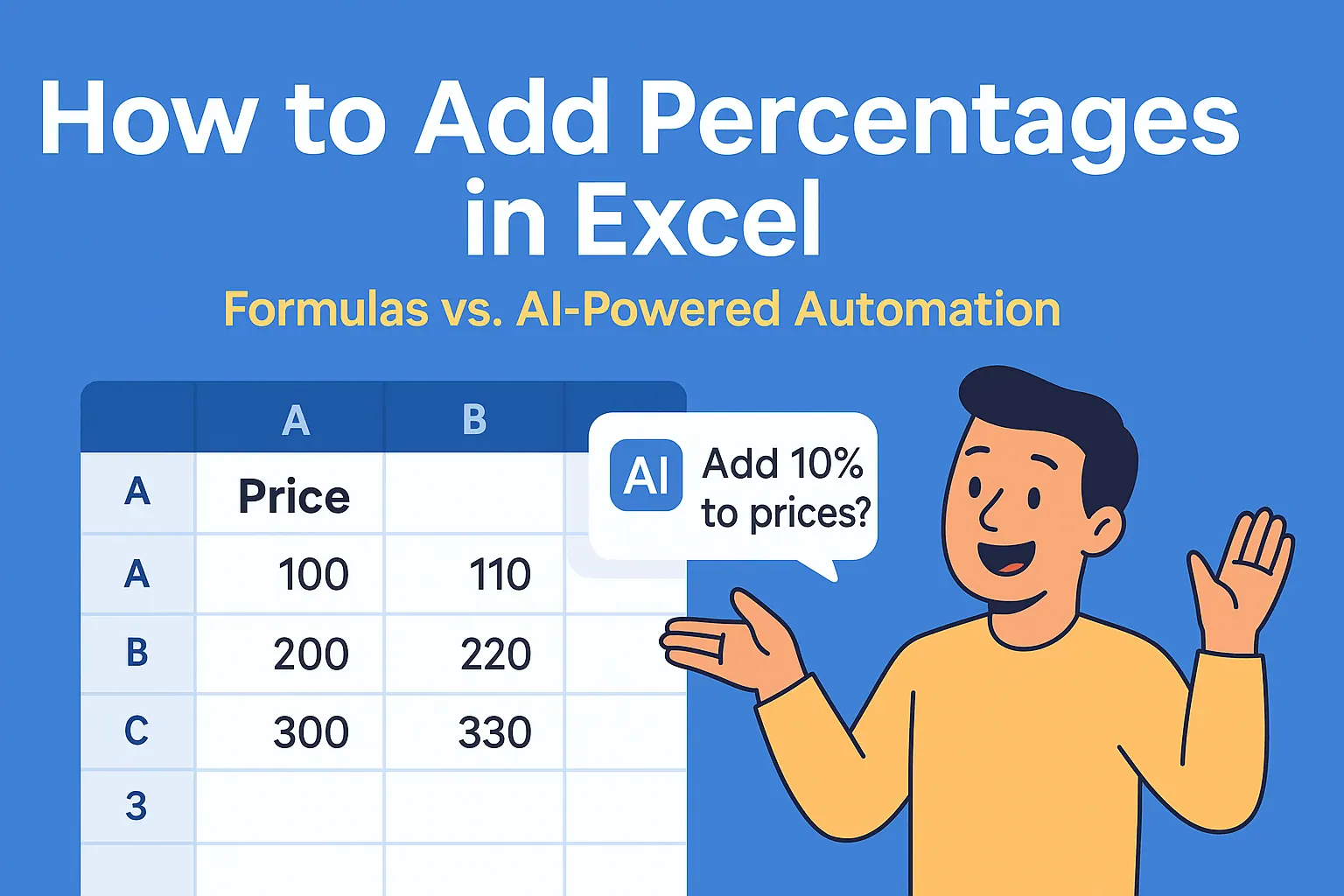
  • 20% increase on $100:
    =100*(1+20%) → $120
  • 15% discount:
    =100*(1-15%) → $85

3. Percentage of Total

=Part/Total → Format as %
Example: =200/1000 → 20%

Why This Matters: These calculations power everything from profit margins to employee performance metrics. But manually updating them? That's so 2010.

Level Up: Advanced Percentage Tricks

Conditional Formatting

Highlight cells exceeding targets:

  1. Select data range
  2. Format → Conditional Formatting
  3. Set rule "Greater than 0.5" for 50%+ values

Weighted Averages

=SUMPRODUCT(grades, weights)/SUM(weights)
Perfect for calculating weighted KPIs or performance scores.

The Problem Nobody Talks About

Even with these tricks, percentage work in spreadsheets is:

  • Time-consuming
  • Error-prone (one wrong cell reference ruins everything)
  • Hard to scale across teams

This is where RowSpeak changes the game. Our AI understands percentage calculations naturally. Just ask:

  • "What's the total percentage growth across Q1-Q3?"
  • "Show me expense ratios as percentages"
  • "Calculate weighted averages by department"

No formulas. No formatting. Just accurate results instantly.

Google Sheets vs. RowSpeak: Side-by-Side

Task Google Sheets Steps RowSpeak Solution
Sum percentages Manual formula entry Automatic detection
Calculate growth % Complex cell references Natural language query
Visualize % data Multiple formatting steps One-click smart charts

Try This Today

Next time you're calculating percentages:

  1. Do it the old way in Google Sheets
  2. Then try the same task in RowSpeak
  3. Compare the time and effort

You'll never look at percentage calculations the same way again.

Ready to upgrade? Get started with RowSpeak and let AI handle the math while you focus on what really matters—growing your business.

About the author: As a growth lead at RowSpeak, I've seen hundreds of teams waste hours on manual calculations. Our mission? Make data analysis as easy as having a conversation.

Ditch Complex Formulas – Get Insights Instantly

No VBA or function memorization needed. Tell RowSpeak what you need in plain English, and let AI handle data processing, analysis, and chart creation

Try RowSpeak Free Now

Recommended Posts

How to Add a Filter in Google Sheets
Excel Operation

How to Add a Filter in Google Sheets

Filters in Google Sheets are game-changers for data analysis. Whether you're managing budgets, sales pipelines, or project tasks, mastering filters will save you hours. Here's your complete guide - and why RowSpeak's AI-powered features make filtering even smarter.

Gianna
How to Add Percentages in Excel
Excel Operation

How to Add Percentages in Excel

Tired of manual percentage calculations? Learn the smartest ways to add percentages in Excel, avoid common mistakes, and see how RowSpeak's AI can do the math for you instantly.

Gianna
How to Add Tables in Google Sheets Faster with AI (RowSpeak Guide)
Excel Operation

How to Add Tables in Google Sheets Faster with AI (RowSpeak Guide)

Tired of manual data entry? Discover how AI-powered tools like RowSpeak can transform your Google Sheets workflow by generating and formatting tables in seconds.

Gianna
How AI is Revolutionizing Google Sheets Formula Creation (2025 Guide)
Excel Operation

How AI is Revolutionizing Google Sheets Formula Creation (2025 Guide)

Struggling with complex Google Sheets formulas? AI-powered tools like RowSpeak can generate accurate formulas in seconds. This guide shows you how to leverage AI for error-free spreadsheet automation.

Gianna
How to Use AI to Automate Google Sheets: A Step-by-Step Guide
Excel Operation

How to Use AI to Automate Google Sheets: A Step-by-Step Guide

AI-powered automation is revolutionizing spreadsheet management. In this guide, we'll show you how tools like RowSpeak can supercharge your Google Sheets with intelligent data processing and reporting capabilities.

Gianna
How to Supercharge Your Google Sheets Data Analysis with AI (2025 Guide)
Excel Operation

How to Supercharge Your Google Sheets Data Analysis with AI (2025 Guide)

Struggling with spreadsheet data? AI can help! This guide shows you how to leverage AI in Google Sheets to automate analysis, generate insights, and create stunning visualizations - no advanced skills required.

Gianna
How to Analyze Sales Data in Google Sheets with AI (RowSpeak Guide)
Excel Operation

How to Analyze Sales Data in Google Sheets with AI (RowSpeak Guide)

Staring at endless rows of sales data? Discover how Google Sheets + AI can automate your analysis and reveal hidden trends in minutes. We'll show you exactly how.

Gianna
How to Add a Line to a Graph in Excel
Excel Operation

How to Add a Line to a Graph in Excel

Struggling to make your Excel graphs more impactful? This step-by-step guide shows you how to add lines to charts effortlessly. And if you're tired of manual work, RowSpeak can do it for you with AI-powered simplicity.

Gianna