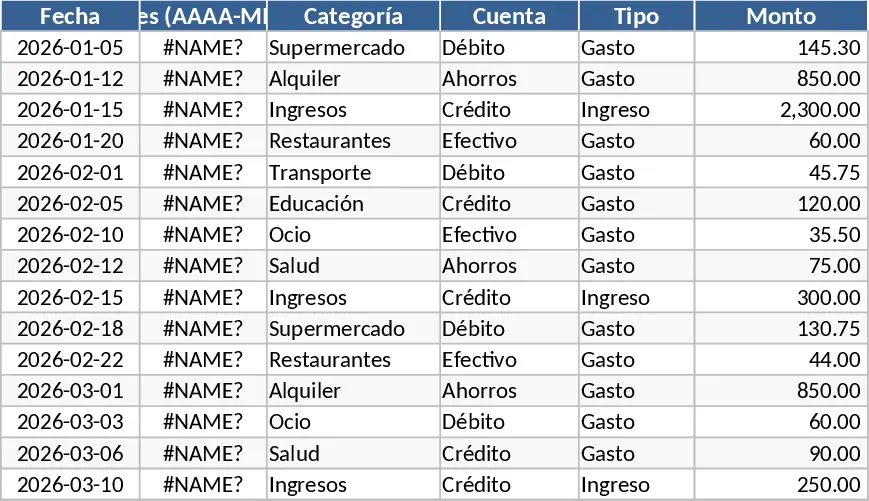
Personal Monthly Budget and Expense Tracker with Dashboard Template
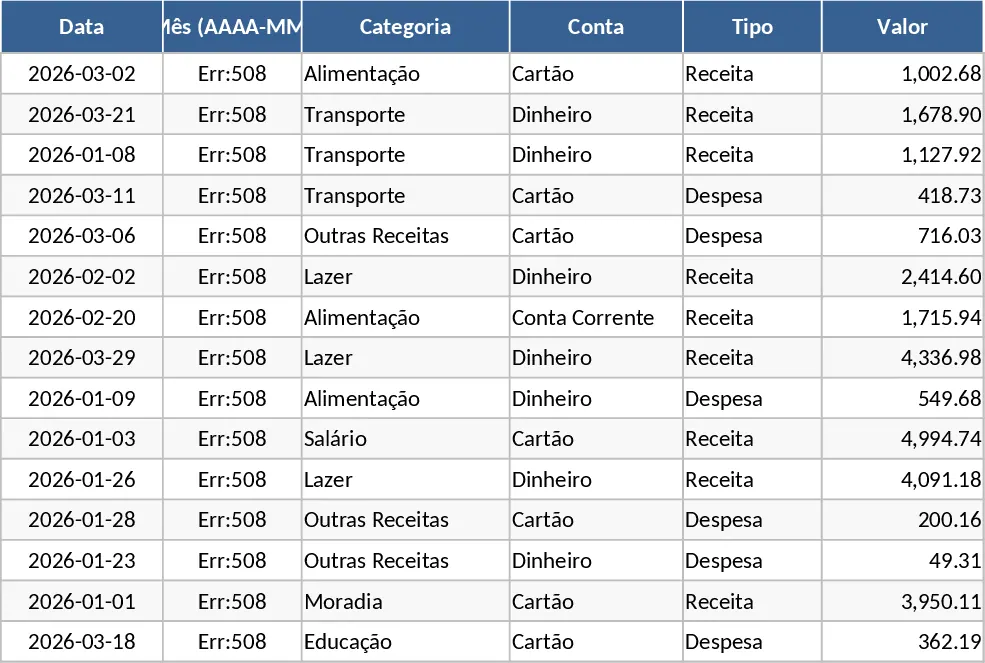
Managing personal finances effectively requires more than just a list of expenses; it requires a strategic view of where your money goes compared to where you intended it to go. This Personal Monthly Budget and Expense Tracker is designed to provide that clarity. By combining a detailed transaction ledger with a dynamic budgeting tool and a visual dashboard, this template transforms raw data into actionable financial insights. It is the perfect companion for individuals, students, or families looking to build better spending habits and reach their savings goals faster.
The template is structured into three intuitive sections. The Transactions sheet serves as your daily data entry hub, featuring mandatory date fields and automated month calculations to keep your records organized. It utilizes dropdown menus for categories, accounts, and payment methods, ensuring that your data remains clean and consistent for reporting. The Budget Plan sheet acts as your financial roadmap. Here, you can set monthly limits for various categories; the template automatically pulls data from your transactions to show actual spending, calculates the variance, and triggers a red Over-budget indicator if you exceed your limits. Finally, the Dashboard provides a high-level executive summary, featuring total income and expense metrics, a category-wise breakdown pie chart, and a weekly trend line to help you spot spending spikes before they become problems.
This tool is particularly useful for anyone struggling to stay within a budget or those who find manual bookkeeping overwhelming. It solves the common problem of fragmented financial data by centralizing everything in one place. Whether you are tracking grocery bills, subscription services, or salary deposits, the template provides a clear picture of your net savings and identifies your top 10 merchants, helping you understand exactly which businesses receive the bulk of your income.
How to use this template:
- Start by customizing your categories and setting your monthly spending targets in the Budget Plan sheet.
- Enter your daily income and expenses in the Transactions sheet, ensuring you select the correct Category and Type from the dropdown lists to keep the automation working correctly.
- Review the Dashboard at the end of each week to monitor your progress, check your weekly spending trends, and adjust your habits if you see yourself approaching your budget limits.
By using this structured approach, you can expect to significantly reduce the time spent on manual calculations and gain a much deeper understanding of your financial health, leading to more informed decisions and reduced financial stress.
Similar Templates Recommendation
Personal Monthly Budget and Expense Tracker with Dashboard and Savings Goals Template
Track daily spending, manage monthly budgets, and visualize financial health with automated dashboards and category-wise expense analysis.
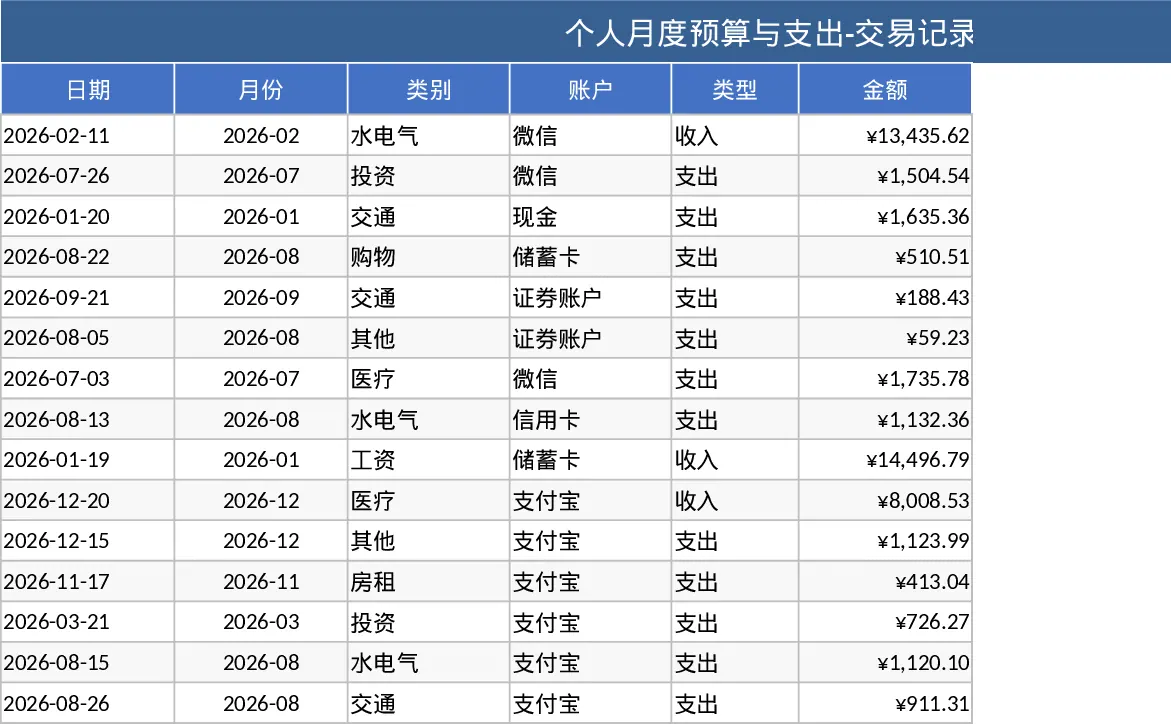
Personal Monthly Budget and Expense Tracker with Transaction Log and Expense Analysis Template
Manage your personal finances by tracking daily expenses, setting monthly budgets, and visualizing spending habits with an automated dashboard.
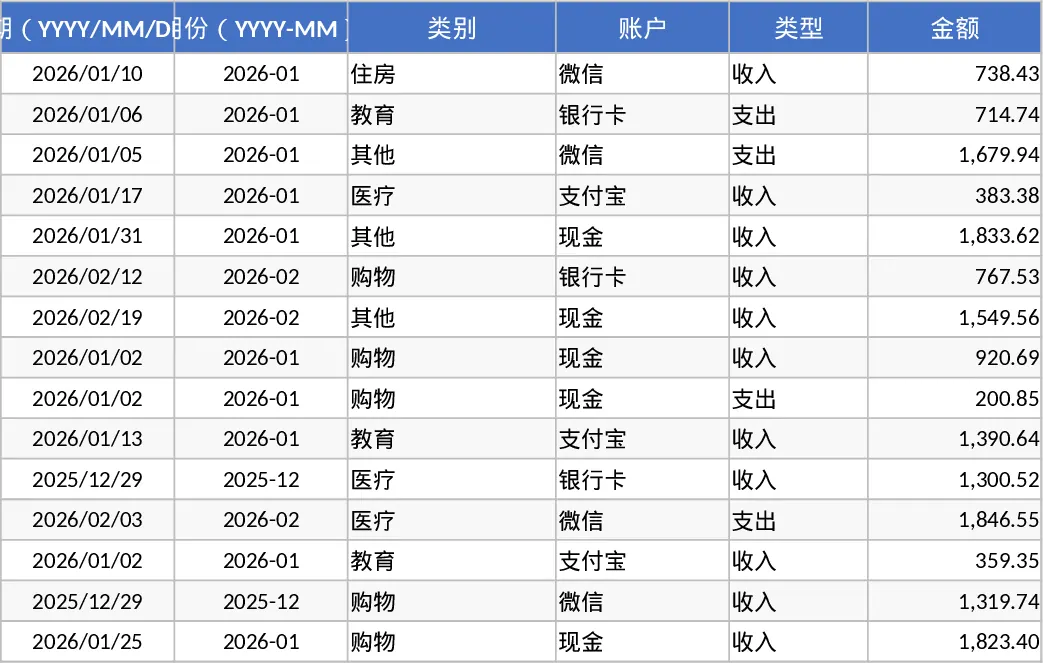
Personal Monthly Budget and Expense Tracker with Transaction Log and Weekly Trends Template
Manage your personal finances by tracking daily expenses, setting monthly budgets, and visualizing spending habits with a dynamic dashboard.