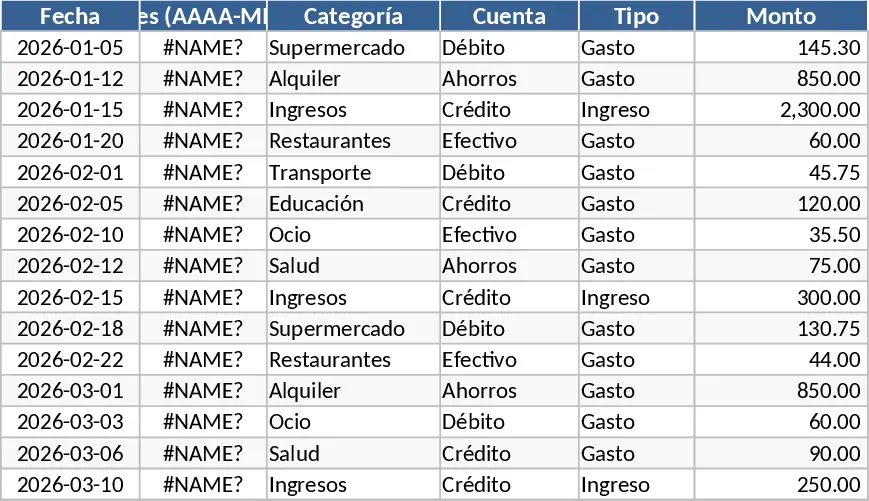
Personal Monthly Budget and Expense Tracker with Dashboard and Savings Goals Template
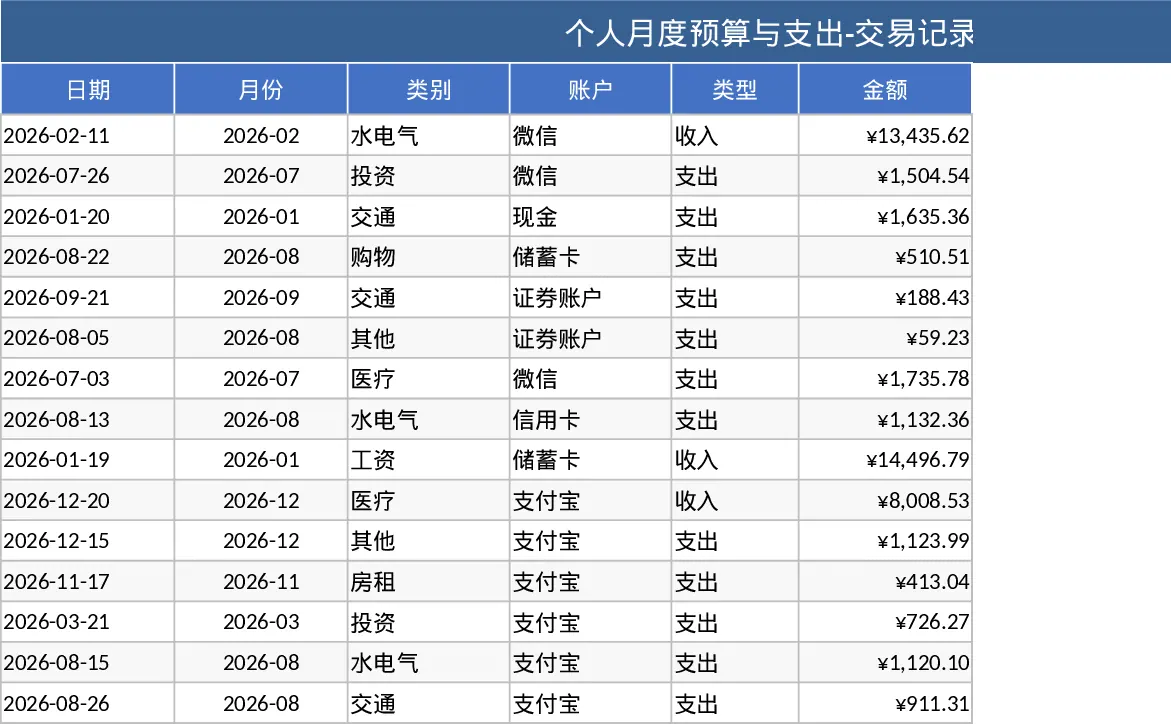
Managing personal finances often feels like a chore, but this Personal Monthly Budget and Expense Tracker turns data entry into actionable insights. The template is meticulously organized into three core modules: Transaction Records, Budget Planning, and a visual Data Dashboard. The Transaction sheet acts as your primary ledger, featuring smart columns for dates, automated month formatting, and customizable dropdowns for categories, accounts, and payment types. This structure ensures that your data remains clean and consistent, which is vital for accurate long-term reporting. By requiring specific inputs like merchant names and payment methods, it provides a granular view of your financial behavior that simple banking apps often miss.
The Budget Planning section is where the strategy happens. It allows you to set specific targets for various life categories—such as housing, groceries, entertainment, and transport. The template automatically pulls data from your transaction logs to calculate actual spending, showing you the exact variance between your plan and reality. If you exceed a budget limit, the system triggers a red alert through conditional formatting, providing a clear visual cue to scale back. This proactive approach helps solve the common problem of month-end surprises where users realize too late that they have overspent their discretionary income.
For those who prefer visual data over rows of numbers, the Data Dashboard offers a high-level summary of your economic status. It features a comprehensive breakdown of total income versus total expenses, a net savings calculator, and a series of interactive charts. You can analyze your spending distribution via a category pie chart, track your weekly spending velocity with a trend line, and even identify your top 10 merchants to see exactly where your money is going. This level of detail is perfect for individuals, students, or households who want to move beyond simple record-keeping toward true financial literacy and long-term wealth building.
How to use:
- Navigate to the Budget Planning sheet to input your expected monthly income and set spending limits for each of your custom categories to establish your financial baseline.
- Enter your daily transactions in the Transaction Records sheet; simply pick the date and use the dropdown menus to classify the entry, and the amount will be automatically routed to the summary reports.
- Check the Data Dashboard at the end of each week to visualize your progress, review your top spending areas, and ensure your net savings are on track with your personal goals.
Expected benefits: By automating the aggregation of your spending habits, this template saves hours of manual calculation and provides the transparency needed to reduce unnecessary expenses and grow your monthly savings.
Similar Templates Recommendation
Personal Monthly Budget and Expense Tracker with Dashboard Template
Take control of your finances by tracking daily transactions against monthly budgets with automated summaries and visual dashboards.
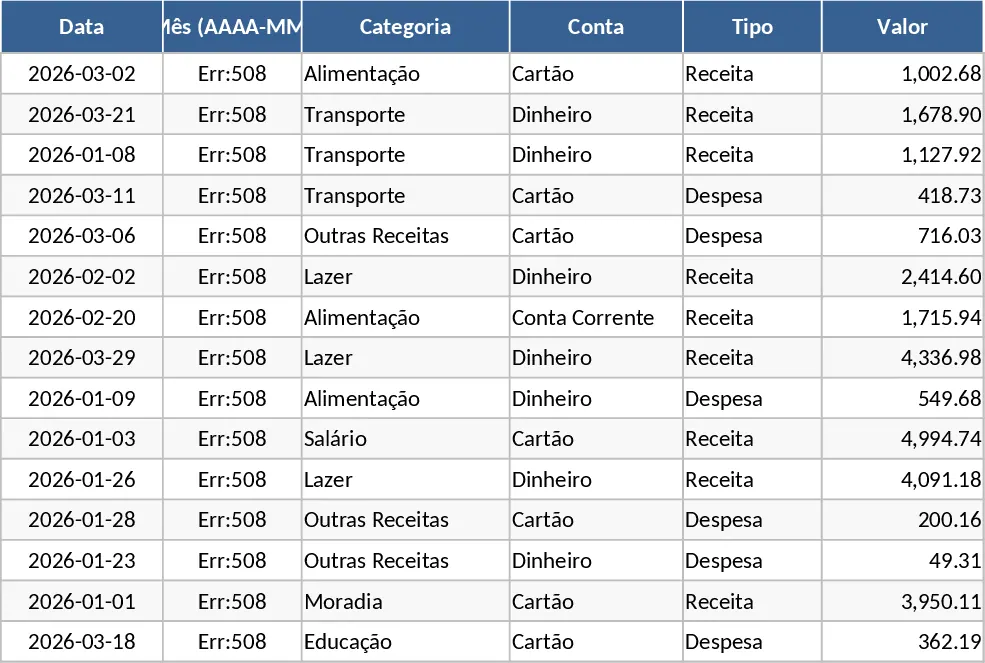
Personal Monthly Budget and Expense Tracker with Transaction Log and Expense Analysis Template
Manage your personal finances by tracking daily expenses, setting monthly budgets, and visualizing spending habits with an automated dashboard.
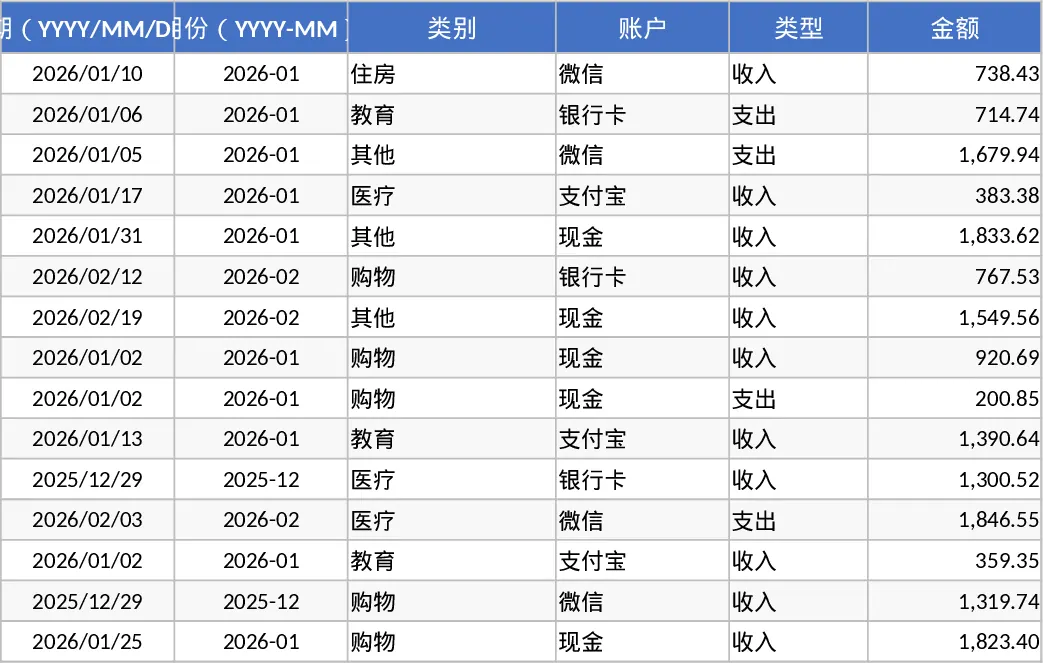
Personal Monthly Budget and Expense Tracker with Transaction Log and Weekly Trends Template
Manage your personal finances by tracking daily expenses, setting monthly budgets, and visualizing spending habits with a dynamic dashboard.