Industrial Mixer Preventive Maintenance Schedule and Chart Template
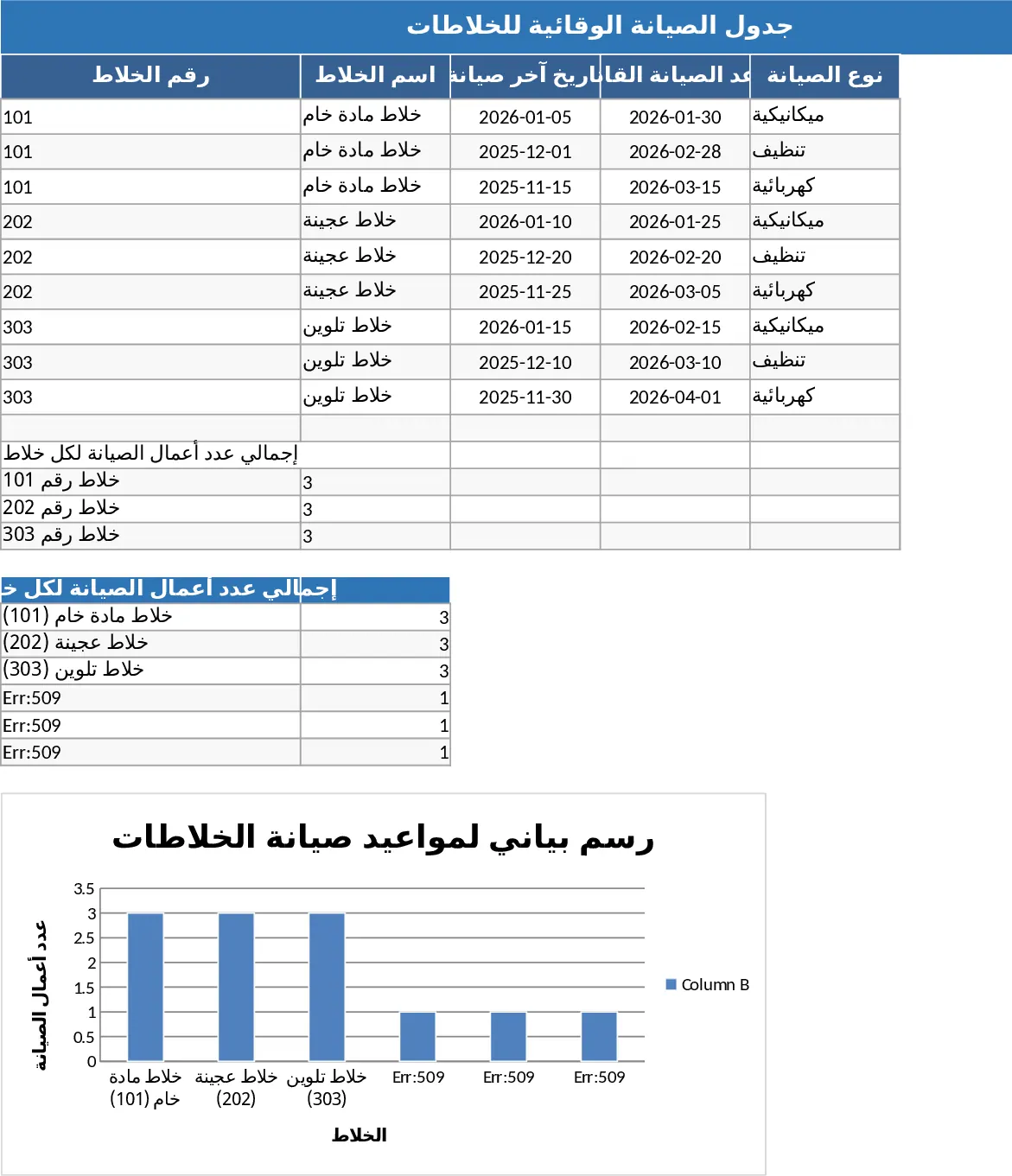
This professional preventive maintenance template is a specialized solution designed for industrial environments, such as wheel manufacturing plants, to manage the rigorous upkeep of heavy-duty mixers. The template is organized into three primary sections: an Equipment Registry, a Maintenance Scheduler, and a Visual Analytics Dashboard. In the registry, you can input specific data for each of your three mixers, including serial numbers, capacity, and manufacturer guidelines. The scheduler utilizes smart dropdown menus to categorize tasks—such as mechanical inspections, lubrication, electrical testing, or blade cleaning—and automatically flags upcoming or overdue tasks using color-coded status indicators.
Effective maintenance is the backbone of factory efficiency. This template solves the common problem of maintenance amnesia, where routine checks are forgotten until a machine fails. By centralizing your maintenance data, you ensure that every mixer operates at peak performance, which is critical for the consistent quality of the wheel production process. The template allows you to track the history of every intervention, providing a clear audit trail that is useful for both internal quality control and external safety inspections. It transforms raw data into actionable insights, helping you decide when a mixer might need a full overhaul versus a simple routine check.
This tool is particularly beneficial for maintenance engineers, floor supervisors, and operations managers who need to coordinate technical teams. Whether you are managing a single shift or a 24/7 production line, having a clear visual representation of machine health is invaluable. The template includes dynamic charts that visualize the maintenance status of each mixer, showing the ratio of completed versus pending tasks. This visual feedback helps in identifying which machines are most demanding and allows for better scheduling of staff and resources during planned downtime.
How to use:
- Navigate to the Equipment Setup sheet and enter the details for your three mixers, including their unique IDs and the date of their last major service.
- Set your maintenance intervals (e.g., every 30 days) and use the dropdown menus to assign specific task categories to each mixer.
- As maintenance tasks are performed, record the completion date and any observations in the Maintenance Log; the template will automatically calculate and highlight the next due date.
- Review the Dashboard regularly to see the automated charts and graphs that summarize the overall health and maintenance compliance of your factory equipment.
Using this template helps streamline your operational workflow, significantly reducing the time spent on manual scheduling and minimizing the risk of catastrophic equipment failure. It provides a professional, organized approach to asset management that enhances the overall productivity of your manufacturing facility.
Similar Templates Recommendation
Equipment Preventive Maintenance Schedule and Tracker Template
Schedule and track preventive maintenance tasks for various equipment with planned versus actual dates to ensure operational efficiency.

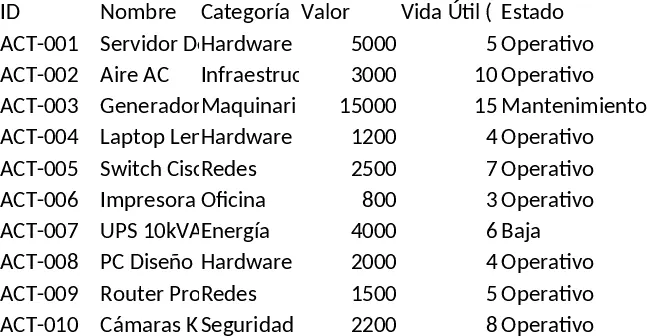
International Asset and Preventive Maintenance Dashboard Template
Track company assets, schedule preventive maintenance, receive alerts, and view a dashboard for ISO‑55000‑aligned management.
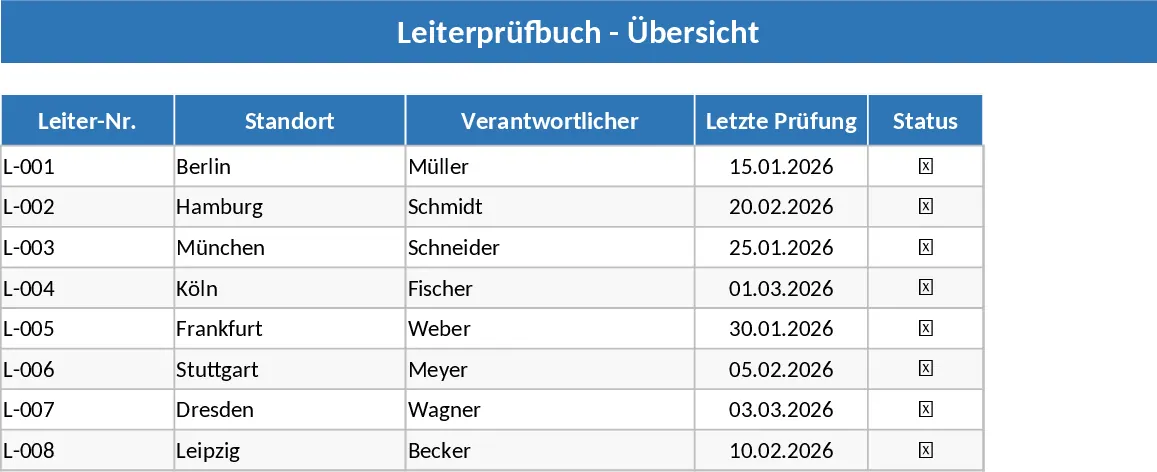
Ladder Safety Inspection Checklist Template
Manage ladder safety inspections with a structured checklist and checkboxes to ensure workplace compliance and equipment reliability.