Personal Monthly Budget and Expense Tracker with Dashboard and Transaction Log and Budget Plan Template
This Personal Monthly Budget & Expense Tracker is a robust financial management tool designed to bring clarity and discipline to your daily spending habits. By centralizing your financial data into one intuitive Excel workbook, you can move away from scattered receipts and mental math toward a data-driven approach to wealth building. The template is structured into three specialized sheets—Transactions, Budget Plan, and Dashboard—each serving a specific purpose in your financial journey.
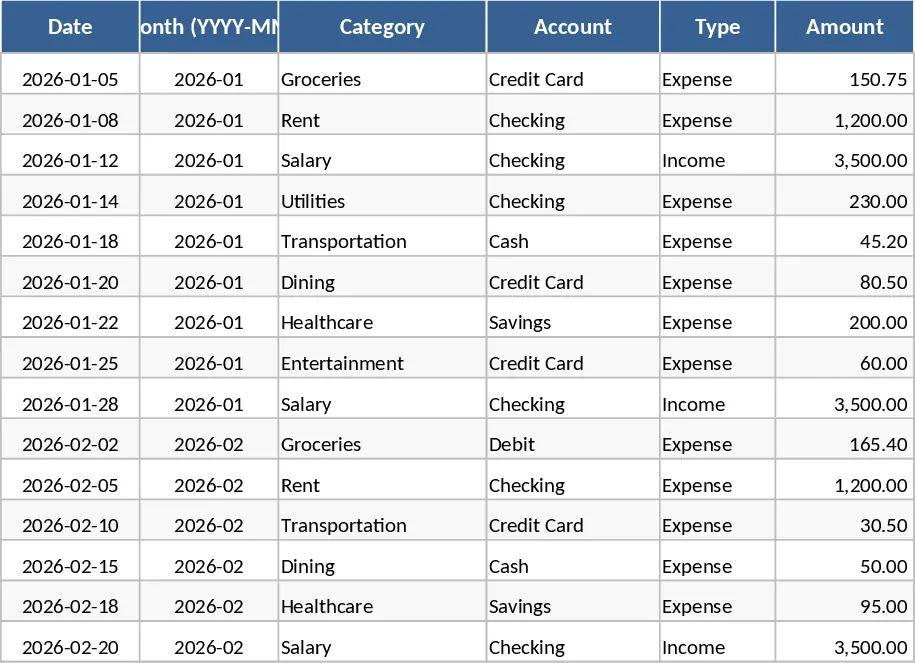
The Transactions sheet is the engine of the template. It features a clean, tabular layout where you record every dollar that moves in or out. Key fields include Date, Category, Account, and Payment Method, all supported by dropdown menus to prevent typos and ensure your reports remain accurate. A particularly helpful feature is the auto-derived Month column, which ensures your data is perfectly aligned with your monthly reporting cycles without manual input. Whether you are tracking a coffee purchase or a monthly salary deposit, the system handles the categorization and validation automatically.
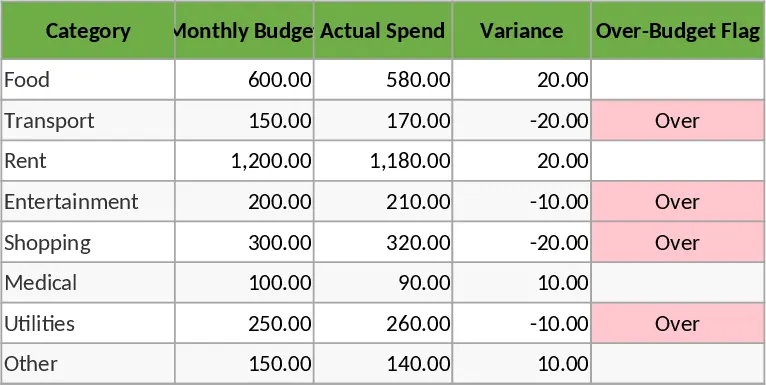
In the Budget Plan sheet, you transition from tracking to planning. Here, you list your various spending categories—such as housing, groceries, entertainment, and utilities—and assign a target budget to each. The template automatically pulls data from your transaction log to calculate your Actual Spend in real-time. By comparing your budget against your actuals, the sheet calculates the Variance, showing you exactly how much room you have left for the month. To keep you on track, an automated Over-Budget Flag highlights any category where spending has exceeded the limit, allowing you to adjust your behavior before the month ends.
The Dashboard provides the ultimate visual summary of your financial status. It aggregates complex data into simple, easy-to-read metrics including Total Income, Total Expenses, and Net Savings. Beyond just numbers, the dashboard includes a category-based pie chart to show your spending distribution and a line graph to track weekly spending trends. This helps you identify if you tend to overspend on weekends or during specific times of the month. Additionally, the Top 10 Merchants list identifies your most frequent spending destinations, offering a clear picture of your consumer habits.
This template is perfect for individuals, families, or students who need a reliable way to monitor cash flow without the complexity of expensive accounting software. It solves the common problem of not knowing where your money went by providing a transparent, historical record of every transaction and its impact on your long-term goals.
How to use:
- Initial Setup: Navigate to the Budget Plan sheet to list your income and expense categories and set your monthly spending targets for each.
- Daily Logging: In the Transactions sheet, enter your daily activities. Use the dropdown menus to select the appropriate Category, Account, and Payment Method for each entry.
- Review and Analyze: Visit the Dashboard regularly to monitor your net savings and spending trends. Use the merchant list to identify areas where you can cut back.
Expected benefits: Significant time saved on manual data aggregation and a much higher likelihood of meeting your monthly savings targets through increased financial awareness.
Similar Templates Recommendation
Personal Monthly Budget and Expense Tracker with Budget Plan and Category Budgets Template
Manage personal finances by tracking daily transactions, setting category budgets, and visualizing spending habits with an automated dashboard.
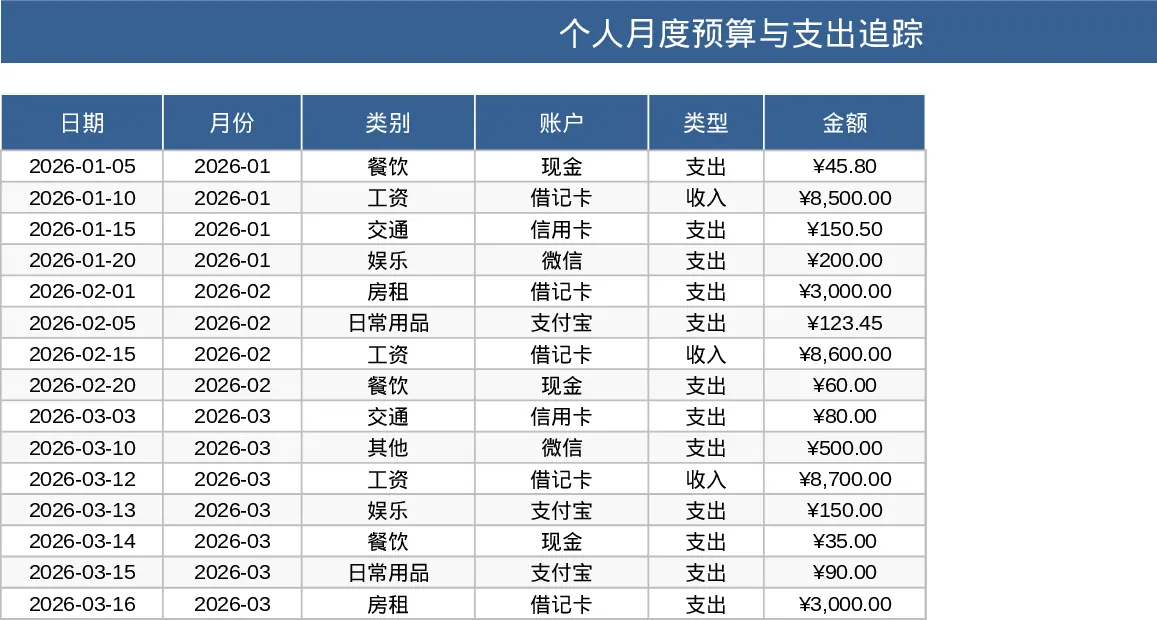
Personal Monthly Budget and Expense Tracker with Dashboard and Budget vs Actual Template
Track daily spending, manage monthly budgets by category, and visualize savings goals with an automated dashboard and transaction log.
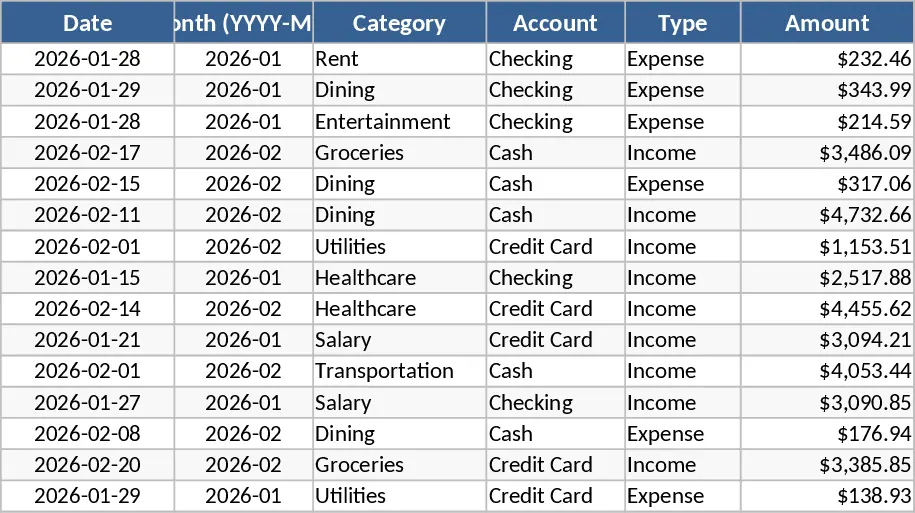
Personal Monthly Budget and Expense Tracker with Category Breakdown Template
Track your daily spending, manage monthly budgets by category, and visualize savings goals with an automated dashboard and transaction log.