Personal Monthly Budget and Expense Tracker with Charts Template
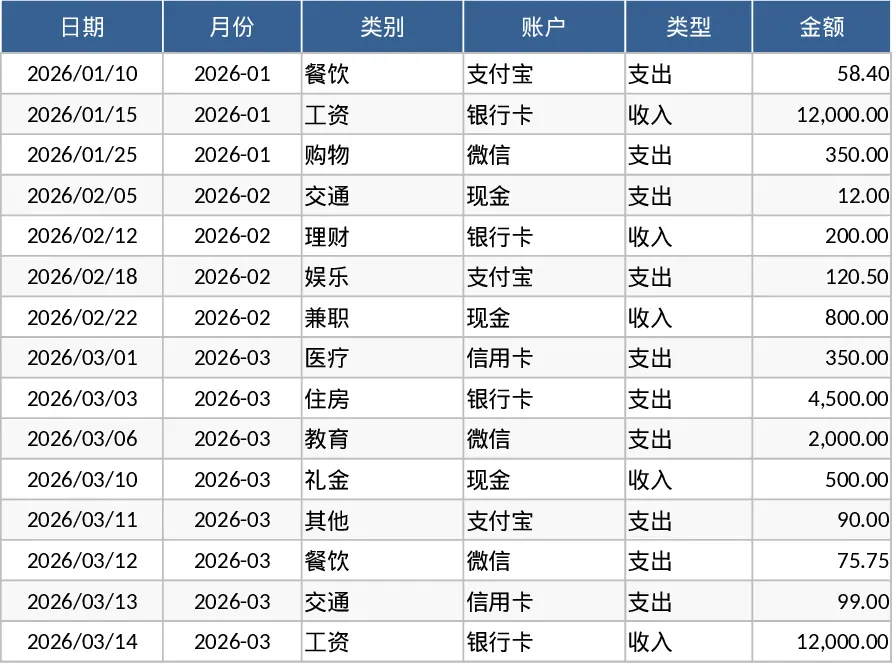
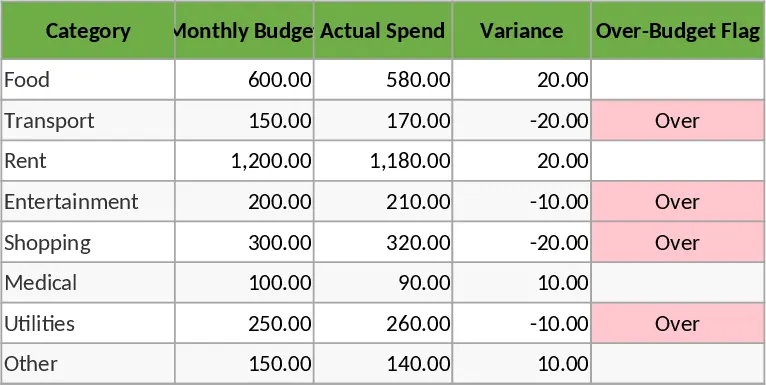
The Personal Monthly Budget and Expense Tracker is a sophisticated yet user-friendly Excel solution designed to bring complete transparency to your financial life. Managing personal finances often feels like a chore, but this template simplifies the process by organizing your data into three specialized workbooks. The Transaction Records sheet serves as your primary ledger, featuring automated month generation from dates and convenient dropdown menus for categories, accounts, and payment methods. This ensures data consistency and makes entry quick and error-free. The Budget Planning sheet acts as your financial guardrail, automatically pulling data from your logs to compare actual spending against your targets. It features smart conditional formatting that highlights over-budget categories in red, providing an immediate signal when you need to adjust your spending.
This tool is particularly beneficial for anyone struggling with hidden expenses or those who find it difficult to stick to a savings plan. By centralizing all transactions—from daily coffee runs to monthly rent payments—it solves the problem of fragmented financial information. It is an ideal companion for students, young professionals, or families who want to transition from passive spending to active wealth management. The template doesn't just record numbers; it transforms them into actionable insights. The Data Dashboard provides a visual summary of your net savings, a pie chart of category-wise spending, and a trend line for weekly expenses, allowing you to identify habits and the top merchants that consume most of your budget.
How to use:
- Initial Setup: Go to the Budget Planning sheet and list your expected income and spending categories. Enter your target budget for each category to set your monthly goals.
- Daily Logging: Record your daily activities in the Transaction Records sheet. Use the dropdown menus to classify each entry by type, account, and payment method to ensure the dashboard updates correctly.
- Analysis: Regularly check the Data Dashboard to see your total income versus expenses. Use the visual charts to identify which categories are exceeding expectations and adjust your behavior accordingly.
Expected benefits: By automating the calculation of variances and visual trends, this template saves you hours of manual work each month and provides the clarity needed to increase your monthly savings and reduce unnecessary debt.
Similar Templates Recommendation
Personal Monthly Budget and Expense Tracker with Budget Plan and Category Budgets Template
Manage personal finances by tracking daily transactions, setting category budgets, and visualizing spending habits with an automated dashboard.
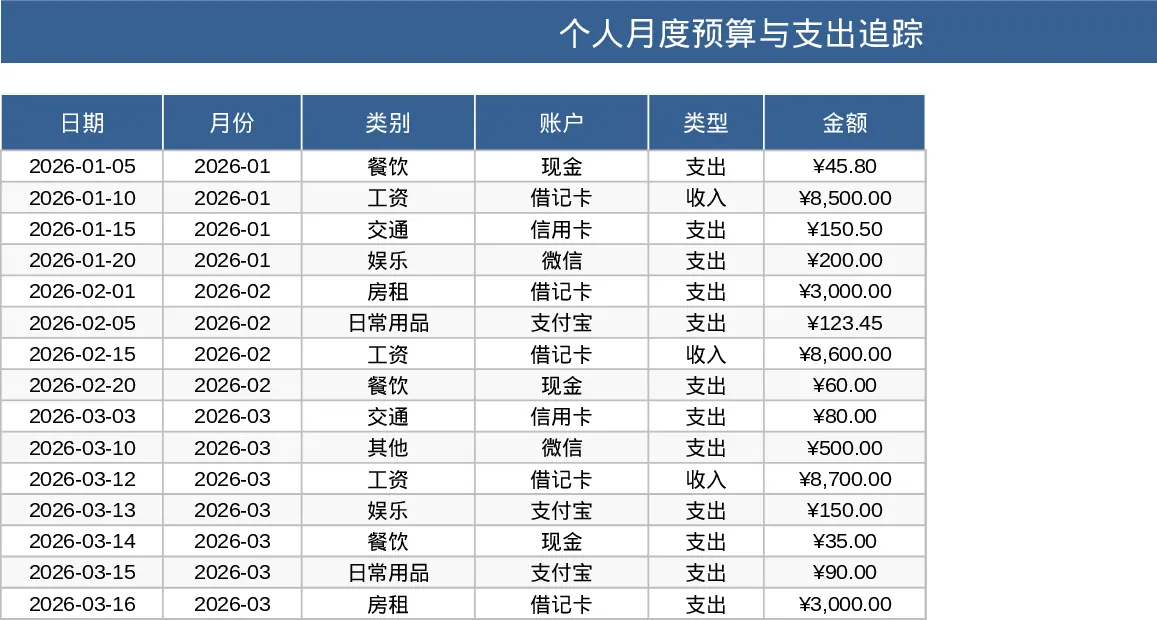
Personal Monthly Budget and Expense Tracker with Dashboard and Budget vs Actual Template
Track daily spending, manage monthly budgets by category, and visualize savings goals with an automated dashboard and transaction log.
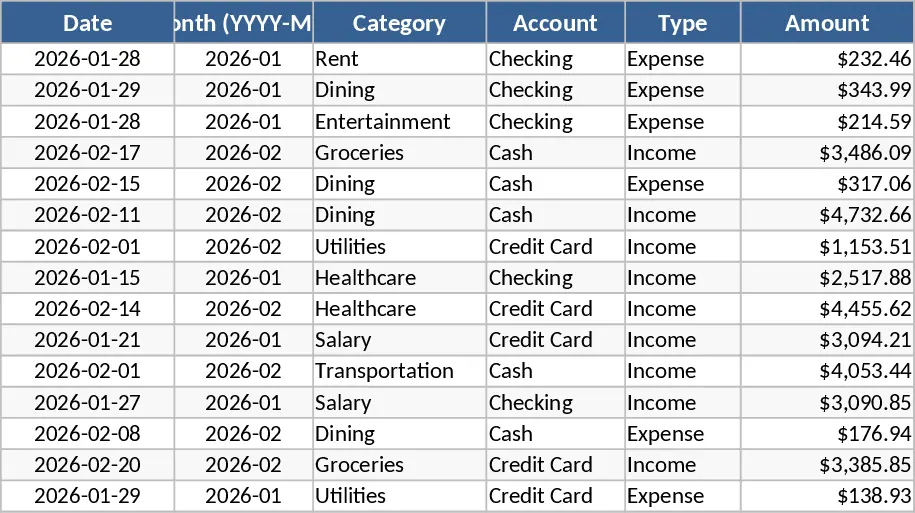
Personal Monthly Budget and Expense Tracker with Category Breakdown Template
Track your daily spending, manage monthly budgets by category, and visualize savings goals with an automated dashboard and transaction log.