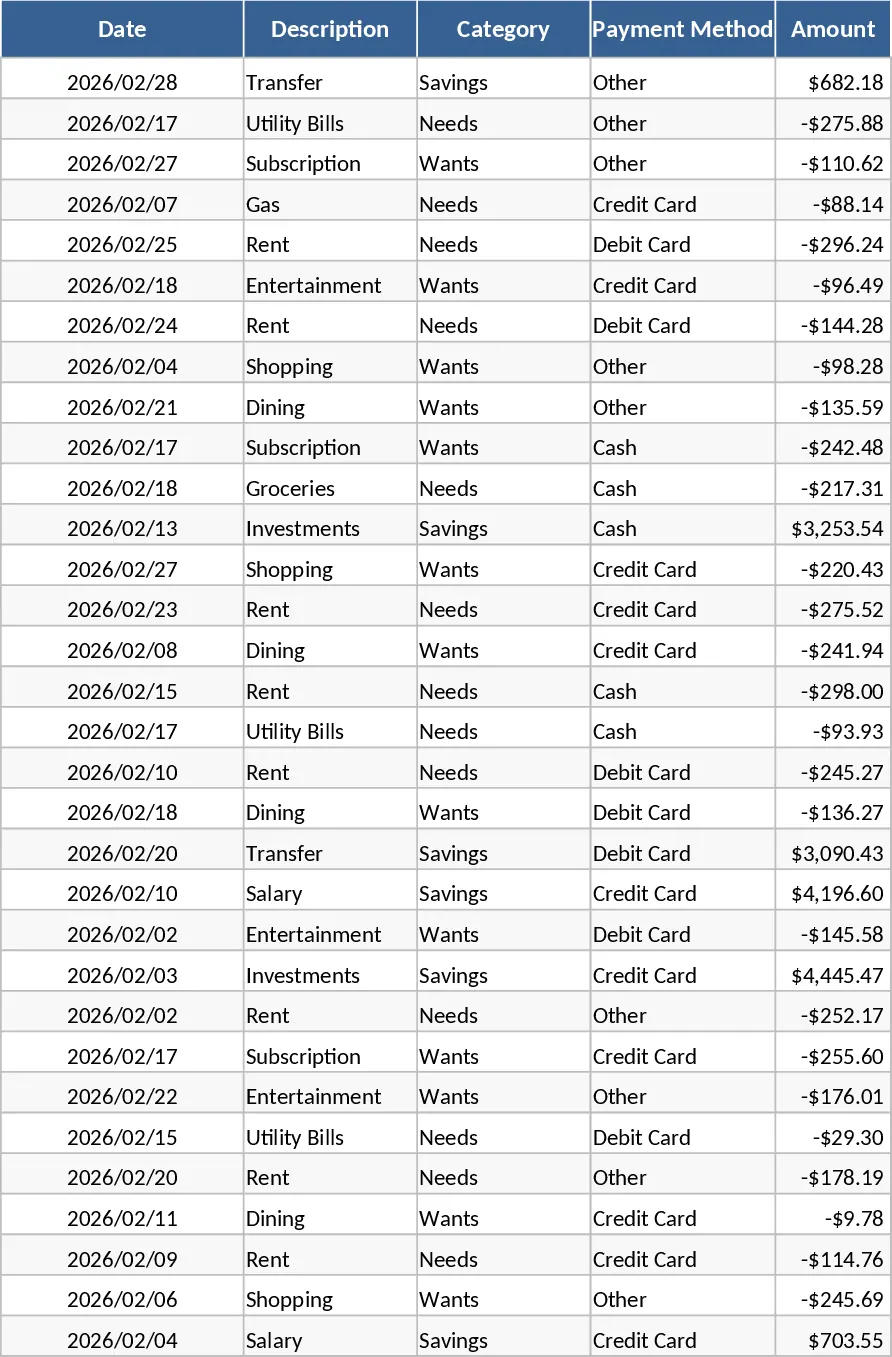
Personal Monthly Budget Tracker with Executive Dashboard Template
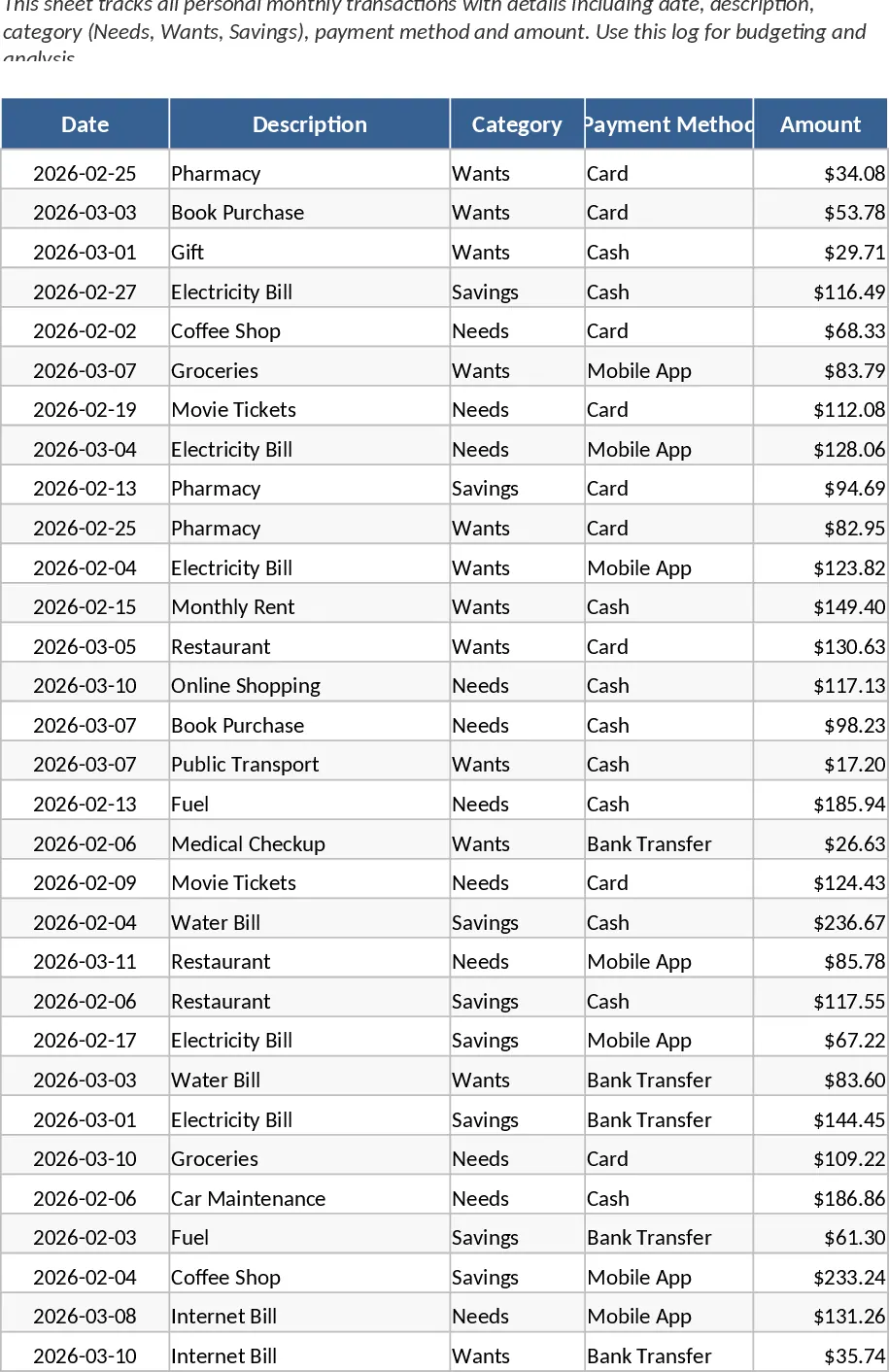
Managing personal finances often feels like a chore, but this Personal Monthly Budget Tracker transforms it into a streamlined, visual experience. This Google Sheets-integrated template is built around a robust four-sheet architecture designed to handle every aspect of your monthly cash flow. The Transaction Log serves as your primary data entry point, featuring columns for dates, descriptions, and specific categories like Needs, Wants, and Savings. This granular approach allows you to see exactly how your lifestyle choices impact your long-term financial goals.
The core utility of this tool lies in its ability to bridge the gap between planning and reality. In the Budget Settings sheet, you can establish realistic monthly limits for every spending category. This is not just about restriction; it is about intentionality. Whether you are saving for a new home, paying down student loans, or simply trying to curb impulse buys, having a predefined limit provides the psychological guardrails needed for success. The template automatically calculates the variance between what you planned to spend and what you actually spent, highlighting areas where you might need to cut back or where you have extra room to save.
For those who prefer visual data over rows of numbers, the Executive Dashboard is the standout feature. It includes a spending trend line to track your progress over the month, a category distribution pie chart to visualize your largest expense drivers, and a unique Safe-to-Spend gauge. This gauge acts as a financial compass, telling you at a glance how much liquidity you have left after accounting for your fixed costs and savings targets. It is perfect for busy professionals, students, or families who need a quick, reliable status update on their financial health without digging through bank statements.
The Monthly Analysis sheet utilizes powerful pivot tables to aggregate your data, providing a high-level summary of your financial performance. This section is particularly useful for end-of-month reviews, helping you identify recurring patterns or unexpected spikes in spending. By centralizing your payment methods and descriptions, you can also use this template to reconcile your bank accounts and credit card statements, ensuring that every transaction is verified and categorized correctly.
How to use:
- Start in the Budget Settings sheet by entering your monthly income and setting spending targets for categories like housing, food, and entertainment.
- Throughout the month, enter every expense into the Transaction Log, ensuring you select the correct category and payment method from the dropdown menus.
- Periodically check the Executive Dashboard to monitor your Safe-to-Spend gauge and ensure your spending trend remains within your budgeted limits.
- At the end of the month, review the Monthly Analysis sheet to see your total variance and use these insights to adjust your budget for the following month.
By adopting this structured approach, you significantly reduce the mental load of financial management. The automated calculations and dynamic charts mean you spend less time on spreadsheets and more time making informed decisions. Expected benefits include improved savings rates, reduced financial stress, and a much clearer understanding of your personal spending habits.
Similar Templates Recommendation
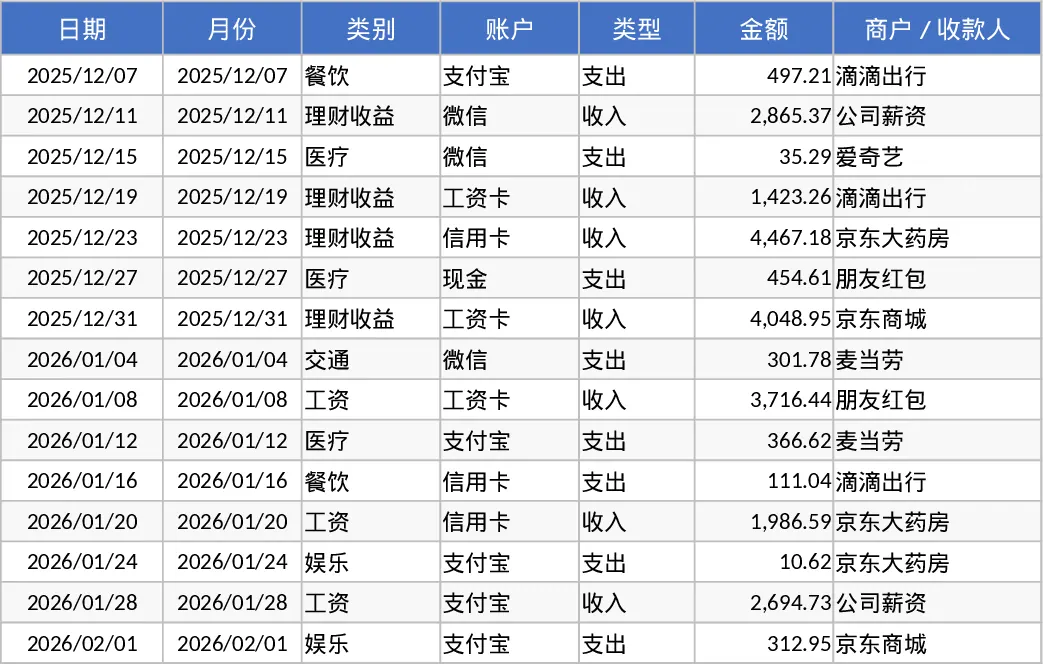
Personal Monthly Budget and Expense Tracker with Dashboard and Top Merchants Template
Manage your personal finances by tracking daily expenses, setting monthly budgets, and visualizing spending habits with an automated dashboard.
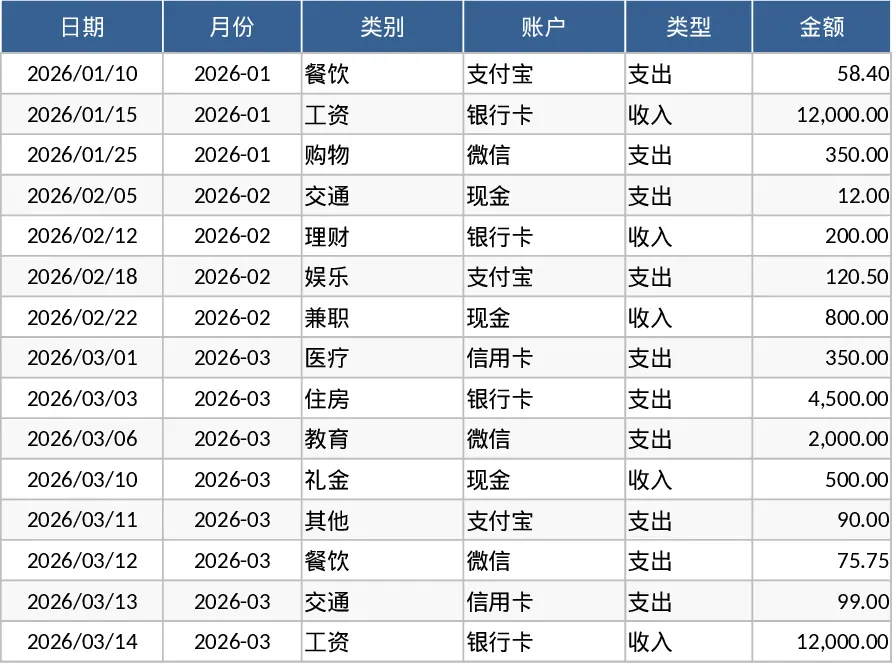
Personal Monthly Budget and Expense Tracker with Charts Template
Manage your personal finances by tracking daily expenses, setting monthly category budgets, and visualizing spending habits with an automated dashboard.
Personal Monthly Budget and Expense Tracker with Executive Dashboard Template
Manage your personal finances by tracking daily expenses, setting monthly limits, and visualizing spending trends with a dynamic dashboard.