Personal Monthly Budget and Expense Tracker with Dashboard and Variance Analysis Template
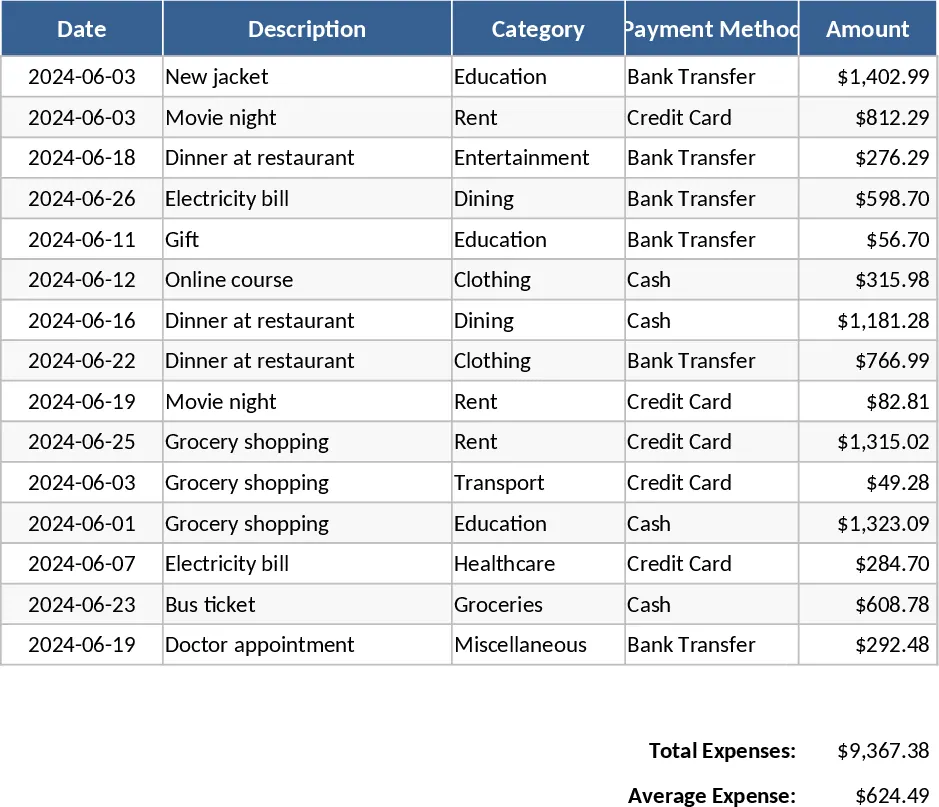
Managing money effectively requires more than just knowing your bank balance; it requires understanding the flow of every dollar. This Personal Monthly Budget and Expense Tracker provides a professional-grade framework for individuals who want to move beyond simple spreadsheets to a more integrated financial management system. The template is built with user experience in mind, utilizing data validation and automated formulas to minimize errors and maximize insight. By centralizing your financial data, you can stop guessing where your money went and start planning where it should go.
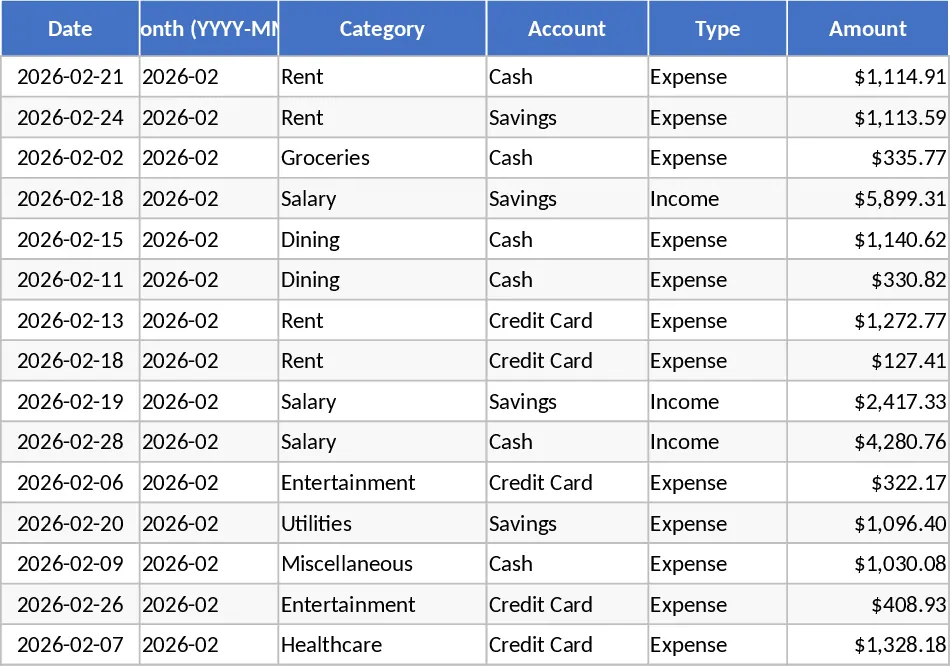
The template is structured into three specialized sheets. The Transactions sheet serves as your primary data entry point. It includes fields for Date, Category, Account, and Payment Method, all supported by dropdown lists that you can easily customize to fit your lifestyle. A key feature is the auto-derived month column, which ensures that your data is always correctly categorized for monthly reporting without extra effort. Whether you are recording a grocery run, a utility bill, or a salary deposit, the interface remains clean and intuitive, supporting up to 15 sample rows to get you started immediately.
The Budget Plan sheet is where your financial strategy comes to life. By setting specific targets for categories like housing, transport, dining, and entertainment, you create a benchmark for success. The template automatically pulls data from your transaction log to calculate actual spend in real-time. The variance analysis column tells you exactly how much room you have left in your budget, while the Over-Budget Flag uses red conditional formatting to alert you the moment a category needs attention. This proactive approach helps prevent end-of-month surprises and encourages more disciplined spending habits.
For those who prefer visual data, the Dashboard offers a sophisticated overview of your financial health. It calculates your Total Income, Total Expenses, and Net Savings automatically. The Category Spend pie chart helps you visualize the proportion of your wealth going to different needs, while the Weekly Spend Trend line chart identifies patterns in your spending behavior throughout the month. Additionally, the Top 10 Merchants list is an excellent tool for identifying where your money is concentrated, helping you identify frequent small purchases that might be draining your savings.
This template is ideal for busy professionals, students managing a monthly allowance, or families tracking household costs. It solves the common problem of fragmented tracking by centralizing all accounts—cash, credit, and savings—into one source of truth. It is particularly useful for those looking to build an emergency fund or pay down debt by providing clear visibility into discretionary spending.
How to use:
- Customize your categories and set your monthly budget limits in the Budget Plan sheet to establish your financial baseline.
- Record your daily income and expenses in the Transactions sheet, ensuring you select the correct category and account from the dropdown menus.
- Review the Dashboard regularly to monitor your net savings and use the visual charts to identify spending trends that may need adjustment.
Expected benefits: Gain peace of mind through total financial clarity and significantly reduce the time spent on manual calculations with automated summaries and visual reports.
Similar Templates Recommendation
Personal Monthly Budget and Expense Tracker with Top Merchants Template
Track your personal income and expenses with this monthly budget template featuring automated dashboards and category-wise variance analysis.
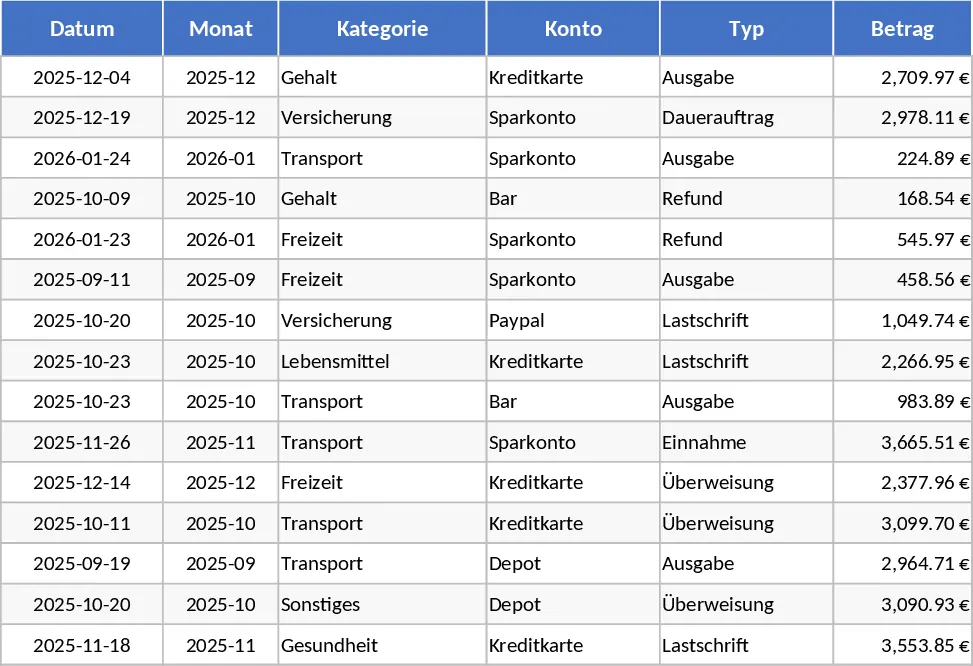
Personal Monthly Budget and Expense Tracker with Dashboard and Charts Template
Take control of your money with a comprehensive tracker featuring automated budget variance analysis and a visual spending dashboard.
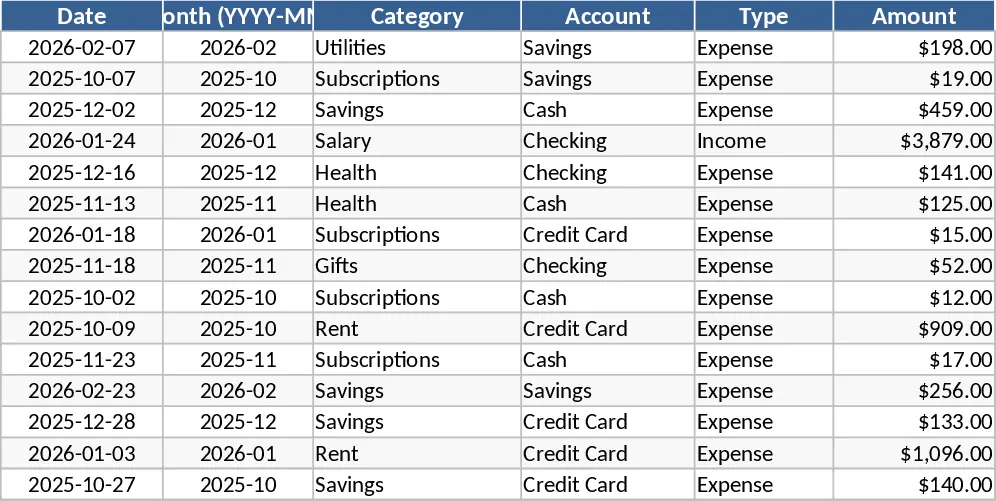
Personal Monthly Budget and Expense Tracker with Dashboard and Weekly Trends Template
Manage your personal finances by tracking daily expenses against monthly budgets with automated variance analysis and visual spending insights.