Personal Monthly Budget and Expense Dashboard Template
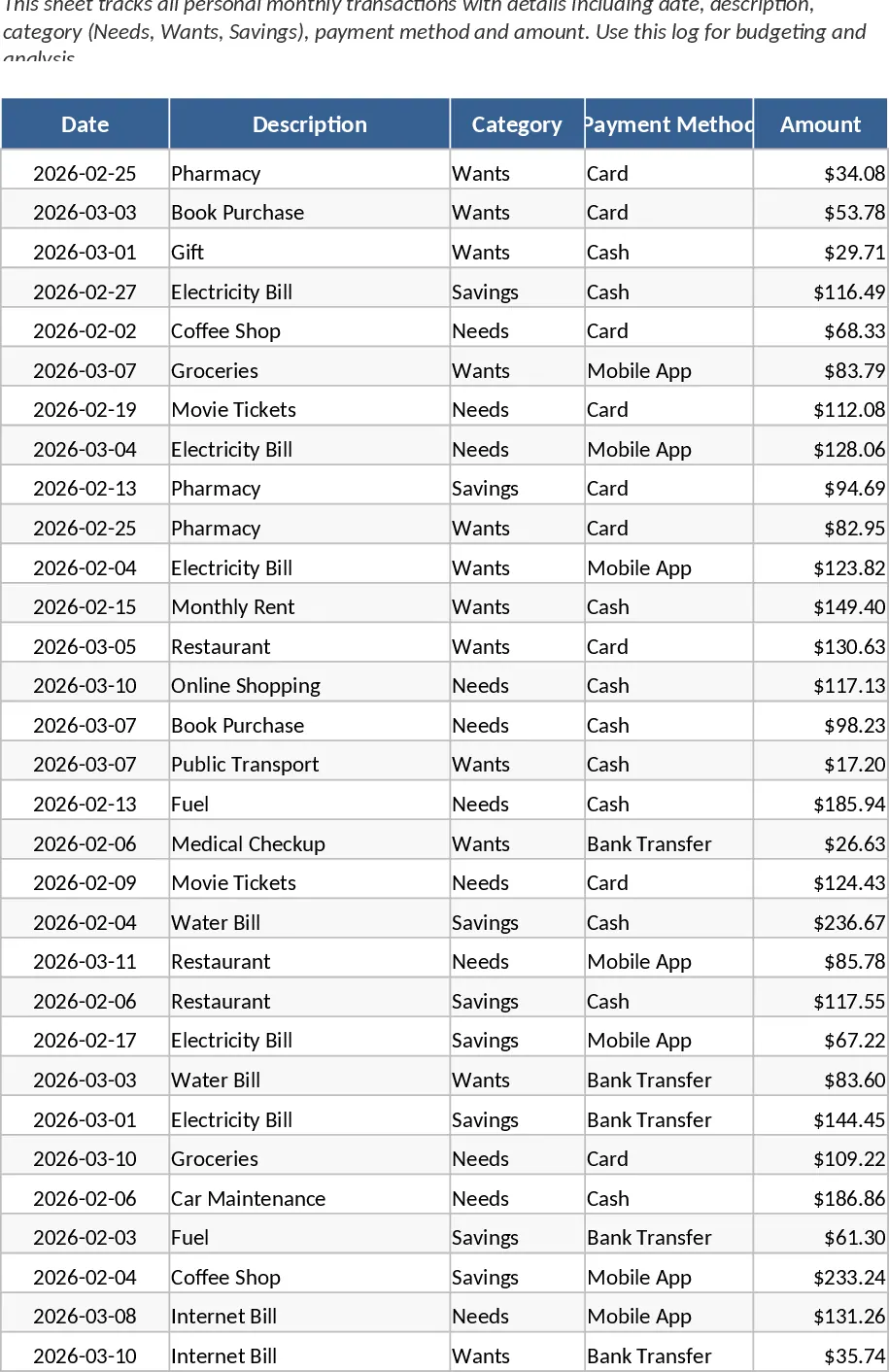
The Personal Monthly Budget Tracker for Google Sheets is a sophisticated financial management tool designed to help you master your cash flow and achieve your savings goals with precision. Managing personal finances can often feel overwhelming, but this template simplifies the process by breaking it down into four intuitive, interconnected sections. The Transaction Log serves as your primary data entry point, where you can record dates, descriptions, and amounts while categorizing each expense as a Need, Want, or Saving. This specific classification system is essential for understanding your spending priorities and ensuring that your essential costs are covered before discretionary spending takes over. It also includes a field for Payment Method, which is perfect for tracking whether you are using cash, credit cards, or digital wallets.
To make the tracker truly personal, the Budget Settings sheet allows you to establish specific monthly limits for every category you define. This creates a benchmark against which all your actual spending is measured. The template then automatically populates the Monthly Analysis sheet, using robust pivot tables to compare your budgeted amounts against your actual outlays. By highlighting the variance—the difference between what you planned to spend and what you actually spent—the tool shows you exactly where you are under budget or where you might be overspending. This level of detail is crucial for identifying budget leaks and allowing for quick adjustments to your lifestyle or financial plan before the month ends.
The centerpiece of this template is the Executive Dashboard, a visual command center for your money. It features a spending trend line that tracks your daily outgoings throughout the month, a category distribution pie chart that reveals the percentage of your income going toward different life areas, and a dynamic Safe-to-Spend gauge. This gauge is particularly useful for daily decision-making, as it provides a real-time calculation of your remaining disposable income after accounting for your set budget and logged expenses. Because all charts are dynamically linked to your transaction log, every time you buy a coffee or pay a bill, your dashboard updates instantly to reflect your new financial reality.
This tool is ideal for anyone from students managing their first income to families looking to optimize their household spending. It solves the common problem of knowing where your money went by providing a clear, historical record and a forward-looking plan. By using this template, you can replace multiple apps or messy notebooks with a single, integrated solution that lives in the cloud and updates automatically. It provides the professional-grade analytics usually reserved for business accounting, but tailored specifically for the nuances of personal life.
How to use:
- Navigate to the Budget Settings sheet and input your target spending limits for each category to establish your monthly financial baseline and savings goals.
- Enter your daily expenses into the Transaction Log as they occur, making sure to fill out the Category and Amount fields to ensure the data flows correctly to the charts.
- Check the Executive Dashboard regularly to monitor your Safe-to-Spend gauge and adjust your spending habits based on the visual trend lines and pie charts.
- Review the Monthly Analysis pivot tables at the end of the month to identify patterns, evaluate your variance, and refine your budget for the following month.
Expected benefits: You can expect to save hours of manual calculation time and gain a much clearer understanding of your financial health, leading to more disciplined spending and faster progress toward your long-term savings targets.
Similar Templates Recommendation
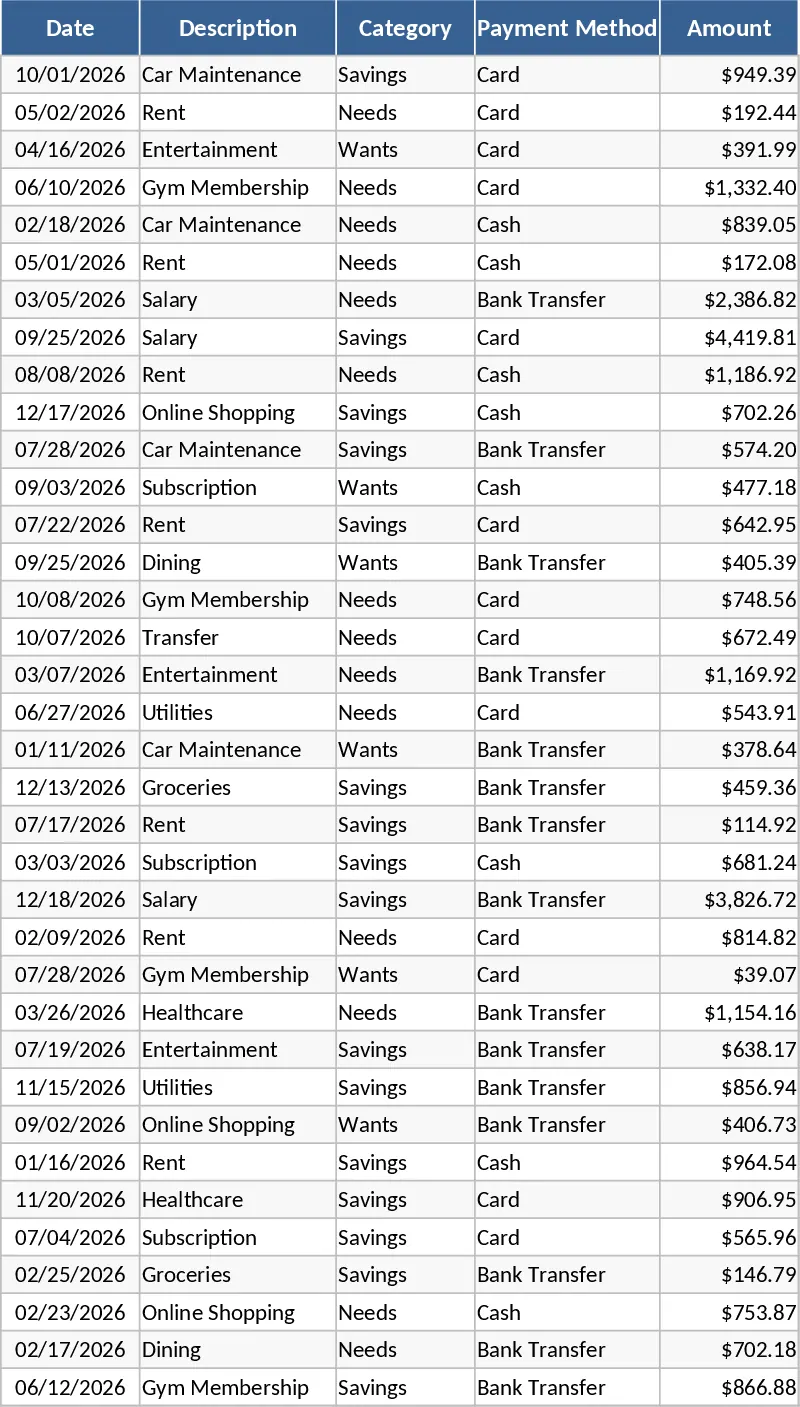
Personal Monthly Budget and Expense Tracker with Executive Dashboard Template
Manage your personal finances by tracking daily expenses, setting monthly limits, and visualizing spending trends with a dynamic dashboard.
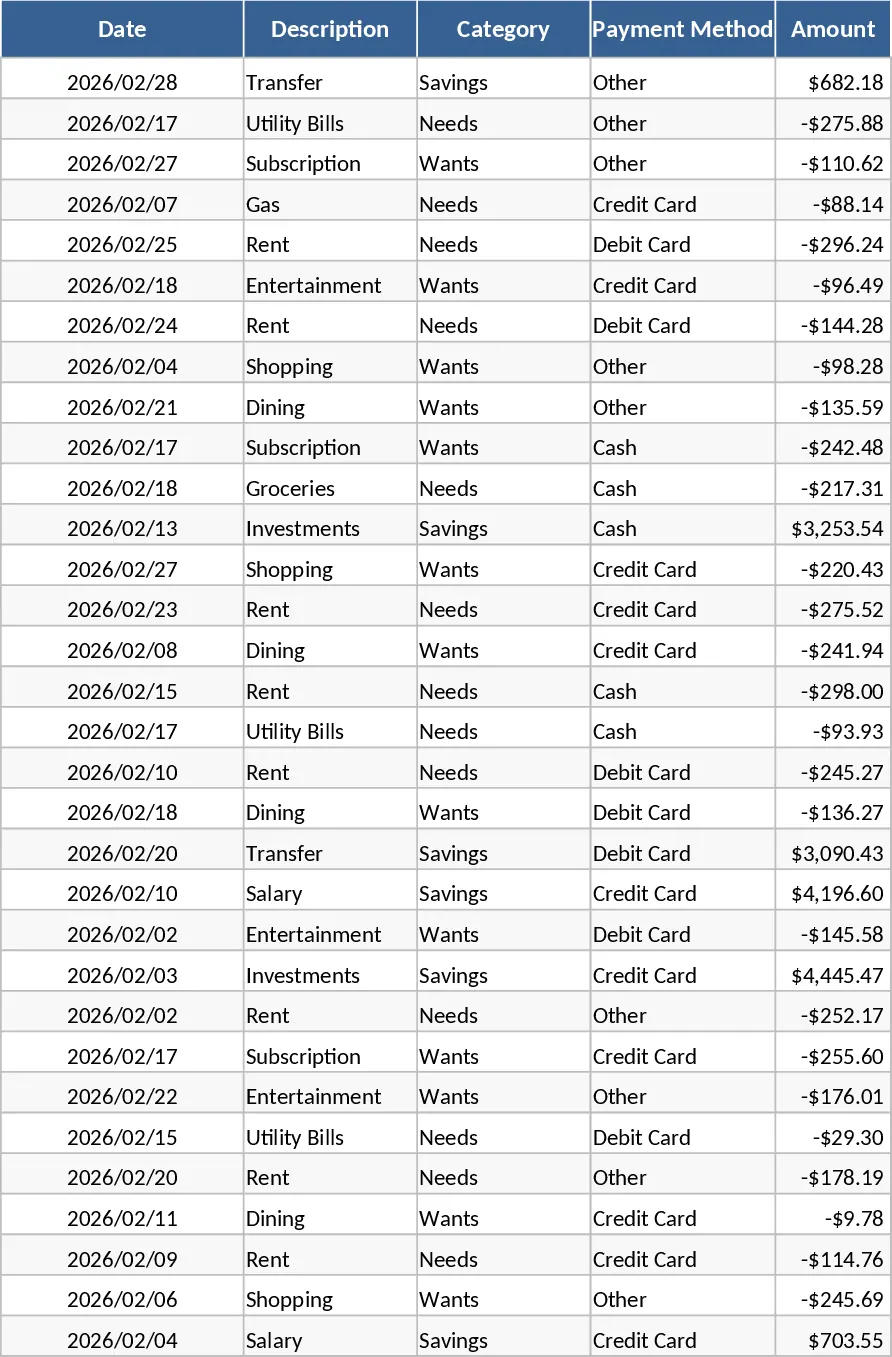
Personal Monthly Budget and Expense Tracker with Dashboard and Top Merchants Template
Manage your personal finances by tracking daily expenses, setting monthly budgets, and visualizing spending habits with an automated dashboard.
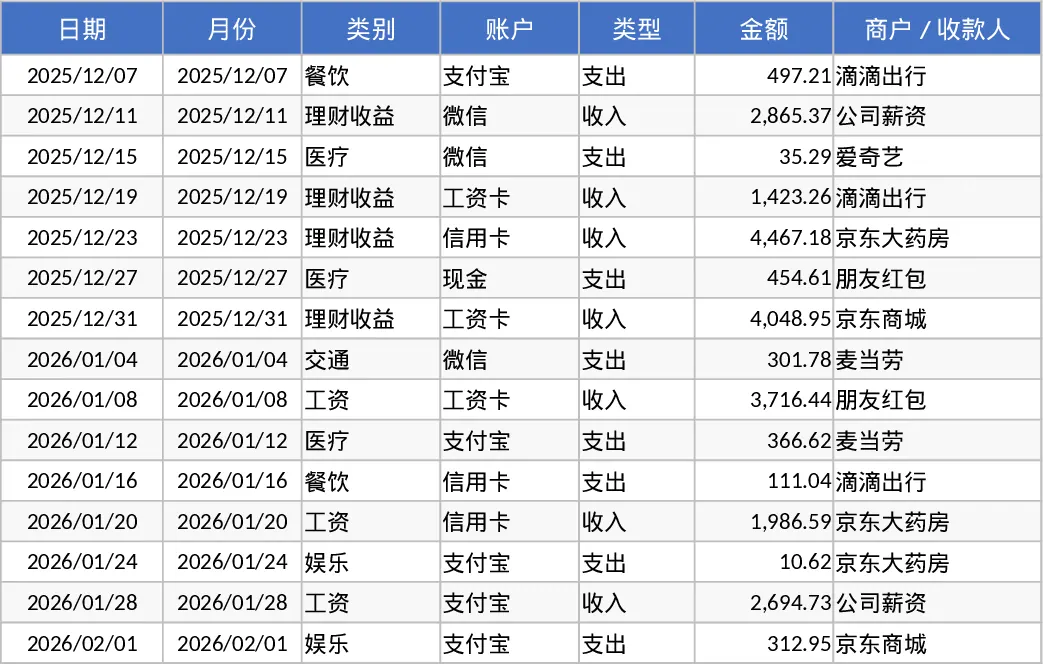
Personal Monthly Budget Tracker with Executive Dashboard Template
Manage your personal finances by logging transactions, setting monthly limits, and visualizing spending trends with a dynamic dashboard.