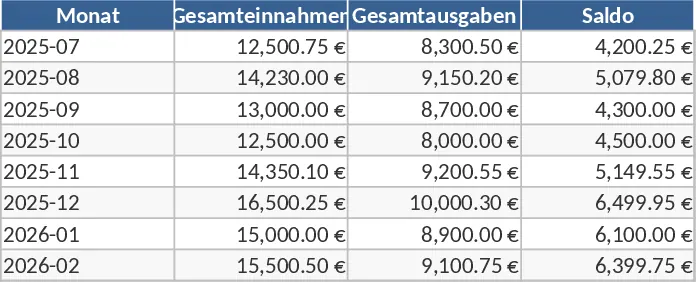
Monthly Expense Tracker with Cash Flow Template
Managing your finances shouldn't be a source of stress. This Efficient Monthly Expense Management template provides a structured and visual way to oversee your financial life. The workbook is organized into intuitive sections, including a setup sheet for custom categories, a detailed transaction log for daily entries, and a dynamic dashboard that summarizes your performance. You can easily categorize every dollar spent—from housing and utilities to entertainment and savings—ensuring that no expense goes unnoticed. The template includes specific columns for fixed and variable costs, allowing you to distinguish between essential bills and flexible spending.
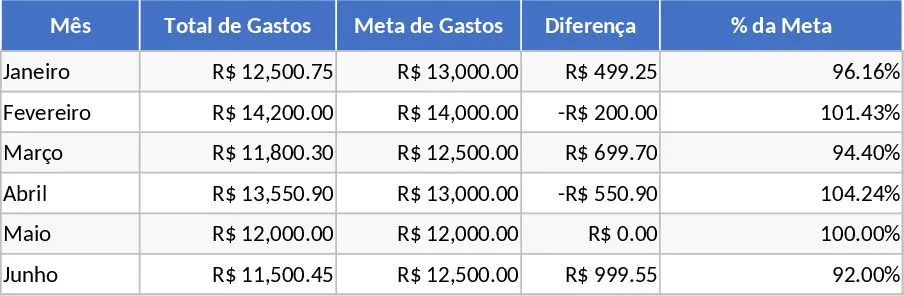
This tool is particularly useful for anyone looking to break the cycle of living paycheck to paycheck or for small business owners who need a simple way to monitor operational costs without investing in expensive accounting software. By centralizing your financial data, you eliminate the need for multiple apps or messy notebooks. The template helps you identify spending patterns over time, highlighting areas where you can cut back to reach your savings goals faster. It transforms raw numbers into actionable insights, giving you the confidence to make informed financial decisions every month based on historical data rather than guesswork.
The template helps you track not just what you spend, but how you spend it. With dropdown menus for payment methods and status tags, you can keep track of credit card balances and bank transfers in one place. This is especially helpful for managing credit card debt or ensuring that all monthly bills are paid on time. The visual indicators on the dashboard serve as an early warning system, turning red when you approach your budget limits and green when you are successfully saving. This immediate feedback loop is vital for maintaining financial discipline throughout the month.
How to use:
- Navigate to the Settings sheet to define your unique income sources and expense categories; this ensures all dropdown menus throughout the template are tailored to your needs.
- Enter your transactions as they occur in the Data Entry sheet, making sure to fill in the date, amount, and category to keep the automation accurate.
- Visit the Dashboard sheet at least once a week to view your total balance, spending breakdown by category, and your progress toward your monthly savings target.
- Use the monthly summary view to compare your performance across different months, identifying seasonal trends in your spending.
By adopting this template into your routine, you can expect to save hours of manual calculation and significantly reduce the effort required to stay organized. It offers a clear, professional path toward financial stability and helps you build a more disciplined, proactive approach to money management.
Similar Templates Recommendation
Monthly Expense Tracker and Calculator Template
Track your monthly spending, categorize expenses, and automatically calculate totals to manage your personal or business budget effectively.
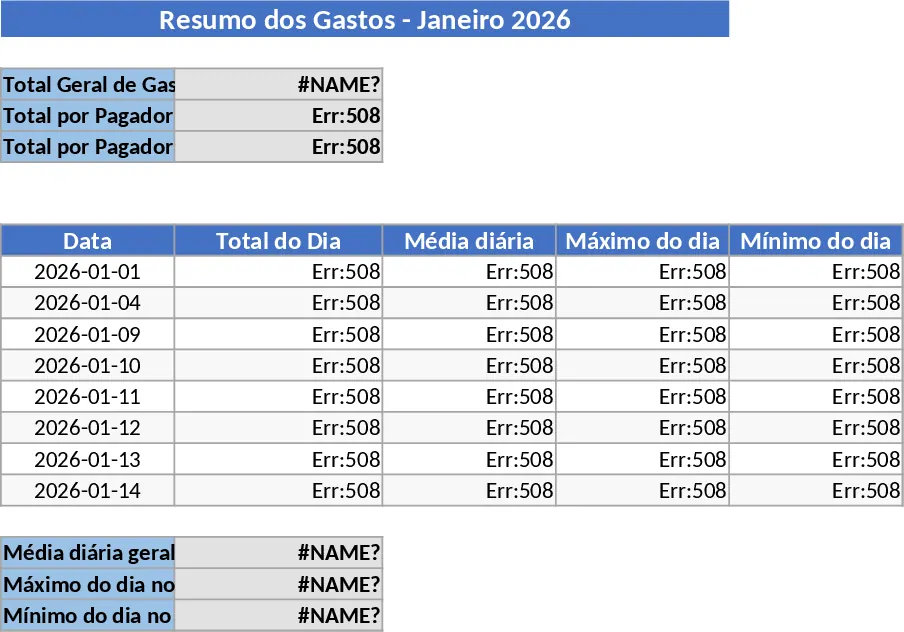
Personal Monthly Budget and Expense Tracker with Transaction Log and Net Savings Template
Take control of your personal finances by tracking daily expenses and income against monthly budget goals with automated visual insights.
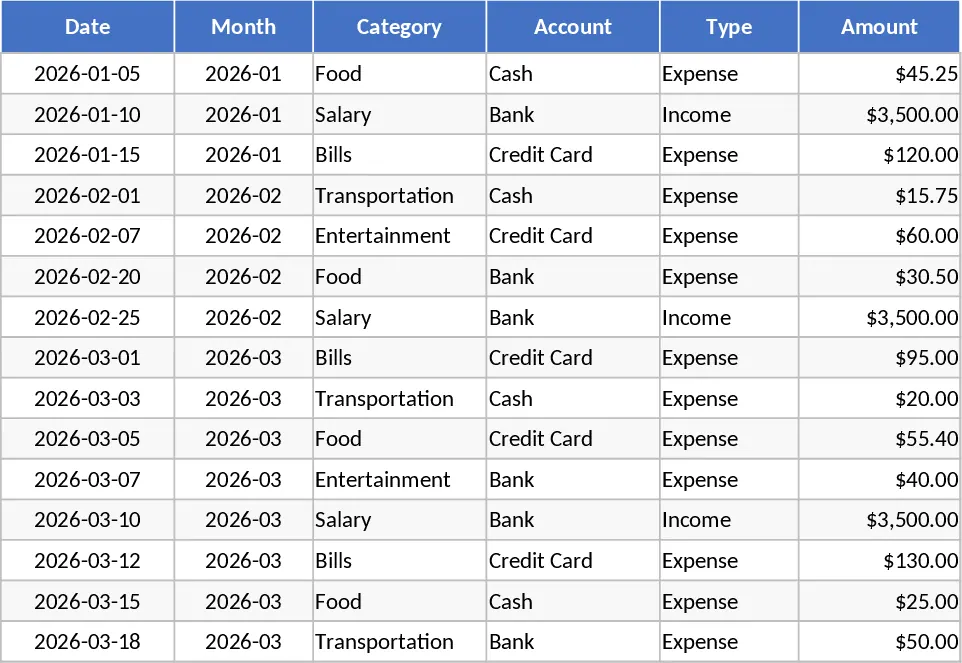
Categorized Income and Expense Tracker Template
Track your daily income and expenses with customizable categories to gain full control over your personal or business budget.