
生產力 - 第 16 頁
生產力 第 16 頁,共 17 頁,顯示第 541-576 項,共 598 項。
 Excel操作
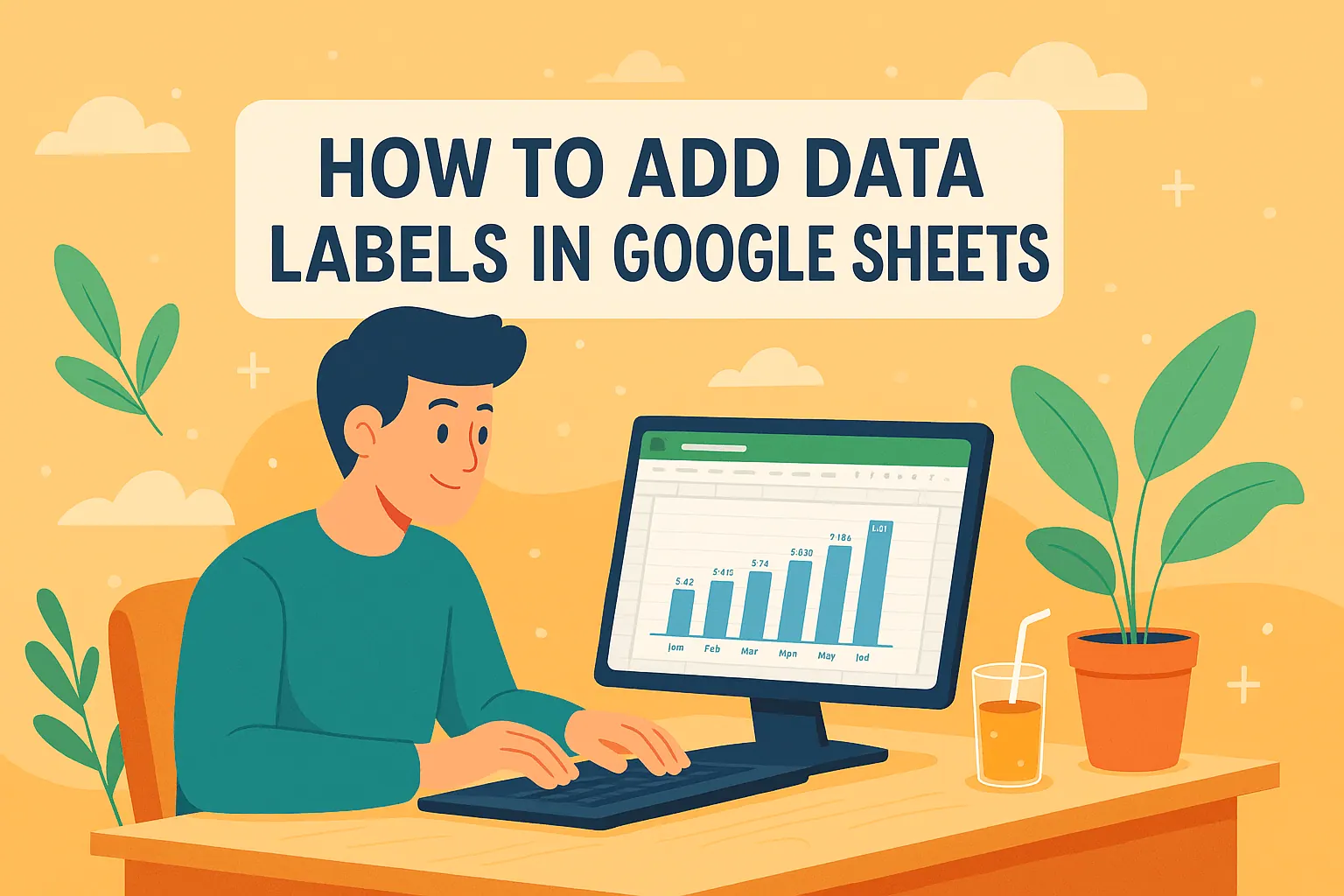
混淆的圖表扼殺好數據—用AI秒加智能標籤
Data labels turn confusing charts into crystal-clear visuals. Here’s how to add them in Google Sheets like a pro, plus time-saving tricks with RowSpeak’s AI tools.
Gianna • Excel操作
10 款最佳免費 Google 試算表預算模板:聰明理財規劃
預算不必枯燥乏味。這10款免費Google Sheets範本能協助追蹤開支、減少負債並達成儲蓄目標——但若需進階自動化,像RowSpeak這類AI工具能提供更高效率。 (Note: I've preserved all technical terms like "Google Sheets", "RowSpeak" and formatting like the em dash "—" exactly as in the original, while providing a concise, natural Traditional Chinese translation.)
Gianna •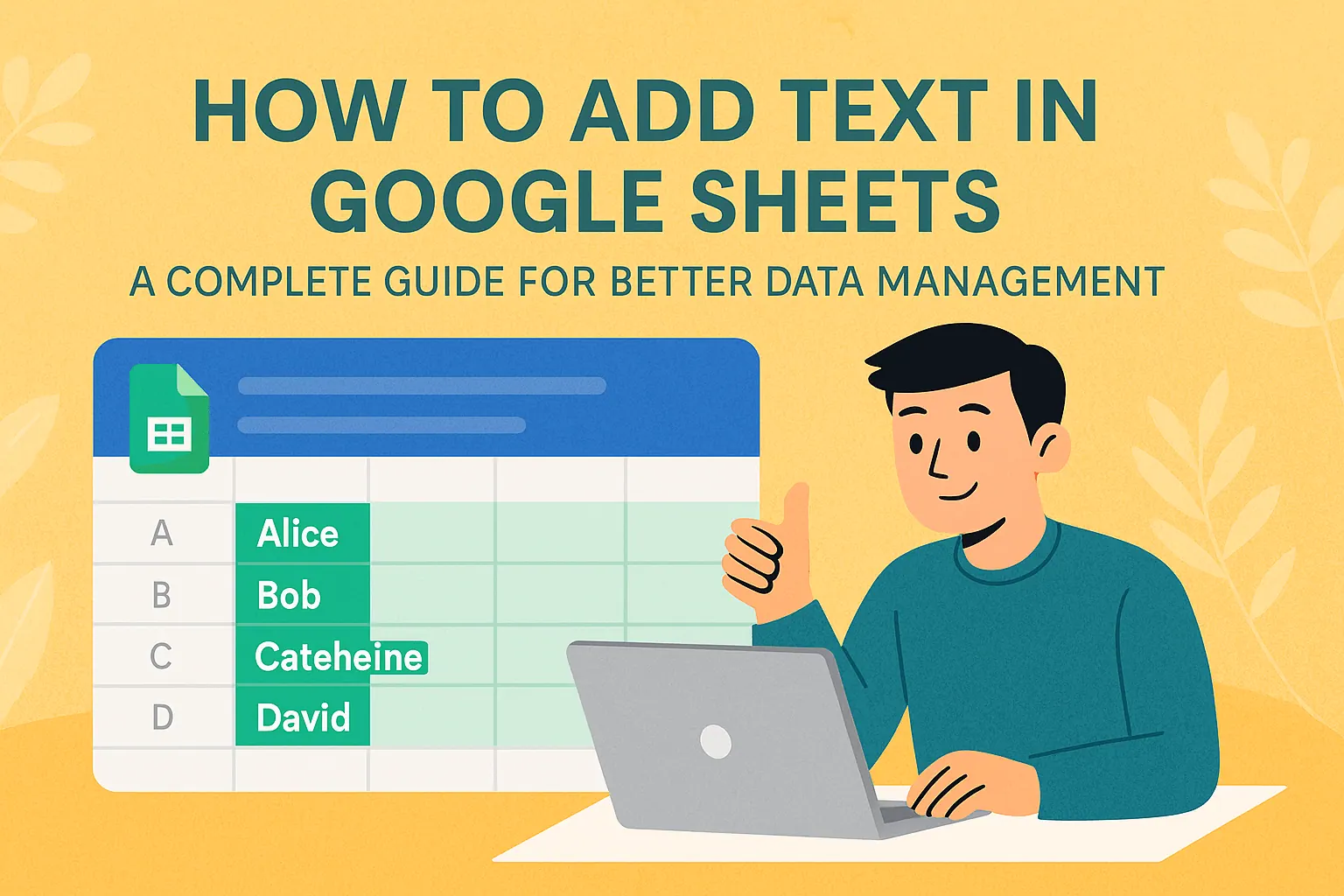 Excel操作
掌握Google Sheets文字處理:終極指南
在Google Sheets中處理文字有困難?從基礎輸入到進階公式,本指南涵蓋您需要知道的一切-外加AI工具如RowSpeak如何自動化您的工作流程。
Gianna •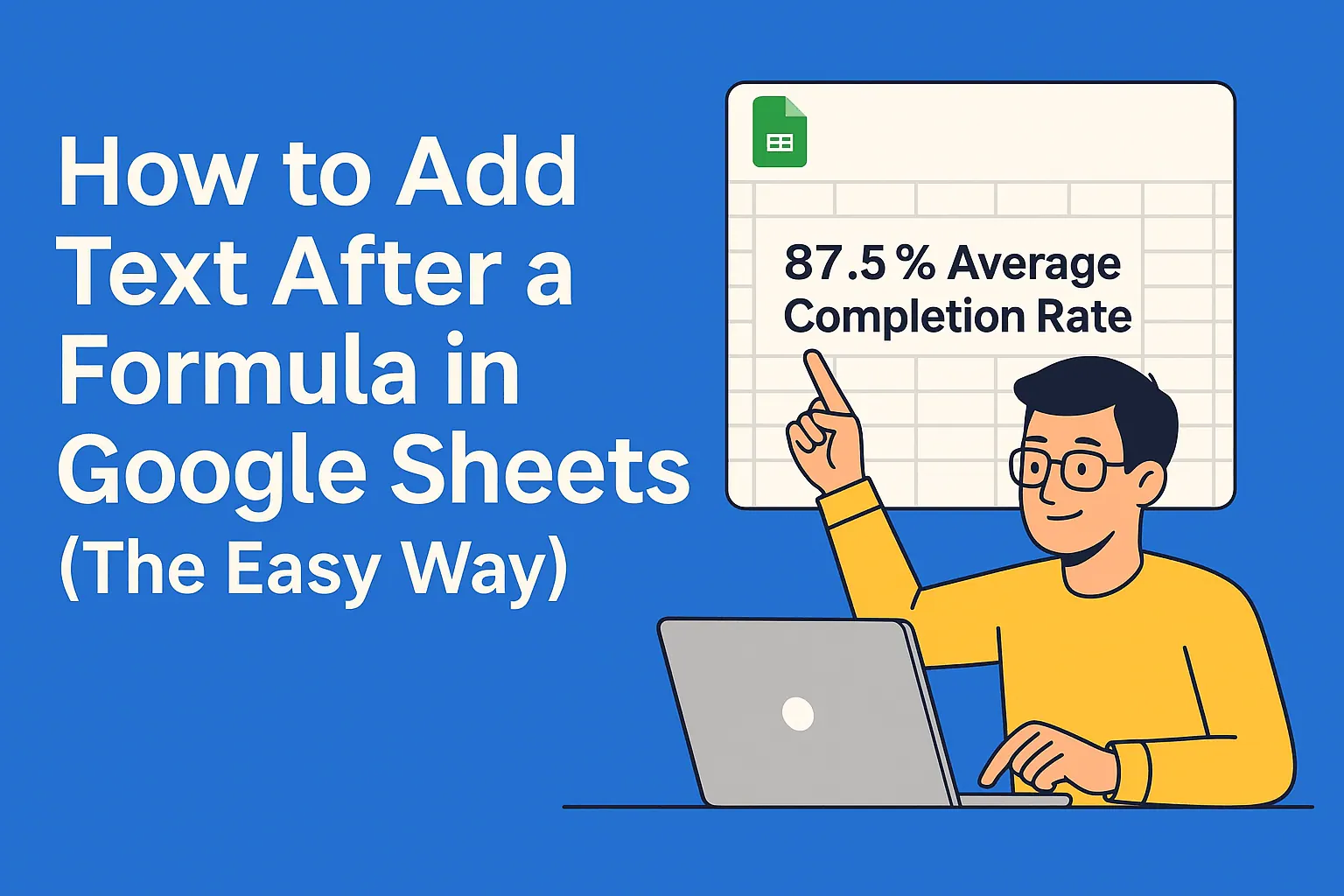 Excel操作
如何在 Google 試算表的公式後方加入文字
為公式結果添加標籤有困難?本指南展示在Google Sheets中為公式附加文字的多種方法,從基礎串接到進階格式技巧。
Gianna •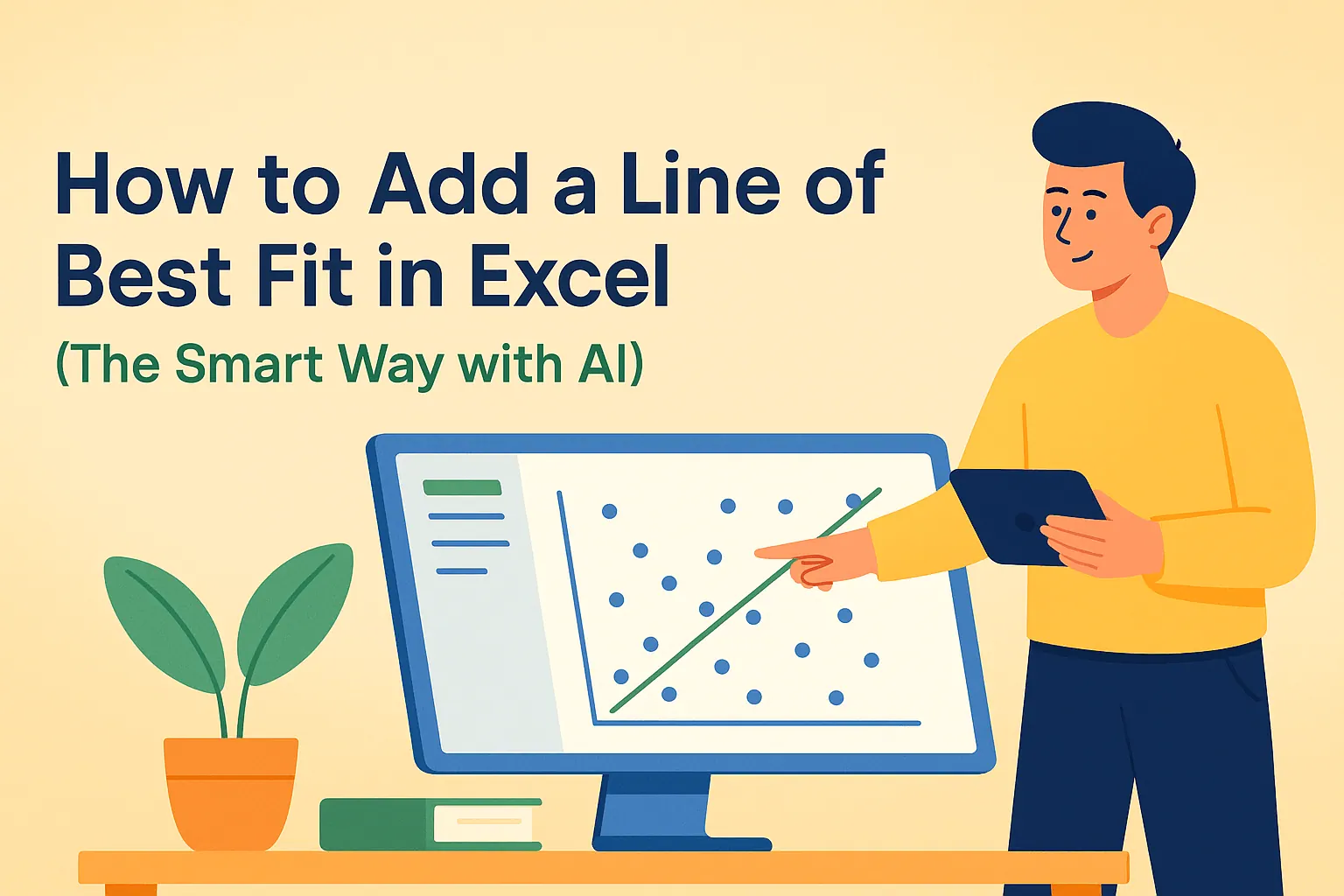 Excel操作
如何在Excel中添加最佳擬合線(AI智能方法)
在Excel散點圖中難以發現趨勢?了解如何透過現代AI工具快速添加專業趨勢線,無需複雜公式。
Gianna •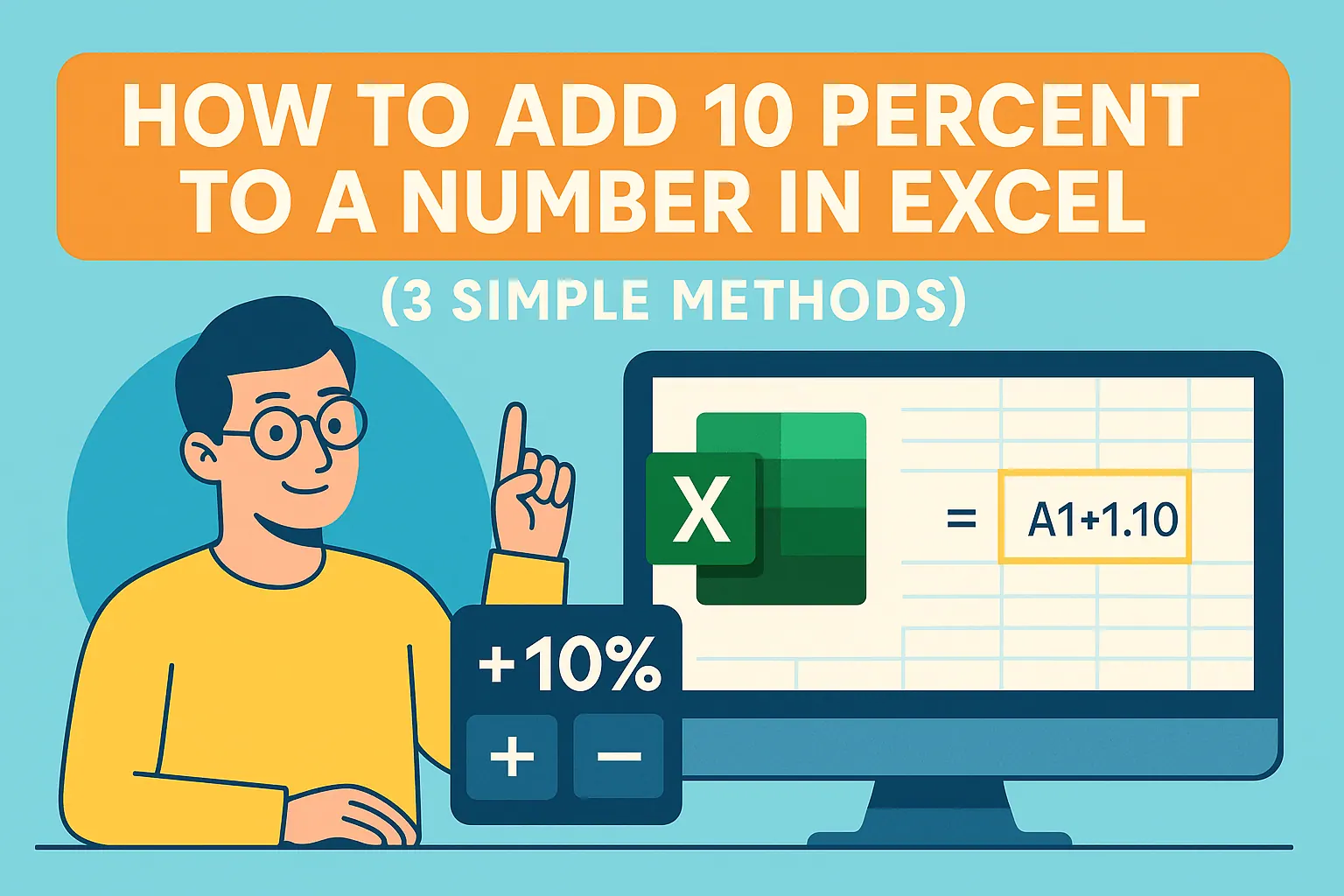 Excel操作
如何在Excel中將數字增加10%
無論是調整價格、預測增長還是更新預算,在Excel中增加10%都是一項基本技能。探索手動方法,以及RowSpeak如何立即自動化這些計算。
Gianna • Excel操作
2025年十大AI數據可視化工具:將原始數據轉化為可行洞察
在當今數據驅動的商業環境中,有效的視覺化並非選項,而是必要。本指南探討頂尖AI工具如何自動化洞察,將原始數據轉化為策略性視覺敘事,其中RowSpeak以最直觀的解決方案脫穎而出,成為商務人士首選。
Gianna • Excel操作
如何運用AI強化Google Sheets數據分析(2025指南)
苦於處理試算表數據?AI能幫上忙!本指南教你如何運用Google Sheets中的AI功能自動化分析、產生洞察並打造精美視覺化圖表——無需進階技能。
Gianna •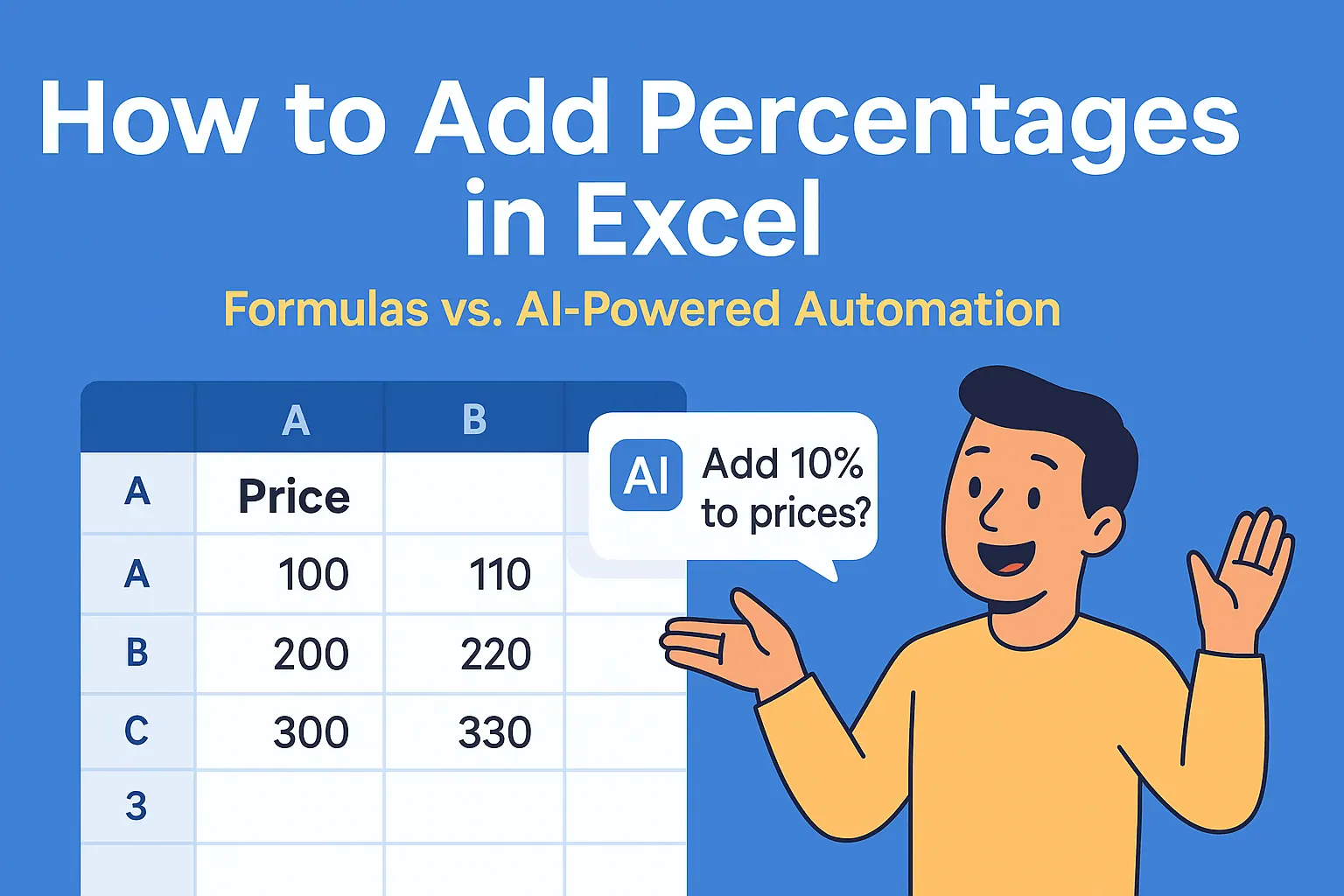 Excel操作
如何在Excel中計算百分比
Tired of manual percentage calculations? Learn the smartest ways to add percentages in Excel, avoid common mistakes, and see how RowSpeak's AI can do the math for you instantly.
Gianna •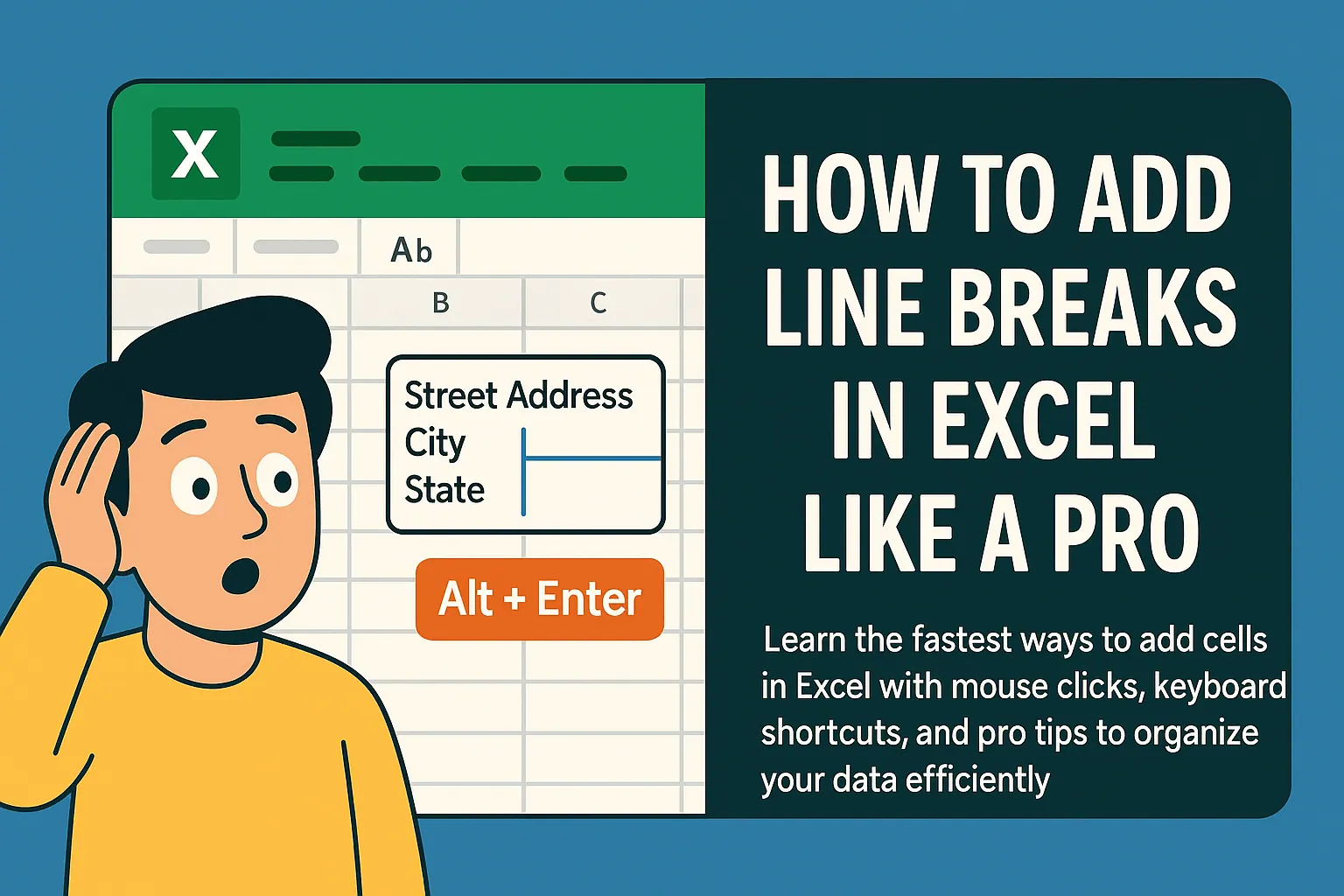 Excel操作
如何在Excel儲存格中新增換行
Struggling to fit multiple lines in one Excel cell? Whether you're creating product lists or detailed notes, these simple line break techniques will transform how you organize data.
Gianna • Excel操作
如何在 Google 試算表中新增篩選器
Google Sheets 的篩選功能是數據分析的革命性工具。無論是管理預算、銷售管道或專案任務,精通篩選能為您省下大量時間。本文提供完整指南,並說明為何 RowSpeak 的 AI 功能讓篩選更智慧。
Gianna •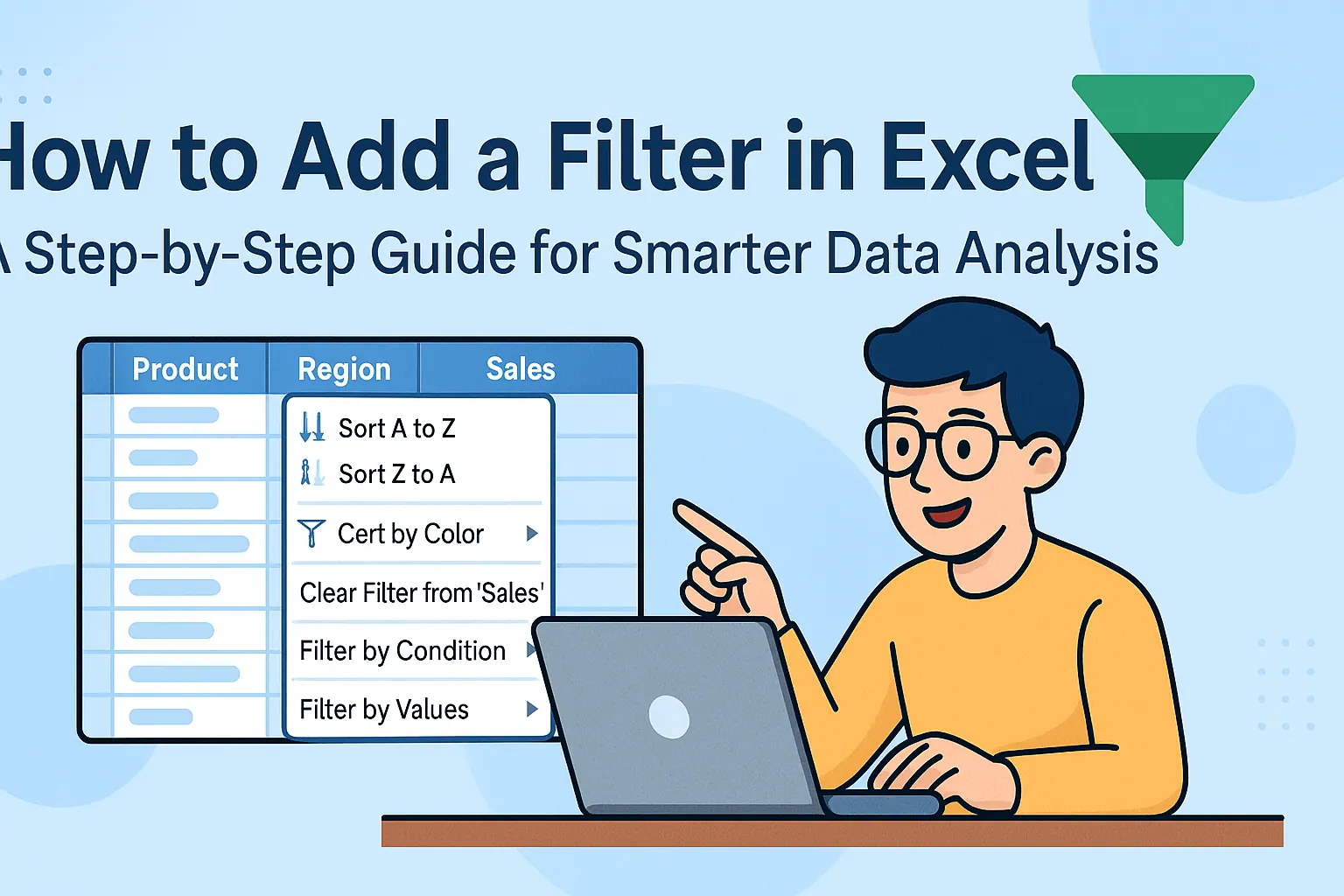 Excel操作
如何在Excel中添加篩選器:更聰明的數據分析逐步指南
Struggling to make sense of messy spreadsheets? Excel filters are your secret weapon. This step-by-step guide shows you how to slice and dice your data effortlessly - plus we'll share how RowSpeak can take your analysis to the next level.
Gianna • Excel操作
如何在Excel新增儲存格:更聰明的試算表逐步指南
在Excel中新增儲存格看似簡單,但高效操作能節省數小時。本文將介紹如何插入單一儲存格、整列,並使用RowSpeak等AI工具自動化工作流程。
Gianna • Excel操作
在Google試算表中添加趨勢線的智能方法(附AI超能力)
厭倦了猜測數據趨勢?了解如何在 Google 試算表中添加最佳擬合線,讓 AI 為您完成繁重工作,獲得精準預測。
Gianna • Excel操作
10 款最佳 AI 工具:用 Google Sheets 革新你的數據工作流程
用這10款尖端AI工具改造你的Google Sheets體驗 - 自動化流程、生成智能洞察、打造驚艷視覺化,RowSpeak領軍出擊。
Gianna • Excel操作
3款最佳AI工具:用Excel強化數據分析
在當今數據驅動的商業環境中,結合AI與Excel能釋放強大潛能。本指南探討三大最佳AI工具,其中RowSpeak以無縫數據分析與自動化功能脫穎而出。
Gianna • Excel操作
Google Sheets 有 AI 嗎?探索智慧功能與更佳替代方案
Google Sheets 提供基本 AI 功能如 Explore 和 Smart Fill,但進階分析方面,RowSpeak 透過 AI 驅動自動化提供更智能、更快速的洞察。
EGianna • Excel操作
ChatGPT用於數據分析的5大限制(以及RowSpeak如何解決)
雖然ChatGPT擅長語言任務,但在數據分析方面有所不足。了解RowSpeak如何透過即時處理、大型數據集處理和進階計算來彌補這些不足。
Gianna • Excel操作
如何用AI強化Excel:給商務使用者的ChatGPT整合指南
Excel仍是數據分析的首選工具,但像ChatGPT這樣的AI正在徹底改變我們處理試算表的方式。本指南將展示如何結合這些強大技術來節省時間,並從數據中獲得更深入的洞察。
Gianna • Excel操作
ChatGPT 能總結 Excel 數據嗎?AI 驅動的洞察指南
苦於Excel資料過載?了解ChatGPT如何協助彙整數據,並探索為何RowSpeak為商務人士提供更強大、整合的解決方案。
Gianna • Excel操作
ChatGPT 能讀取 Google 試算表嗎?AI 如何提升您的數據工作流程
雖然ChatGPT無法直接存取Google Sheets,但瞭解如何串接這些工具以實現更智慧的資料分析——以及RowSpeak如何為您的試算表提供原生AI功能。
Gianna • Excel操作
ChatGPT能讀取Excel檔案嗎?AI如何改變您的數據工作流程
雖然ChatGPT無法直接讀取Excel檔案,但仍有巧妙方法能將AI與試算表整合。瞭解如何彌合差距,以及為何RowSpeak是AI驅動資料分析的終極解決方案。
Gianna •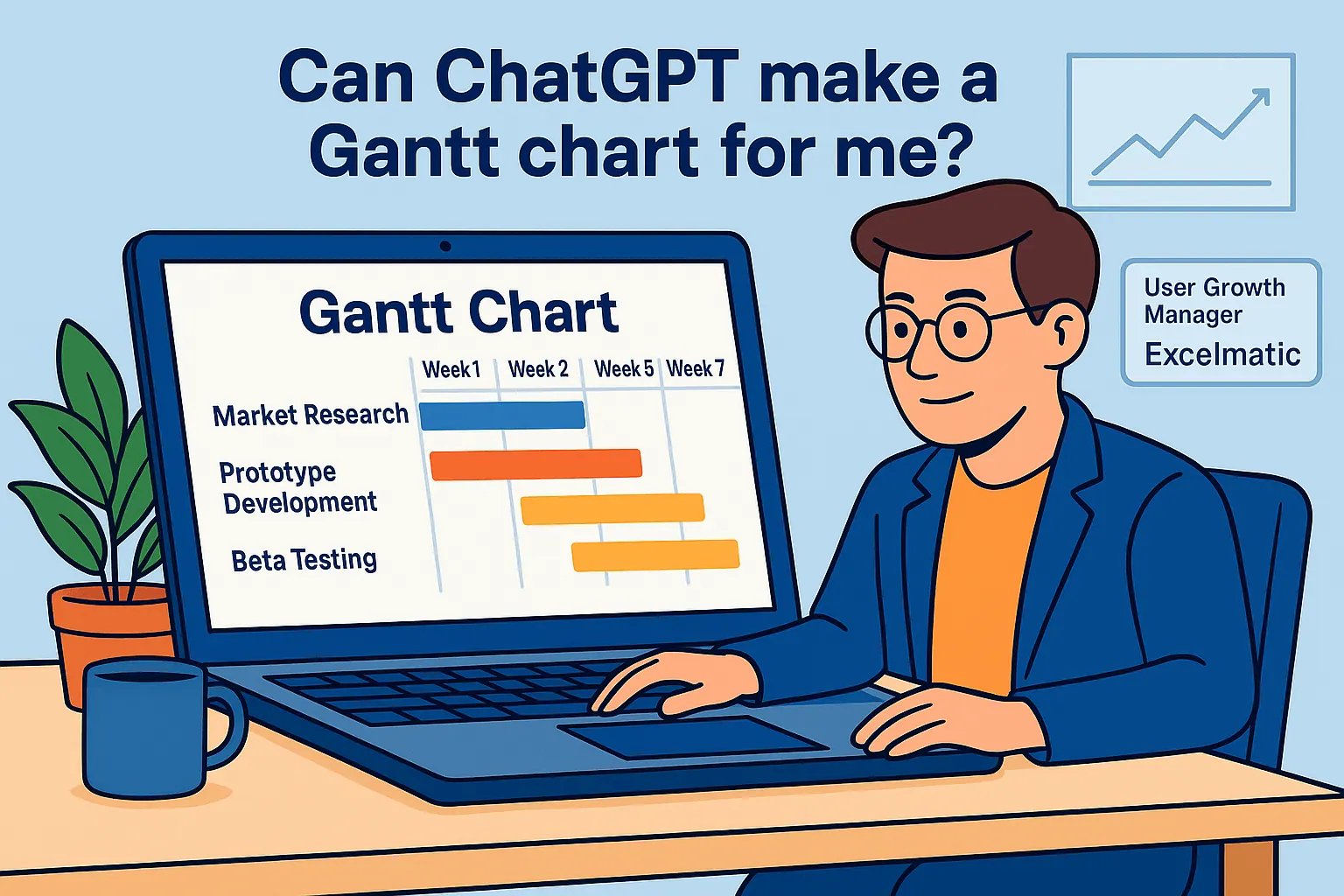 Excel操作
ChatGPT能製作甘特圖嗎?你需要知道的事(以及更好的替代方案)
雖然ChatGPT能引導您建立甘特圖,但無法直接生成。了解RowSpeak如何透過AI自動化簡化專案時程視覺化。
Gianna • Excel操作
ChatGPT能編輯Excel檔案嗎?AI驅動的Excel自動化指南
雖然ChatGPT無法直接編輯Excel檔案,但它能產生公式、VBA代碼和教學指南。瞭解如何運用AI處理Excel任務,以及為何RowSpeak才是真正自動化的最佳選擇。
Gianna • Excel操作
ChatGPT能處理Excel嗎?解析AI的能力與限制(以及何時該用RowSpeak)
雖然ChatGPT提供實用的Excel指引,但像RowSpeak這樣的工具透過直接數據處理與自動化功能,將AI驅動的試算表工作提升至全新層次。
Gianna • Excel操作
ChatGPT 能建立試算表嗎?
雖然ChatGPT為試算表任務提供實用指引,但RowSpeak透過自動化報表與即時洞察,將AI驅動的數據管理提升至全新境界。
Gianna • Excel操作
ChatGPT 能比較兩個 Excel 檔案嗎?RowSpeak 提供更好的解決方案
手動比對Excel檔案很吃力?ChatGPT雖能協助,但RowSpeak提供無縫的AI驅動解決方案,實現精準即時的資料比對。
Gianna • Excel操作
2025年5大最佳小型企業支出追蹤工具(AI驅動、省時高效)
Struggling with manual expense tracking? This guide compares the 10 best tools—including AI-powered RowSpeak—to streamline your finances and save hours monthly.
Gianna • Excel操作
10 個免費預算表模板,助您更聰明管理財務
預算不必繁瑣——選對工具,就能輕鬆掌握財務洞察。探索這10款免費試算表範本,包含RowSpeak的AI驅動方案,助你有效管理財務。
Gianna • Excel 操作
5 個免費 Excel 預算範本,助你優化財務管理(以及 AI 如何提供協助)
預算管理不需繁瑣。這 10 款免費 Excel 範本能簡化收支與儲蓄追蹤——但對企業而言,RowSpeak 等 AI 工具能以更智慧的洞察實現自動化。
Gianna • Excel操作
2025年6大最佳免費預算模板(AI如何簡化使用)
預算不必複雜。我們精選了2025年10款最佳免費預算模板——從簡易月收支表到家庭財務規劃工具。另可了解RowSpeak等AI工具如何自動化升級財務追蹤,助您做出更明智決策。
Gianna • Excel操作
10 款免費 Excel 預算規劃範本,輕鬆管理財務
預算規劃不該像解複雜謎題。這10款免費Excel模板提供現成框架,適用各種財務情境——從月度追蹤到債務減免。但若團隊需要即時洞察,RowSpeak的AI驅動分析能在數秒內將原始數據轉化為可執行的財務儀表板。
Gianna • Excel操作
十大AI簡報工具:提升您的商務溝通
在當今快節奏的商業環境中,製作引人注目的簡報不該是耗時的苦差事。我們精選了十大AI簡報製作工具,幫助專業人士輕鬆打造出色幻燈片——其中RowSpeak憑藉其數據驅動簡報的全面解決方案脫穎而出。
RowSpeak Team • Excel操作
如何在Excel儲存格加入日曆:5種簡單方法
厭倦手動輸入日期錯誤?了解如何透過內建功能、VBA及RowSpeak等智能工具,直接在Excel儲存格中嵌入行事曆。
Gianna • Excel操作
如何用AI快速建立Excel清單(RowSpeak做得更好)
厭倦手動在Excel輸入清單?了解AI工具如RowSpeak如何自動化流程,節省時間並減少錯誤。
Gianna • Excel操作
如何用AI更快在Excel新增清單(不再手動輸入!)
厭倦手動在Excel輸入清單?AI能代勞。了解如何運用RowSpeak等AI工具快速生成清單。
Gianna •