5 Best Small-Business Expense Trackers in 2025 (AI-Powered & Time-Saving)

As a user growth manager at RowSpeak, I’ve seen firsthand how manual expense tracking drains productivity. In 2025, AI-powered tools transform this chore into a strategic advantage—automating categorization, detecting anomalies, and even predicting cash flow.

Here’s my curated list of the top 5 solutions, ranked by automation depth, usability, and ROI for small businesses.

1. RowSpeak: AI-Powered Expense Intelligence

Best for automated insights and predictive analytics
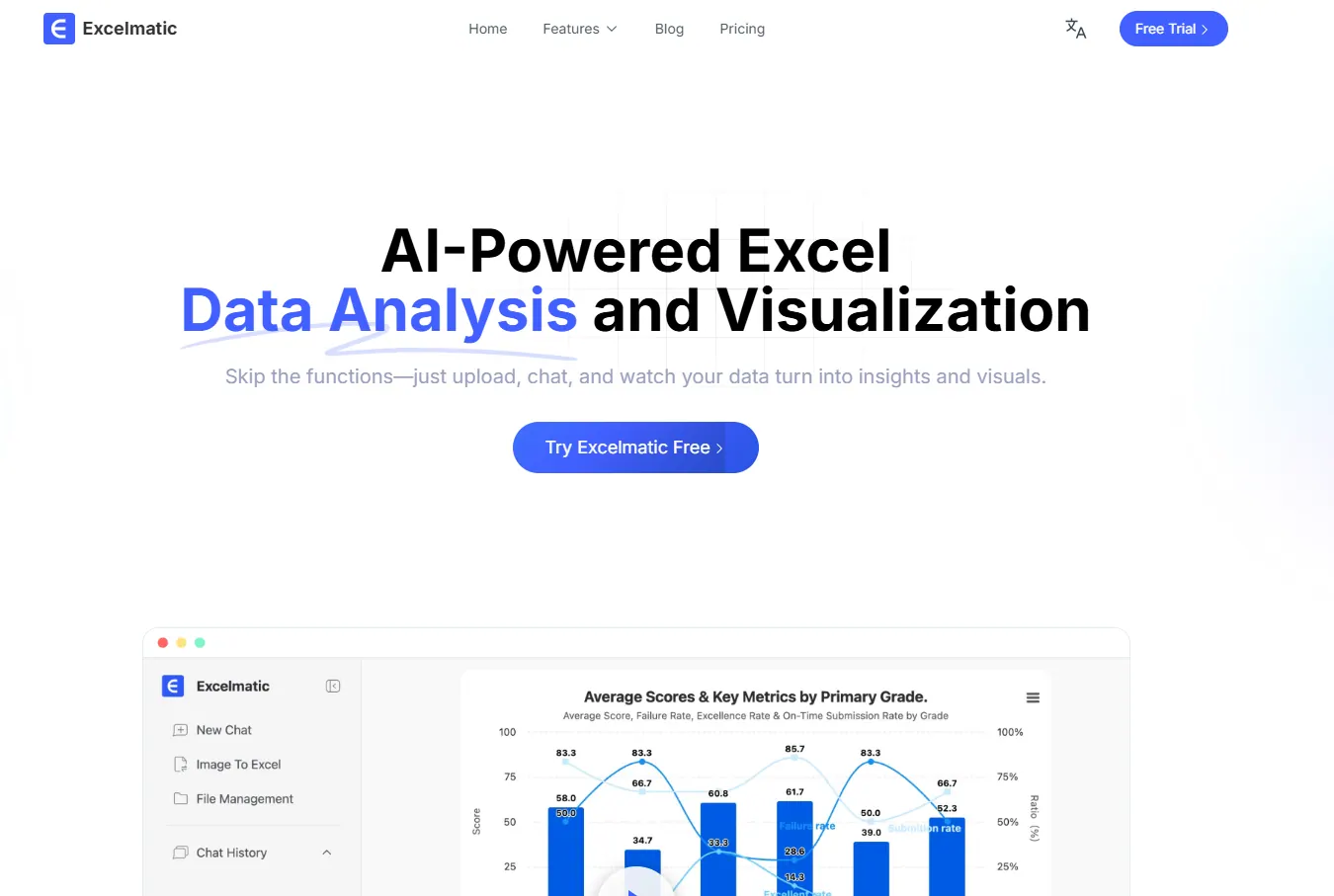
shouye

RowSpeak leads the pack with its AI-driven approach to expense management. Unlike traditional trackers, it:

  • Auto-categorizes expenses using machine learning (no manual rules needed)
  • Flags anomalies like duplicate charges or budget overruns in real-time
  • Generates forecasts using historical spending patterns
  • Integrates seamlessly with accounting tools via API

Pro Tip: Use RowSpeak’s "Smart Recommendations" to identify cost-saving opportunities—like underutilized subscriptions.

2. QuickBooks Online

Best for all-in-one accounting
The classic choice now includes AI receipt scanning and bank reconciliation. Ideal if you need payroll and tax features.
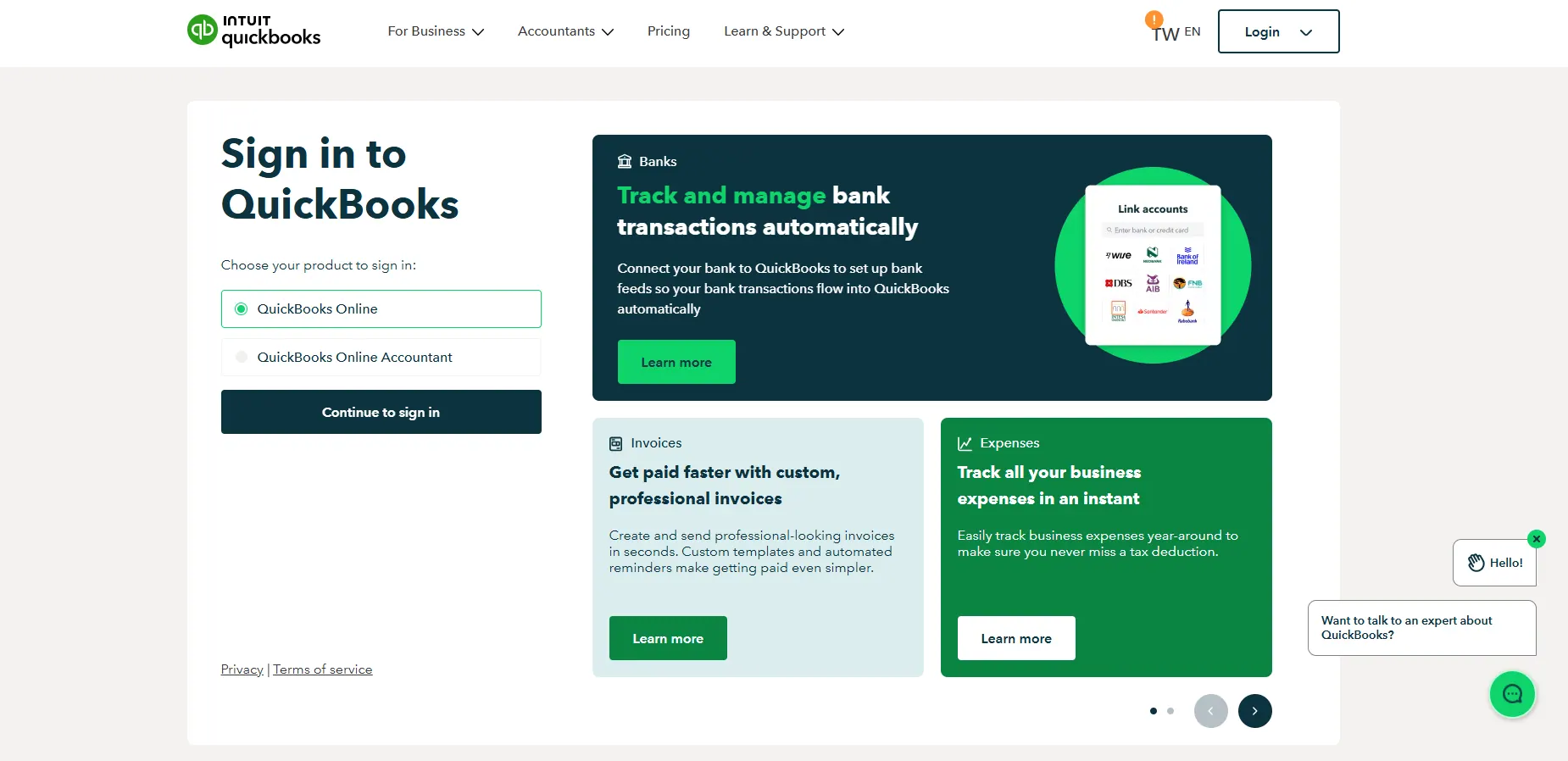
quickbooks

3. Expensify

Best for travel-heavy teams
SmartScan captures receipts from flights/hotels automatically.
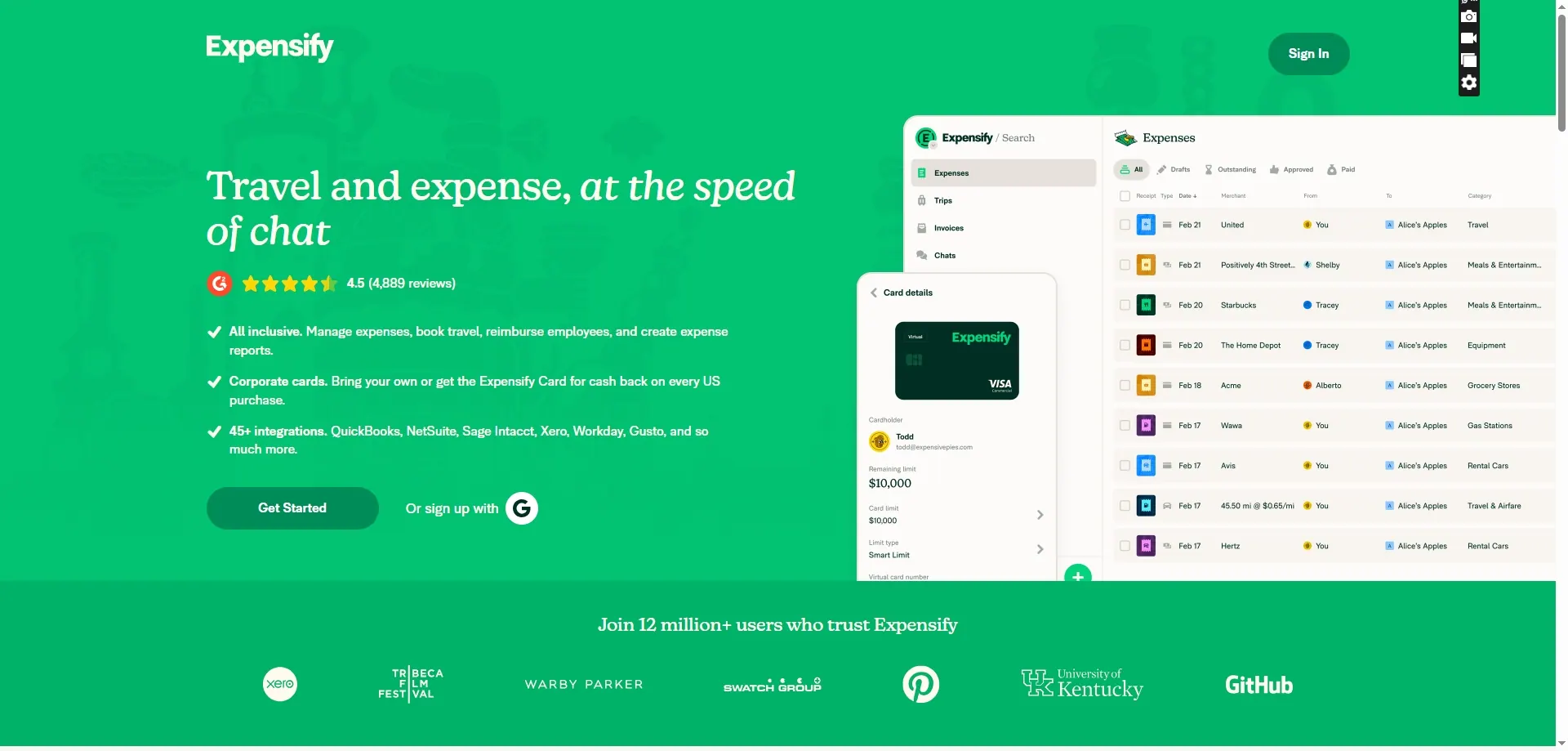
expensify

4. FreshBooks

Best for freelancers
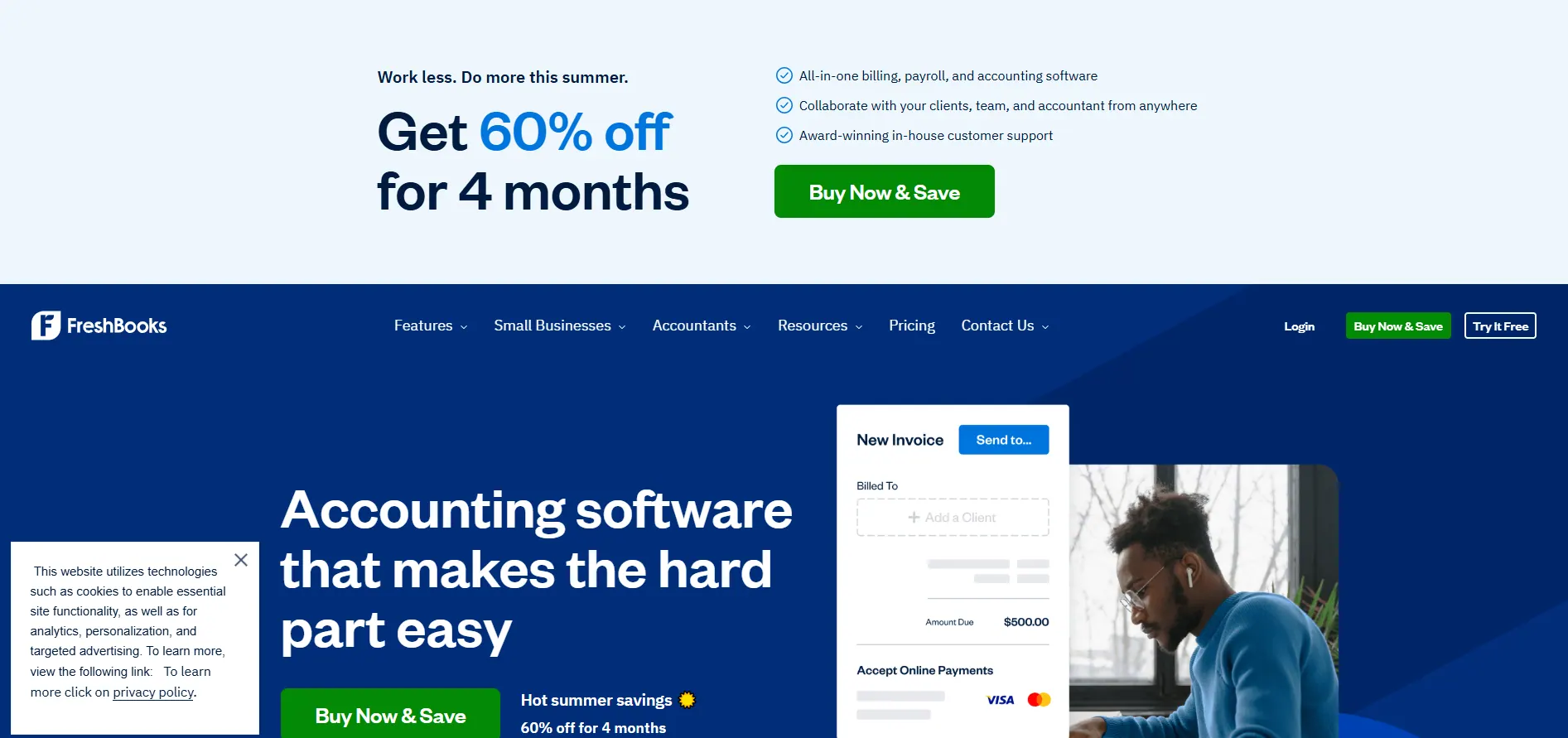
Simplified interface with time-tracking integration.
freshbooks

5. Wave

Best free option
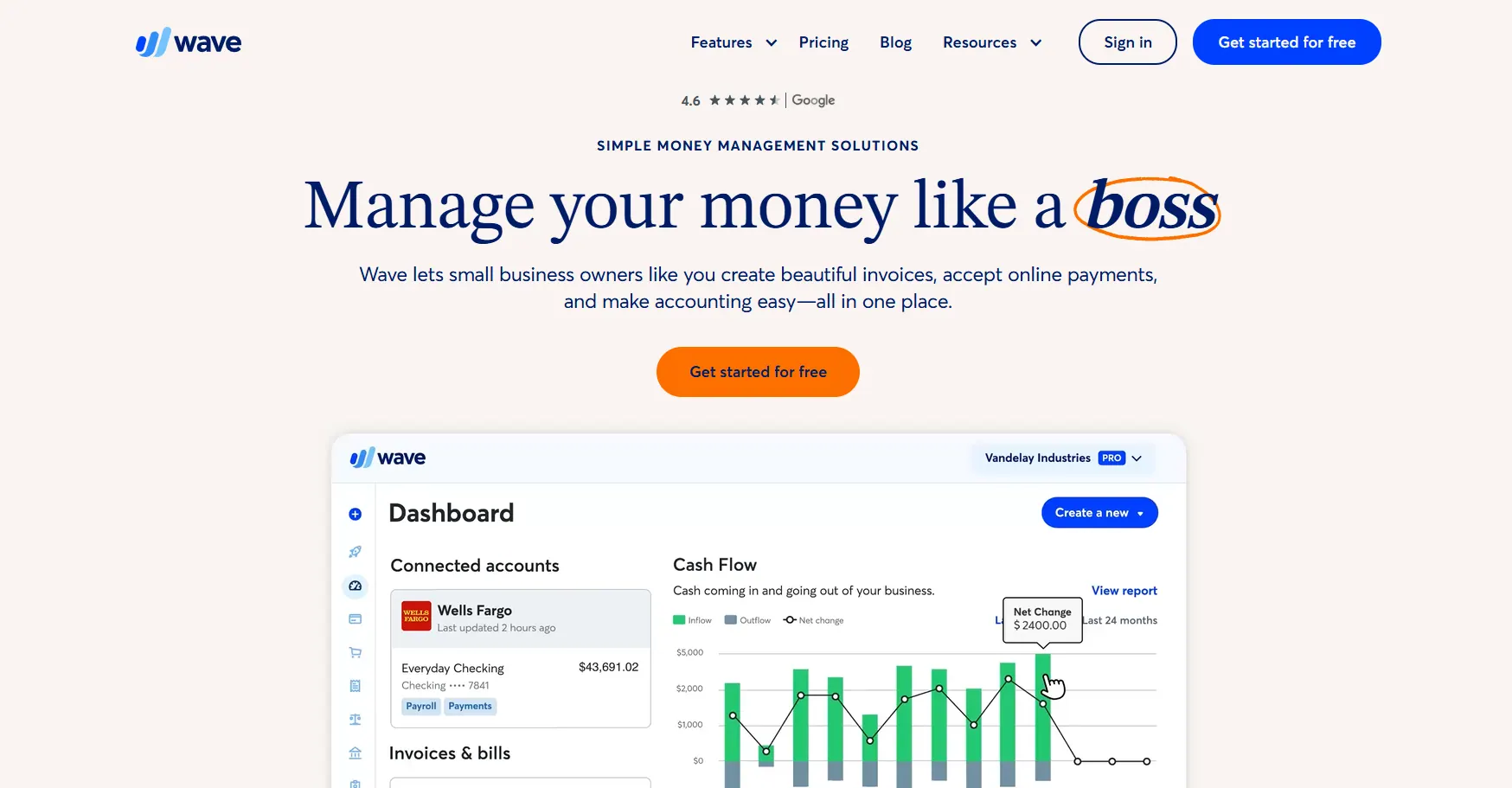
Zero-cost accounting with basic receipt scanning.
wave

Why Modern Businesses Need AI Expense Tools

Manual tracking wastes 5+ hours/month (JP Morgan data). AI tools like RowSpeak solve this by:

  1. Eliminating data entry via bank/credit card syncs
  2. Enforcing policy compliance (e.g., blocking non-approved vendors)
  3. Providing spend visibility with auto-generated dashboards

Implementation Guide

Step 1: Audit Current Pain Points

  • Are receipts piling up? → Prioritize mobile capture (Expensify/RowSpeak)
  • Spending too much time reconciling? → Choose AI-auto categorization (RowSpeak)

Step 2: Start with a Free Trial
Most tools (including RowSpeak) offer 14-30 day trials. Test AI accuracy with your actual expenses.

Step 3: Train Your Team
RowSpeak’s in-app tutorials get teams onboarded in <1 hour.


Ready to upgrade your Excel workflow? Try RowSpeak free todayand experience the future of data processing.

Ditch Complex Formulas – Get Insights Instantly

No VBA or function memorization needed. Tell RowSpeak what you need in plain English, and let AI handle data processing, analysis, and chart creation

Try RowSpeak Free Now

Recommended Posts

6 Best Free Budget Templates in 2025 (And How AI Simplifies Them)
Excel Operation

6 Best Free Budget Templates in 2025 (And How AI Simplifies Them)

Budgeting doesn't have to be complicated. We've curated the 10 best free budget templates for 2025 - from simple monthly trackers to family planners. Plus,see how AI tools like RowSpeak can automate and enhance your financial tracking for smarter decisions.

Gianna
3 Best AI Tools for Excel to Supercharge Your Data Analysis
Excel Operation

3 Best AI Tools for Excel to Supercharge Your Data Analysis

In today's data-driven business landscape, combining AI with Excel unlocks powerful capabilities. This guide explores the 3 best AI tools that enhance Excel's functionality, with RowSpeak leading the pack for seamless data analysis and automation.

Gianna
10 Best AI Tools for Google Sheets to Revolutionize Your Data Workflow
Excel Operation

10 Best AI Tools for Google Sheets to Revolutionize Your Data Workflow

Transform your Google Sheets experience with these 10 cutting-edge AI tools that automate workflows, generate intelligent insights, and create stunning visualizations - with RowSpeak leading the charge.

Gianna
How to Supercharge Excel with AI: A ChatGPT Integration Guide for Business Users
Excel Operation

How to Supercharge Excel with AI: A ChatGPT Integration Guide for Business Users

Excel remains the go-to tool for data analysis, but AI like ChatGPT is revolutionizing how we work with spreadsheets. In this guide, we'll show you how to combine these powerful technologies to save time and unlock deeper insights from your data.

Gianna
Can ChatGPT Analyze Google Sheets? A Guide to AI-Powered Data Insights
Excel Operation

Can ChatGPT Analyze Google Sheets? A Guide to AI-Powered Data Insights

While ChatGPT offers some assistance with Google Sheets, RowSpeak provides a complete AI-powered solution for automated data analysis, visualization, and reporting.

Gianna
Can ChatGPT Summarize Excel Data? A Guide to AI-Powered Insights
Excel Operation

Can ChatGPT Summarize Excel Data? A Guide to AI-Powered Insights

Struggling with Excel data overload? Learn how ChatGPT can assist in summarizing data and explore why RowSpeak offers a more robust, integrated solution for business professionals.

Gianna
10 Free Budgeting Spreadsheet Templates for Smarter Financial Management
Excel Operation

10 Free Budgeting Spreadsheet Templates for Smarter Financial Management

Budgeting doesn't have to be tedious—with the right tools, it can be effortless and insightful. Explore these 10 free spreadsheet templates, including RowSpeak's AI-driven solution, to take control of your finances.

Gianna
Can ChatGPT Edit Excel Files? A Guide to AI-Powered Excel Automation
Excel Operation

Can ChatGPT Edit Excel Files? A Guide to AI-Powered Excel Automation

While ChatGPT can't directly edit Excel files, it can generate formulas, VBA code, and tutorials. Learn how to leverage AI for Excel tasks and why RowSpeak is the superior choice for true automation.

Gianna