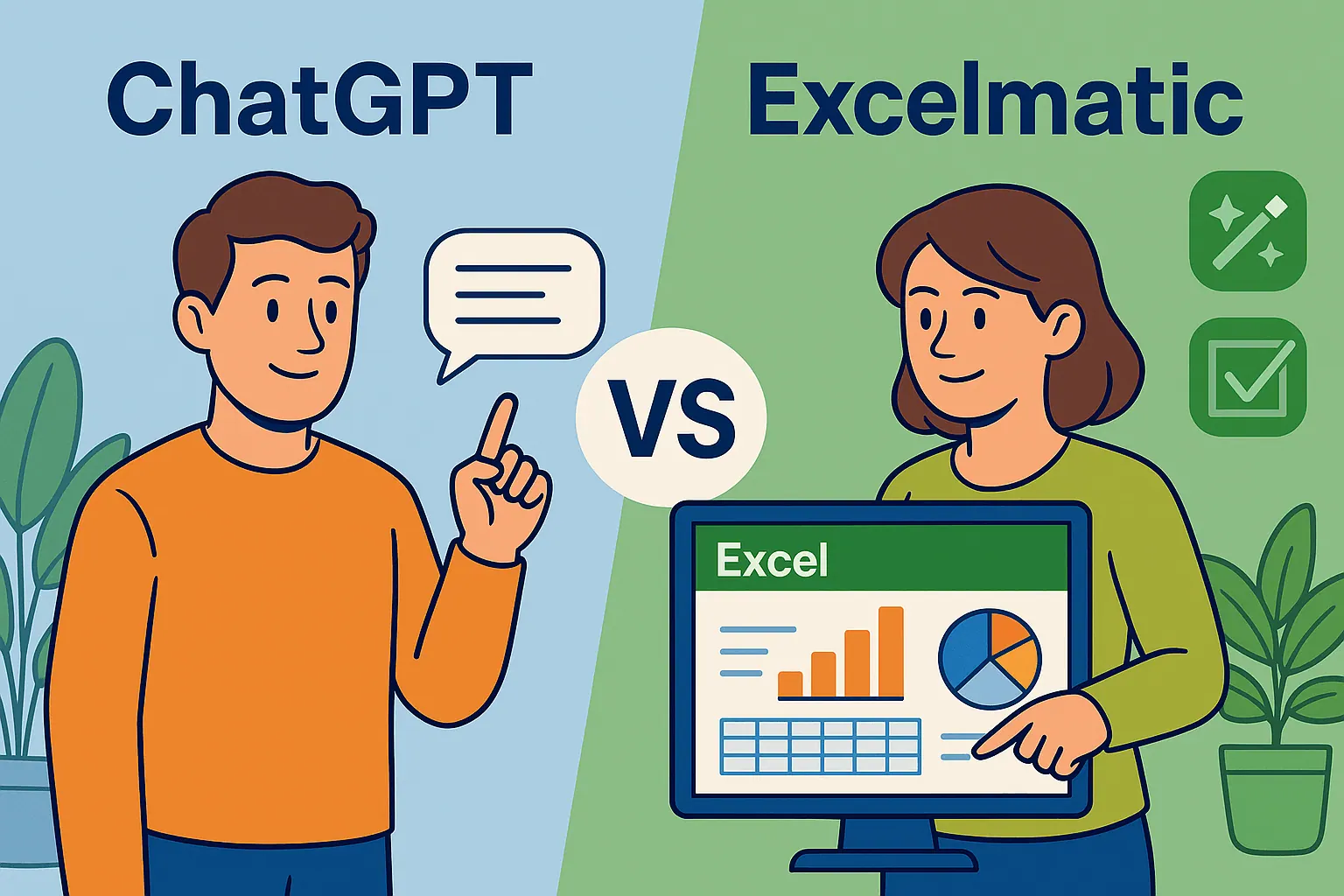
As a User Growth Manager at RowSpeak, I've seen countless professionals overwhelmed by complex Excel datasets. While ChatGPT has gained attention for its conversational AI capabilities, many wonder: Can it truly help summarize and analyze Excel data? Let's explore this question while introducing a more powerful alternative—RowSpeak.
Understanding ChatGPT's Role in Data Analysis
ChatGPT, OpenAI's advanced language model, excels at generating human-like text responses. While not designed as a data analysis tool, its ability to interpret language patterns makes it potentially useful for:
- Explaining data trends based on textual descriptions
- Suggesting analysis approaches
- Identifying potential patterns in described datasets
However, crucial limitations exist. ChatGPT cannot directly interact with Excel files or perform calculations. Its insights rely entirely on how you describe your data—a manual, time-consuming process prone to human error.
The RowSpeak Advantage: Built for Data Professionals
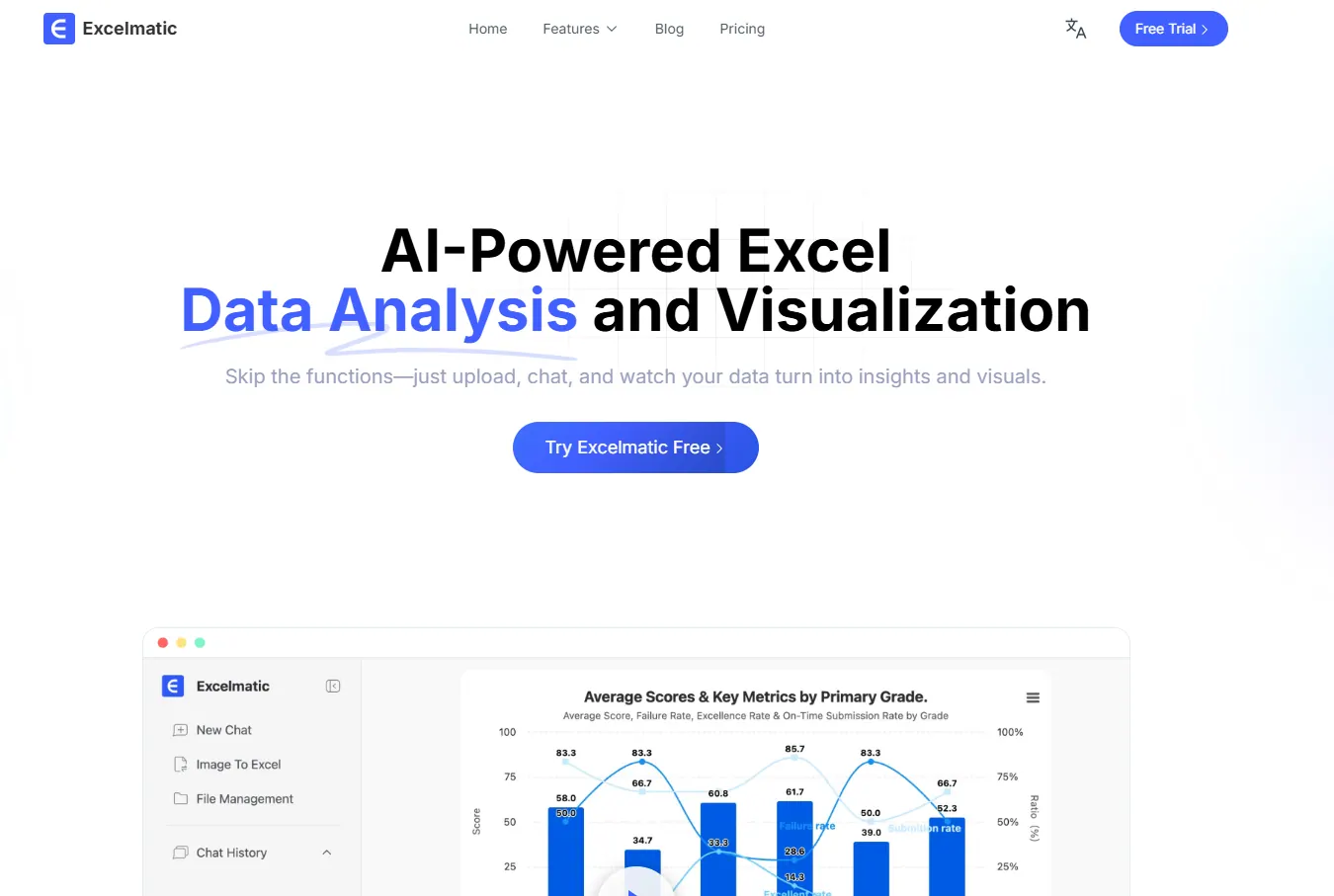
While ChatGPT offers basic interpretation, RowSpeak provides a complete AI-powered data analysis solution:
- Direct Excel Integration: No manual data description needed—RowSpeak connects seamlessly with your spreadsheets
- Automated Insights: Our AI identifies trends, outliers, and key metrics without prompting
- Interactive Dashboards: Transform raw data into visual reports with one click
- Collaboration Features: Share and discuss findings with team members in-platform
"RowSpeak doesn't just summarize data—it transforms how businesses derive actionable insights," says our lead data scientist. "Where ChatGPT requires manual input, we automate the entire analysis workflow."
Practical Comparison: ChatGPT vs. RowSpeak
| Feature | ChatGPT | RowSpeak |
|---|---|---|
| Direct Excel Import | ❌ No | ✅ Yes |
| Automated Summaries | ❌ Manual input required | ✅ Instant |
| Data Visualization | ❌ Text-only | ✅ Interactive charts |
| Team Collaboration | ❌ Limited | ✅ Built-in |
How to Summarize Data Effectively (The Right Way)
For professionals needing reliable data analysis, follow this optimized workflow:
- Import Your Data: Connect RowSpeak directly to your spreadsheet or database
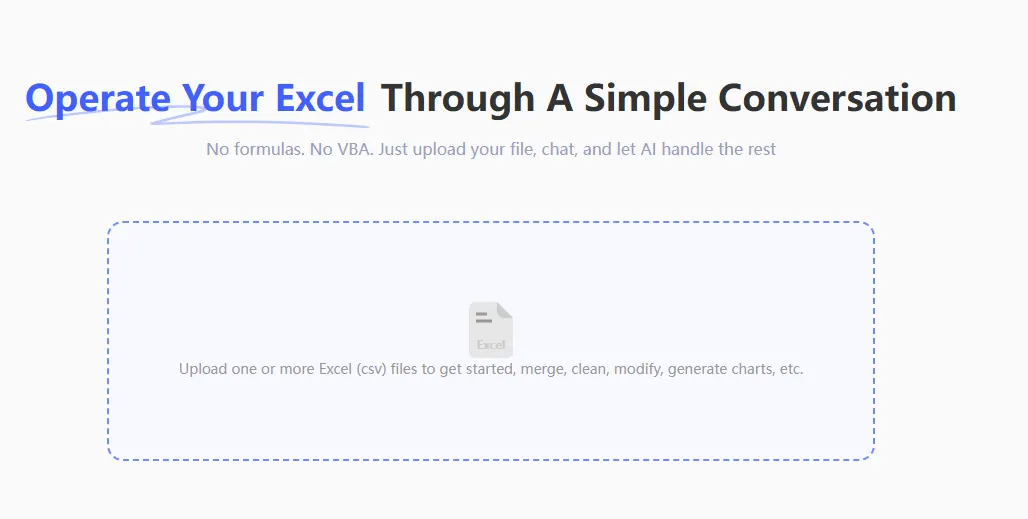
- Set Analysis Parameters: Select your key metrics and desired output format
- Generate Insights: Let RowSpeak's AI process and summarize findings
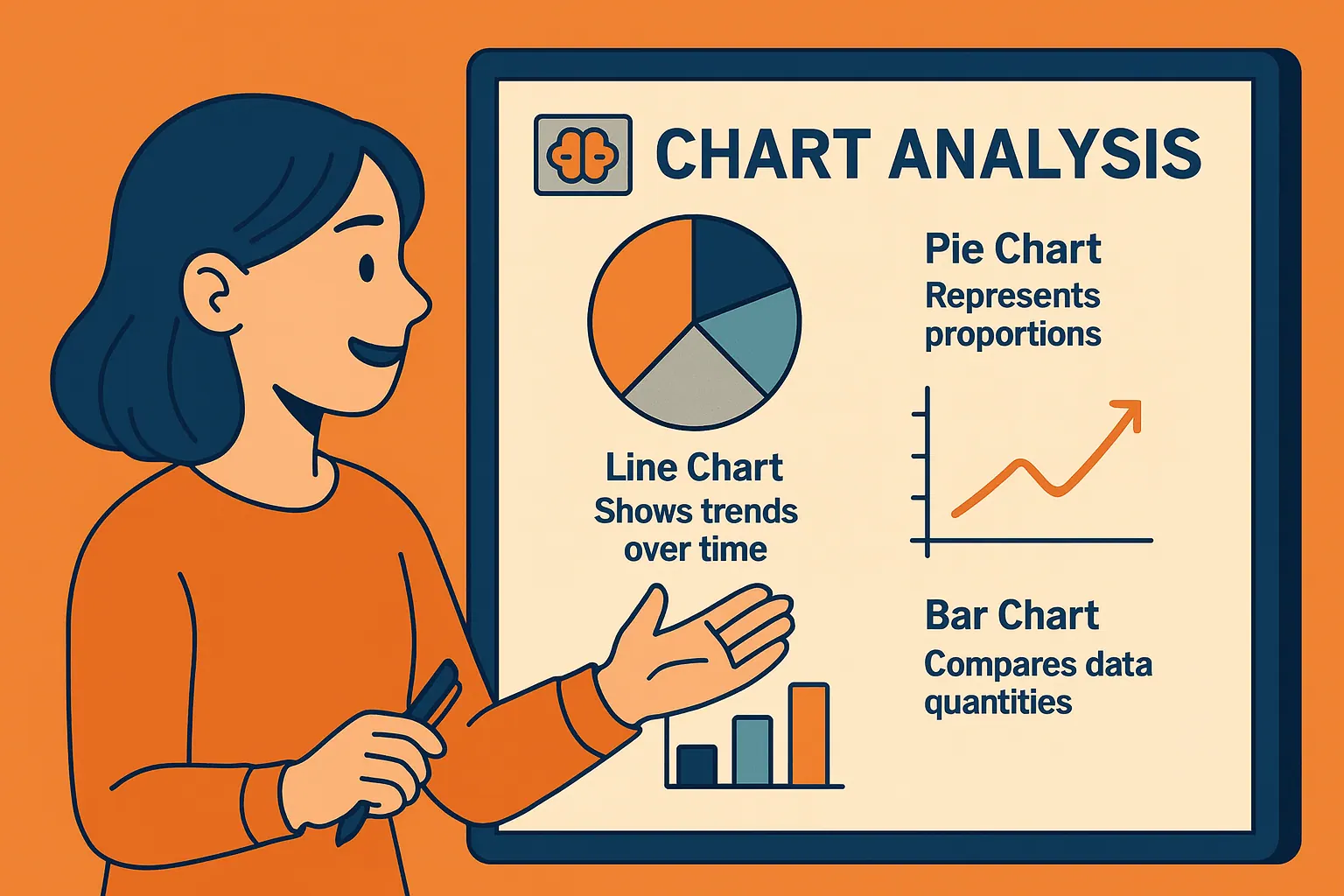
- Visualize Results: Create dashboards with automatic chart suggestions
ex:It can generate various types of charts.
- Share & Collaborate: Export reports or share interactive dashboards with stakeholders
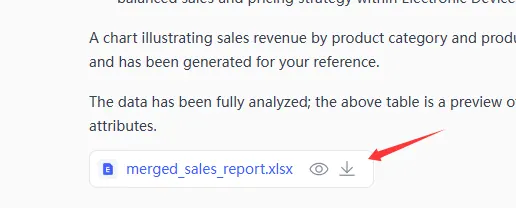
This process eliminates the manual data transcription and description required when using ChatGPT, saving hours per analysis while improving accuracy.
Real-World Applications
Consider these scenarios where RowSpeak outperforms ChatGPT for data analysis:
- Quarterly Sales Reports: Automatically identify top-performing products and regional trends
- Marketing Campaign Analysis: Visualize ROI across channels without manual data prep
- Operational Metrics: Track KPIs with live dashboards that update automatically
One retail manager reported: "What used to take my team 8 hours now takes 15 minutes with RowSpeak. The AI even spotted trends we'd missed for months."
Conclusion: Choose the Right Tool for the Job
While ChatGPT can provide basic data interpretation when manually fed information, RowSpeak offers a complete, automated solution designed specifically for business data analysis. By combining AI-powered insights with seamless Excel integration and visualization tools, RowSpeak delivers:
- 10x faster analysis than manual methods
- More accurate results than text-based AI interpretation
- Professional-grade reporting capabilities
For teams serious about data-driven decision making, RowSpeak provides the efficiency and reliability ChatGPT simply can't match. Try RowSpeak free todayand experience AI-powered data analysis done right.