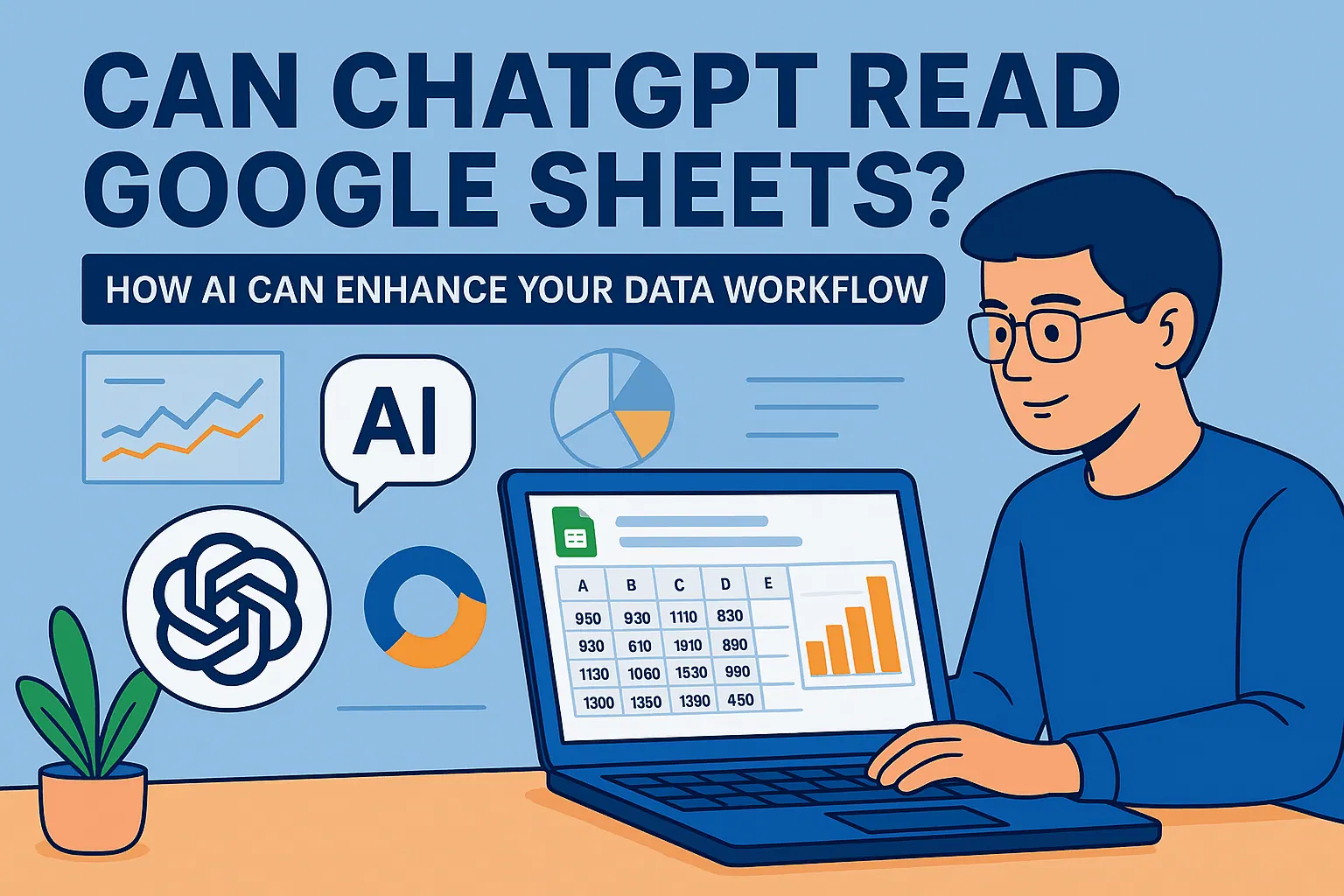
As a User Growth Manager at RowSpeak, I constantly see business professionals grappling with data analysis challenges. One question we hear often: Can ChatGPT read my Excel files? While AI has revolutionized how we work with data, there are still important limitations to understand—and powerful solutions to explore.
For broader spreadsheet automation, RowSpeak's spreadsheet AI assistant explains how natural-language analysis fits everyday Excel and CSV work.
Understanding ChatGPT's Limitations with Excel Files
ChatGPT, OpenAI's groundbreaking language model, excels at generating human-like text, answering complex questions, and even writing code. However, it has one critical limitation for data professionals: it can't natively read binary file formats like .xlsx or .xls.
Think of it like asking a brilliant novelist to interpret a bar chart—they might describe it beautifully if given the right input, but they can't directly "see" the visual data. The same principle applies to ChatGPT and spreadsheets.
Bridging the Gap: How to Use ChatGPT with Excel Data
While ChatGPT can't open Excel files directly, you can transform your data into formats it understands. Here are two effective methods:
Method 1: Convert to CSV/Text (Manual Approach)
- Open your Excel file and select the relevant data range
- Copy the data (Ctrl+C/Cmd+C)
- Paste into a text editor like Notepad
- Save as a .csv file (comma-separated values)
- Feed the text data into ChatGPT for analysis
Method 2: Python Automation (Technical Approach)
For larger datasets, Python scripts can automate the conversion:
import pandas as pd
excel_data = pd.read_excel('your_file.xlsx')
excel_data.to_csv('converted_file.csv', index=False)
While these workarounds function, they add unnecessary steps to your workflow. This is where RowSpeak changes the game—it eliminates these manual conversions by offering native AI-powered Excel analysis.
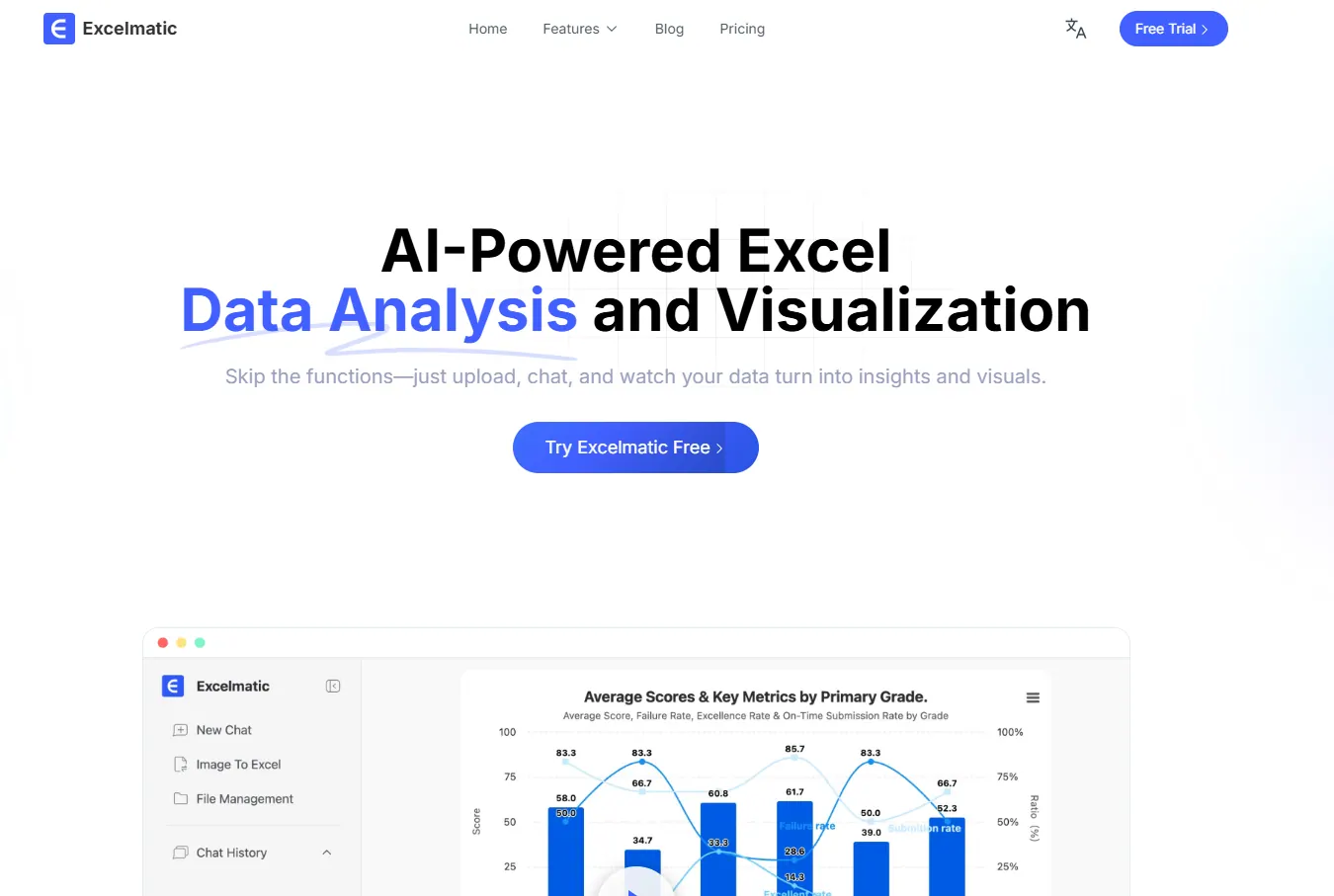
Why RowSpeak Is the Superior Solution
RowSpeak provides what ChatGPT cannot: direct, intelligent interaction with your spreadsheets. Here's how we solve the problem:
- Native Excel Integration: Analyze .xlsx files without conversion
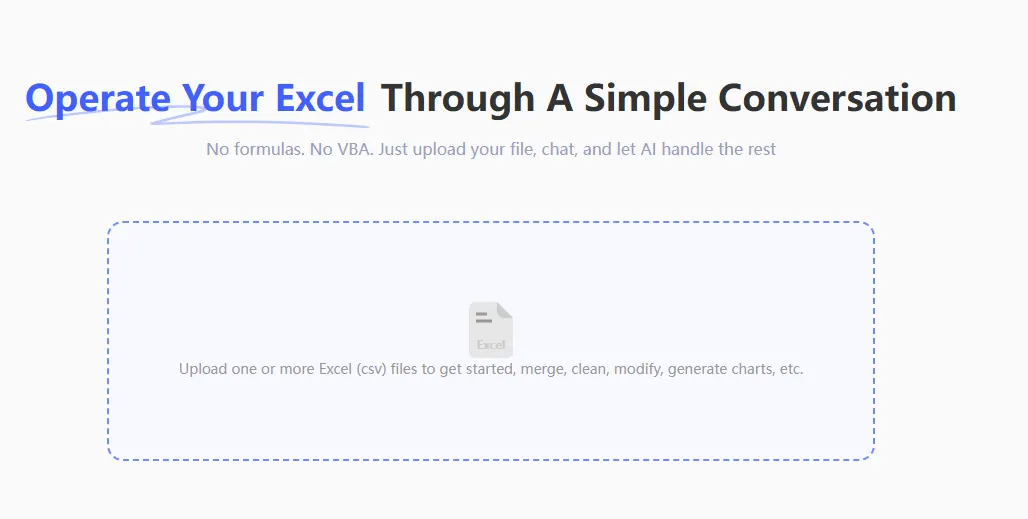
- AI-Powered Insights: Get automatic trend detection and summaries
- Interactive Dashboards: Generate visual reports with natural language command
- Data Cleaning Tools: AI-assisted formatting and error detection
Instead of wrestling with workarounds, RowSpeak users simply:
- Upload their Excel file
- Ask questions in plain English ("Show sales trends by region")
- Receive instant, actionable insights
Practical Applications: Beyond Basic ChatGPT Workarounds
When you combine AI with spreadsheet data, powerful possibilities emerge:
- Instant Data Summarization: "Highlight top-performing products last quarter"
- Automated Reporting: "Create a executive summary of Q3 financials"
- Smart Data Cleaning: "Identify and fix inconsistent date formats"
- Predictive Analysis: "Forecast next month's sales based on historical trends"
While ChatGPT requires manual data preparation for these tasks, RowSpeak delivers them natively within your Excel environment.
The Future of AI-Powered Spreadsheet Analysis
The question isn't just "Can ChatGPT read Excel files?"—it's "What's the most efficient way to apply AI to my data workflow?" While ChatGPT workarounds demonstrate AI's potential, purpose-built tools like RowSpeak represent the next evolution in data analysis.
For business professionals who need real-time insights without technical hurdles, RowSpeak provides:
- No-code AI analysis
- Seamless Excel integration
- Enterprise-grade data security
- Team collaboration features
Ready to experience truly intelligent spreadsheet analysis? Try RowSpeak free todayand discover how AI can transform your data workflow—without the ChatGPT workarounds.