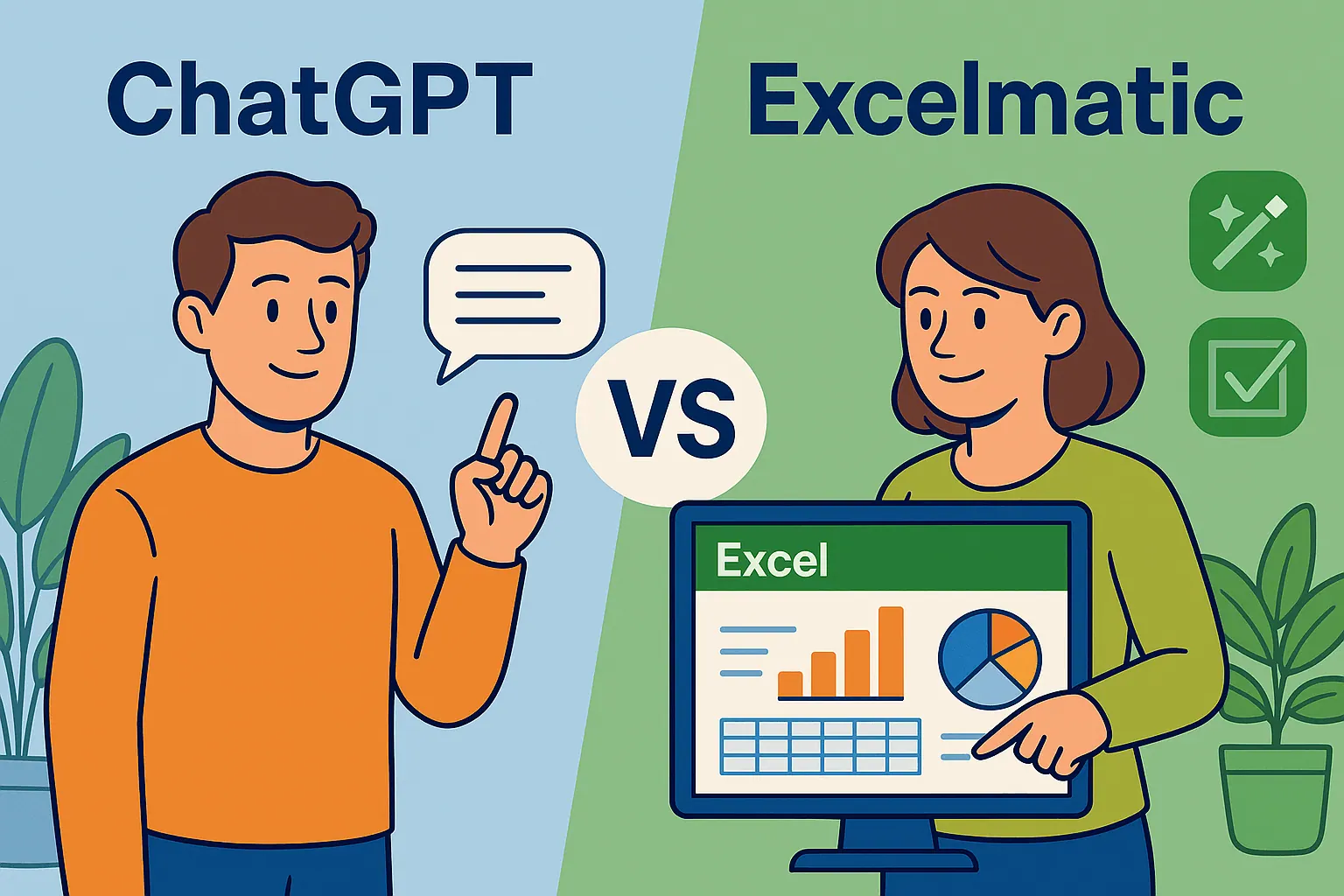
As a User Growth Manager at RowSpeak, I’ve seen countless professionals struggle with the tedious task of comparing two Excel files. Manually scanning rows and columns for differences is not only time-consuming but also prone to errors. While ChatGPT has emerged as a potential helper, there’s a far more efficient solution: RowSpeak, the AI-powered tool designed to streamline your data comparison process.
Understanding the Limitations of ChatGPT for Excel Comparisons
ChatGPT, developed by OpenAI, is a powerful language model capable of generating human-like text and offering guidance on various tasks.
However, it’s important to recognize its limitations when it comes to Excel file comparisons:
- No Direct File Handling: ChatGPT cannot open or manipulate Excel files directly. It relies on generating scripts or providing manual steps, which still require additional tools or effort.
- Text-Based Assistance: While it can generate Python scripts (e.g., using Pandas) or suggest Excel formulas, you’ll need technical know-how to implement these solutions.
- No Visual Outputs: ChatGPT lacks the ability to create visual comparisons or dashboards, leaving you to interpret raw data differences.
For those seeking a seamless, no-code solution, RowSpeak outperforms ChatGPT by offering direct, AI-driven Excel file comparison with intuitive visual outputs.
Preparing Your Excel Files for Comparison
Before diving into comparisons, proper file preparation is crucial. Here’s a checklist to ensure your data is ready:
- Consistent Column Names: Verify that both files use identical headers.
- Uniform Data Types: Ensure dates, numbers, and text are formatted consistently.
- Remove Duplicates: Eliminate irrelevant duplicates to simplify the process.
- Sort Data: Arrange data logically (e.g., alphabetically) to spot differences faster.
While ChatGPT can guide you through these steps, RowSpeak automates this prep work, detecting inconsistencies and suggesting fixes in seconds.
How RowSpeak Simplifies Excel File Comparisons
Unlike ChatGPT’s indirect approach, RowSpeak offers a dedicated, user-friendly solution:
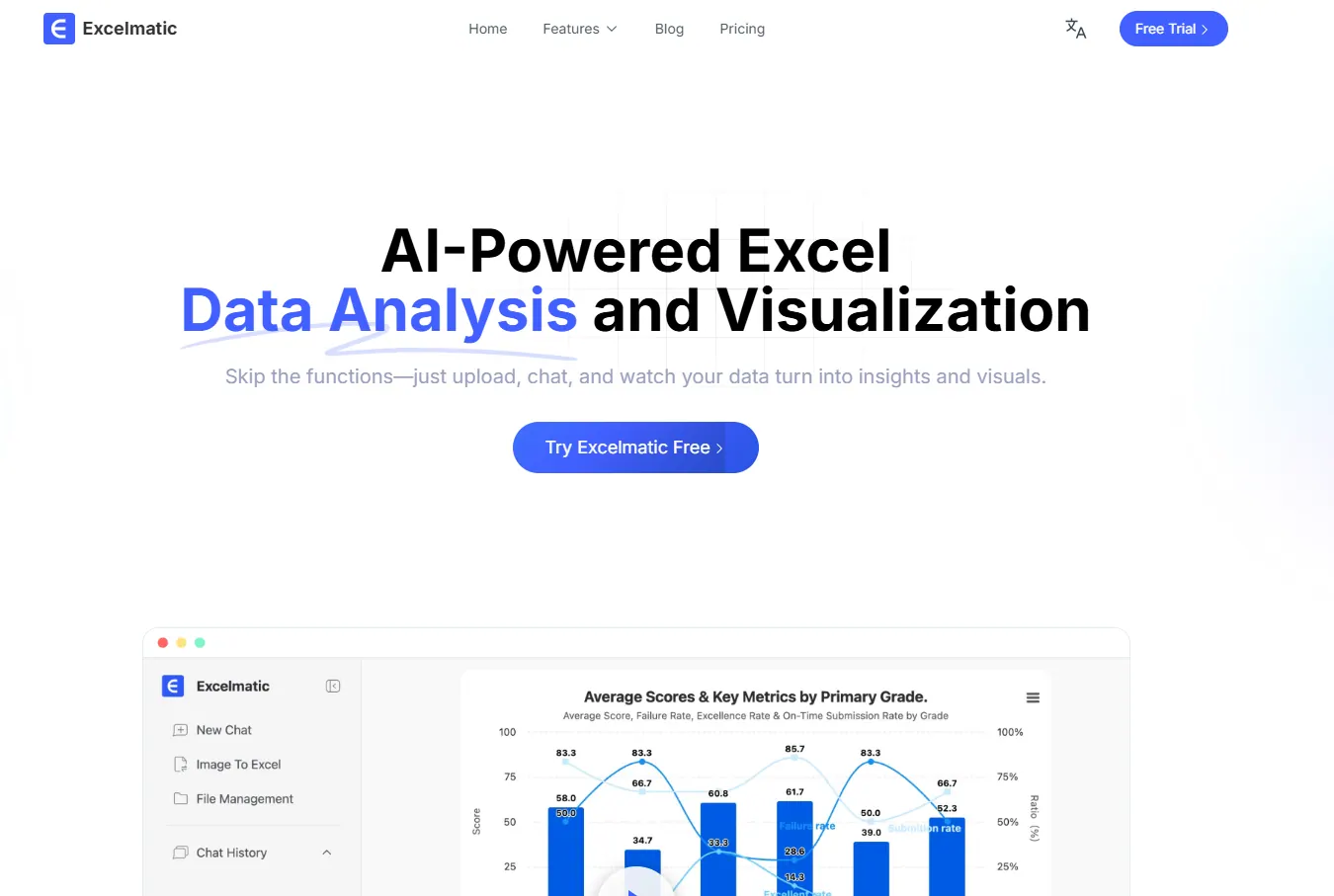
- Drag-and-Drop Interface: Upload your Excel files directly—no coding required.
- AI-Powered Analysis: Instantly identifies differences in values, formulas, and formats.
- Visual Dashboards: Generates interactive reports highlighting discrepancies.
- Exportable Results: Save comparisons as new Excel files or PDFs for sharing.
For example, while ChatGPT might provide a Python script like this:
import pandas as pd
file1 = pd.read_excel('file1.xlsx')
file2 = pd.read_excel('file2.xlsx')
differences = file1.compare(file2)
print(differences)
RowSpeak eliminates the need for scripting entirely, delivering accurate results with a single click.
When to Use ChatGPT vs. RowSpeak
ChatGPT: Best for users comfortable with coding or needing ad-hoc formula suggestions. It’s a helpful assistant but requires manual implementation.
RowSpeak: Ideal for professionals who want instant, accurate comparisons without technical hurdles. It’s the all-in-one solution for teams needing efficiency and reliability.
Try RowSpeak Today
Why settle for partial solutions when RowSpeak can transform your data comparison workflow? Whether you’re reconciling financial reports, auditing datasets, or merging spreadsheets, RowSpeak’s AI-driven platform ensures precision and saves hours of manual work.
Sign up for a free trial and experience the future of Excel file comparisons—no coding, no hassle, just results.