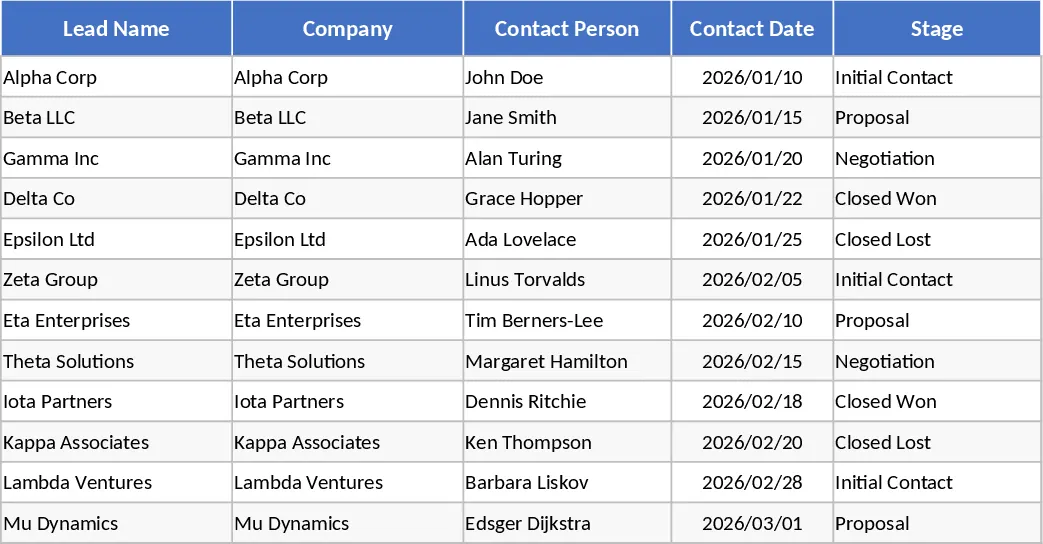
Annual Client Outreach and Sales Activity Tracker Template
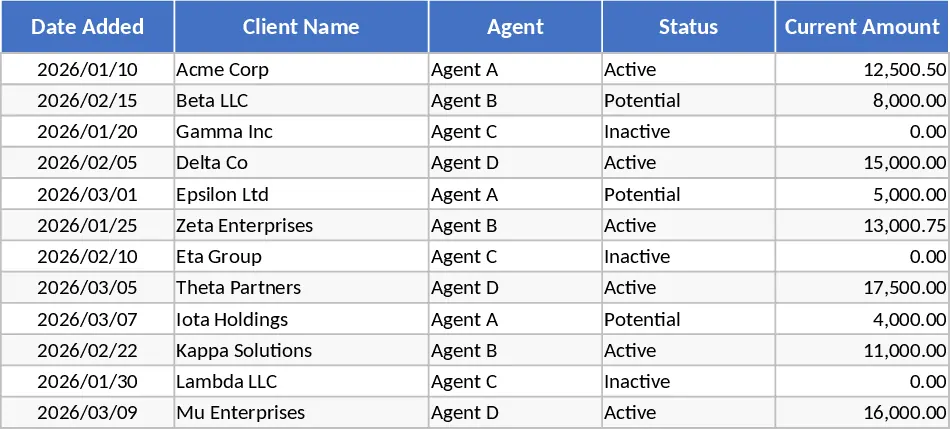
The Excel Workbook for Team Client Outreach and Sales Tracking is a robust solution designed to streamline how sales teams interact with their pipeline. Managing a growing list of clients across multiple agents often leads to missed follow-ups or fragmented data; this template solves that by providing a dual-layer tracking system. The first layer is the Master Clients sheet, which acts as the single source of truth for your entire operation. Here, you can track high-level metrics such as the Date Added, the assigned Agent, and the current Status (Active, Potential, or Inactive). Crucially, it includes financial fields for Current Amount and Expected Amount, allowing for quick revenue forecasting and gap analysis at a glance.
The second layer consists of twelve individual monthly sheets, from January to December. These sheets are designed for the daily execution of sales outreach. Each sheet mirrors the master data but focuses on the specific timing of client interactions. The standout feature is the automated Tracker column. By comparing the Scheduled Call Date against the Actual Call Date, the workbook automatically generates visual indicators: a checkmark for timely outreach and a warning symbol for delayed actions. This automation removes the guesswork for managers, allowing them to see exactly where the team is performing well or falling behind without needing to manually audit every entry.
This template is perfect for small to medium-sized sales teams, account managers, and business development representatives who need a centralized system without the overhead of expensive CRM software. It is particularly useful during weekly sales reviews, as it provides a clear history of notes and call statuses that can be filtered by agent or client status. By maintaining a Month Key in the master sheet, the workbook ensures that every new lead is correctly categorized and tracked throughout its entire lifecycle, from the first point of contact to a closed deal.
How to Use
- Initial Setup: Go to the Lists sheet and enter the names of all agents and the specific status labels your team uses. This populates the dropdown menus in all other sheets to ensure data consistency and prevent typing errors.
- Client Onboarding: When a new lead is identified, add them to the Master Clients sheet. Assign an agent, set the initial status, and enter the financial projections to keep your pipeline updated.
- Daily Outreach: Agents should navigate to the current month's sheet to log their Scheduled Call Dates. Once a call is completed, they enter the Actual Call Date and update the Notes column. The Tracker column will automatically display the status icon.
- Performance Monitoring: Periodically review the Master sheet to see the financial health of the pipeline and check the monthly sheets to monitor the visual icons for team accountability and outreach speed.
Expected Benefits: This system eliminates manual formatting errors and provides a visual roadmap for sales activities, helping teams stay disciplined and ensuring no client follow-up is ever missed.
Similar Templates Recommendation
Simple Sales CRM and Lead Follow-up Template
Manage your sales pipeline and follow-ups effectively with this lightweight CRM to track lead stages, deal values, and stagnant prospects.
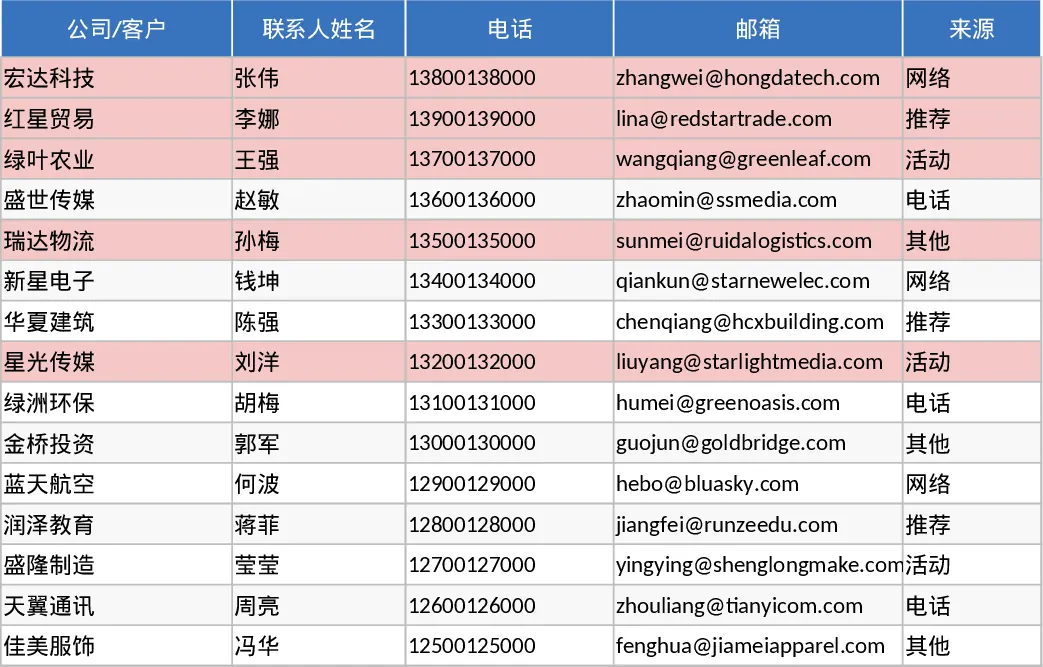
Lightweight Sales CRM and Lead Follow-up with Sales Forecast Template
Track leads through every stage of your pipeline with automated follow-up alerts and a visual sales funnel to boost conversion rates.
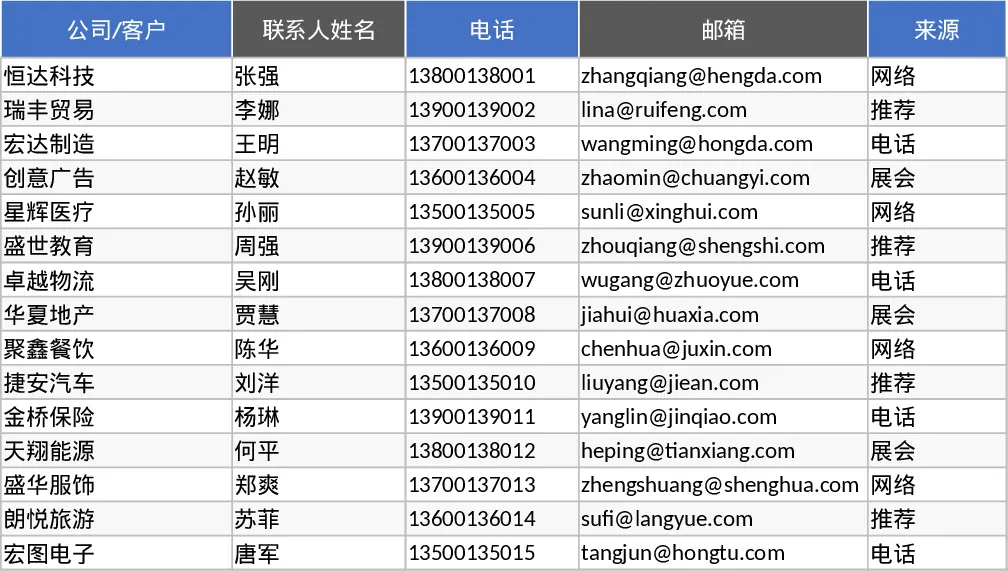
Automated Sales Win-Rate and Contact Tracker Template
Track your sales pipeline with automated win-rate calculations and monitor the last contact date to ensure no lead goes cold.