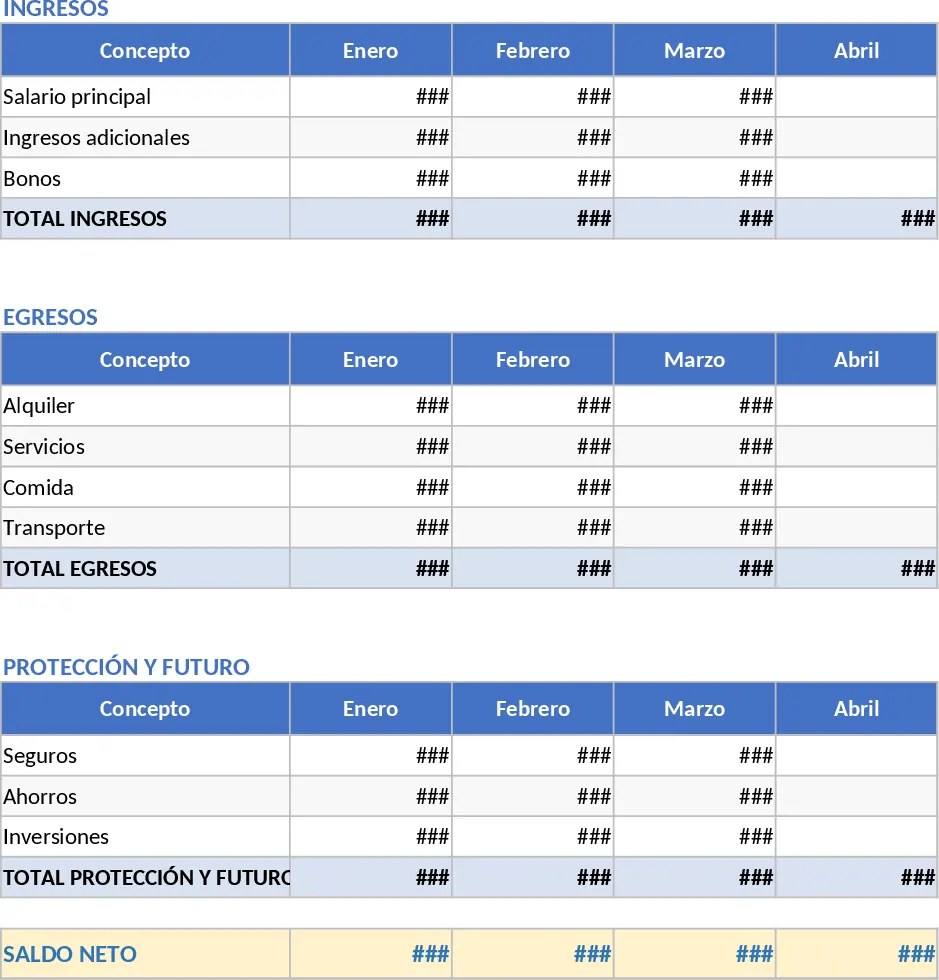
Automated 50/30/20 Financial Dashboard and Expense Tracker Template
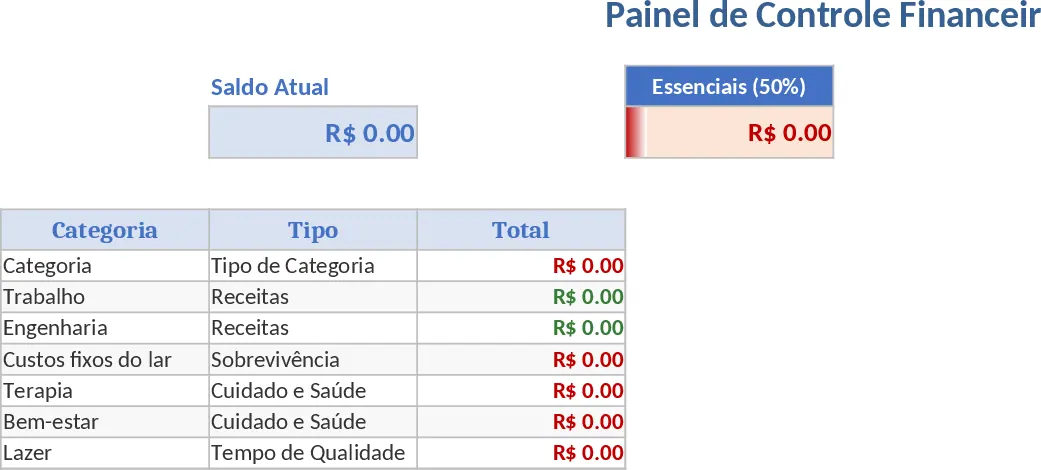
Managing personal finances often feels like a chore, but this Automated Financial Dashboard turns data entry into a streamlined and insightful experience. Built for those who want a clear picture of their household economy without the headache of manual math, this template uses a sophisticated yet user-friendly structure to bridge the gap between daily spending and long-term goals. By integrating the 50/30/20 rule—allocating 50% of your income to needs, 30% to wants, and 20% to savings or debt—the spreadsheet provides an immediate health check on your financial habits. It is designed to be both functional and engaging, moving away from dry accounting spreadsheets toward a more personalized management tool.
The heart of the template lies in its three interconnected sheets. The Dashboard tab is your visual headquarters, featuring dynamic summaries and progress bars that pull data directly from your logs. You can see your total income versus expenses at a glance, ensuring you never spend more than you earn. The Daily Register tab is designed for speed and accuracy; it includes data validation dropdowns to prevent entry errors and conditional formatting that automatically highlights outflows in red and inflows in green. This makes it incredibly easy to spot trends in your spending behavior over time. Finally, the Categories tab offers a unique thematic approach inspired by the Arches visual novel, organizing your life into meaningful segments like Survival (fixed costs), Quality Time (leisure), and the Echo Escape Fund (your emergency reserve).
This tool is perfect for anyone from young professionals managing their first salary to families looking to optimize their household budget. It solves the common frustration of fragmented financial tracking by centralizing everything in one place. Whether you are trying to save for a specific goal or simply want to reduce unnecessary leisure expenses, the automated SUMIFS formulas do the heavy lifting, updating your totals the moment you hit enter on a new transaction. It helps you track exactly where your money is going and why, providing the data needed to make informed lifestyle adjustments.
How to use:
- Start in the Categories tab to define your budget pillars. You can keep the thematic names like The Route for transport or rename them to suit your personal style and specific financial obligations.
- Navigate to the Daily Register regularly to log your transactions. Simply enter the date, a brief description, and the amount, then select the category and type (In/Out) from the dropdown lists to ensure the formulas pick up the data correctly.
- Return to the Dashboard frequently to review your progress. The automated charts will show you exactly how close you are to your 50/30/20 targets and what your current Echo Escape Fund balance looks like.
- Use the visual insights to adjust your spending in real-time, ensuring you stay within your limits for the remainder of the month and reach your savings milestones.
By using this template, you can expect to significantly reduce the time spent on financial administration while gaining a much deeper understanding of your cash flow. It removes the guesswork from budgeting, providing a reliable roadmap toward financial stability and long-term peace of mind.
Similar Templates Recommendation
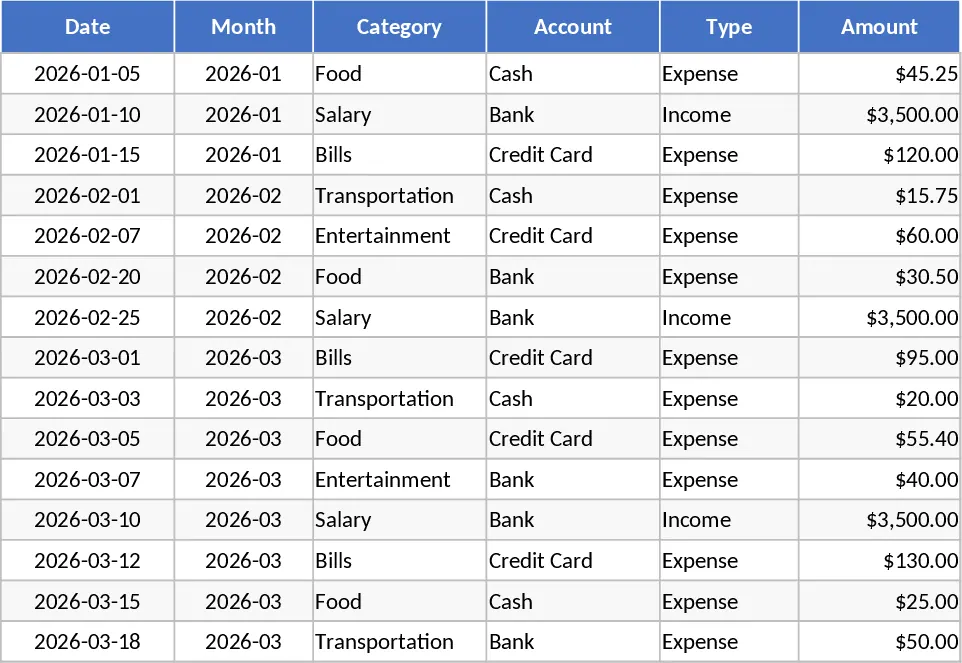
Personal Monthly Budget and Expense Tracker with Transaction Log and Net Savings Template
Take control of your personal finances by tracking daily expenses and income against monthly budget goals with automated visual insights.
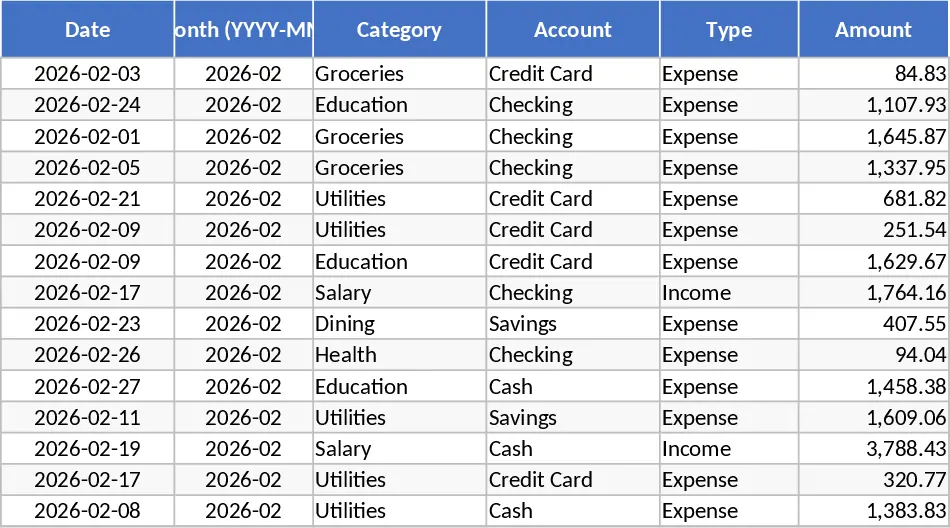
Personal Monthly Budget and Expense Tracker with Variance Analysis Template
Take control of your finances by tracking daily expenses against monthly budgets with automated variance analysis and visual spending insights.
Professional 360 Financial Planning and Strategic Savings Template
Plan your finances with a professional 360 dashboard featuring the 50/30/20 rule, automated savings goals, and visual budget tracking.