Automated Process Time Tracking and SLA Dashboard Template
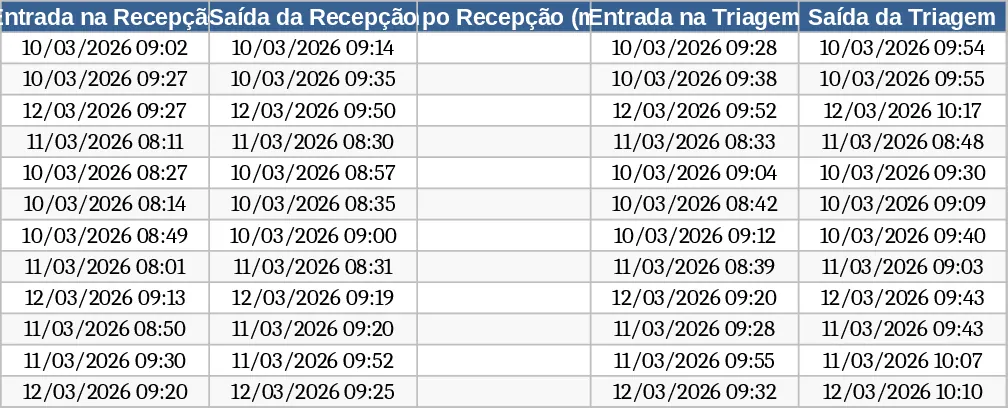
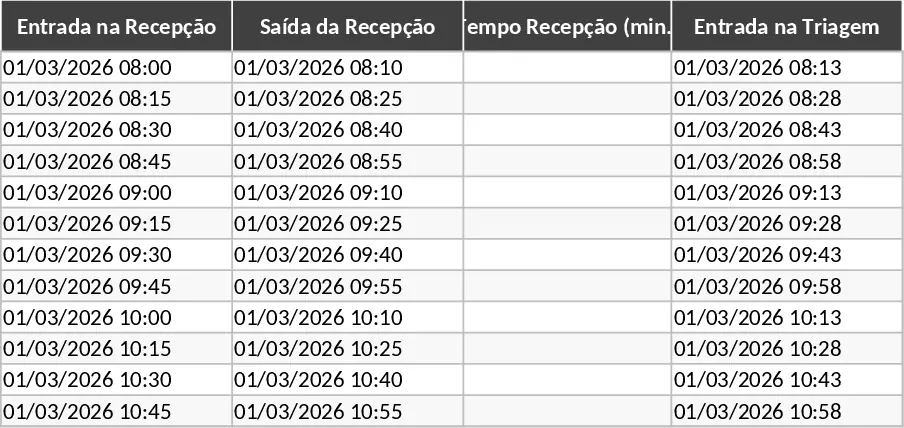
This Automated Process Time Monitoring template is a comprehensive solution for businesses needing to track the efficiency of multi-stage workflows with precision. The core of the template is a detailed tracking log featuring dedicated columns for Reception, Triage, NTO Processing, and Release stages. Each section includes automated time-delta formulas that calculate exactly how many minutes are spent in each phase, culminating in a Total Time calculation. The system is governed by a strict 120-minute Service Level Agreement (SLA) logic, which automatically categorizes every entry into one of three statuses: On Time (under 100 minutes), Slightly Delayed (101-120 minutes), or Delayed (over 120 minutes).
This tool is essential for operations managers, team leads, and supervisors who need to maintain high throughput and identify specific points of failure in a sequence. Whether you are managing a medical clinic, a technical support lab, or a logistics sorting center, this template solves the problem of invisible delays by making every minute of the process measurable. The use of conditional formatting ensures that any process exceeding the target time is immediately highlighted in yellow or red, providing a visual cue for urgent action. By centralizing this data, you eliminate the need for manual math and provide a clear audit trail of process performance for quality control purposes.
Beyond simple data entry, the template includes a powerful Dashboard sheet. This visual interface aggregates all your data into easy-to-read charts and indicators. You can instantly see the total number of processes handled, the breakdown of status classifications via a dynamic pie or bar chart, and the overall percentage of SLA compliance. This high-level view is perfect for weekly performance reviews or for identifying if specific shifts or days are consistently underperforming. The dashboard updates in real-time, ensuring that your reporting is always current without any additional manual effort.
How to use: Start by entering the specific entry and exit timestamps for each stage in the main data sheet; the template will automatically populate the duration and status fields based on your inputs. Next, observe the color-coded status column to identify any records that require immediate attention or follow-up based on the 100 and 120-minute thresholds. Finally, navigate to the Dashboard tab to review your operational KPIs and charts, which provide a visual summary of your team's performance and compliance rates.
Expected benefits: Improved process transparency and significantly reduced time spent on manual data aggregation and reporting.
Similar Templates Recommendation
Automated Process Time Tracker and Dashboard Template
Track process cycle times from reception to release with automated status alerts and a visual performance dashboard.
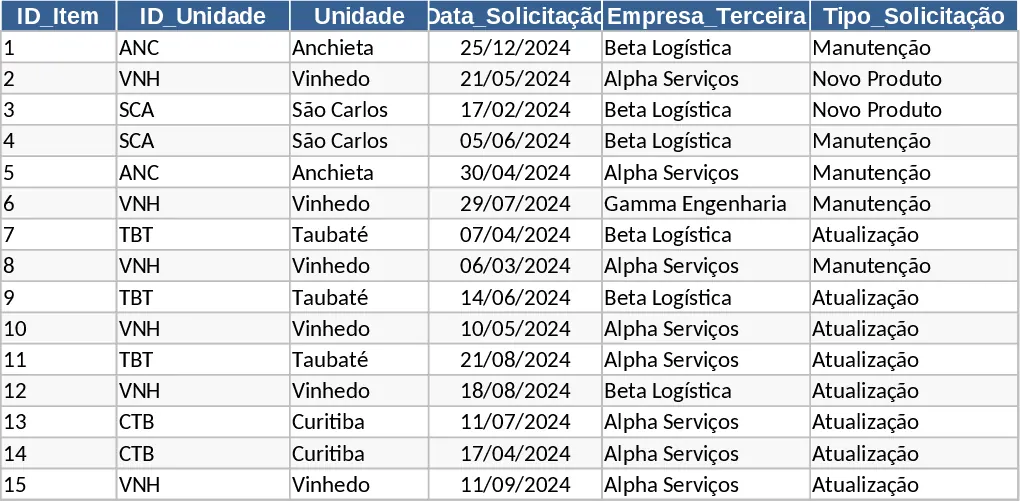
Latos Third-Party Request Tracking and SLA Dashboard Template
Track and manage third-party requests across multiple units with automated ID generation, SLA monitoring, and a visual performance dashboard.