Latos Third-Party Request Tracking and SLA Dashboard Template
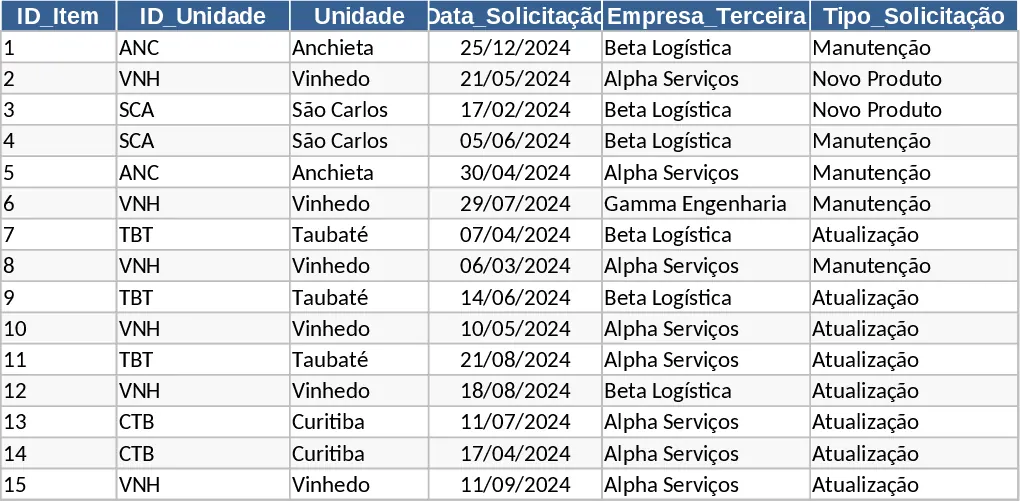
Managing requests from external vendors across multiple business units can quickly become a logistical challenge. This Third-Party Request Tracking template provides a structured environment to centralize every interaction, from initial request to final implementation. By organizing data into a clean, Power BI-compatible format, it eliminates the confusion of fragmented emails and manual spreadsheets, ensuring that every stakeholder knows exactly who is responsible for what and when it is due.
The template is built around a robust Database sheet that features intelligent automation. It automatically generates unique tracking IDs based on unit abbreviations and dates, ensuring no two requests are ever confused. With built-in formulas for calculating business days (SLA) and active progress time, you can instantly see which tasks are on track and which are lagging. The system includes dedicated sections for unit-specific data, request types like new products or updates, and a comprehensive status tracking system ranging from pending to implemented.
This tool is ideal for operations managers, procurement officers, and facility coordinators who oversee service providers across different geographical sites. It solves the common problem of visibility, allowing you to compare performance between units like Anchieta, Curitiba, or Vinhedo at a glance. The integrated Dashboard transforms raw data into actionable insights, featuring KPIs for completion rates and visual bar charts that highlight the workload distribution across your organization.
How to use this template:
- Start in the Tables sheet to customize your unit list, abbreviations, and request categories to match your company structure.
- Enter new requests in the Database sheet by selecting the Unit and Request Type from the dropdown menus; the template will automatically generate the unique IDs and calculate the SLA days.
- Update the Status and Completion Date as the third-party company progresses through the task to keep the tracking accurate.
- Visit the Dashboard tab to view real-time performance metrics, total item counts, and unit-specific summaries for your reporting meetings.
By centralizing your vendor operations, you can expect significantly reduced administrative overhead and improved accountability from your external partners.
Similar Templates Recommendation
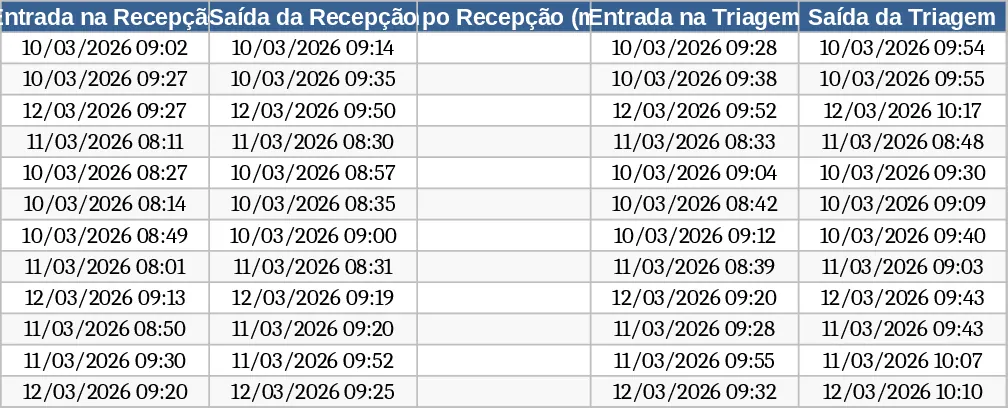
Automated Process Time Tracker and Dashboard Template
Track process cycle times from reception to release with automated status alerts and a visual performance dashboard.
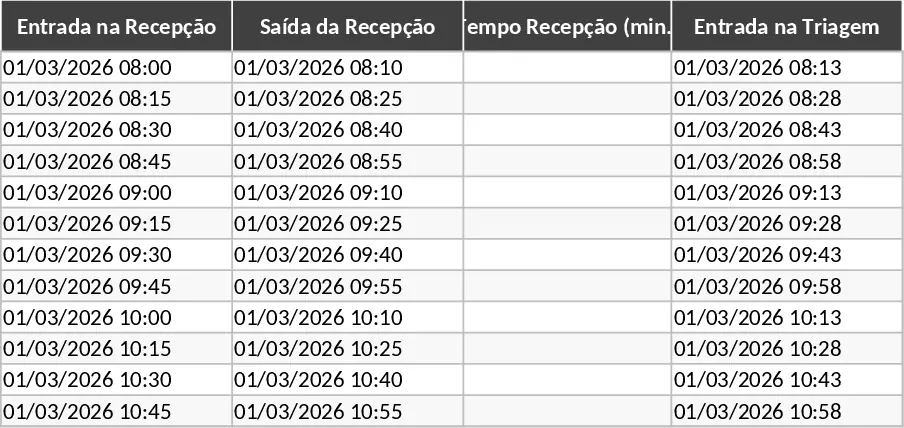
Automated Process Time Tracking and SLA Dashboard Template
Track process stages with automated time calculations, SLA status alerts, and a visual performance dashboard for operational efficiency.