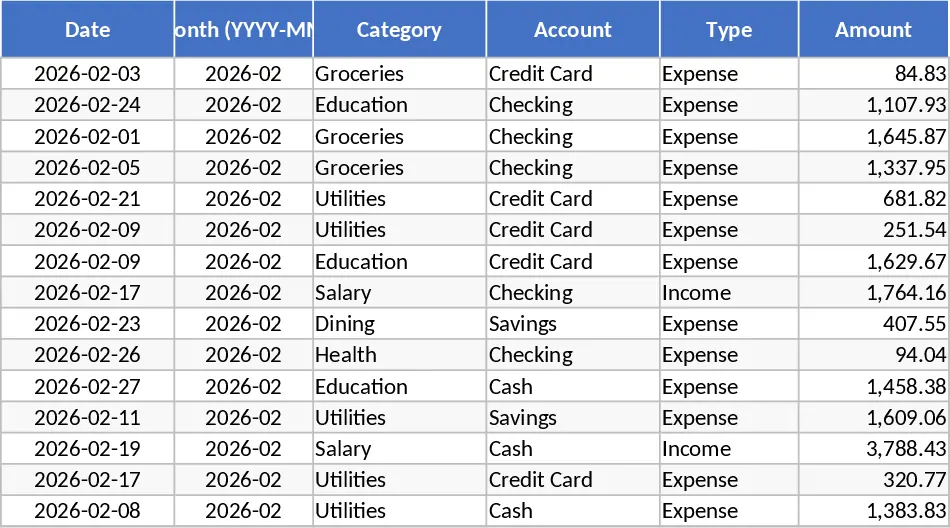
Pastel Monthly and Yearly Budget Tracker with Visual Reports Template
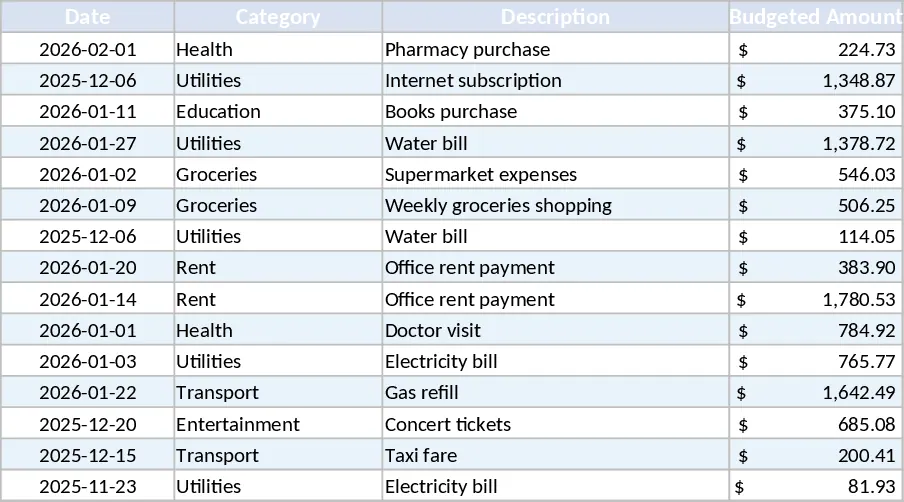
This Budget Tracking Spreadsheet with Monthly and Yearly Summaries is a powerful yet aesthetically pleasing tool designed to help you master your personal or small business finances. Built with a focus on both functionality and visual appeal, the template uses a soothing pastel color scheme to make data entry and analysis a more pleasant experience. The structure is intuitive, featuring a series of interconnected sheets: a setup page for categories, twelve individual monthly logs for detailed transaction tracking, and a master dashboard that aggregates all your data into high-level summaries. Each monthly sheet includes fields for date, description, category, and amount, with built-in dropdowns to ensure data consistency and ease of use.
The primary utility of this template lies in its ability to turn raw numbers into actionable insights. By tracking your income and expenses on a granular level, you can identify patterns in your spending that might otherwise go unnoticed. It solves the common frustration of not knowing where your money went at the end of the month. Whether you are trying to build an emergency fund, pay down debt, or simply stay within a specific spending limit, this spreadsheet provides the structure you need. The automated yearly summary is especially beneficial for tax preparation or long-term financial planning, as it offers a bird's-eye view of your annual performance across different categories.
This tool is ideal for individuals, households, or freelancers who need a robust alternative to complex accounting software. It is used in daily or weekly routines to log expenses as they happen, ensuring that your financial records are always up to date. The visual component is a standout feature; the template includes a variety of charts, such as spending breakdowns by category, income vs. expense comparisons over time, and budget variance graphs. These visuals help you quickly identify if you are overspending in a particular area, such as dining out or entertainment, allowing you to adjust your behavior in real-time.
How to use:
- Begin by customizing your budget categories and setting your monthly financial goals in the configuration section to align the template with your specific needs.
- Throughout the month, enter your income and expenses into the current month's tab, selecting the correct category from the dropdown menu for each entry.
- Periodically check the Dashboard and Yearly Summary tabs to review the automatically generated charts and tables that reflect your current financial status.
- Use the insights gained from the visual reports to adjust your spending for the following month and track your progress toward your annual savings targets.
By centralizing your financial data and automating the visualization process, this template eliminates the need for complex formulas or manual chart creation. It empowers you to take full ownership of your financial journey with minimal effort.
Expected benefits: Enhanced visibility into spending habits and significant time savings through automated reporting and professional-grade data visualization.
Similar Templates Recommendation
Personal Monthly Budget and Expense Tracker with Dashboard and Cash Flow Template
Track daily expenses, set monthly budgets, and visualize your financial health with automated summaries and interactive spending dashboards.
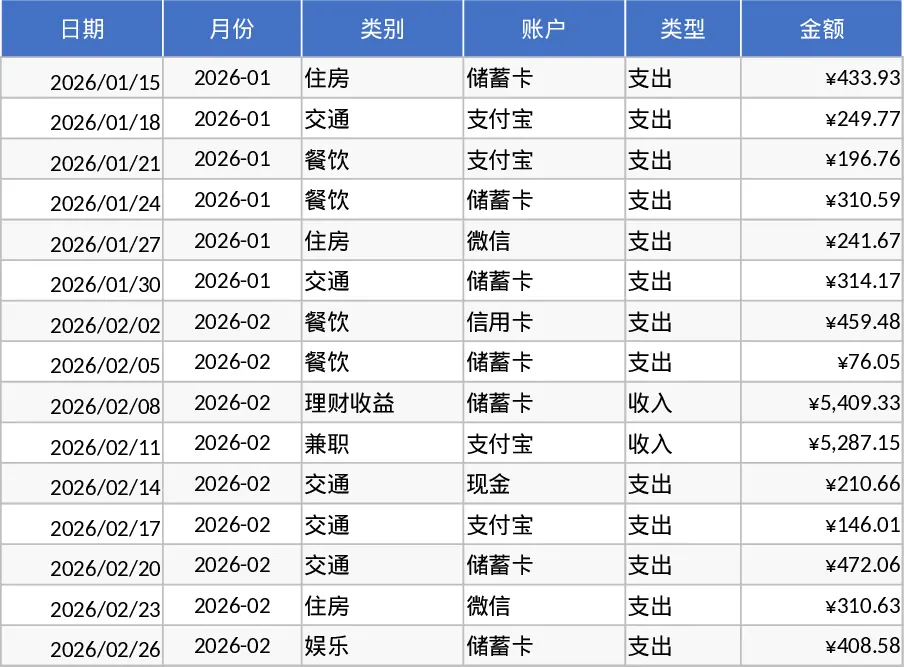
Professional Personal Finance and Budget Management Template
Manage your personal finances with a professional dashboard to track income, expenses, loans, and donations with automated visual insights.
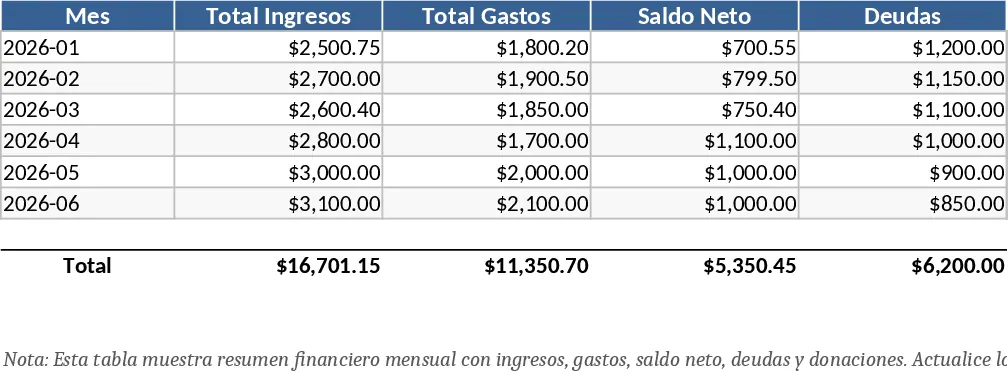
Personal Monthly Budget and Expense Tracker with Variance Analysis Template
Take control of your finances by tracking daily expenses against monthly budgets with automated variance analysis and visual spending insights.