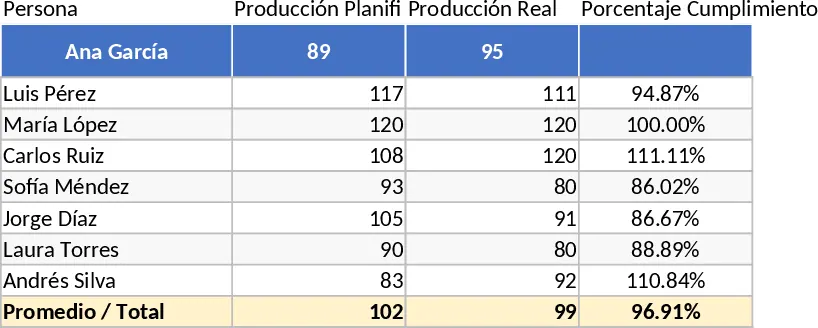
Multi-Shift Production Piece Count and Earned Hours Performance Template
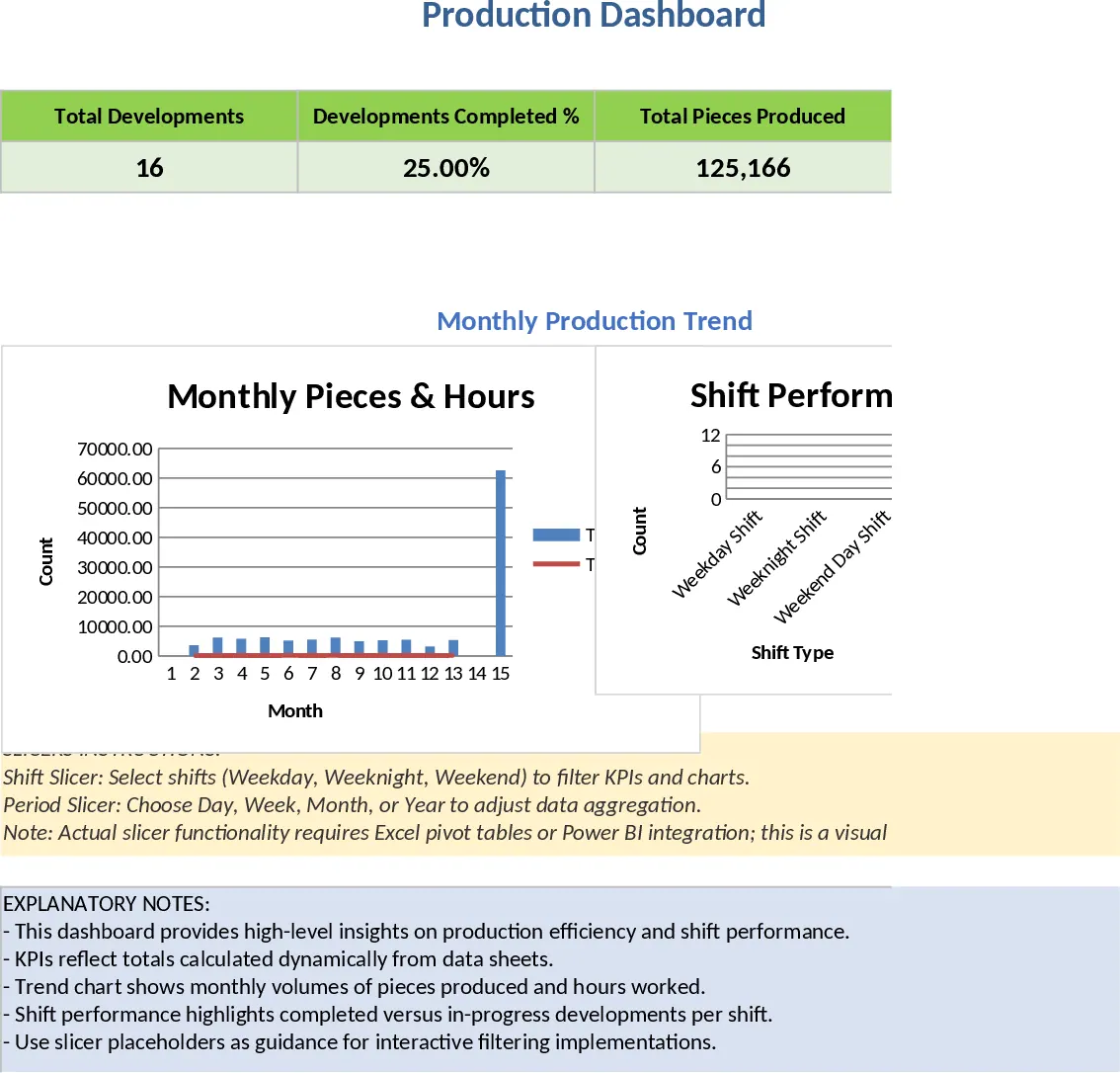
This Shift-Based Production and Development Tracking Dashboard is a robust solution for manufacturing facilities requiring precise oversight of their daily output and labor efficiency. Designed to handle the complexities of multi-shift operations—specifically Weekday, Weeknight, and Weekend day shifts—this template provides a centralized platform to record piece counts and attained hours. It goes beyond standard production by incorporating dedicated tracking for specialized development projects, including single seam pole, double seam pole, and arm shaft development. This dual-focus approach ensures that both routine manufacturing and critical R&D initiatives are monitored within the same ecosystem.
The template is structured with intuitive data entry sheets where users can log metrics by work center and shift. These inputs feed directly into a sophisticated Combined Dashboard featuring automated pivot tables and interactive graphs. This setup allows you to visualize performance across various timeframes, including daily, weekly, quarterly, and yearly views. With the ability to set custom fiscal start dates, such as the Q1 start of December 28, 2025, the tool aligns perfectly with your specific corporate calendar, ensuring that quarterly reports reflect your actual business cycle.
For production managers and shift leads, this template solves the recurring headache of manual data consolidation. Instead of sifting through paper logs or disconnected spreadsheets, you gain an immediate understanding of which shifts are meeting their targets and how development projects are progressing relative to labor hours invested. It is an essential tool for identifying high-performing teams, uncovering operational bottlenecks, and reporting accurate KPIs to upper management. The inclusion of attained hours metrics allows for a deeper analysis of productivity, helping you understand not just how much was produced, but how efficiently the time was utilized.
How to use:
- Set up your master data by defining your work centers and ensuring the fiscal calendar start date is correctly entered in the configuration section.
- Record daily production data in the entry log, selecting the shift (Weekday, Weeknight, or Weekend) and the specific development type or work center from the dropdown lists.
- Input the piece counts and attained hours for each entry to maintain an accurate record of shift performance.
- Visit the Dashboard tab to view aggregated results; use the slicers or refresh the pivot tables to toggle between weekly, quarterly, and yearly summaries.
Expected benefits: Enhanced data accuracy and hours of time saved each week on manual report generation and data visualization.