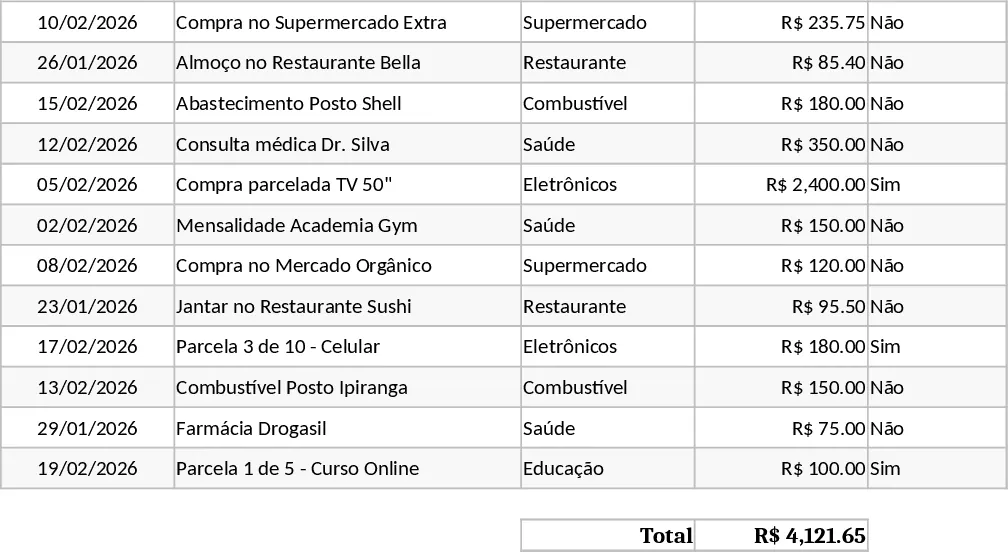
Personal Monthly Budget & Expense Tracker with Category Breakdown Template
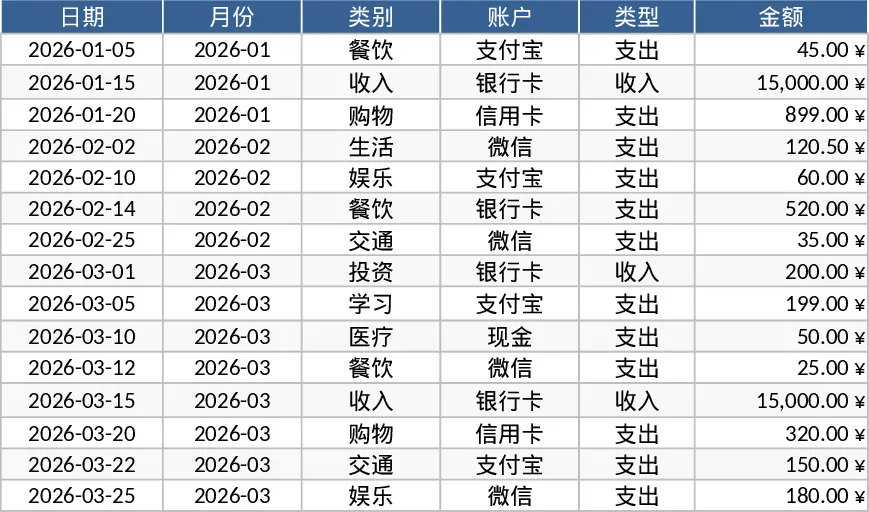
The Personal Monthly Budget & Expense Tracker is built with three clearly separated worksheets that work together to give you a complete picture of your finances. Transaction Record captures every movement of money with columns for Date, Month (auto‑filled from the date), Category, Account, Type (Income/Expense), Amount, Payee, Payment Method and Notes. Drop‑down lists keep categories, accounts and payment methods consistent, while validation ensures dates are entered and amounts stay positive.
Budget Planning lists each budget category in rows and provides columns for Planned Budget, Actual Spend, Difference and an Over‑Budget flag that turns red when spending exceeds the target. The Actual Spend column pulls data automatically from the Transaction Record sheet, summing expenses by month and category, so you never have to calculate totals by hand.
Data Dashboard turns the numbers into insight. It shows total income, total expenses, net savings, a pie chart of category‑wise spending, a line chart of weekly expense trends, and a table of the top‑10 merchants where you spend the most. The dashboard updates instantly as you add new transactions or adjust budget amounts.
This template solves the common headache of scattered receipts and manual spreadsheets. By centralising every transaction and linking it to a live budget, you instantly see where you are on track and where you are overspending. The visual charts make it easy to spot patterns—like a sudden spike in dining out or a steady increase in utility bills—so you can act before a small leak becomes a big hole in your finances.
It is ideal for anyone who wants to take control of their personal money flow: recent graduates managing a first salary, freelancers with irregular income, families planning household expenses, or anyone looking to build a habit of regular budgeting. The template works for any currency and can be expanded with new budget categories without breaking formulas.
How to use
- Open the file and start by filling the 15 sample rows in the Transaction Record sheet, or replace them with your own data. Select the appropriate date, let the Month column fill automatically, then choose Category, Account and Payment Method from the drop‑downs and enter the amount.
- Switch to the Budget Planning sheet and enter your target amount for each category in the Planned Budget column. The Actual Spend and Difference columns will calculate automatically.
- Review the Data Dashboard sheet; charts and summary figures will reflect the data you just entered. Adjust categories or add new rows as needed, and the dashboard will refresh.
- Periodically add new transactions throughout the month; the budget variance and over‑budget alerts will keep you informed in real time.
Expected benefits: you’ll spend far less time reconciling numbers, gain clearer insight into spending habits, and make smarter budgeting decisions with minimal effort.
Similar Templates Recommendation
Personal Monthly Budget and Expense Tracker with Transaction Log and Cash Flow Template
Take control of your personal finances by tracking daily expenses against monthly budget goals with automated summaries and visual dashboards.
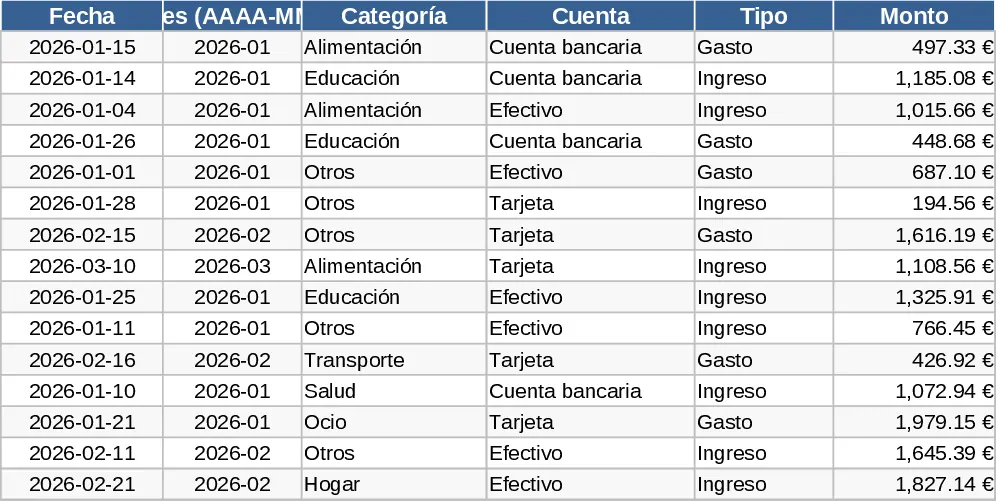
Personal Monthly Budget and Expense Tracker with Transaction Log and Expense Analysis Template
Manage your personal finances by tracking daily expenses, setting monthly budgets, and visualizing spending habits with an automated dashboard.
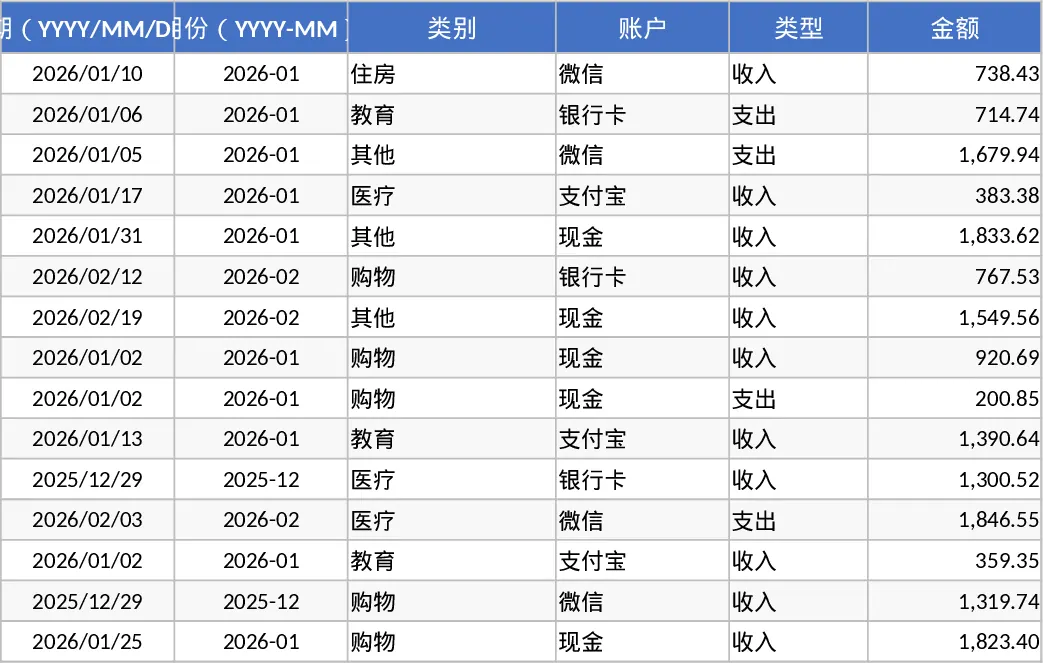
Personal Monthly Budget and Expense Tracker with Data Validation Template
Track daily expenses and income, set monthly category budgets, and visualize your financial health with an automated summary dashboard.