Fire Network Maintenance Invoice Template
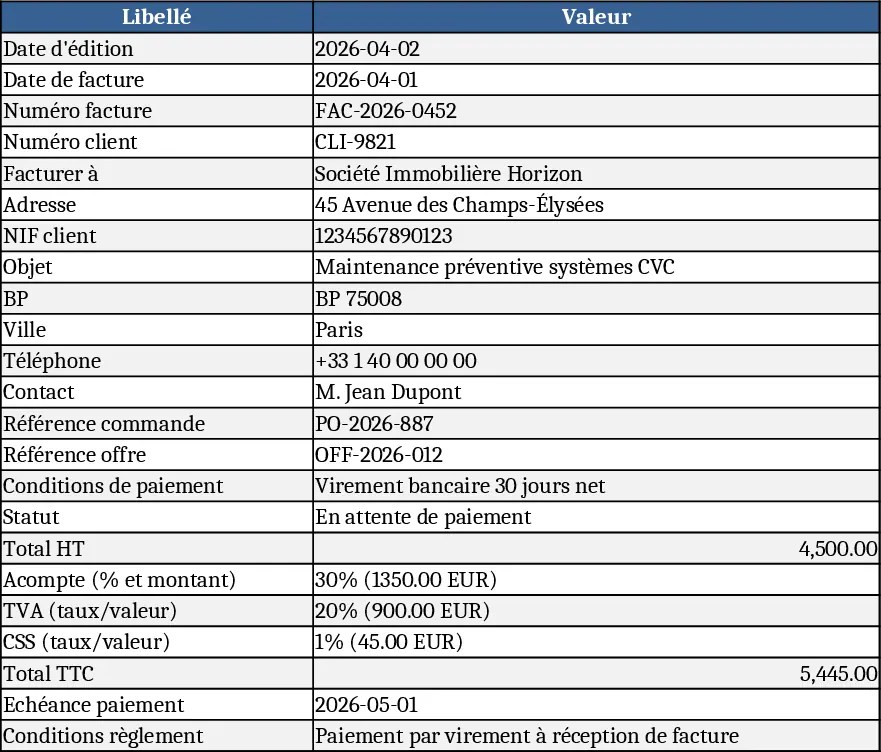
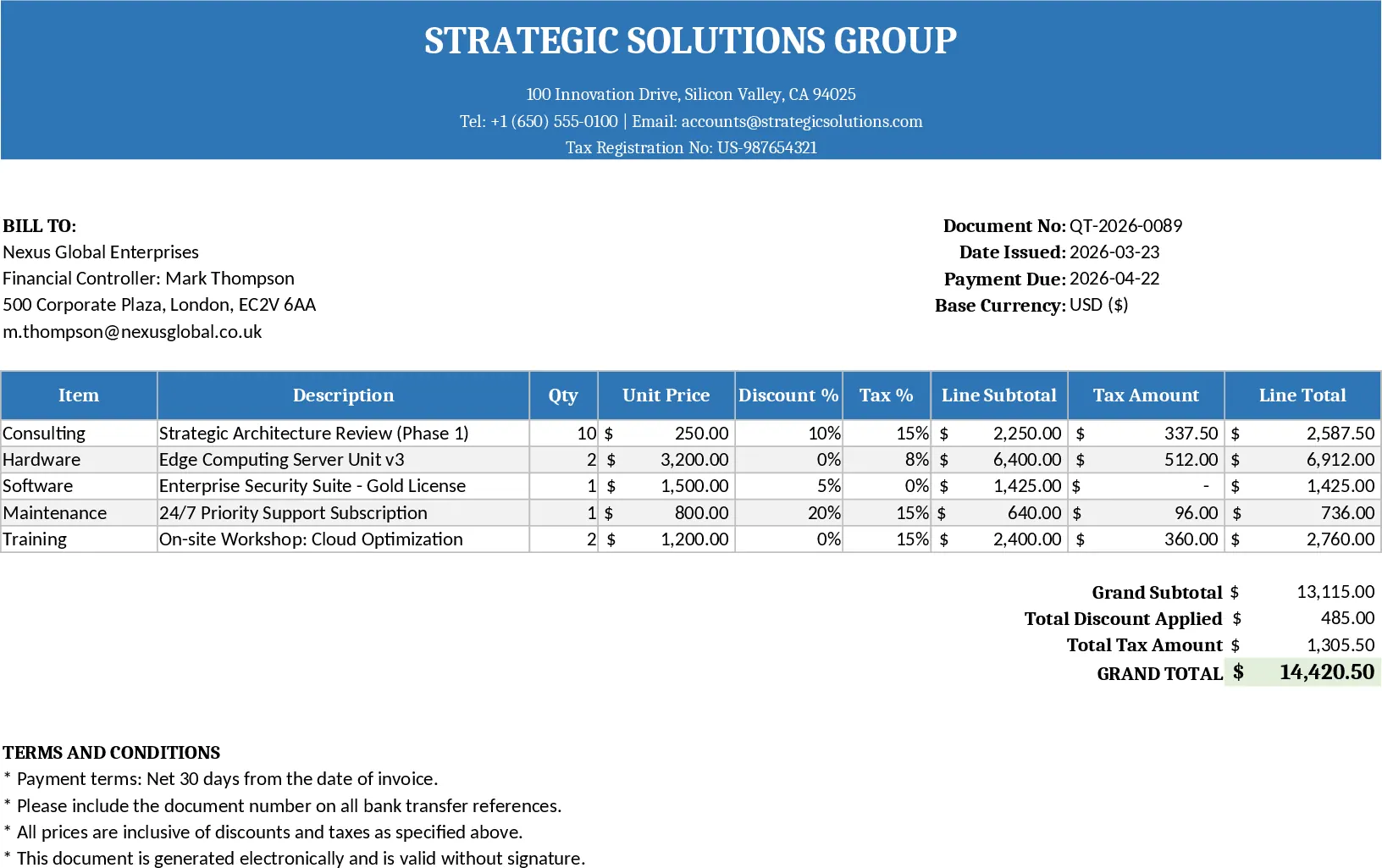
This invoice template is designed for maintenance and civil‑engineering work on fire‑protection networks, such as the Wartsila PG2 project. The workbook contains a single, printable sheet divided into clear sections: header with company and client details, a line‑item table for services and supplies, automatic calculations for subtotals, VAT, CSS, and the final amount due. Drop‑down lists let you select predefined payment conditions (e.g., 40 % on order, 60 % on completion) and tax rates, while formulas keep totals up‑to‑date as you edit quantities or unit prices.
Use it to replace handwritten or ad‑hoc invoices, ensuring every cost element – mobilisation, labour, materials, consumables – is captured and summed correctly. The template solves common errors like mismatched tax calculations or missing payment terms, giving you a professional, compliant document that can be sent directly to clients. It speeds up billing cycles, improves cash‑flow visibility, and reduces the back‑and‑forth with accountants.
The primary users are project managers, site supervisors, and finance officers in engineering firms, construction companies, or service providers who bill for on‑site work. It works best when a project has multiple cost categories and needs to show detailed breakdowns for client approval and audit trails.
The template tracks each work package, material quantity, unit price, and associated tax. It automatically aggregates totals per section (services, supplies) and produces a grand total with VAT and CSS. This level of detail helps you justify charges, monitor budget consumption, and quickly generate reports for internal cost control.
How to use:
- Fill in the header fields – invoice date, number, client ID, and your company’s contact information.
- Enter each service or material in the line‑item table, selecting the appropriate category from the drop‑down and specifying quantity and unit price.
- Verify that the tax rate and payment condition drop‑downs reflect the contract terms; the sheet will recalculate subtotals, VAT, CSS, and the final amount.
- Print or export the sheet as PDF and send it to the client. Expected benefits include faster invoice preparation, fewer calculation mistakes, and smoother payment follow‑up.