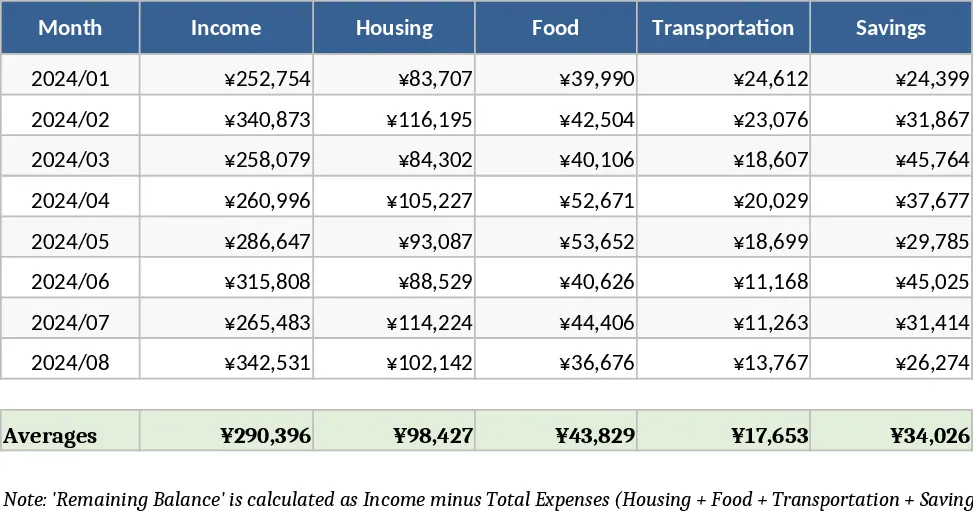
Professional Personal Finance Dashboard and Monthly Budget Tracker Template
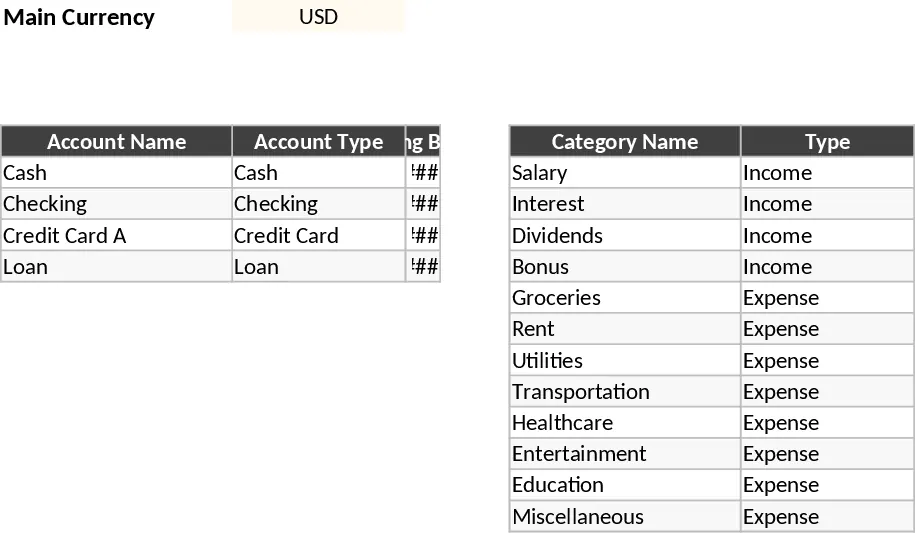
This Professional Personal Finance Dashboard is a comprehensive Excel solution designed for individuals who want total clarity over their financial life. Whether you are paid bi-weekly or monthly, managing multiple credit cards, or paying down loans, this template consolidates every transaction into a single, easy-to-read interface. It eliminates the need for complex apps or multiple spreadsheets by providing a centralized hub for income, expenses, and debt management. By bringing all your accounts into one file, you can finally stop wondering where your money goes and start making data-driven decisions about your spending and saving habits.
The workbook is structured into five intuitive sections to ensure a seamless workflow. It begins with a Setup sheet where you define your main currency, list your various bank accounts (Cash, Checking, Savings, Credit Cards), and customize your income and expense categories. The Transactions sheet acts as your primary ledger, featuring automated dropdowns and date-based formulas that categorize your data instantly. For those who want to plan ahead, the Budget sheet allows you to set monthly targets and compare them against actual spending using automated traffic-light indicators that highlight when you are nearing or exceeding your limits. The Accounts & Debts section provides a real-time snapshot of your balances and calculates your total net worth, while the visual Dashboard serves as your financial command center, displaying key performance indicators like total savings and top expense categories through dynamic charts.
This tool is particularly useful for anyone feeling overwhelmed by fragmented financial data across different banking apps. By tracking every dollar from a specific account to a specific category, you can identify spending leaks, monitor high-interest debt, and ensure your savings goals stay on track. It solves the common problem of manual calculation errors by using robust formulas and structured Excel tables that expand automatically as you add data. It is the perfect companion for the organized professional who wants a high-level view of their financial health without the complexity of macros or VBA.
How to use:
- Start in the Setup sheet to enter your starting balances, account names, and the specific income or expense categories you want to track for the year.
- Record your daily activities in the Transactions sheet; simply enter the date and amount, then select the account and category from the pre-populated dropdown menus.
- Navigate to the Budget sheet to input your monthly spending limits for each category to see how your actual habits compare to your goals in real-time.
- Use the Dashboard sheet to select the current month and year from the filters to instantly generate a visual report of your financial health, including income vs. expense trends.
Expected benefits: This template significantly reduces the time spent on manual bookkeeping and provides immediate visual feedback on your financial progress, helping you reduce debt and increase savings with minimal effort.
Similar Templates Recommendation
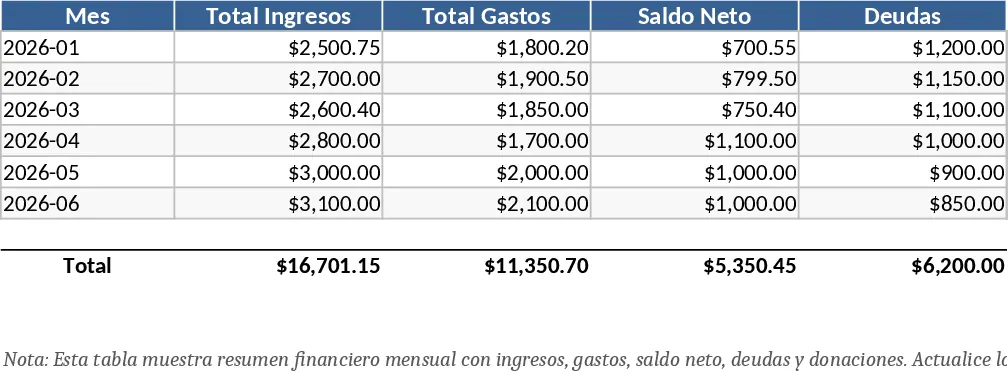
Professional Personal Finance and Budget Management Template
Manage your personal finances with a professional dashboard to track income, expenses, loans, and donations with automated visual insights.
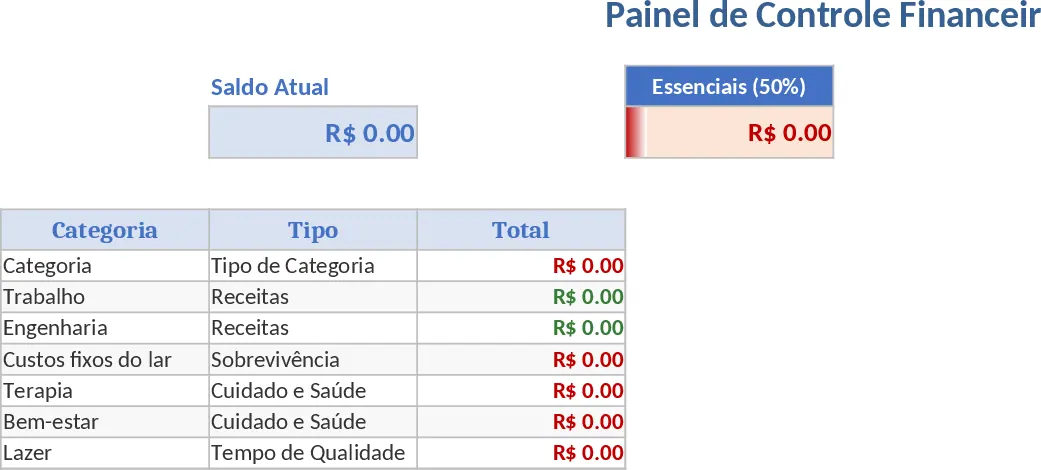
Automated 50/30/20 Financial Dashboard and Expense Tracker Template
Manage your personal budget with an automated dashboard featuring the 50/30/20 rule and themed categories for precise expense tracking.
Comprehensive Personal Monthly Budget Template
Track your monthly income and expenses across categories like housing and food with automatic balance calculations to manage your savings.