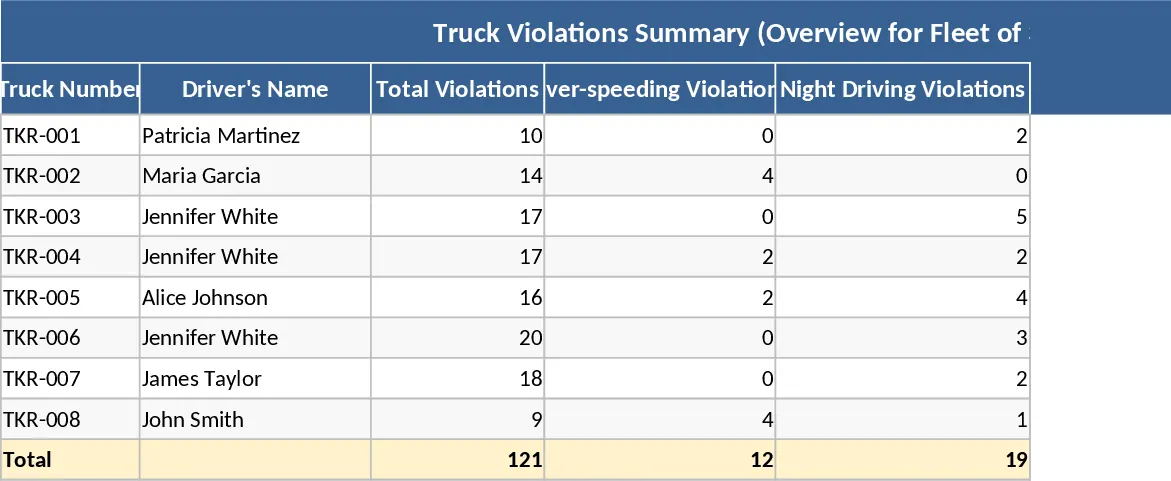
Automated Fleet Compliance and Driver Safety Monitoring Template
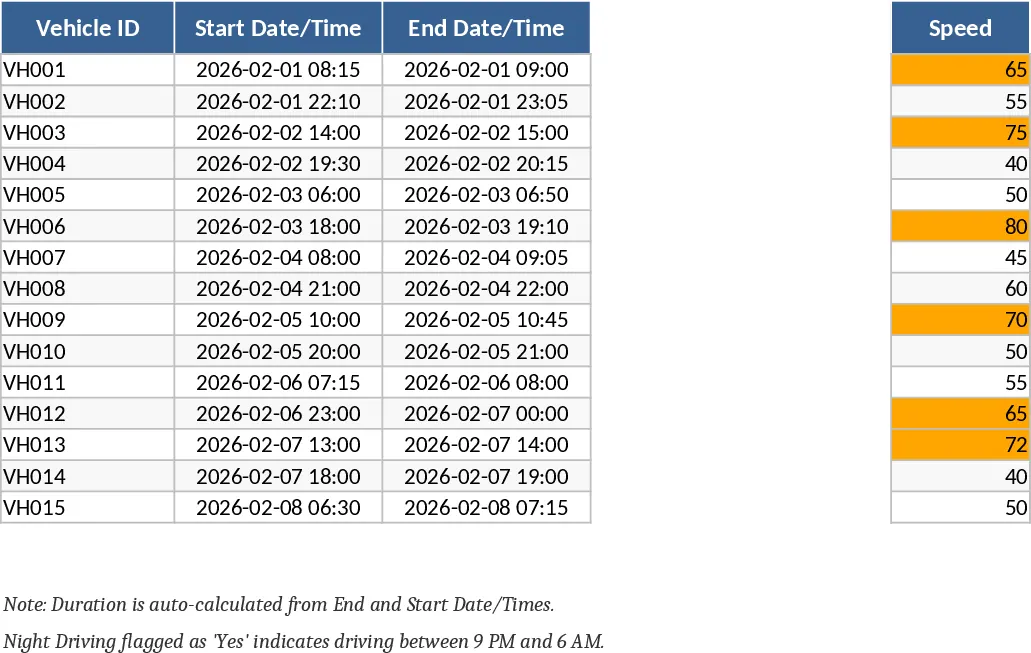
The Fleet Compliance Automation Excel Workbook is a sophisticated management tool designed to transform raw telematics data into a high-level safety and performance overview. For logistics managers, safety officers, and fleet supervisors, keeping track of driver behavior across dozens or hundreds of vehicles is a daunting task. This template simplifies that process by providing a centralized, automated environment where every trip is analyzed against your specific safety standards. By utilizing integrated VBA macros, the workbook handles the heavy lifting of calculating driving durations, identifying harsh maneuvers, and assigning driver scores, allowing you to focus on coaching and operational efficiency rather than manual data entry.
The structure of the workbook is built for both granular detail and executive-level reporting. It includes twelve individual monthly sheets (January through December) where raw data such as Vehicle ID, speed, acceleration, and braking rates are recorded. These sheets are supported by a hidden Rules sheet, which acts as the brain of the system. Here, you can define thresholds for overspeeding, harsh acceleration, and rest times. When data is entered, the workbook automatically applies conditional formatting—such as orange fills for overspeeding or red text for blocked status—to provide immediate visual cues. Beyond the monthly logs, the Dashboard, Leaderboard, and Heatmap sheets offer dynamic visualizations of fleet health, identifying trends in violations and highlighting your most (and least) compliant drivers.
This tool is particularly useful for organizations looking to implement a structured safety culture. It solves the problem of inconsistent reporting by ensuring every driver is evaluated against the same set of logic-based rules. Whether you are managing a local delivery fleet or a long-haul trucking operation, the ability to track 'Closed Cases' ensures that every safety violation is followed up on and resolved, creating a robust audit trail for compliance purposes. The Year-End summary further assists in annual performance reviews and insurance negotiations by providing a clear record of improved safety metrics over time.
How to use this template:
- Navigate to the Rules sheet to input your company’s specific safety thresholds for speed, acceleration, and driving hours; this ensures the automation aligns with your local regulations.
- Enter or paste your monthly vehicle trip data into the corresponding month's sheet; the built-in VBA will automatically calculate durations, flag violations, and update driver scores in real-time.
- Click the Refresh All Reports button to synchronize the Dashboard, Heatmap, and Leaderboard with the latest data, providing an instant visual summary of your fleet's status.
- Review the Leaderboard and Heatmap to identify high-risk periods or specific drivers who require additional safety training or intervention.
By implementing this automated workbook, you can expect a significant reduction in the administrative hours required to monitor fleet compliance. The standardized scoring system reduces bias in driver evaluations, while the automated alerts ensure that critical safety breaches are addressed immediately, ultimately leading to a safer work environment and reduced vehicle wear and tear.
Similar Templates Recommendation
Automated Fleet Safety and Driver Violation Tracking Template
Monitor driver safety and fleet compliance with automated violation tracking, real-time status alerts, and comprehensive performance dashboards.
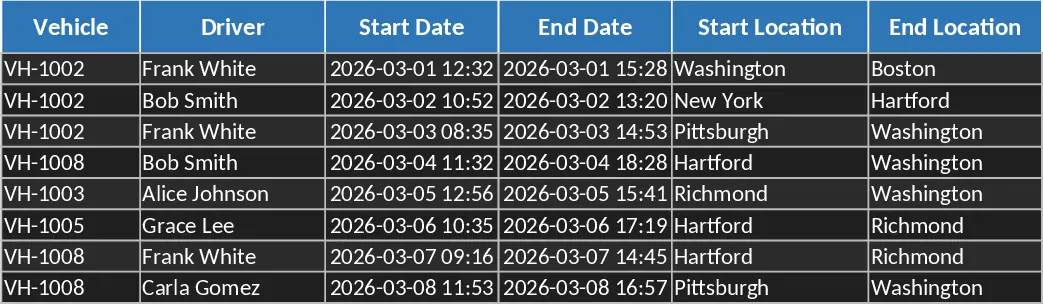
Fleet Driver Violation and Safety Tracking Template
Monitor truck violations including overspeeding and night driving with driver details and location logs to enhance fleet safety and compliance.