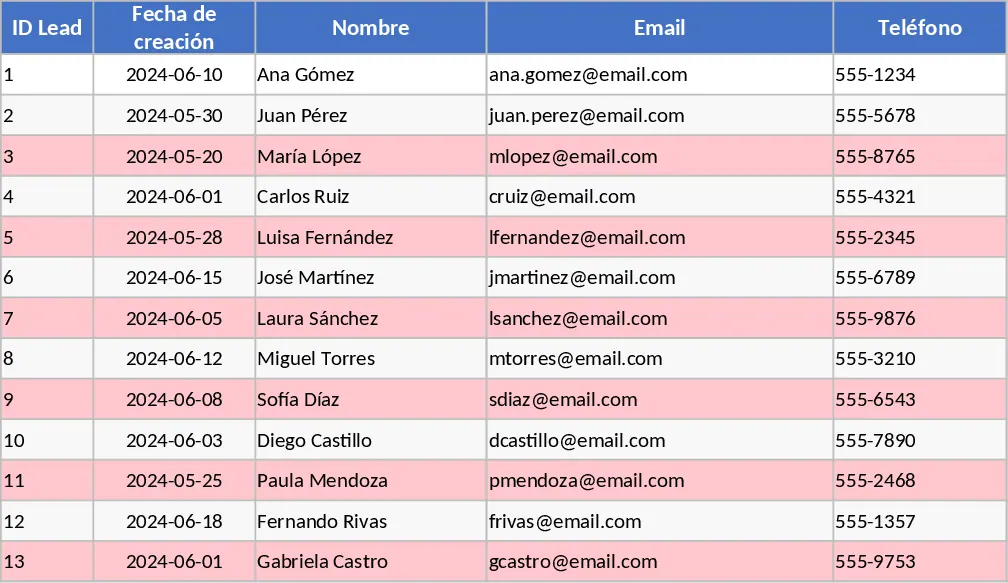
Sales Lead Tracker and Funnel Dashboard Template
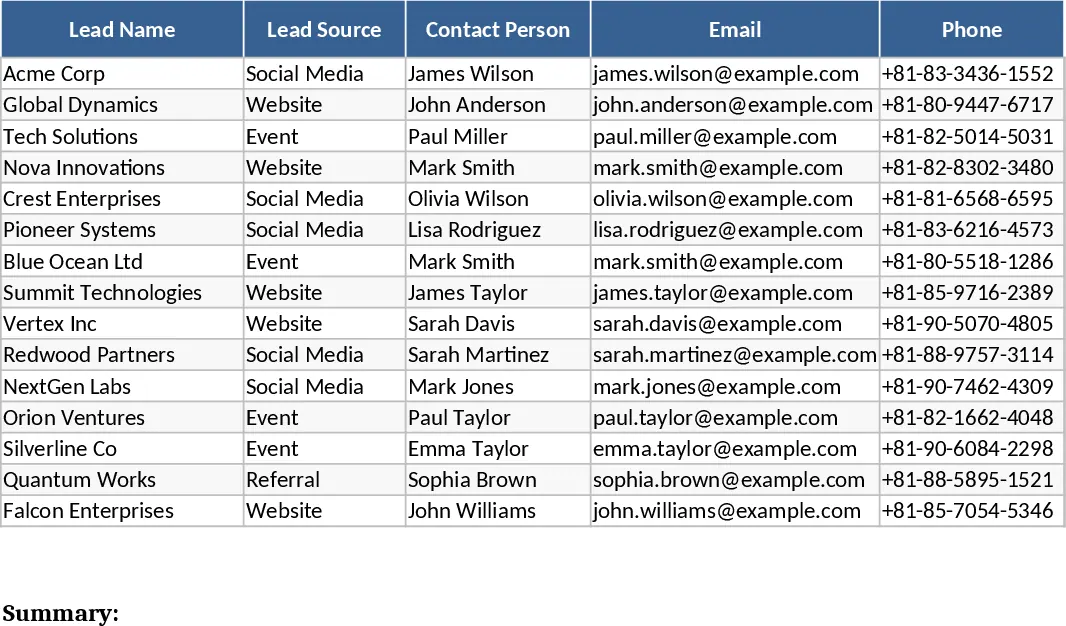
The Sales Lead Tracker with Dashboard and Win Rate Visualization is a robust Excel solution designed to bridge the gap between simple spreadsheets and complex CRM software. It provides a centralized hub for all your prospecting activities, ensuring that no potential deal falls through the cracks. The template is divided into two primary sections: a detailed Lead Log and a dynamic Analytics Dashboard. In the Lead Log, you will find dedicated columns for lead names, company details, lead sources (such as LinkedIn, referrals, or cold calls), and estimated deal values. A critical feature is the follow-up date column, which acts as a built-in reminder system to help you maintain momentum with every prospect. By having all this information in one place, you can transition from reactive selling to a proactive, data-driven approach.
This tool is indispensable for sales professionals, account managers, and small business owners who need to manage a high volume of leads while maintaining a clear understanding of their conversion efficiency. By categorizing every interaction into specific deal stages—such as Discovery, Qualification, Proposal, Negotiation, and Closing—you create a transparent roadmap of your sales journey. The template uses data validation dropdowns to ensure data integrity, making it easy to filter and sort your leads by priority, value, or expected close date. This level of organization is vital for preventing the common issue where valuable leads are lost due to lack of follow-up or poor record-keeping. It allows you to see at a glance which deals are stagnating and which ones are moving quickly through the pipeline.
The automated dashboard serves as the command center for your sales strategy. It features a visual sales funnel that illustrates the volume of leads at each stage of the process, highlighting exactly where your conversion rate might be dipping. It also calculates the Win Rate automatically, giving you a realistic view of your closing performance over time. For small business owners and independent consultants, this visibility is crucial for forecasting future revenue and deciding where to allocate marketing resources. If you notice a high volume of leads from a specific source but a low win rate, you can pivot your strategy to focus on higher-quality channels. The dashboard also provides a breakdown of revenue by lead source, helping you identify your most profitable acquisition channels.
How to use:
- Begin by navigating to the configuration or settings section to define your custom deal stages and lead sources. This ensures the dropdown menus throughout the template reflect your unique sales workflow and terminology.
- Enter your lead data into the main tracker sheet. Be sure to input the lead source, contact details, and the initial deal value, as these fields drive the analytics and charts on the dashboard.
- Regularly update the Deal Stage and Status columns as you move through the sales process. When a deal is finalized, mark it as Closed-Won or Closed-Lost to trigger the win rate calculation and update the funnel visualization.
- Review the Dashboard tab weekly to monitor your funnel health, track your progress against sales targets, and identify which leads require immediate attention based on the follow-up dates you have set.
Using this template significantly reduces the time spent on manual reporting and data aggregation. Instead of spending hours calculating percentages or drawing charts, you can spend that time building relationships and closing deals. The expected benefit is a more disciplined sales approach, leading to improved conversion rates, better time management, and a more predictable revenue stream for your business. It transforms your sales data from a simple list into a powerful tool for growth and strategic planning.
Similar Templates Recommendation
Simple Sales CRM and Lead Follow-up Template
Manage your sales pipeline and follow-ups effectively with this lightweight CRM to track lead stages, deal values, and stagnant prospects.
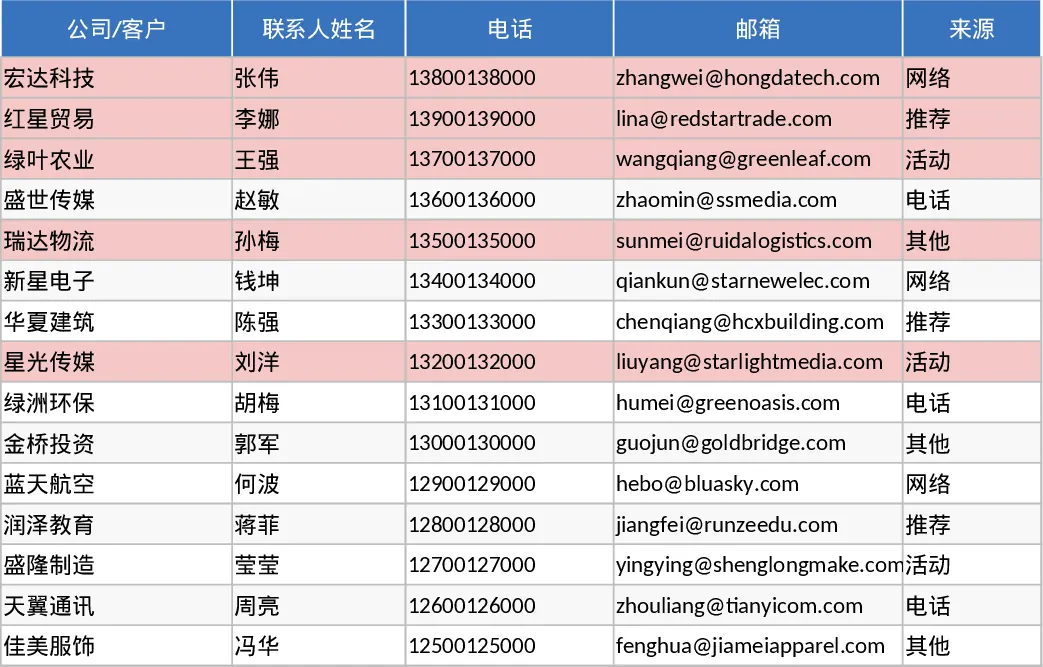
Premium Sales Pipeline Tracker and Executive Dashboard Template
Manage leads from prospecting to closing with a professional dashboard featuring funnel charts, KPI cards, and automated revenue trends.
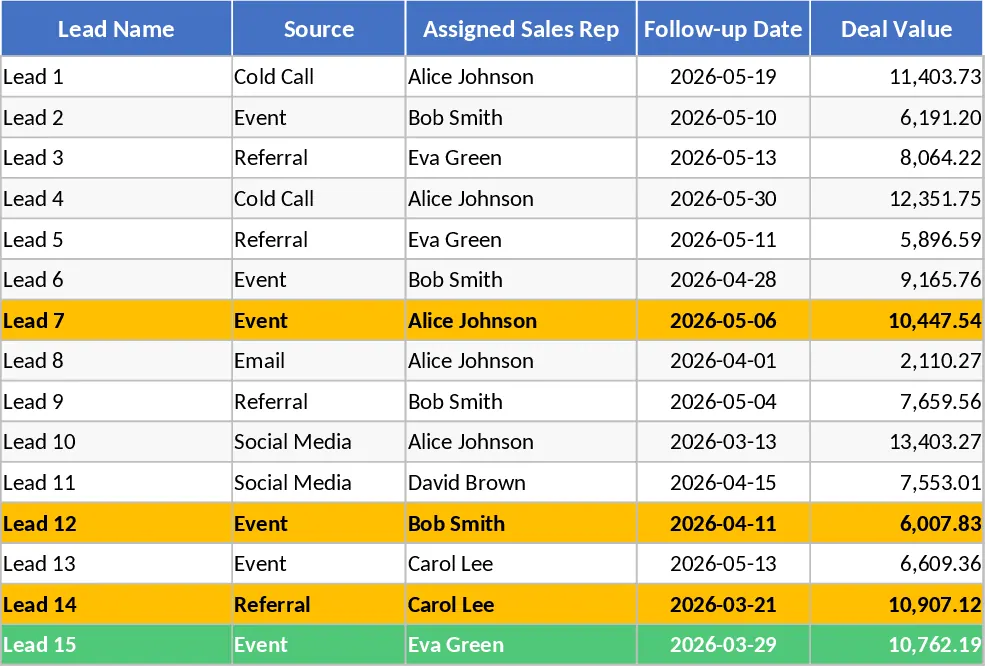
Lightweight Sales CRM and Lead Tracking Template
Track your sales pipeline and lead interactions with this lightweight CRM featuring automated funnel metrics and stagnant lead alerts.