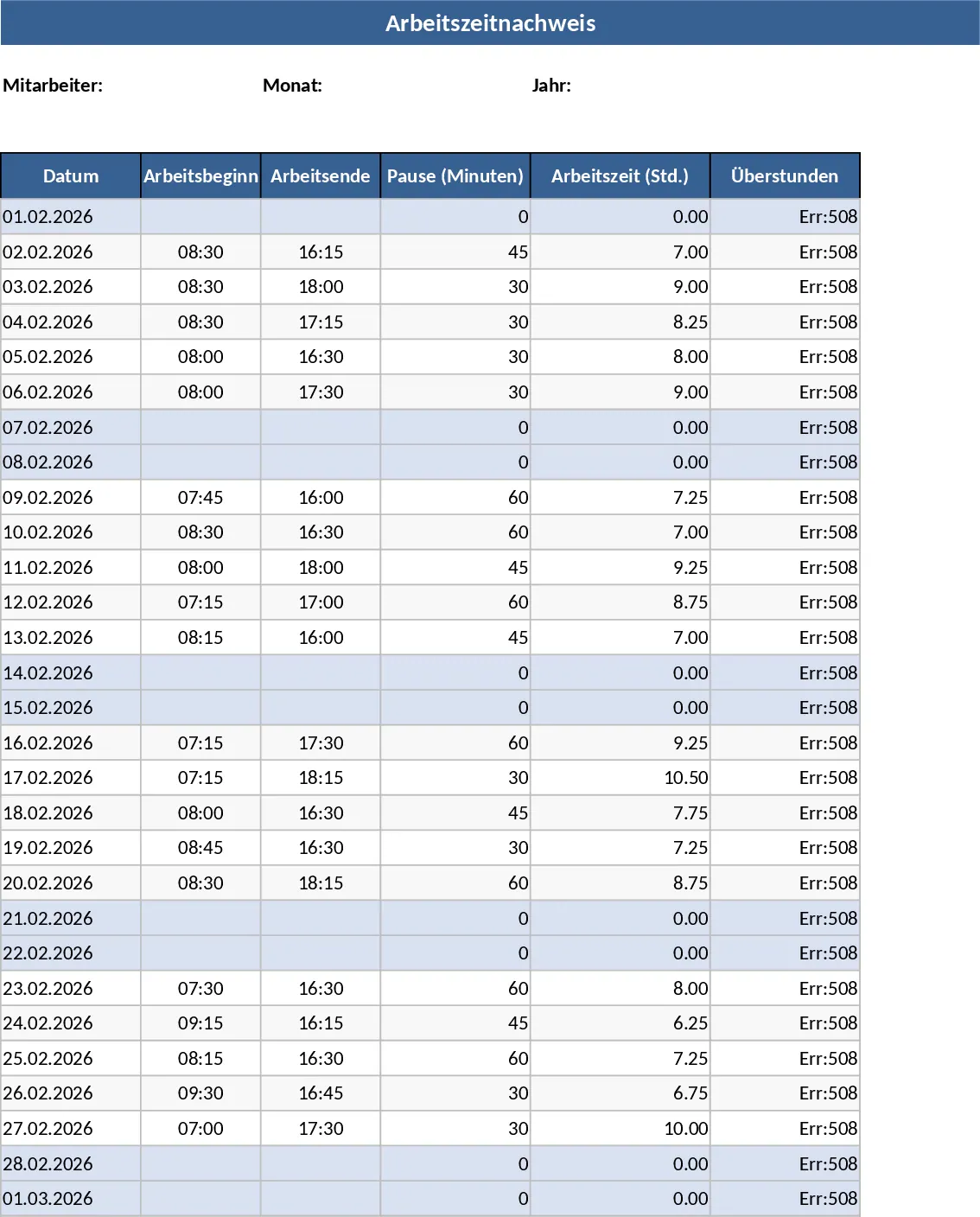
Employee Timesheet with Overtime and Payroll Calculation Template
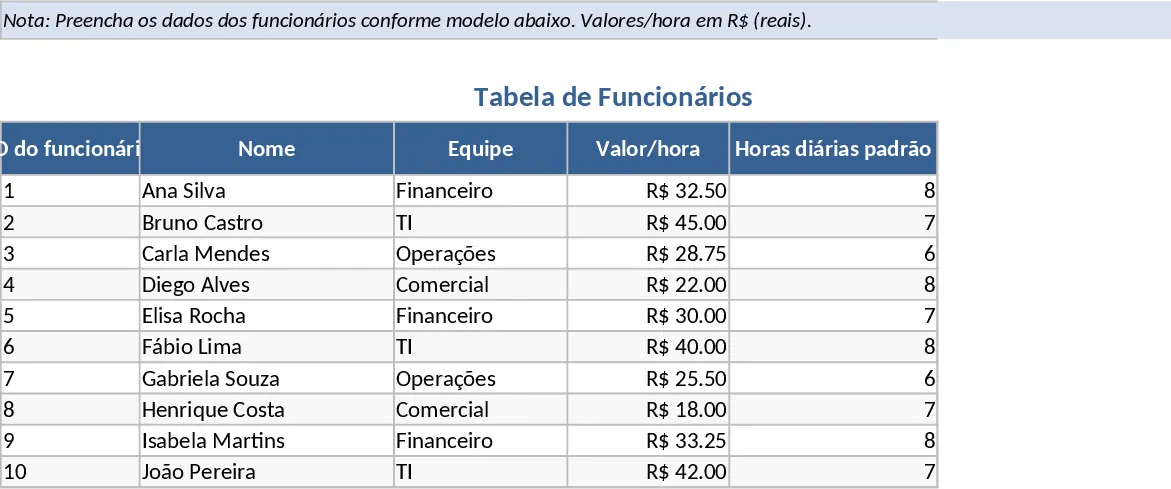
Managing a growing team requires precision, especially when it comes to tracking billable hours and overtime. This Employee Timesheet and Overtime template provides a structured environment to log daily attendance while ensuring that labor costs are calculated accurately and transparently. By centralizing employee data and daily logs, you eliminate the risk of manual calculation errors and gain a clear view of your monthly payroll obligations.
The template is organized into three functional areas. The Employees sheet acts as your database, where you define unique IDs, hourly rates, and specific overtime multipliers for each staff member. This flexibility allows you to manage different contract types or seniority levels within the same file. The Timesheet sheet is the core operational tool, featuring dropdown menus for employee selection and automated formulas that calculate regular and overtime hours based on the start time, end time, and break duration you input. Finally, the Payroll Summary sheet provides a high-level overview, aggregating hours and costs by employee and month, making it easy to prepare for payday.
This tool is particularly beneficial for small to medium-sized businesses, project managers, and HR professionals who need to track labor across various projects or departments. It simplifies the transition from raw time logs to financial data, providing a professional audit trail for both the employer and the employee. Whether you are managing a retail team with varying shifts or a project-based consultancy, this template adapts to your specific daily hour standards. It helps you monitor not just how long people are working, but how those hours translate into actual business costs.
How to use:
- Start by navigating to the Employees tab and entering your team's details, including their standard daily work hours and their specific hourly pay rates.
- In the Timesheet tab, record daily entries by selecting the employee from the dropdown, entering the date, and filling in the start and end times along with any break minutes taken.
- Review the calculated regular and overtime hours in the automated columns to ensure accuracy and add any relevant notes regarding the work performed.
- Head to the Payroll Summary tab to see the total hours worked and the corresponding pay for each employee, which can be used directly for payroll processing or financial reporting.
By automating the math behind overtime multipliers and break deductions, you can significantly reduce the time spent on administrative tasks each month. This template ensures that every minute worked is accounted for, helping you maintain fair compensation practices and better budget control. Expected benefits include reduced manual entry errors and a significant decrease in the time required to finalize monthly payroll figures.
Similar Templates Recommendation
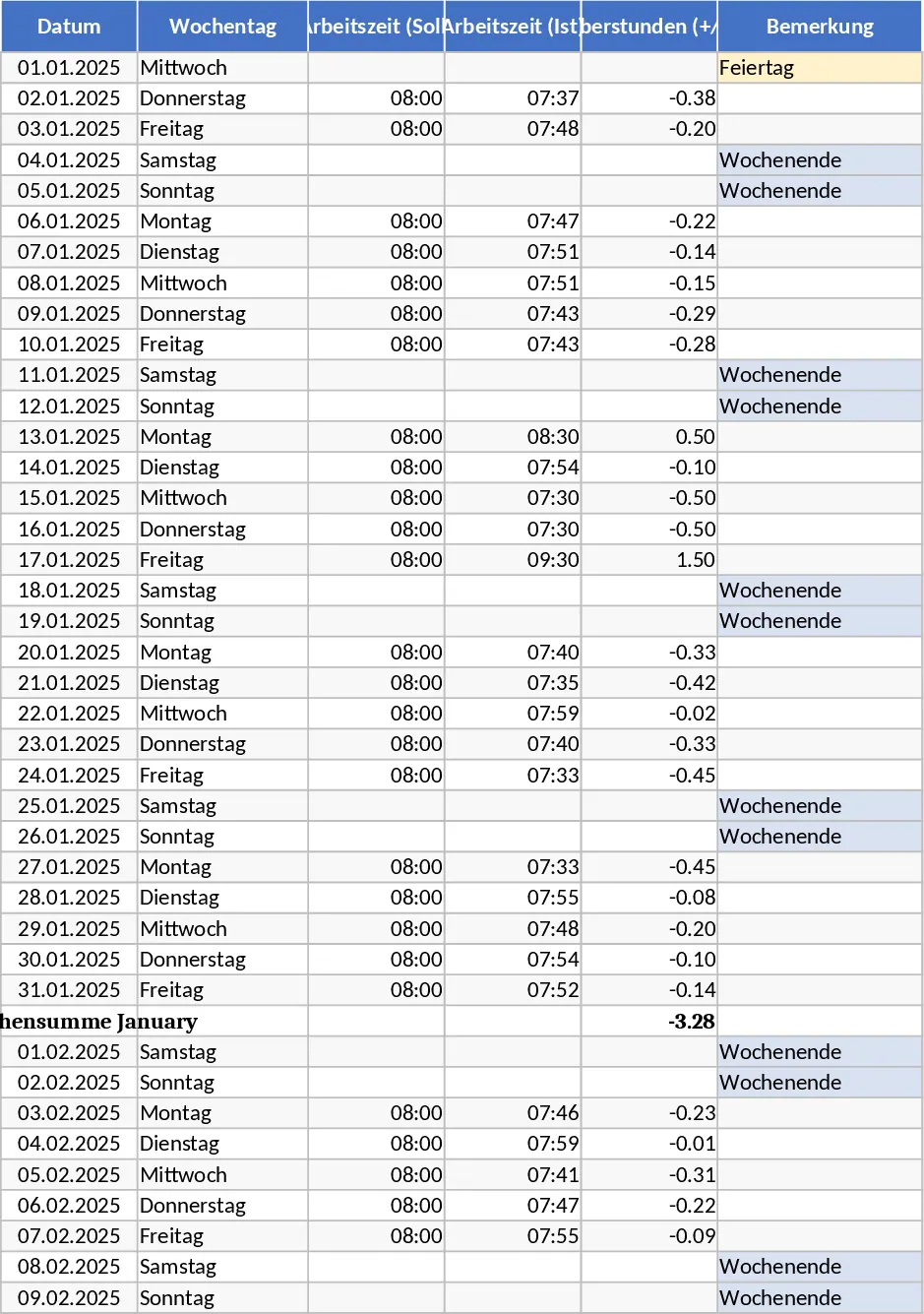
2025 Hamburg Annual Timesheet with Vacation and Overtime Template
Manage your 2025 work schedule with automated Hamburg holidays, overtime tracking, and vacation planning to maintain a perfect work-life balance.
Employee Timesheet and Overtime Payroll with Attendance Log Template
Track daily work hours, calculate overtime automatically, and generate monthly payroll summaries for your team in one organized workbook.
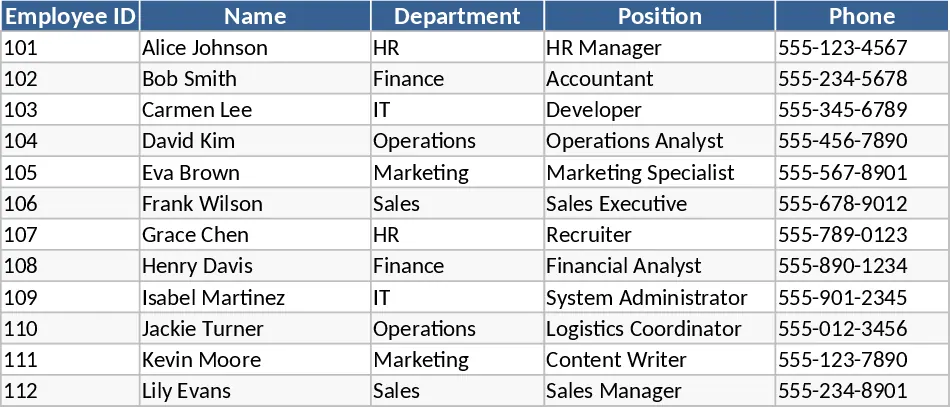
Automated Employee Timesheet with Overtime and Leave Tracking Template
Track daily work hours, breaks, and overtime automatically with this efficient timesheet template featuring status dropdowns and monthly summaries.