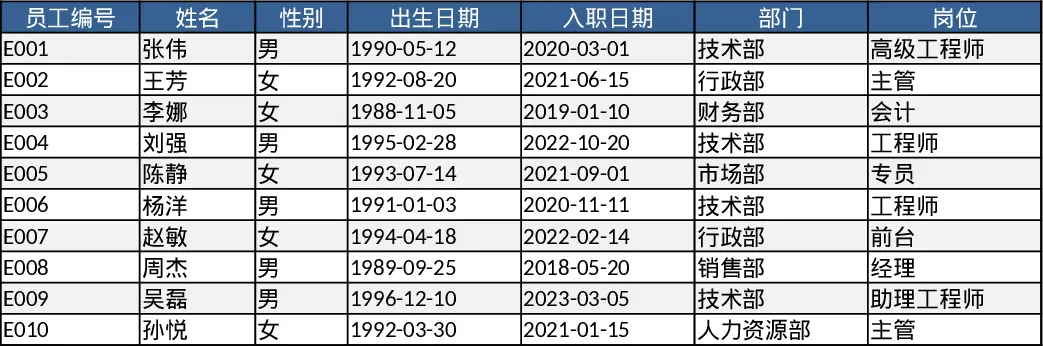
Employee Hours & Overtime Tracking Template
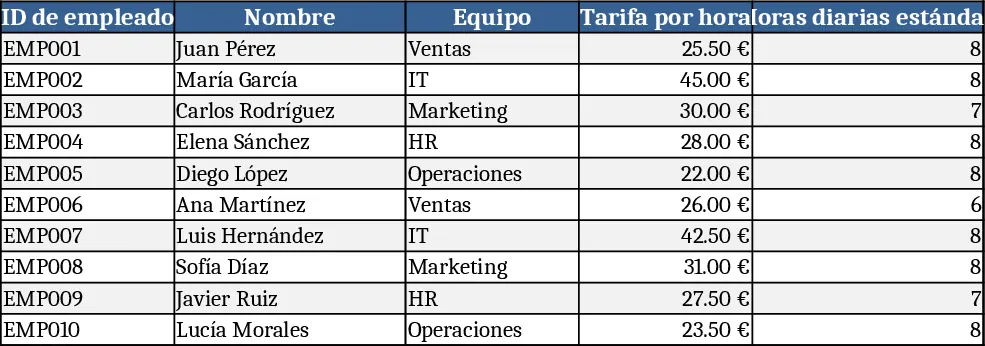
This Excel workbook is built for HR managers and payroll administrators who need a clear, automated way to record daily work hours, calculate overtime, and generate monthly payroll summaries. It contains three interconnected sheets: Employees, Timesheet, and Payroll Summary. The Employees sheet stores static data such as employee ID, name, team, hourly rate, standard daily hours, and an overtime multiplier. The Timesheet sheet logs each work entry with date, employee ID (chosen from a dropdown), project name, start and end times, break minutes, and automatically derives regular and overtime hours using built‑in formulas. Finally, the Payroll Summary aggregates the calculated hours per employee and month, applying the hourly rate and overtime multiplier to produce regular pay, overtime pay, and total compensation.
The template solves the common headache of manually reconciling time logs with payroll calculations. By enforcing data validation (unique IDs, non‑negative rates, mandatory start/end times, and logical time ordering) it reduces entry errors. Automatic calculations mean you no longer need to copy‑paste formulas across rows or worry about mis‑applying overtime rules. The monthly summary gives a quick snapshot of labor costs per employee and team, helping you forecast budgets and ensure compliance with labor regulations.
Designed for small‑to‑medium businesses, staffing agencies, or any organization that pays hourly wages, this workbook is ideal for HR professionals, payroll clerks, and team leads who need to monitor attendance and compensation. Whether you are processing weekly timesheets, preparing monthly payroll, or analyzing overtime trends across projects, the template provides a single source of truth that can be shared with finance or management.
The workbook tracks:
- Employee master data (ID, name, team, rate, standard hours, overtime multiplier)
- Daily work entries (date, project, start/end, breaks)
- Calculated regular vs. overtime hours per shift
- Monthly payroll totals per employee, including regular pay, overtime pay, and grand total These metrics give you insight into labor utilization, overtime hotspots, and cost distribution across projects.
How to use
- Open the Employees sheet and fill in the 10 sample rows or replace them with your own staff, ensuring each ID is unique and rates are non‑negative.
- Switch to the Timesheet sheet, select an employee ID from the dropdown, enter the date, project, start/end times, and break minutes; the sheet will auto‑populate regular and overtime hours.
- After entering all shifts for the month, go to the Payroll Summary sheet; it will automatically roll up hours and calculate regular pay, overtime pay (using the multiplier), and total pay for each employee.
- Export or print the summary for payroll processing, or copy the results into your accounting system.
Expected benefits include a noticeable reduction in manual calculation time, fewer data‑entry mistakes, and faster generation of accurate payroll reports, allowing you to focus on strategic HR tasks rather than repetitive spreadsheet work.
Similar Templates Recommendation
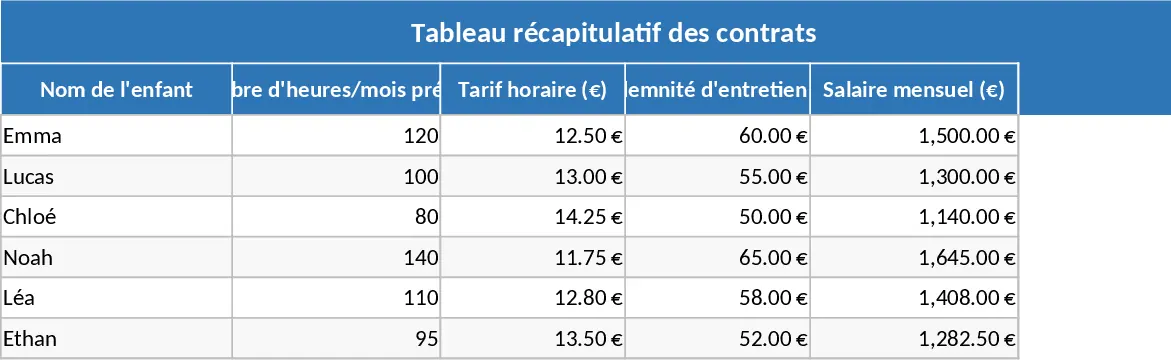
Childminder Contract and Salary Management Template
Track daily arrival and departure times, calculate hourly wages, maintenance fees, and total monthly salary for up to four childminder contracts.
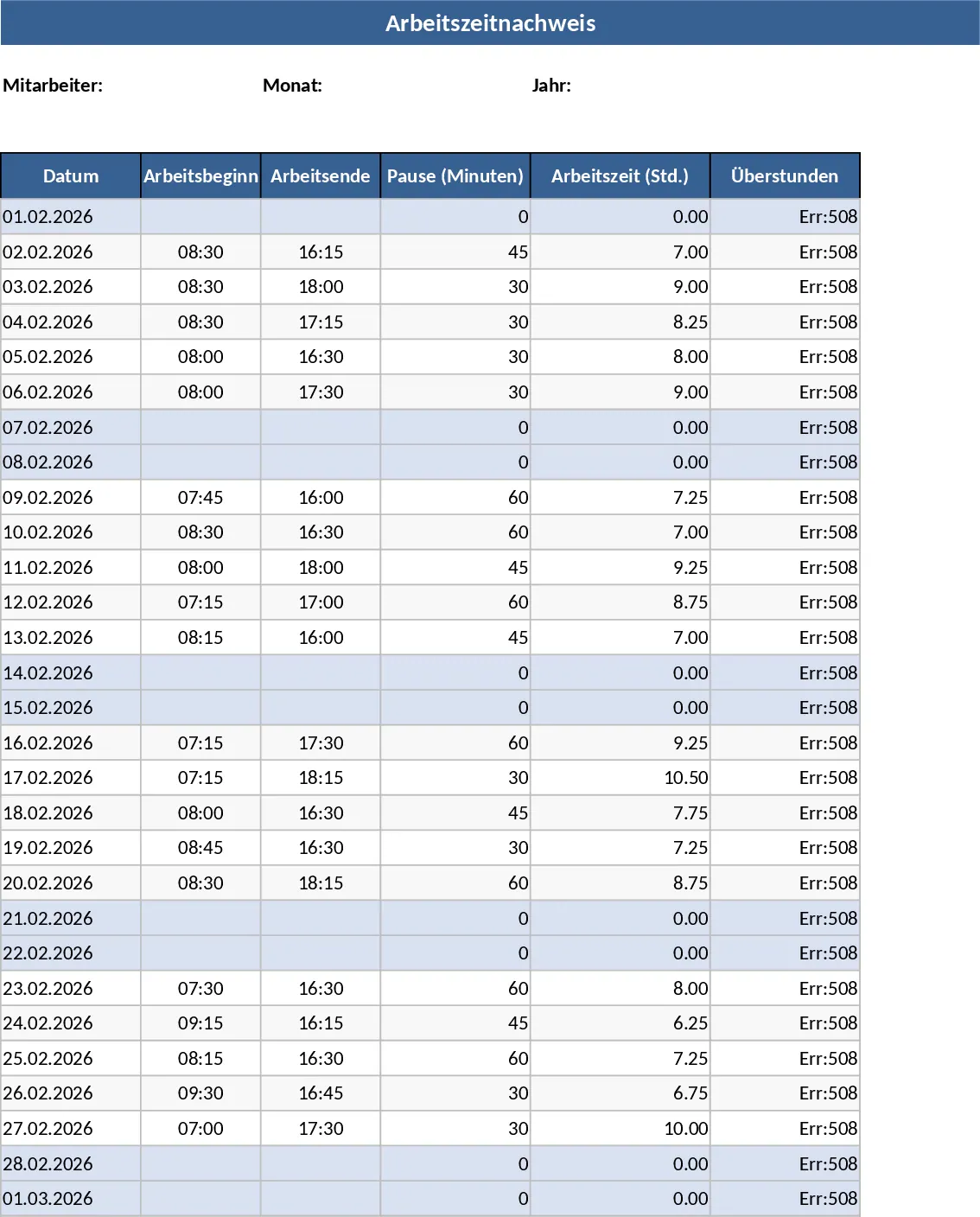
Automated Employee Timesheet with Overtime and Leave Tracking Template
Track daily work hours, breaks, and overtime automatically with this efficient timesheet template featuring status dropdowns and monthly summaries.
Employee Timesheet & Overtime Payroll Template
Track employee work hours, overtime, and generate payroll summaries for up to 10 staff with sample data in three linked sheets.