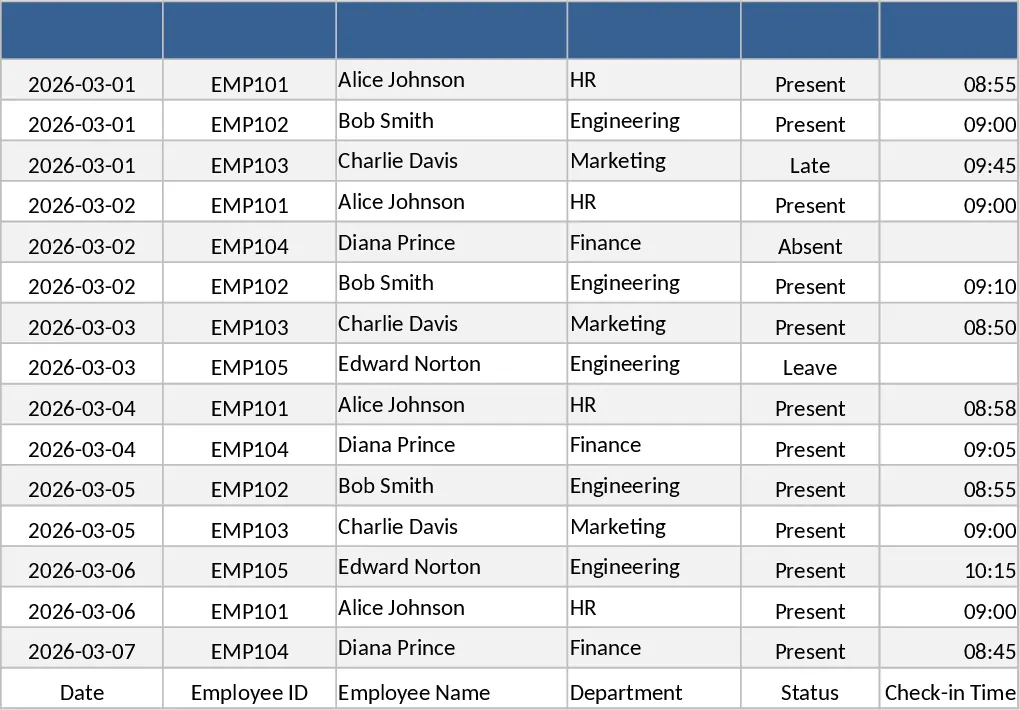
Employee Timesheet & Overtime Payroll Template
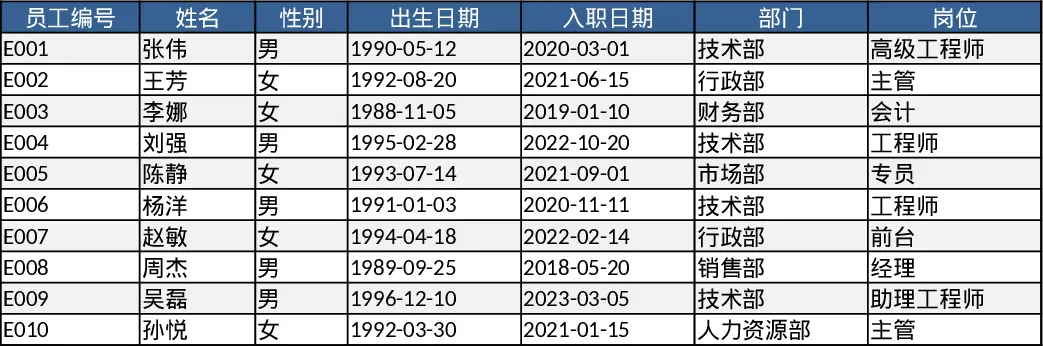
This Excel template is built around three interconnected sheets – Employees, Timesheets, and Salary Summary. The Employees sheet holds basic staff information such as Employee ID, Name, Department, and Hourly Rate. The Timesheets sheet records daily attendance, featuring a date column, a dropdown‑linked Employee ID, Regular Hours, and Overtime Hours. The Salary Summary sheet pulls data from the first two sheets, automatically calculating Regular Pay, Overtime Pay, and Total Salary for each employee, and presents a clean table that can be filtered by month or department.
Designed for HR managers, payroll administrators, and small‑business owners, the template solves the common headache of juggling separate spreadsheets for attendance and payroll. By linking the sheets, it eliminates duplicate entry, reduces calculation errors, and ensures that overtime is paid according to company policy. The built‑in sample data – 10 employee records and 40 rows of time entries – lets users see the workflow instantly and adapt the layout to their own workforce.
The template helps you track daily work hours, monitor overtime trends, and produce a ready‑to‑use payroll report at the end of each pay period. It also provides quick insights into labor costs per department, supporting budgeting and compliance checks.
How to use
- Open the Employees sheet and replace the sample rows with your staff details, ensuring each employee has a unique ID.
- In the Timesheets sheet, select the employee ID from the dropdown and enter the date, regular hours, and any overtime hours worked.
- Switch to the Salary Summary sheet; the formulas will automatically update to show each employee’s regular pay, overtime pay, and total earnings.
- Export or print the summary for payroll processing, or copy it into your accounting system.
Expected benefits include a noticeable reduction in manual data entry time, fewer payroll calculation mistakes, and a clearer view of overtime expenses, helping you focus on strategic HR tasks rather than spreadsheet gymnastics.
Similar Templates Recommendation
Employee Work Hours Tracker Template
Track each employee's daily work hours, calculate totals, overtime, and generate clear summary reports for payroll and management.
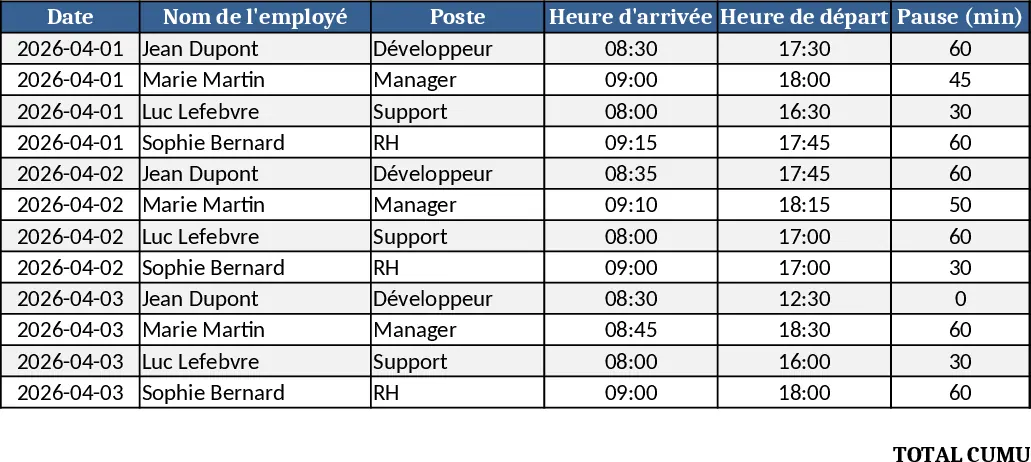
Employee Timesheet and Overtime Payroll with Payroll Summary Template
Manage employee work hours, calculate overtime automatically, and generate detailed payroll summaries to streamline your monthly compensation process.
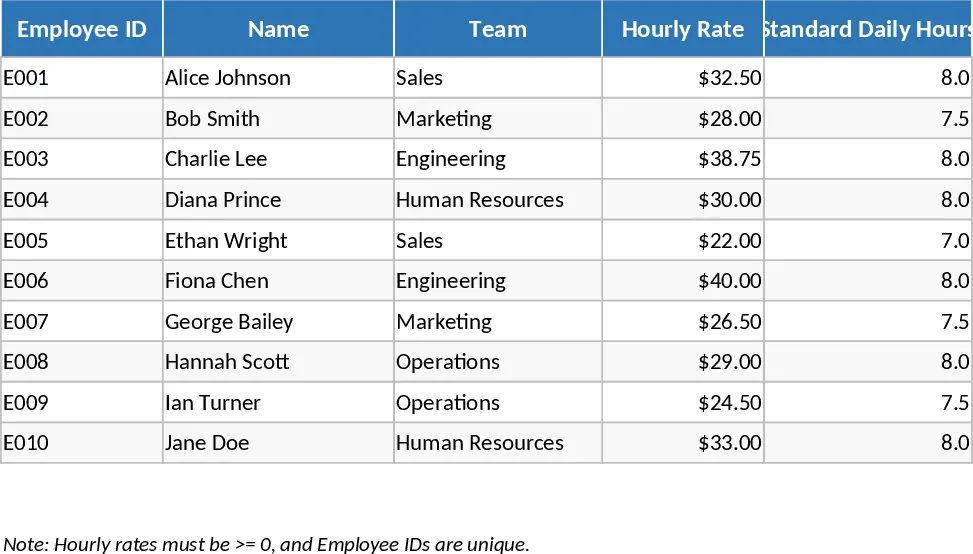
Employee Attendance Tracker with Dashboard Template
Track daily employee attendance, absences, late arrivals, and overtime with a ready‑to‑use Excel template that includes summary dashboards.