Employee Work Hours Tracker Template
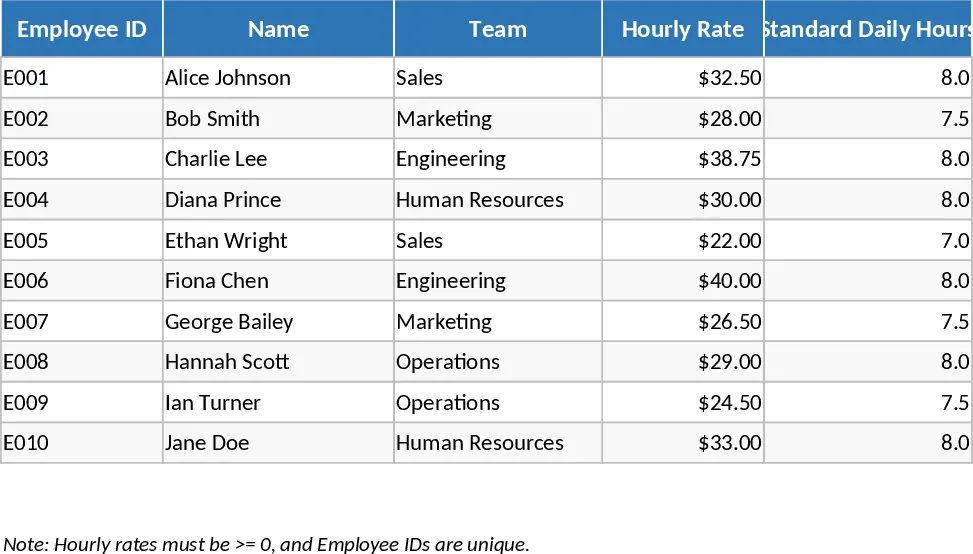
This template is built around three simple sheets: a Timesheet where you log daily hours, a Rates & Settings page for overtime rules and hourly rates, and a Summary dashboard that rolls up totals per employee, week, and month. In the Timesheet you select an employee from a dropdown, pick the date, and enter regular and overtime hours. The Rates & Settings sheet lets you define standard hourly rates and overtime multipliers, which the Summary sheet uses to calculate gross labor costs, overtime premiums, and cumulative hours. Pivot‑style tables and conditional formatting highlight employees who exceed scheduled hours, making it easy to spot overtime trends.
The template solves the common headache of manually aggregating time data for payroll processing. Instead of copying numbers into separate spreadsheets or using paper logs, you get an automated calculation engine that updates instantly as you enter new rows. This reduces transcription errors, ensures compliance with labor regulations, and provides a ready‑to‑use report for finance or management review. It’s especially useful for small‑to‑medium businesses, HR coordinators, and team leaders who need a reliable, low‑cost way to monitor attendance and labor costs without investing in dedicated time‑tracking software.
Anyone who manages staff schedules—HR managers, office administrators, project supervisors, or small‑business owners—can benefit. The template helps you keep an accurate record of who worked when, how many regular versus overtime hours were logged, and the associated cost impact. By having a single source of truth, you can quickly answer questions like “What were total hours worked last month?” or “Which employees are regularly working overtime?” and feed that data directly into payroll or budgeting processes.
How to use
- Open the Timesheet sheet and select an employee from the dropdown, then choose the work date and enter regular and overtime hours.
- If your pay rates differ, go to the Rates & Settings sheet and update the hourly rate or overtime multiplier for each employee.
- Switch to the Summary sheet to see automatically refreshed totals, overtime calculations, and cost summaries for the selected period.
- Export the summary as PDF or Excel for payroll submission, or copy the tables into your accounting system.
Expected benefits: the template cuts down the time spent on manual calculations, minimizes errors, and provides instant visibility into labor costs, helping you streamline payroll preparation and improve workforce planning.
Similar Templates Recommendation
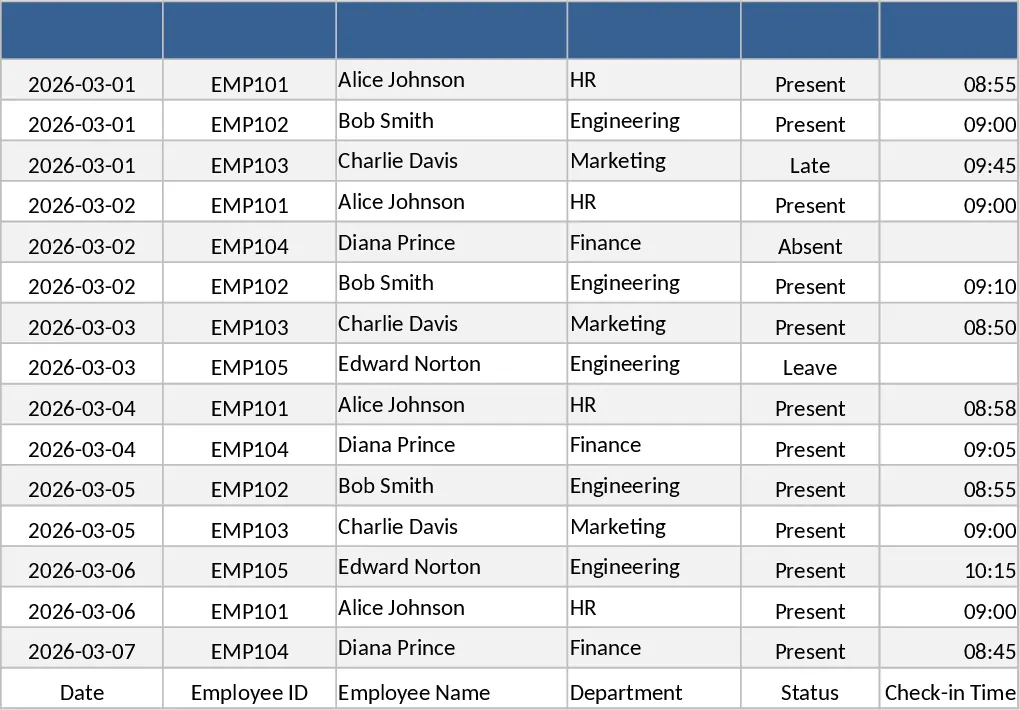
Employee Attendance Tracker with Dashboard Template
Track daily employee attendance, absences, late arrivals, and overtime with a ready‑to‑use Excel template that includes summary dashboards.
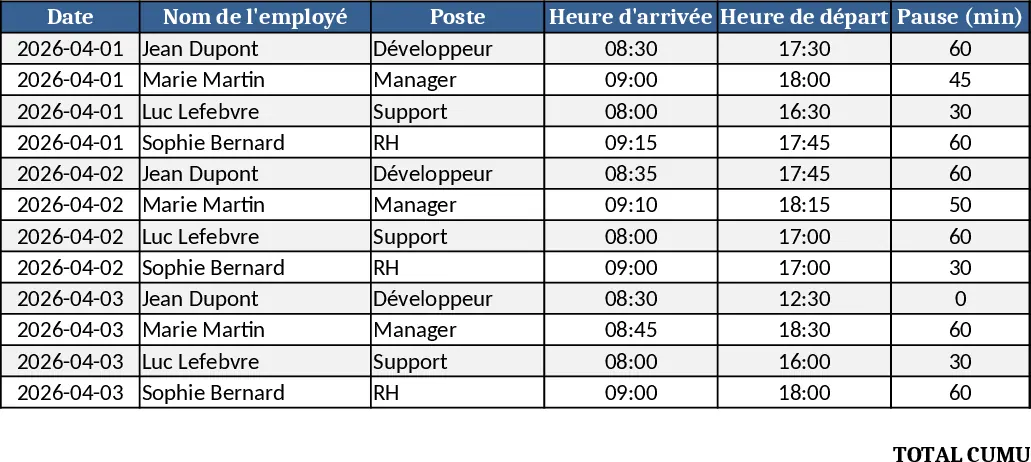
Employee Timesheet & Overtime Payroll Template
Track employee work hours, overtime, and generate payroll summaries for up to 10 staff with sample data in three linked sheets.
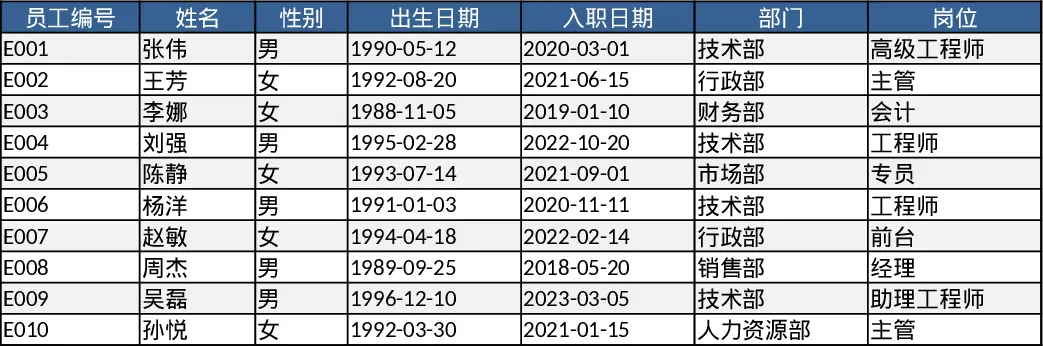
Employee Timesheet and Overtime Payroll with Payroll Summary Template
Manage employee work hours, calculate overtime automatically, and generate detailed payroll summaries to streamline your monthly compensation process.