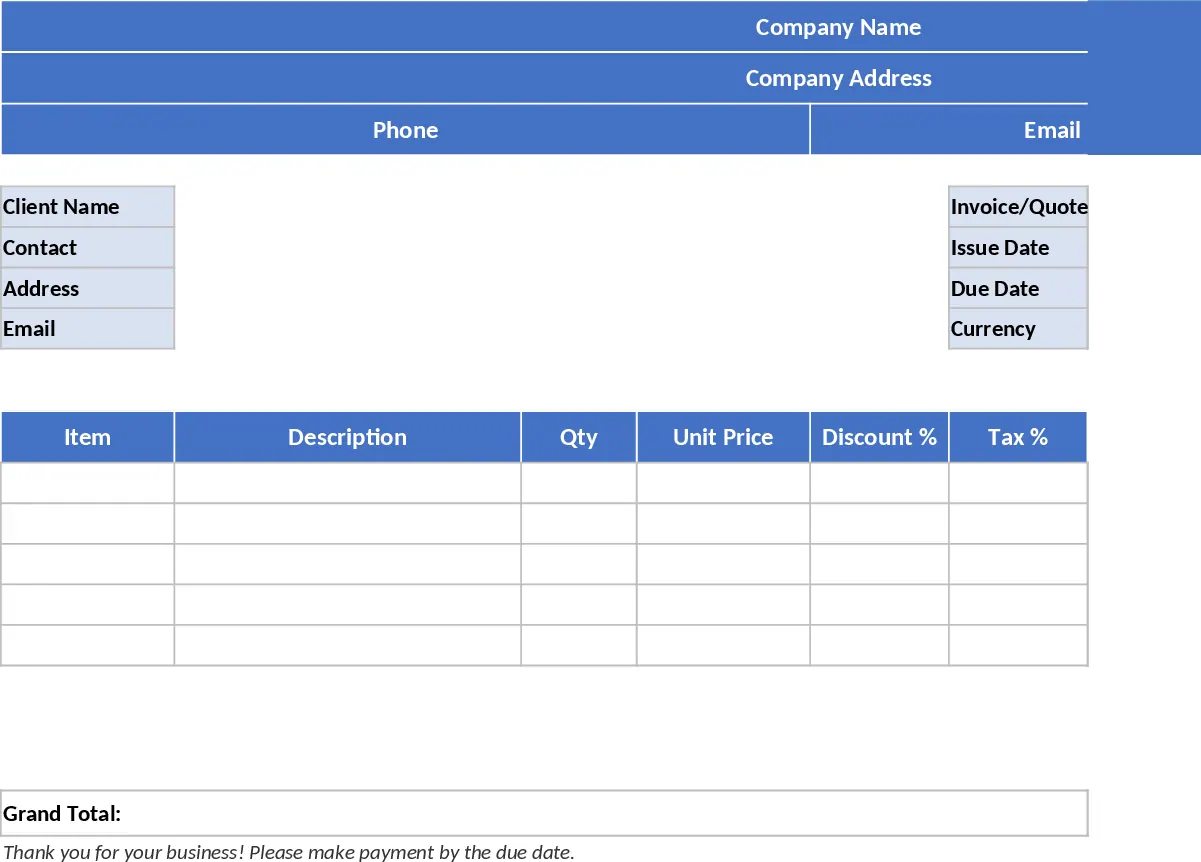
Professional Quote and Invoice Excel Template
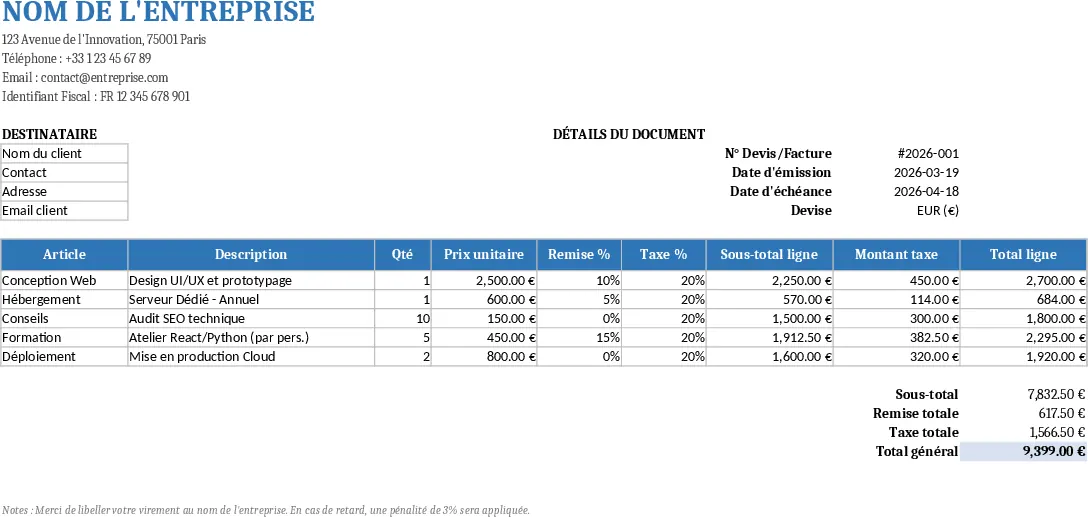
The Excel Quote/Invoice template is organized on a single worksheet that mimics a professional A4‑letter layout. At the top you’ll find a header block where you can enter your company name, address, phone, e‑mail and tax identification number. Directly below, a client section captures the customer’s name, contact person, address and e‑mail. The middle area holds the core document information – quote or invoice number, issue date, due date and the currency you work with. The heart of the sheet is a table with columns for Article, Description, Quantity, Unit Price, Discount %, Tax %, Line Sub‑total, Tax Amount and Line Total. Formulas automatically compute the line subtotal (Quantity × Unit Price × (1‑Discount%)), the tax amount (Line Sub‑total × Tax%) and the line total (subtotal + tax). At the bottom, summary rows aggregate Sub‑total, Total Discount, Total Tax and Grand Total. All numeric fields are formatted as currency and the template includes a print‑area that fits neatly on a Letter/A4 page.
This template removes the tedious manual calculations that usually accompany small‑business billing. By entering just the quantity, price, discount and tax percentages, the sheet instantly produces accurate line totals and overall totals, eliminating rounding errors and saving the time spent on separate calculators or copy‑pasting formulas. The built‑in validation ensures that discounts and tax rates stay between 0 % and 100 % and that quantities are positive, preventing common data‑entry mistakes. Because the layout is already sized for printing, you can generate a clean, professional‑looking quote or invoice with a single click on ‘Print’ or by exporting to PDF. The ready‑made example rows give you a quick reference, while a blank version lets you start fresh for each new client.
The template is ideal for freelancers, consultants, small retailers, service providers and any team that needs to issue quotes or invoices without investing in specialized accounting software. Whether you are preparing a project estimate for a new client, sending a final bill after a service, or simply keeping a record of sales for tax purposes, this sheet adapts to both quote and invoice modes by toggling the document label. It also helps sales managers track the financial impact of discounts and taxes across multiple transactions, providing a quick snapshot of revenue before and after deductions. Because everything lives in Excel, you can easily integrate the data with other worksheets, dashboards or reporting tools you already use.
How to use:
- Open the template and fill in the company header fields at the top.
- Enter the client’s details in the designated section.
- For each product or service, type the article name, description, quantity, unit price, discount % and tax %. The sheet will calculate line subtotals, tax amounts and line totals automatically.
- Review the summary rows at the bottom; they show total discount, total tax and the grand total ready for printing. Press Ctrl + P or export to PDF to produce a clean invoice or quote.
Expected benefits: reduces manual calculation time, cuts formatting errors, and speeds up the creation of print‑ready billing documents.
Similar Templates Recommendation
A4 Printable Quote & Invoice Excel with Printable Report Template
A ready‑to‑print Excel quote and invoice template that auto‑calculates line totals, discounts, taxes and grand totals for professional billing.
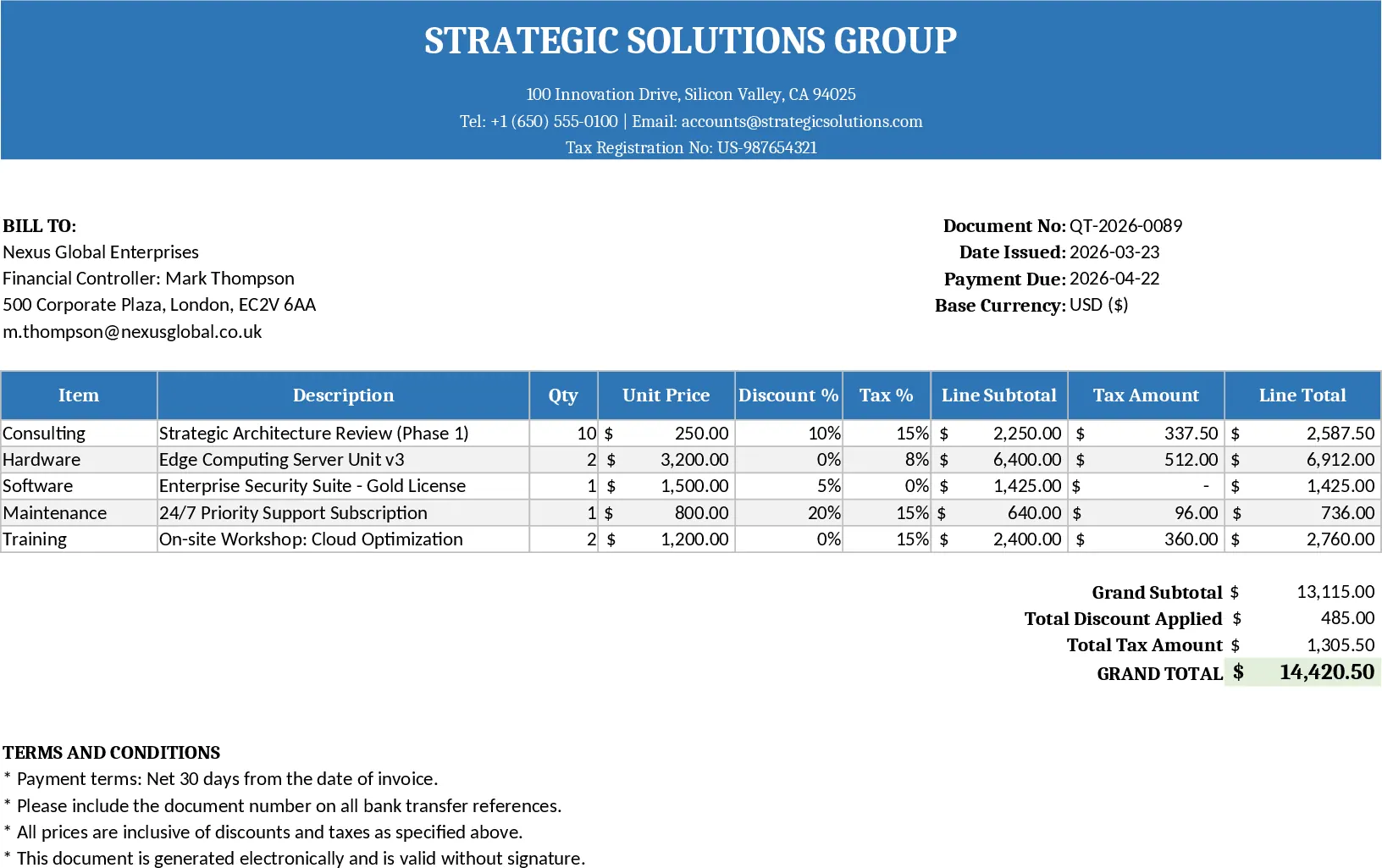
Printable Offer & Invoice Excel Template
A printable Excel template for professional quotes and invoices with auto‑calculations, tax, discounts, and ready‑to‑print layout.
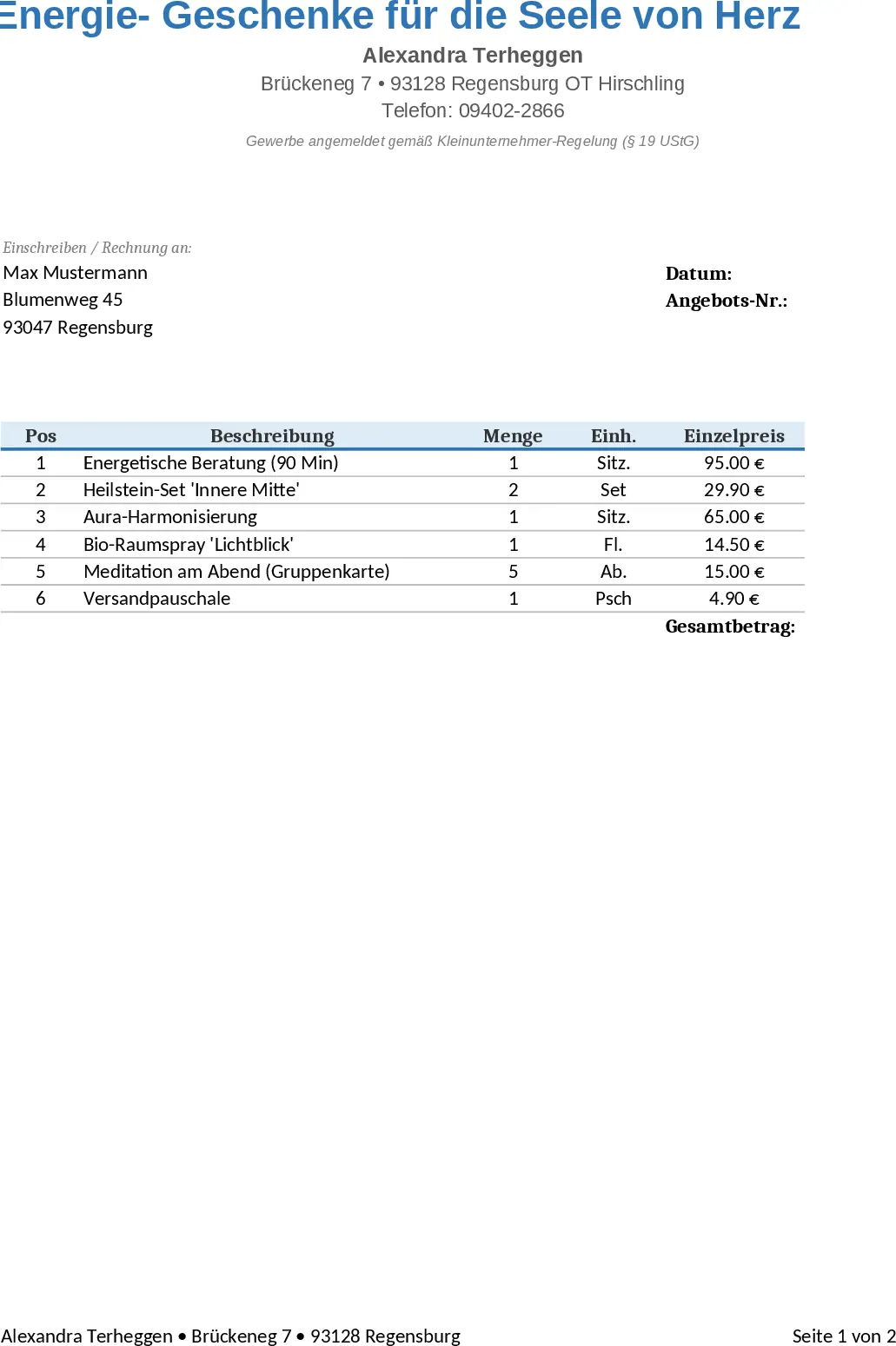
A4 Printable Quote & Invoice Excel with Invoice Generator Template
A printable Excel quote and invoice template with built‑in calculations for line items, taxes, discounts and grand totals.