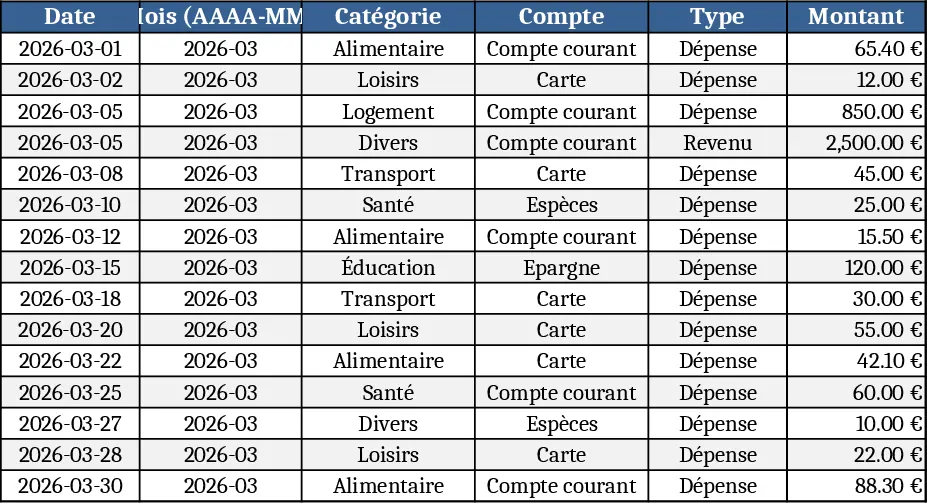
Personal Monthly Budget & Expense Tracker with Top Merchants Template
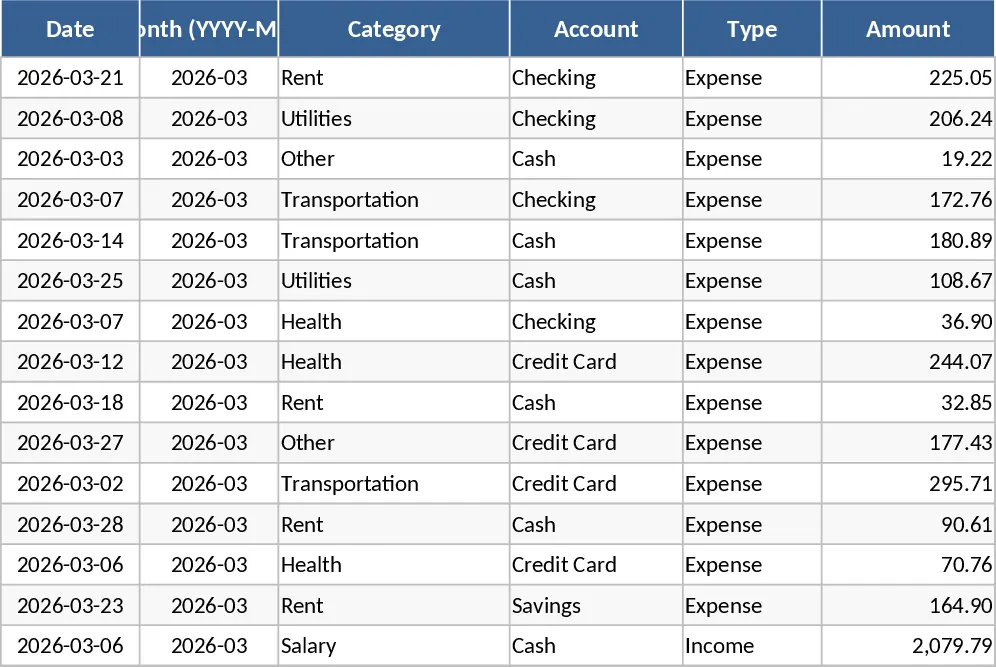
The Personal Monthly Budget & Expense Tracker is organized into three interconnected sheets that let you capture every cash movement, set realistic budget targets, and instantly see how you’re doing. The Transactions sheet is the data‑entry hub: each row records a single transaction with fields for Date, automatically generated Month (YYYY‑MM), Category, Account, Type (Income or Expense), Amount, Merchant/Payee, Payment Method and optional Notes. Drop‑down lists keep categories, accounts and payment methods consistent, while validation ensures dates are entered and amounts stay positive. As you add rows, the Month column fills itself, making it easy to filter by period.
The Budget Plan sheet lists every spending category you use. For each month you enter a budgeted amount, and the sheet automatically pulls the actual spend from the Transactions sheet, calculates the variance, and flags any category that exceeds its budget. Conditional formatting highlights over‑budget items in red, so you can spot problem areas at a glance. Adding a new category is as simple as typing it into the list – the formulas and dropdowns expand automatically.
The Dashboard brings the numbers to life. Key performance indicators such as Total Income, Total Expense and Net Savings appear at the top. A pie chart breaks down spending by category, while a line chart shows weekly expense trends, helping you spot seasonal spikes. A table of the top 10 merchants by spend lets you identify where most of your money goes. All charts update instantly as you add or edit transactions.
This template is perfect for anyone who wants clear visibility into their personal finances – from recent graduates managing student loans to families planning for savings goals. It solves the common problem of scattered receipts and manual calculations by centralizing all data in one place and automating the math. You’ll spend less time reconciling statements and more time making informed decisions about where to cut costs or allocate extra income.
How to use
- Open the workbook and start entering your daily transactions on the Transactions sheet; select the appropriate category, account and payment method from the drop‑downs.
- Switch to the Budget Plan sheet and fill in the budgeted amount for each category for the month you’re tracking.
- Watch the Dashboard refresh automatically – key totals, charts and the over‑budget flag will reflect the data you just entered.
- Periodically review the variance column and the flagged rows to adjust spending habits or revise future budgets.
Expected benefits: streamlined data entry, automatic calculations, and visual insights that reduce the time spent on manual budgeting and help you stay on track with your financial goals.
Similar Templates Recommendation
Personal Monthly Budget & Expense Tracker with Expense Analysis Template
Track monthly income, expenses, and savings with a three‑sheet Excel template that auto‑calculates budgets, variances, and visual dashboards.
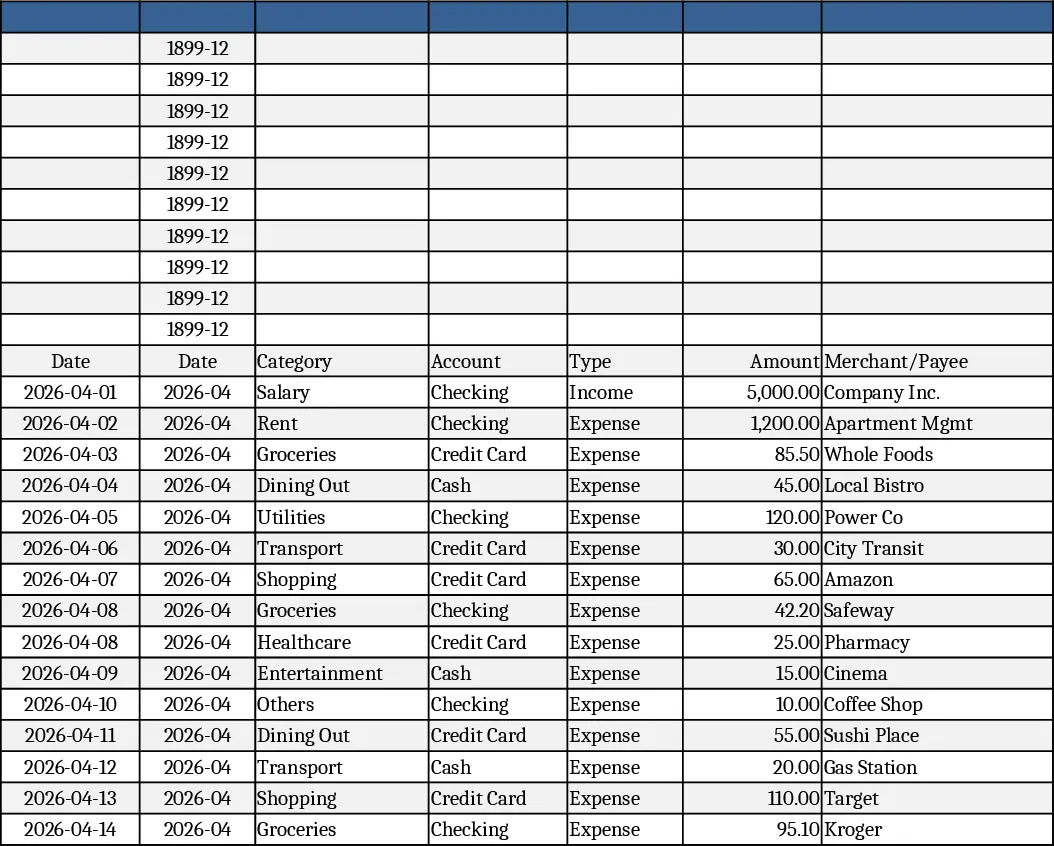
Personal Monthly Budget & Expense Tracker with Payment Methods Template
Track monthly income and expenses, compare against budgets, and visualize spending with charts in a ready‑made Excel workbook.
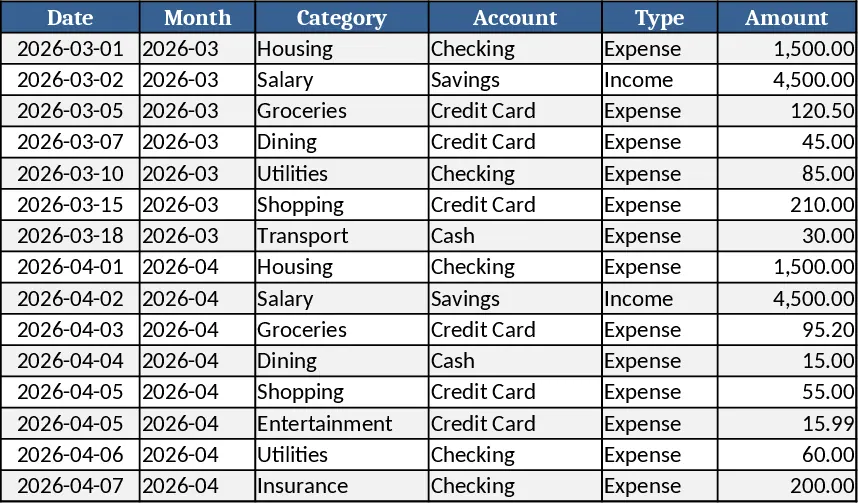
Personal Monthly Budget & Expense Tracker with Transaction Log Template
A ready‑to‑use Excel workbook that tracks monthly income and expenses, compares them to your budget, and visualizes savings and spending trends.